c# && vs & Operators: Key Differences
c# && vs &: Learn the difference between && and & in C#: short-circuiting, type usage, side effects, and when to use each in practical code.
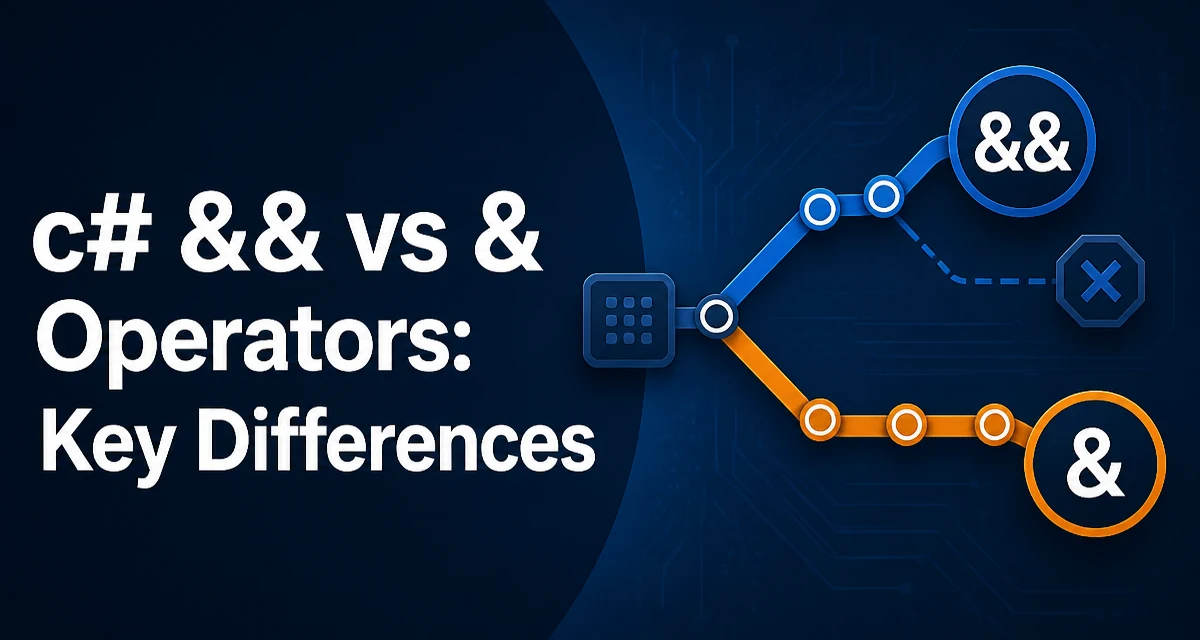
When you write c# && vs &, the core distinction is short-circuiting. The && operator evaluates the right-hand operand only when the left-hand operand is true. The & operator always evaluates both operands. This difference affects not only performance but also correctness when operands have side effects.
Short-Circuit Behavior of &&
The && operator is the conditional logical AND. It returns true only if both operands are true. However, if the left operand is false, the right operand is not evaluated at all. This is short-circuit evaluation.
bool IsEnabled()
{
    Console.WriteLine("IsEnabled evaluated");
    return false;
}

bool IsValid = false;
// Right operand is not evaluated: no console output
if (IsValid && IsEnabled())
{
    // not executed
}
In this example, because IsValid is false, IsEnabled() is never called. This can prevent unnecessary work and also avoid errors when the right expression relies on conditions that might be invalid. For instance, checking if a string is not null before accessing its length:
if (name != null && name.Length > 0)
{
    // safe to use name
}
If name were null, name.Length would throw a NullReferenceException. The && operator prevents that by skipping the right side.
The & Operator Always Evaluates Both Sides
The single & operator is the bitwise AND when used with integral types, but when used with bool operands, it performs logical AND without short-circuiting. It evaluates both operands regardless of the left operand's value.
bool IsEnabled()
{
    Console.WriteLine("IsEnabled evaluated");
    return false;
}

bool IsValid = false;
// Both operands are evaluated: console output appears
bool result = IsValid & IsEnabled();
Here, IsEnabled() is invoked even though IsValid is false. That can be surprising if you expect a short-circuit. It can cause side effects to happen unexpectedly, and in some cases, it can lead to errors. For example, calling a method that dereferences a null reference:
if (data != null & data.IsReady())
{
    // data.IsReady() executes even if data is null
}
This code throws a NullReferenceException when data is null, because data.IsReady() always runs. The & operator is rarely intended for boolean logic in regular conditionals.
Operator Types and Type Compatibility
For integral types like int, long, or byte, & performs a bitwise AND, not a logical AND. There is no && operator for integers. Attempting to use && with integral operands results in a compile-time error.
int a = 0b1100;
int b = 0b1010;
int result = a & b; // 0b1000 (8)
Boolean operands work with both & and &&, but they differ in evaluation behavior. The & operator with booleans has no short-circuit. The & operator with integral types produces an integer result, not a boolean.
The following table clarifies when each operator is valid:
| Operands | && | & |
|---|---|---|
bool | Yes (short-circuits) | Yes (no short-circuit) |
Integral types (int, long, ...) | No | Yes (bitwise) |
Mixed bool and integral | No | No (compile error) |
When you use & with booleans, the result is a boolean, but the evaluation strategy is eager. This is an important distinction to keep in mind for performance and side-effect control.
Common Mistakes and Debugging Challenges
A frequent mistake is using & instead of && in a condition that contains a method call with side effects. This can cause the method to execute more often than intended, leading to bugs that are difficult to trace.
bool TryGetValue(out int value)
{
    // some operation that has side effects
    value = 42;
    return true;
}

int cached;
bool success = false;
// Intended: only call if success is true? But & evaluates always
if (success & TryGetValue(out cached))
{
    // This block is not entered, but TryGetValue ran anyway
}
In this example, success is false. The & operator still calls TryGetValue, which may perform unnecessary work or modify state. Using && avoids that call. Debugging such an issue often involves adding logging to discover that methods are being called unexpectedly.
Another common issue is mixing up the short-circuiting behavior when using the null-conditional operator or null-coalescing operators. For instance:
// This is safe with &&
if (person?.Address != null && person.Address.City == "Seattle")
{
}

// This is NOT safe with &, because person.Address.City runs
// even if address is null
if (person?.Address != null & person.Address.City == "Seattle")
{
}
The second condition throws an exception because person.Address is null and the right operand executes regardless. Always prefer && when you need short-circuit safety.
Practical Usage: When to Use & Deliberately
There are cases where the & operator is used intentionally with booleans. For instance, when you want to evaluate both conditions regardless of the first one's value. This is rare in normal code but can be useful in scenarios where each condition is a method call with required side effects and you want all calls to execute.
bool TryInitialize()
{
    // setup
    return true;
}

bool TryConnect()
{
    // connect
    return true;
}

// Both methods must run, even if the first fails
bool bothSucceeded = TryInitialize() & TryConnect();
This pattern is rarely recommended, because the side effects become implicit and dependent on evaluation order. It is clearer to call the methods separately and combine the results:
bool initOk = TryInitialize();
bool connOk = TryConnect();
bool bothSucceeded = initOk && connOk;
This explicit version makes the intent obvious and gives you control over error handling.
Performance Implications
The performance difference between && and & is rarely significant when operands are cheap. However, short-circuiting can avoid expensive method calls or database lookups. If the right operand involves a costly operation, && can save time.
bool IsUserAuthorized(User user, List<Permission> permissions)
{
    // expensive permission check
    return permissions.Any(p => p.UserId == user.Id);
}

if (user.IsActive && IsUserAuthorized(user, permissions))
{
    // only calls IsUserAuthorized if user is active
}
Without short-circuiting, you would always pay the cost of the authorization check, even for inactive users. With &&, you avoid that cost when the user is not active. But you should not optimize prematurely; write clear code first, and use profiling when performance matters.
Compatibility and Language Evolution
Both operators have existed since early versions of C#. There are no version-specific changes to their core semantics. Overloaded & and && for custom types follow specific rules: if you overload & and true/false operators, you can also overload &&. This is an advanced scenario that library authors rarely use.
For the vast majority of application code, you will use && in conditionals and & in bitwise operations. If you ever see & with booleans, consider whether the author intentionally wanted both sides evaluated. Most of the time, && is the safer choice.
Choosing the Right Operator in Refactoring
When refactoring code that uses & with booleans, ask two questions. If the right operand has no side effects, replacing & with && does not change the result but improves efficiency by avoiding unnecessary evaluation. If the right operand has side effects, replacing & with && changes behavior because side effects no longer occur when the left operand is false. The correct decision depends on whether that side effect is required.
// Old code with & that calls LogEvent
bool valid = CheckInput() & LogEvent("Validation");

// Replace with && when side effect is not essential
bool valid = CheckInput() && LogEvent("Validation");

// Or explicitly keep side effect
bool inputOk = CheckInput();
LogEvent("Validation");
bool valid = inputOk && true; // but this is odd
A safer refactor is to separate the calls and keep the logic clear. That avoids hidden behavior and makes the code easier to maintain.
Side Effects and Readability in Production Code
In production code, the biggest risk with & is unintended side effects. A developer scanning a condition may expect short-circuiting because && is the dominant operator in conditionals. When & appears, it is easy to miss. Code review should catch this, but it is better to avoid using & with booleans entirely unless you have a clear purpose.
If you must use &, add a comment explaining why both operands must be evaluated. That reduces future confusion and prevents someone from "fixing" the code to && and breaking the intent.
The final implementation detail: the & operator is also used for expression trees and in some LINQ-to-SQL scenarios where you cannot use short-circuiting because the expression must be translated. In those cases, the compiler or framework handles the translation, and you are not directly controlling runtime evaluation. That is a niche exception, but it explains some legacy code patterns.
Stick to && for logical conditions and reserve & for bitwise work. That single rule prevents a whole class of subtle bugs.