C# Argument vs Parameter: What's the Difference?
c# argument vs parameter: Understand the difference between arguments and parameters in C#, how they relate to method calls and definitions, and how parameter passing...
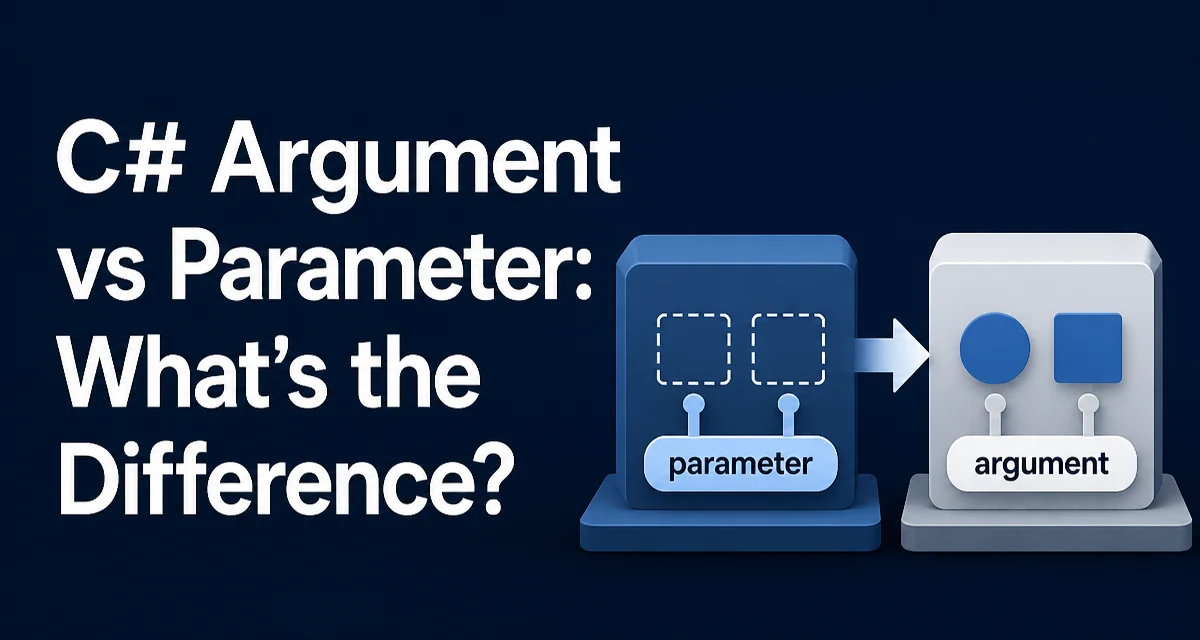
c# argument vs parameter requires a clear understanding of the core syntax, runtime behavior, and practical implementation patterns demonstrated in the examples below.
When you call a method in C#, you often hear "argument" and "parameter" used as if they were the same thing. They are not. The parameter is part of the method declaration; the argument is the value you supply when you invoke that method. This distinction matters because it affects how you reason about method contracts, overload resolution, and even how data is passed behind the scenes.
Consider a simple method:
public static int Add(int left, int right)
{
    return left + right;
}
Here, left and right are parameters. They are placeholders that define the shape of the method's input. When you call Add(3, 5), the values 3 and 5 are arguments. The compiler matches each argument to the corresponding parameter by position (or by name if you use named arguments).
The distinction is not just academic. If you are reading a method signature, you see parameters. If you are reading a call site, you see arguments. Understanding which is which helps you diagnose compile-time errors and design cleaner APIs.
Why the Distinction Matters in C#
The C# language treats parameters and arguments differently in several places:
- Method declaration: Parameters define the type and name of each input.
- Method invocation: Arguments provide concrete values that are bound to those parameters.
- Overload resolution: The compiler uses the number and types of arguments to pick which method overload to call.
- Documentation and code review: Saying "the method takes two parameters" is more precise than "the method takes two arguments," even though the words are commonly interchanged.
A concrete example: the Console.WriteLine method has many overloads. When you write Console.WriteLine(42), the argument 42 (an int) selects the overload that accepts an int. The parameter list of that overload contains a single parameter of type int. The argument's type drives the compiler's choice.
This also affects debugging. If you inspect a stack trace, you see method names and sometimes parameter values. Those values are the actual arguments that were passed. The parameter names are just the declarations.
Parameter Passing Modes: Value, Ref, and Out
C# offers several ways to pass arguments to parameters. The mode is declared on the parameter, not the argument. This is a common source of confusion.
Value Parameters (Default)
By default, arguments are passed by value. For value types (like int, bool, struct), the method receives a copy of the value. For reference types (like class, string, array), the method receives a copy of the reference. This means the method can modify the object's contents, but it cannot reassign the original variable to point to a new object.
public static void Update(int number, List<string> items)
{
    number = 10;          // No effect on caller's int
    items.Add("new");     // Caller sees this change
}
Here, number is a value parameter. Changing it inside the method does not affect the caller's variable. items is also a value parameter, but because it's a reference type, the method and the caller refer to the same List instance. Adding an item modifies the shared object.
ref Parameters
The ref keyword on a parameter makes the method operate directly on the caller's variable. The argument must also be marked ref. This allows the method to reassign the caller's variable.
public static void Modify(ref int value)
{
    value = 20;
}

int x = 5;
Modify(ref x);
// x is now 20
The parameter declaration includes ref, and the call site includes ref before the argument. If you forget either, the compiler raises an error. This symmetry is important: you cannot use a ref parameter without a ref argument, and vice versa.
out Parameters
The out keyword is similar to ref, but the parameter is treated as an output, not an input. The method must assign a value to an out parameter before returning. The caller does not need to initialize the variable before passing it.
public static bool TryParse(string input, out int result)
{
    if (int.TryParse(input, out result))
    {
        return true;
    }
    result = 0;
    return false;
}
Here, result is an out parameter. The caller passes an uninitialized variable:
int number;
if (TryParse("42", out number))
{
    Console.WriteLine(number);
}
This pattern is common in .NET's TryParse methods. The distinction between ref and out is often misunderstood: ref requires the variable to be initialized before the call, while out does not.
The in Parameter and Readonly Semantics
C# also provides the in keyword, which passes an argument by reference but ensures the method cannot modify it. This is useful for large value types where copying would be expensive.
public struct LargeStruct
{
    public long A;
    public long B;
    public long C;
}

public static void Read(in LargeStruct value)
{
    // value cannot be modified
}
The in parameter is a read-only reference. The caller does not need to use in explicitly at the call site (it is optional), but the method declaration must include it. This is an optimization technique, but it also adds complexity. If the struct is small, copying may be cheaper than passing by reference.
Named Arguments and Their Relation to Parameters
C# allows you to specify arguments by name, which changes how the compiler maps arguments to parameters. This is particularly useful when a method has many parameters or when you want to skip optional ones.
public static void Configure(string host, int port = 80, bool useTls = true)
{
    // implementation
}

Configure(host: "example.com", useTls: false);
Here, the method has three parameters: host, port, and useTls. The call supplies arguments only for host and useTls. The parameter port defaults to 80. Named arguments make the intent clearer and reduce the risk of passing arguments in the wrong order.
Named arguments also affect overload resolution. The names must match the parameter names exactly. If you rename a parameter, any call using its name will break compilation. That is a strong reason to avoid churning parameter names frequently in public APIs.
Common Mistakes and Their Consequences
A frequent mistake is confusing the two terms when reading error messages. For example, when calling a method with the wrong number of arguments, the compiler might say:
CS1501: Argument 1: cannot convert from 'string' to 'int'
Here, "Argument 1" refers to the first argument you supplied, not the parameter. This distinction helps you pinpoint the call site.
Another mistake is assuming that passing a reference type as a value parameter protects the original object. It does not. The reference is copied, but the object is shared. To prevent modification, you would need to expose the object as read-only or use defensive copying. For instance, if you pass a List<T> and the method adds an item, the caller's list changes.
A third mistake is using ref when out is more appropriate. If a method is intended to produce a value, out signals that the input value is irrelevant. Using ref forces the caller to initialize the variable, which is misleading. Choose the mode that accurately reflects the method's contract.
Performance and Memory Considerations
Parameter passing mode has direct performance implications, especially for large value types. Passing a large struct by value copies the entire struct onto the stack. Passing it with in or ref avoids that copy.
For example:
public struct BigStruct
{
    public int[] Data; // reference type inside struct
}

public static void Process(BigStruct value) { }
If BigStruct contains a large array, copying the struct only copies the reference to the array, not the array itself. The cost is copying the struct's fields, which include a reference (8 bytes on 64-bit systems). If the struct has many value-type fields, the copy cost grows.
Using in for a read-only parameter can reduce copying, but it also introduces the overhead of indirection. For small value types (like int or double), passing by value is usually faster than passing by reference because the JIT compiler can keep the value in a register.
There is no universal rule; measure and profile if performance is critical. But understanding that parameter mode affects copying is part of the argument versus parameter trade-off.
When to Use ref, out, and in in Real Code
Use out when a method needs to return multiple values, especially when one is a success/failure flag. Use ref when the method must modify the caller's variable, and that modification should be visible after the call. Use in rarely, and only for large value types when profiling shows a copy bottleneck.
A common alternative to out is returning a tuple or a record. For instance:
public static (bool Success, int Value) TryParseValue(string input)
{
    if (int.TryParse(input, out int value))
    {
        return (true, value);
    }
    return (false, 0);
}
This avoids the out parameter entirely. The trade-off is that it allocates a tuple (if not optimized), whereas out does not. On modern .NET, tuples are often elided by the JIT, so the performance difference is negligible for most scenarios.
The ref modifier should not be used just to avoid copying a reference type. For a class, passing by value already shares the same object. ref would allow reassigning the caller's reference, which is rarely what you want.
Understanding the Parameter List in Method Signatures
When you write a method, the parameter list defines the contract. Changing a parameter type is a breaking change for callers. Adding a parameter with a default value is less disruptive, but it still changes the method's signature. Removing a parameter is always breaking.
Arguments, on the other hand, are transient. They exist only at the call site. They are not part of the API contract beyond the fact that they must match the parameter list.
This distinction becomes important when you design libraries. If you expose a method with many parameters, callers will need to provide matching arguments. Using optional parameters reduces the number of arguments they must supply, but it also makes the method harder to maintain because changing the order of parameters can break named argument calls.
Consider using a parameter object instead:
public class RequestOptions
{
    public string Host { get; set; } = "localhost";
    public int Port { get; set; } = 80;
    public bool UseTls { get; set; } = true;
}

public static void Configure(RequestOptions options) { }
This approach moves the parameter list into a separate type. Callers create an instance and set properties. The method's parameter list stays stable even if you add new options. The arguments are now properties on an object, which are easier to extend without breaking existing call sites.
The Role of Overloads and Default Parameters
Overloads are a way to provide multiple parameter lists for the same method name. The compiler picks the overload based on the arguments you provide. For example:
public static void Log(string message) { }
public static void Log(string message, int severity) { }
If you call Log("error"), the compiler uses the first overload. If you call Log("error", 2), it uses the second. The parameters differ, so the arguments must match.
Default parameters are another way to make arguments optional. For instance:
public static void Log(string message, int severity = 1) { }
Here, the parameter severity has a default value. You can call Log("error") or Log("error", 5). In the first call, the argument for severity is omitted, and the compiler supplies the default.
One pitfall: default values are stored in the compiled method metadata. If you change the default value in a library, callers must recompile to use the new default. This is a subtle difference between parameters and arguments: the parameter defines the default, but the argument (or lack thereof) is what triggers it.
Compatibility and Maintainability
Changing a parameter from value to ref is a breaking change. It requires the caller to add ref at the call site. Likewise, changing from ref to out changes the semantics and requires code changes. These changes are not source-compatible.
On the other hand, adding an optional parameter to a method is not breaking if existing callers do not provide an argument for it. However, it can cause ambiguous calls when combined with overloads. For example, if you have an overload with one parameter and another with two (where the second has a default), a call with one argument becomes ambiguous.
When designing public APIs, prefer explicit parameters over multiple overloads unless there is a strong reason. Each overload increases the compilation surface and potential confusion. Also, avoid reusing a parameter name if you ever intend to use named arguments; renaming a parameter breaks callers who use that name.
Finally, remember that the distinction between argument and parameter is not just syntax trivia. It affects how you read method signatures, how you debug call sites, and how you design APIs that are clear and maintainable over time. Keeping the two terms separate in your mental model will make you more precise when you talk about method behavior and when you read compiler errors.