C# Checked vs Unchecked: Controlling Integer Overflow
c# checked vs unchecked: Understand how checked and unchecked contexts control integer overflow in C#, when to use each, and how they affect runtime behavior and perfo...
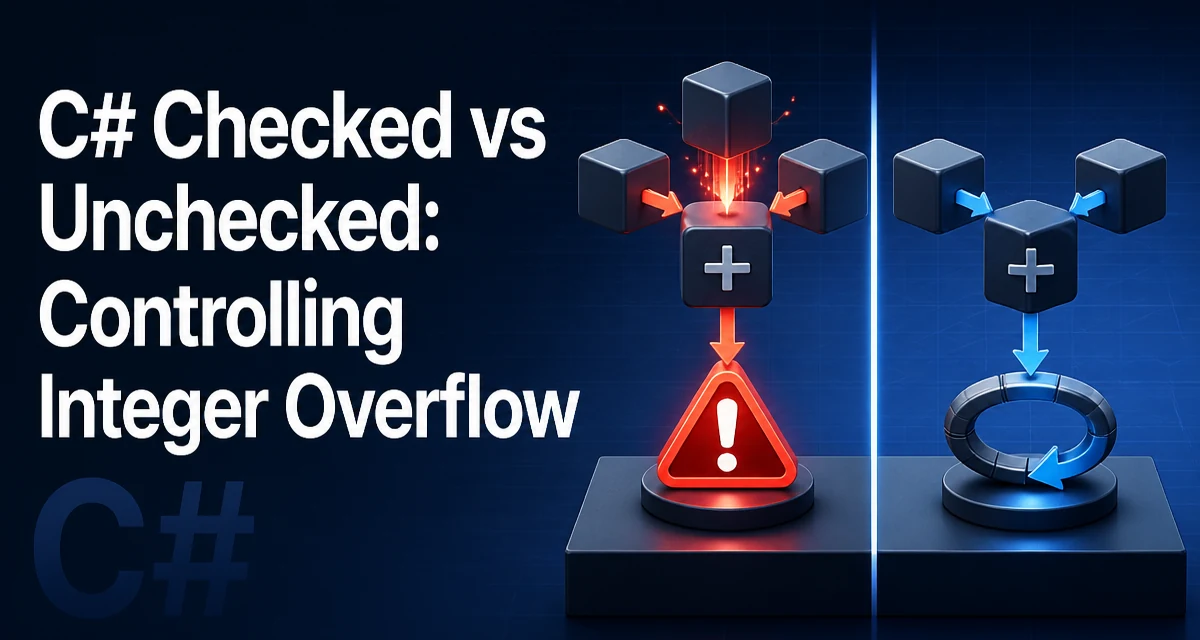
Integer overflow in C# is silent by default: when an arithmetic operation on an integer type exceeds the type's range, the result wraps around to the other end of the range. That behavior can hide bugs in calculations that are expected to stay within bounds. The checked and unchecked keywords give you explicit control over whether overflow throws an exception or wraps. Understanding the difference between C# checked vs unchecked contexts is essential for writing reliable arithmetic code, especially in libraries, parsers, and performance-sensitive paths.
What Checked and Unchecked Control
The checked and unchecked keywords are contextual keywords that define an overflow-checking context for integral arithmetic. A checked context causes the runtime to throw an OverflowException when an operation like addition, subtraction, multiplication, or conversion overflows the target type. An unchecked context disables that check, and the operation silently wraps using two's complement semantics.
You can apply these keywords to a block, an expression, or a method. For example:
checked
{
    int max = int.MaxValue;
    int result = max + 1; // throws OverflowException
}
Without the checked block, the same code would assign int.MinValue to result because of wrapping.
The expression form is useful for a single operation:
int result = checked(max + 1);
You can also use unchecked to explicitly allow wrapping, which is the default behavior for non-constant expressions.
Default Overflow Behavior
By default, C# uses an unchecked context for arithmetic that is not constant. This means that at runtime, overflow wraps without throwing. However, the C# compiler treats constant expressions differently: if a constant expression overflows in a checked context, it is a compile-time error. In an unchecked context, the constant is truncated.
For example:
const int a = int.MaxValue + 1; // compile-time error
const int b = unchecked(int.MaxValue + 1); // b = int.MinValue
The first line fails because constant expressions are evaluated in a checked context by default. To allow the constant to wrap, you must explicitly use unchecked. This distinction matters when you are generating constants or working with bit masks.
Using Checked to Surface Overflow Errors
When correctness matters more than raw speed, wrapping on overflow can produce wrong results that are hard to trace. For example, a banking calculation that adds two amounts and silently wraps to a negative number will corrupt data without any immediate signal. Wrapping the operation in a checked context turns that silent corruption into an OverflowException that you can catch and handle.
try
{
    checked
    {
        long total = balance + deposit;
    }
}
catch (OverflowException)
{
    // Log and notify the caller
}
You can also enable checked arithmetic for an entire project by setting the <CheckForOverflowUnderflow> MSBuild property to true in the project file. This applies checked semantics to all non-constant arithmetic in the project. It is a good default for applications where overflow should never be silently accepted, but it can break existing code that relies on wrapping.
Using Unchecked to Allow Wrapping
There are legitimate cases where wrapping is intentional. Hash code calculations, checksum algorithms, and certain numeric transforms often rely on the natural wrap-around of fixed-width integers. In such cases, using unchecked makes the intent explicit and avoids the overhead of overflow checks.
unchecked
{
    int hash = 17;
    hash = hash * 31 + field1.GetHashCode();
    hash = hash * 31 + field2.GetHashCode();
}
Here, the multiplication is expected to overflow, and the wrapping behavior is part of the algorithm. Marking the block unchecked prevents any accidental exception if the project has global checked arithmetic enabled.
Performance and Runtime Cost
The primary runtime cost of checked arithmetic is the overflow check itself. Each checked operation inserts a conditional branch that checks the CPU overflow flag and throws if set. On modern processors, this check is cheap but not free. In tight loops that execute millions of operations, the overhead can become measurable, especially if the JIT cannot hoist or eliminate the checks.
However, the JIT compiler may optimize away checks when it can prove that overflow cannot occur, such as when the operands are known constants or when the range is limited. In practice, the difference is often negligible for typical application code. The decision between checked and unchecked should be driven by correctness requirements and the nature of the data, not by micro-optimization.
If you are writing performance-critical loops with known bounds, you can use unchecked to avoid the checks and document why wrapping is safe. Conversely, if the data comes from external input and could exceed the type's range, checked provides a safety net that prevents silent corruption.
Project-Wide Settings and Compatibility
The <CheckForOverflowUnderflow> property in the project file controls the default context for all non-constant arithmetic. When set to true, every operation is checked unless explicitly wrapped in unchecked. When set to false (the default), operations are unchecked unless explicitly wrapped in checked.
Enabling checked by default is a strong signal that overflow is considered a bug. It can expose latent issues in legacy code that has been relying on wrapping for years. Before enabling it globally, audit the codebase for intentional overflow, especially in hash functions, random number generators, and low-level bit manipulation. You can selectively exempt those sections with unchecked blocks.
The compiler also has a /checked command-line option for older build systems. In modern .NET SDK projects, the MSBuild property is the recommended way.
Edge Cases: Constants, Conversions, and Operators
The checked/unchecked context also affects explicit numeric conversions. For example, converting a long to an int can overflow. In a checked context, the conversion throws if the value does not fit; in an unchecked context, it truncates.
long big = 3000000000;
int x = checked((int)big); // OverflowException
int y = unchecked((int)big); // y = -1294967296
The same applies to conversions between integral types. Note that checked and unchecked do not affect floating-point or decimal arithmetic; decimal always throws on overflow regardless of context. The ++ and -- operators, as well as compound assignments like +=, are also subject to the active context.
Decision Criteria: When to Use Checked vs Unchecked
The choice between checked and unchecked should be based on the consequences of overflow.
Use checked when:
- The result feeds into financial, scientific, or safety-critical calculations.
- The operands come from untrusted input or can exceed the type's range.
- You want to fail fast rather than propagate corrupted data.
Use unchecked when:
- The algorithm intentionally relies on wrap-around (hash codes, checksums).
- The operands are guaranteed to stay within range by construction.
- The code is a hot path and the overflow check is a measurable overhead.
For most application code, the default unchecked behavior is acceptable because overflow is rare and the cost of checking is unnecessary. But for code that processes external data or performs arithmetic that must be exact, wrapping is a silent bug. A pragmatic approach is to enable checked globally for debug builds and disable it for release builds, or to use checked in specific modules where correctness is critical.
Explicit checked and unchecked blocks also serve as documentation. When a future developer reads checked around a calculation, they immediately know that overflow is expected to be an error. Similarly, unchecked signals that wrapping is intentional. Using these keywords in the right places makes the code's assumptions visible and reduces the chance of someone "fixing" the overflow by adding a check that breaks the algorithm.