C# Collection Expression Spread Element: Syntax and Behavior
c# collection expression spread element: Learn how the C# collection expression spread element works, including syntax, runtime iteration behavior, allocation costs, a...
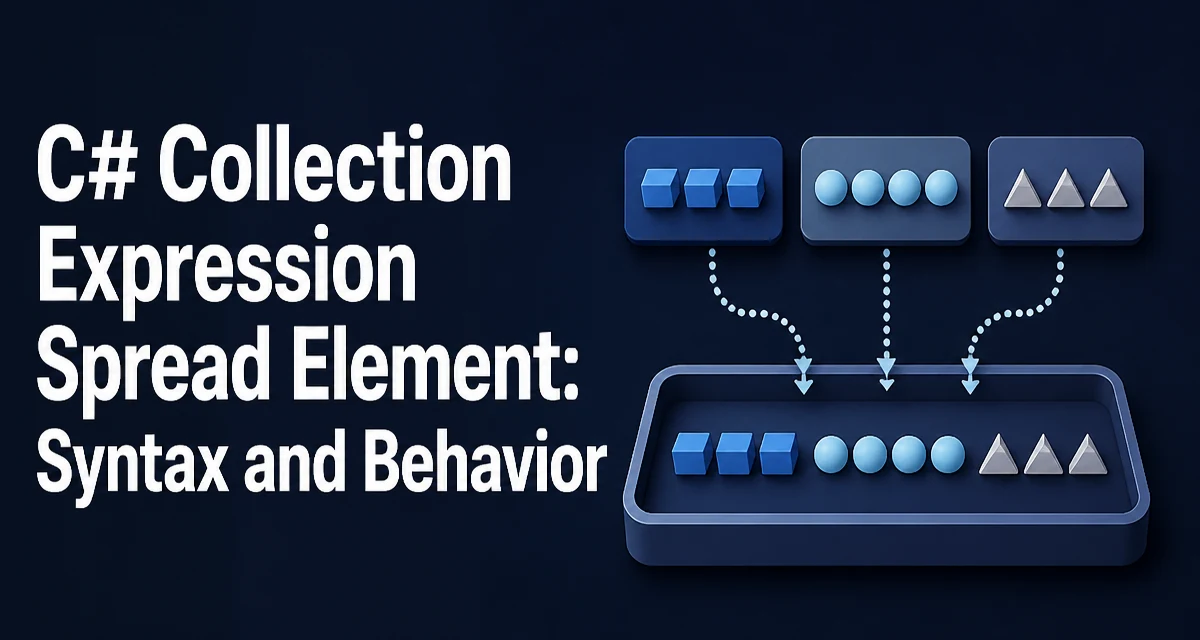
The C# collection expression spread element uses the .. prefix to copy the elements of an existing collection into a new collection expression. It was introduced with collection expressions in C# 12 and removes the need for explicit loops or Concat calls when building a combined collection.
int[] first = [1, 2, 3];
int[] second = [0, ..first, 4];

Console.WriteLine(string.Join(", ", second));
// 0, 1, 2, 3, 4
What the Spread Element Does
The spread element appears inside a collection expression and expands any enumerable source into the resulting collection. The syntax is two dots followed by the source expression:
int[] source = [10, 20];
int[] combined = [..source, 30];
The compiler translates this into iteration over source, appending each element to the target collection. The source can be any type that implements IEnumerable<T> or is itself a collection expression target, such as an array, List<T>, Span<T>, or ImmutableArray<T>.
Basic Usage with Arrays and Lists
Arrays and lists are the most common targets. The spread element works the same way for both:
List<string> names = ["ada", "grace"];
List<string> more = ["alan", ..names, "linus"];
Because the target is a List<string>, the compiler produces a list that starts with "alan", then copies "ada" and "grace" from names, then appends "linus".
The same expression can target an array:
string[] all = ["alan", ..names, "linus"];
The choice of target type affects how the compiler builds the result, which matters for allocation behavior.
How the Spread Element Behaves at Runtime
At runtime, each spread element iterates its source and copies every element into the new collection. The compiler does not perform a shallow copy of the source container; it reads the elements one at a time. This has two consequences.
First, the source collection is evaluated when the collection expression is evaluated. If the source is a method call or a lazily computed sequence, that work happens at that point.
Second, the resulting collection is a new instance. Mutating the result does not affect the source, and mutating the source after the expression runs does not change the result.
int[] source = [1, 2];
int[] copy = [..source];
source[0] = 99;
Console.WriteLine(copy[0]); // 1
Choosing the Target Collection Type
The target type determines the allocation strategy. For an array, the compiler must know the length before allocating, so it may need to buffer the spread elements first. For a List<T>, the compiler can grow the list incrementally.
| Target type | Allocation behavior | Best fit |
|---|---|---|
T[] | Fixed-size buffer, single allocation when length is known | Fixed-size result |
List<T> | Grows as elements are added | Dynamic result size |
Span<T> | Stack or existing memory, no new heap allocation | Short-lived results |
ImmutableArray<T> | Builder then frozen array | Immutable data |
For a Span<T> target, the spread element copies into the span's backing memory. This avoids heap allocation when the span is stack-allocated, but the span must be large enough to hold all elements.
Common Mistakes and Edge Cases
Spreading a null source throws a NullReferenceException at runtime, because the compiler generates iteration over the source. Guard against null sources when the value comes from user input or an external API.
int[]? maybeEmpty = null;
int[] result = [..maybeEmpty]; // throws
An empty collection spreads without error and contributes no elements:
int[] empty = [];
int[] result = [1, ..empty, 2]; // 1, 2
The spread element cannot be used outside a collection expression. It is not a general-purpose operator for concatenating variables in other contexts.
Performance and Allocation Considerations
Each spread element adds iteration cost proportional to the source size. When the target is an array, the compiler may need a temporary buffer to determine the final length, which adds allocation. For List<T> targets, repeated growth can cause multiple internal array resizes, although the compiler can often estimate capacity when the source length is known.
For hot paths that build a collection repeatedly, prefer a target type that matches the expected lifetime. A Span<T> target avoids heap allocation when the data is short-lived. An ImmutableArray<T> target is appropriate when the result must be shared safely across threads.
There is no benchmark data here; the relevant point is the mechanism. If a loop over the source is already the bottleneck, the spread element does not remove that cost. It only removes the boilerplate around it.
Compatibility and Language Version Requirements
Collection expressions and the spread element require C# 12 or later. The language version is controlled by the project's LangVersion setting, and the compiler must come from .NET SDK 8.0 or newer.
The runtime also matters. Collection expressions that target framework types such as List<T> or arrays work on runtimes that support the emitted code, which includes .NET Framework 4.7.2 and later. Types like ImmutableArray<T> require the System.Collections.Immutable package. For a Span<T> target, the runtime must support spans, which means .NET Core 2.1 or later or the System.Memory package.
When the target is a custom collection type, the compiler requires that the type has a suitable collection builder or a constructor that accepts the elements. If the type does not support collection expressions, the expression fails to compile.