Using C# ConcurrentQueue for Thread-Safe FIFO Work
c# concurrentqueue: Learn how to use ConcurrentQueue in C# for thread-safe FIFO operations, including enumeration, performance, and common pitfalls.
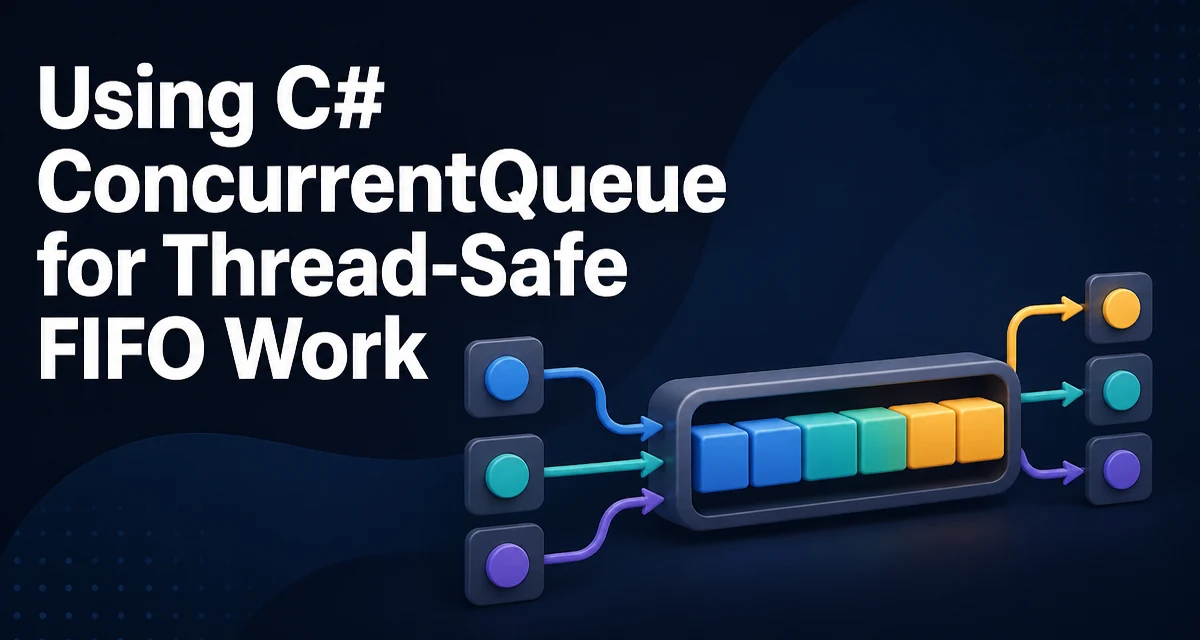
The c# concurrentqueue collection, System.Collections.Concurrent.ConcurrentQueue<T>, provides a thread-safe FIFO queue that supports concurrent enqueue and dequeue operations without requiring an external lock. It is designed for scenarios where multiple threads produce and consume items at the same time, such as a work queue for background tasks or a buffer between a producer and a consumer. Unlike a regular Queue<T> protected by a lock, ConcurrentQueue<T> uses lock-free techniques internally, which can reduce contention in high-concurrency workloads.
Core Operations: Enqueue, TryDequeue, and TryPeek
The primary methods are Enqueue, TryDequeue, and TryPeek. Enqueue adds an item to the tail of the queue. TryDequeue removes and returns the item at the head, returning false if the queue is empty. TryPeek returns the head item without removing it, also returning false if empty.
var queue = new ConcurrentQueue<int>();
queue.Enqueue(1);
queue.Enqueue(2);

if (queue.TryDequeue(out int first))
{
    Console.WriteLine($"Dequeued: {first}");
}

if (queue.TryPeek(out int next))
{
    Console.WriteLine($"Next item: {next}");
}
TryDequeue is the safe way to consume items in a multi-threaded environment. Checking Count before calling TryDequeue introduces a race condition because another thread may dequeue the last item between the check and the call. Always rely on the return value of TryDequeue to determine whether an item was actually retrieved.
Thread-Safety and Ordering Guarantees
ConcurrentQueue<T> preserves FIFO ordering: an item is dequeued only after all items enqueued before it have been dequeued. However, when multiple threads enqueue concurrently, the relative order of those enqueues is determined by thread scheduling. The queue itself does not reorder items; it simply reflects the order in which the enqueue operations completed. This is an important distinction for scenarios where the order of processed items matters across producers.
The Count property is not a constant-time operation. It may traverse the queue's internal segments to compute the total, making it O(n) in the worst case. Avoid using Count in performance-critical loops or as a condition for dequeueing. The IsEmpty property is a faster check, but even it can be racy; prefer TryDequeue for consumption logic.
Enumerating a ConcurrentQueue Without Blocking
Enumeration of a ConcurrentQueue<T> is thread-safe and returns a snapshot of the queue at the moment the enumerator is created. Subsequent changes to the queue are not reflected in the enumeration. This is useful for logging, diagnostics, or taking a point-in-time view of pending work.
foreach (var item in queue)
{
    Console.WriteLine(item);
}
Because the enumerator works on a snapshot, it does not block other threads from modifying the queue. However, creating a snapshot for a large queue allocates memory and can be expensive. For frequent monitoring, consider sampling with TryPeek or maintaining a separate counter if you only need a rough size.
Performance Characteristics and Memory Behavior
ConcurrentQueue<T> is implemented as a lock-free linked list of segments. Enqueue and dequeue operations use atomic compare-and-exchange (CAS) instructions, which avoid the overhead of a lock in most cases. This makes it well-suited for high-contention producer-consumer scenarios where a simple lock would cause threads to block and increase latency.
The cost of these operations is amortized O(1), but the memory footprint is higher than a standard Queue<T> because of the segment overhead. Each segment holds a fixed number of items and is allocated as needed. For a single-producer, single-consumer pattern, a simple Queue<T> with a lock may be more efficient because it avoids the atomic operations and segment management. Measure your actual workload before choosing.
Common Pitfalls and Edge Cases
There is no Clear method on ConcurrentQueue<T>. To empty the queue, you must dequeue all items or create a new queue instance. The latter is often simpler and avoids a long drain operation if the queue is large.
Another pitfall is using Count to decide whether to enqueue or dequeue. Even if Count is zero, another thread may enqueue an item immediately after the check. Always use TryDequeue for consumption and rely on its return value.
When you need to process items in batches, be careful with TryDequeue in a loop. If the queue is empty, the loop will spin and consume CPU. Use a blocking mechanism like BlockingCollection<T> or a Channel<T> when you need to wait for new items.
Choosing Between ConcurrentQueue and Other Collections
ConcurrentQueue<T> is not the only option for producer-consumer work. BlockingCollection<T> wraps a ConcurrentQueue<T> by default and adds blocking and bounded capacity. It is useful when you want the consumer to wait efficiently for items or when you need to limit the queue size to prevent unbounded memory growth.
System.Threading.Channels provides an async-first producer-consumer model. Channels support await operations, backpressure, and completion signaling, making them a better fit for asynchronous pipelines. ConcurrentQueue<T> is synchronous and does not provide backpressure; if the producer outpaces the consumer, memory usage grows without bound.
Use ConcurrentQueue<T> when you need a simple, thread-safe FIFO queue and the consumer can poll or dequeue without blocking. Use BlockingCollection<T> when you want blocking semantics with an optional bound. Use Channel<T> when you are working with async code and need to coordinate producers and consumers with await.
Production Considerations: Draining and Observability
Draining a ConcurrentQueue<T> safely requires a loop that calls TryDequeue until it returns false. Because the queue is thread-safe, this is straightforward, but you must decide what happens if new items are enqueued while you are draining. In a shutdown scenario, you may want to stop accepting new items first, then drain the remaining items.
For observability, avoid calling Count frequently. If you need a metric for queue depth, consider tracking the number of enqueued and dequeued items with Interlocked counters and computing the difference. This gives you a near-real-time estimate without the cost of traversing the queue.
Also consider the memory impact of unbounded growth. In production, a ConcurrentQueue<T> that is fed faster than it is consumed will eventually exhaust memory. If your workload can have bursts, prefer a bounded collection or implement a policy to drop or reject items when the queue exceeds a threshold. The lock-free design of ConcurrentQueue<T> is not a substitute for capacity planning.