C# ConfigureAwait: When and Why to Use It
c# configureawait: Learn how ConfigureAwait controls continuation context, prevents deadlocks in UI apps, and improves async performance in libraries.
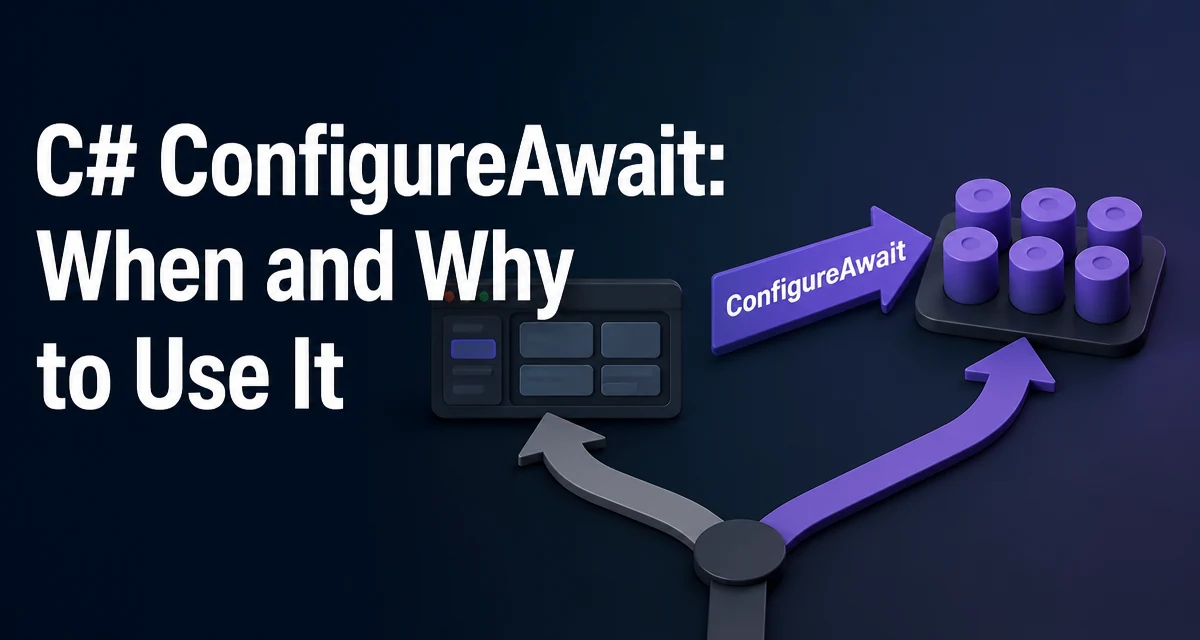
c# configureawait requires a clear understanding of the core syntax, runtime behavior, and practical implementation patterns demonstrated in the examples below.
When you write await in C#, the compiler generates a continuation that runs after the awaited task completes. By default, that continuation is posted back to the original SynchronizationContext or TaskScheduler. In a UI application, that means the continuation runs on the UI thread. In a library method, that can cause deadlocks and unnecessary overhead. The ConfigureAwait method gives you control over this behavior.
What ConfigureAwait Actually Does
The ConfigureAwait method is called on an awaitable object, typically a Task or Task<T>. It takes a single bool parameter: continueOnCapturedContext. When you write:
await task.ConfigureAwait(false);
You are telling the runtime that the continuation does not need to run on the original synchronization context. When continueOnCapturedContext is true (the default when you use await task), the runtime attempts to capture the current context and schedule the continuation on it. When it's false, the continuation is scheduled on the thread pool instead, avoiding the context capture entirely.
The key point is that ConfigureAwait only affects the context used for the continuation. It does not change the execution of the awaited task itself, nor does it change which thread the task runs on. The task runs as it normally would; only the code after the await is affected.
Why Capturing the Context Can Cause Deadlocks
The most common problem with the default behavior appears when you block on an async method from a UI thread. Consider this example:
public static async Task<string> GetDataAsync()
{
    await Task.Delay(1000); // Simulate network call
    return "data";
}

// In a button click handler (UI thread):
string result = GetDataAsync().Result; // Blocks the UI thread
Here, GetDataAsync awaits Task.Delay. The continuation after Task.Delay tries to return to the captured SynchronizationContext (the UI thread). But the UI thread is blocked on .Result, so it cannot process the continuation. The async method waits for the UI thread, and the UI thread waits for the async method—a classic deadlock.
Using ConfigureAwait(false) inside GetDataAsync solves this:
public static async Task<string> GetDataAsync()
{
    await Task.Delay(1000).ConfigureAwait(false);
    return "data";
}
Now the continuation runs on the thread pool, not the UI thread, so the UI thread is free to complete the .Result call. This is the primary reason library authors use ConfigureAwait(false).
When to Use ConfigureAwait(false) in Library Code
Library code—methods that are not directly tied to a UI or ASP.NET request context—should almost always use ConfigureAwait(false) for every await. The reasoning is straightforward:
- The library does not need to resume on a specific
SynchronizationContext. - Capturing the context adds overhead and can cause deadlocks if the caller blocks on the task.
- The library should be context-agnostic so it works correctly in any environment.
For example, a data access method that loads records from a database should not assume it is called from a UI thread:
public async Task<List<Customer>> GetCustomersAsync()
{
    using var connection = new SqlConnection(_connectionString);
    await connection.OpenAsync().ConfigureAwait(false);
    var command = new SqlCommand("SELECT * FROM Customers", connection);
    using var reader = await command.ExecuteReaderAsync().ConfigureAwait(false);
    // ...
}
By adding ConfigureAwait(false) to each await, you ensure that the method never captures the caller's context. This makes the method safe to call from any thread, including a UI thread that blocks on the result.
When to Avoid ConfigureAwait(false) in UI Code
In UI applications (WPF, WinForms, Xamarin, MAUI), the SynchronizationContext is tied to the UI thread. When you await in an event handler or a method that updates UI elements, you want the continuation to run on the UI thread so you can safely modify controls. Using ConfigureAwait(false) in these cases would cause the continuation to run on a thread pool thread, and you would get an exception when trying to access UI elements from that thread.
private async void Button_Click(object sender, EventArgs e)
{
    var data = await LoadDataAsync(); // Default: captures UI context
    textBox.Text = data; // Safe because we're on UI thread
}
If you changed that to await LoadDataAsync().ConfigureAwait(false), the continuation would run on a thread pool thread, and textBox.Text = data would throw an InvalidOperationException because the control is bound to a different thread. So in UI code, keep the default behavior.
ASP.NET Core is a special case: it does not have a SynchronizationContext by default, so ConfigureAwait(false) is technically unnecessary. However, using it in library code is still good practice for consistency and for scenarios where the library might be used in a different host.
Performance and Overhead Implications
Capturing the synchronization context is not free. Every await that captures the context performs a check to see if a context exists and then schedules the continuation through that context. In high-throughput server applications, this overhead can add up, especially when many awaits are chained. ConfigureAwait(false) eliminates this overhead by skipping the context capture and scheduling the continuation directly on the thread pool.
The actual cost depends on the runtime version. In .NET Framework, context capture was relatively expensive. In .NET Core and .NET 5+, the runtime was optimized, and the difference is smaller. But even in modern .NET, avoiding unnecessary context capture is a good micro-optimization for library code that is called frequently.
It is important to note that ConfigureAwait(false) does not change the thread on which the continuation runs; it only avoids the context capture. The continuation still runs on a thread pool thread, which is usually fine for library code. If you need to run on a specific scheduler, you can use Task.Run or a custom TaskScheduler, but that is a different concern.
Common Misconceptions and Pitfalls
One common misconception is that ConfigureAwait(false) makes the entire method run on a thread pool thread. That is not true. The awaited task itself runs wherever it is scheduled; ConfigureAwait only affects the continuation. For example, if you call a method that returns an already-completed task, the continuation may run synchronously, and ConfigureAwait(false) has no effect.
Another pitfall is using ConfigureAwait(false) in a UI method and then trying to access UI elements. As explained above, that will fail. The rule is simple: use false in library code, use the default (or true) in UI code.
Also, ConfigureAwait is not a method on Task itself; it is an extension method defined in the System.Threading.Tasks namespace. You need to ensure that namespace is imported, but it is usually available by default in modern .NET projects.
Finally, ConfigureAwait(false) does not prevent all deadlocks. If you have a chain of awaits and one method in the chain uses .Result or .Wait() without ConfigureAwait(false), the deadlock can still occur. The pattern must be applied consistently throughout the library.
ConfigureAwait in .NET Core and .NET 5+
In .NET Core and later versions, the default behavior for await is still to capture the synchronization context if one exists. However, the runtime has been optimized to make context capture cheaper. Additionally, ASP.NET Core does not install a SynchronizationContext by default, so in a typical web application, ConfigureAwait(false) is redundant. But this does not mean you should stop using it in libraries. The guidance remains: use ConfigureAwait(false) in library code to ensure it remains context-agnostic and to avoid potential deadlocks if the library is used in a UI application.
There is also a subtle difference in how the continuation is scheduled when no context is captured. In .NET Framework, the continuation is queued to the thread pool. In .NET Core, it may run inline if the task is already completed, which can improve performance. This is an implementation detail, but it reinforces that ConfigureAwait(false) is a safe and beneficial practice.
Best Practices for Using ConfigureAwait
A practical rule of thumb: if you are writing a method that is not a UI event handler or an ASP.NET Core controller action, use ConfigureAwait(false) for every await. This includes:
- Class library methods
- Repository methods
- Service methods that are called from controllers or UI code
- Helper methods that perform I/O
In UI code, keep the default behavior so that continuations run on the UI thread. In ASP.NET Core controllers, you can omit ConfigureAwait(false) because there is no context to capture, but using it does not hurt.
When you are writing a method that is intended to be used by both UI and non-UI callers, the safest choice is to use ConfigureAwait(false) internally and let the caller handle context if needed. This prevents deadlocks and keeps the library flexible.
One final consideration: ConfigureAwait(false) is not needed for await on ValueTask in some cases, but the same principle applies. Always check whether the continuation needs the original context before deciding.
By applying ConfigureAwait deliberately, you make your async code more robust, avoid common deadlock scenarios, and reduce unnecessary overhead in performance-sensitive paths.