Using the C# Continue Statement in Loops
c# continue statement: Learn how the C# continue statement works in for, foreach, while, and do-while loops, including nested loops and common pitfalls.
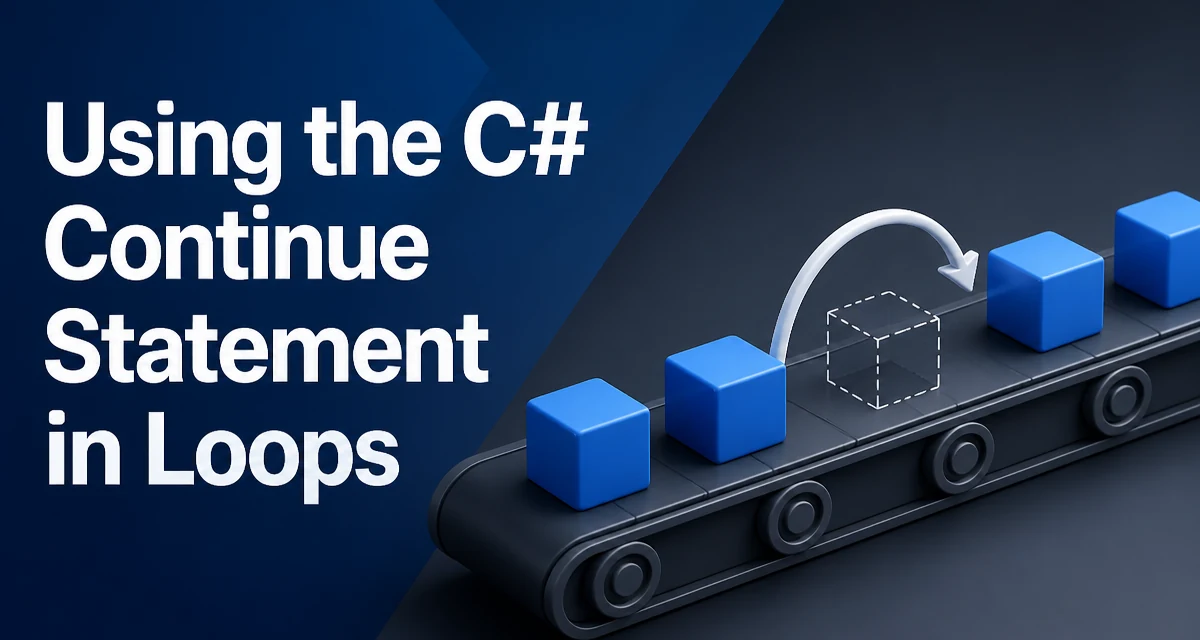
The C# continue statement is a loop control keyword that immediately skips the remaining statements in the current iteration and moves to the next iteration of the enclosing loop. It is a simple but powerful tool for filtering out unwanted cases without deeply nesting conditional blocks. Understanding exactly how continue behaves in each loop type helps you write clearer, more maintainable loop logic.
How continue Works in C#
When the runtime encounters continue; inside a loop, it stops executing the rest of the loop body for that iteration and jumps to the loop's iteration logic. For a for loop, that means the increment expression runs before the next condition check. For foreach, while, and do-while, control moves directly to the next iteration condition evaluation.
The syntax is identical in every loop type:
continue;
Because continue is a keyword, it cannot be used as a variable name. It is only valid inside a loop body. Using it outside a loop produces a compile-time error.
Using continue in for and foreach Loops
The most common use of continue is to skip elements that do not meet a condition. Consider a for loop that processes only even numbers:
for (int i = 0; i < 10; i++)
{
    if (i % 2 != 0)
    {
        continue;
    }
    Console.WriteLine(i);
}
Here, odd numbers trigger continue, so the Console.WriteLine call is skipped. The loop still increments i normally, and the next iteration begins with the incremented value.
In a foreach loop, continue works the same way. Suppose you have a list of strings and want to print only those that start with a specific prefix:
var names = new List<string> { "Alice", "Bob", "Alex", "Cara" };
foreach (var name in names)
{
    if (!name.StartsWith("A"))
    {
        continue;
    }
    Console.WriteLine(name);
}
The continue statement avoids wrapping the entire processing logic in an if block, which can improve readability when the loop body contains multiple statements after the filter.
continue in while and do-while Loops
In while and do-while loops, continue also skips to the next condition check. However, you must be careful with the placement of the condition update. If the update expression appears after the continue point, it will be skipped, potentially causing an infinite loop.
For example, this while loop is correct:
int i = 0;
while (i < 10)
{
    i++;
    if (i % 2 == 0)
    {
        continue;
    }
    Console.WriteLine(i);
}
The increment happens before the continue, so the loop progresses correctly. If you move the increment after the continue check, the loop will never advance when the condition is met.
A do-while loop behaves similarly, but the condition is evaluated at the end. The same caution applies: ensure that any state changes needed for the next iteration occur before the continue statement.
continue in Nested Loops
A critical rule is that continue always applies to the innermost enclosing loop. There is no labeled continue in C# (unlike Java or some other languages). If you need to skip an iteration of an outer loop from within an inner loop, you must use a different approach, such as a boolean flag or restructuring the code.
Consider this nested loop:
for (int i = 0; i < 3; i++)
{
    for (int j = 0; j < 3; j++)
    {
        if (j == 1)
        {
            continue;
        }
        Console.WriteLine($"i={i}, j={j}");
    }
}
Here, continue skips only the j == 1 iteration of the inner loop. The outer loop continues normally. If you want to skip the rest of the inner loop and move to the next outer iteration, you need a flag or a break combined with a condition.
Common Mistakes and Misconceptions
One common mistake is assuming that continue skips the entire iteration including the condition update. As shown earlier, in for loops the increment runs automatically, but in while loops you must manage the update yourself.
Another misconception is that continue works inside a switch statement. It does not. The continue keyword is only for loops. If you need to skip a case, use break or return depending on the context.
Also, be aware of continue inside a try-finally block. The finally block will still execute before the loop moves to the next iteration. This is important if you are using finally for cleanup; continue does not bypass it.
Performance and Maintainability Considerations
From a performance standpoint, continue has no inherent runtime cost. It is a compile-time construct that translates to a jump instruction. The real cost comes from the logic you place around it. In most cases, using continue to filter data is more efficient than creating a separate filtered collection, because it avoids an extra allocation and a second pass.
For maintainability, continue can make code more readable when you have a series of conditions that should skip processing. Instead of nesting if statements, you can check a condition and continue. However, overusing continue can make control flow harder to follow, especially if the loop body is long. A good rule of thumb is to use continue for early-exit conditions that are simple and located near the top of the loop body.
Consider this example where continue improves clarity:
foreach (var item in items)
{
    if (item.IsDeleted)
    {
        continue;
    }
    // Process item
}
Compare it to the nested version:
foreach (var item in items)
{
    if (!item.IsDeleted)
    {
        // Process item
    }
}
Both are valid, but the first version reduces indentation and makes the main processing path more visible. When there are multiple skip conditions, continue prevents deeply nested code.
Edge Cases and Advanced Usage
One edge case is using continue in a foreach loop over an iterator that throws an exception. The continue statement does not catch exceptions; it only controls flow. If an exception occurs before continue, the loop exits unless the exception is handled.
Another advanced scenario is using continue in a for loop with multiple loop variables or complex increment expressions. The increment expression always runs, even if continue is executed. This is guaranteed by the C# specification.
Finally, note that continue cannot be used in a switch section directly, but it can be used inside a loop that is inside a switch case. The loop's continue will affect only that loop, not the switch.
When you need to skip an outer loop iteration from an inner loop, a flag is the straightforward solution:
for (int i = 0; i < 3; i++)
{
    bool skipOuter = false;
    for (int j = 0; j < 3; j++)
    {
        if (j == 1)
        {
            skipOuter = true;
            break;
        }
    }
    if (skipOuter)
    {
        continue;
    }
    Console.WriteLine(i);
}
This pattern is explicit and avoids the need for a labeled continue, which C# does not provide. It also keeps the control flow visible to anyone reading the code.