C# Dictionary Add: Syntax, Exceptions, and Performance
c# dictionary add: Learn how to add entries to a C# Dictionary using Add and the indexer, handle duplicate keys, avoid exceptions, and understand performance and threa...
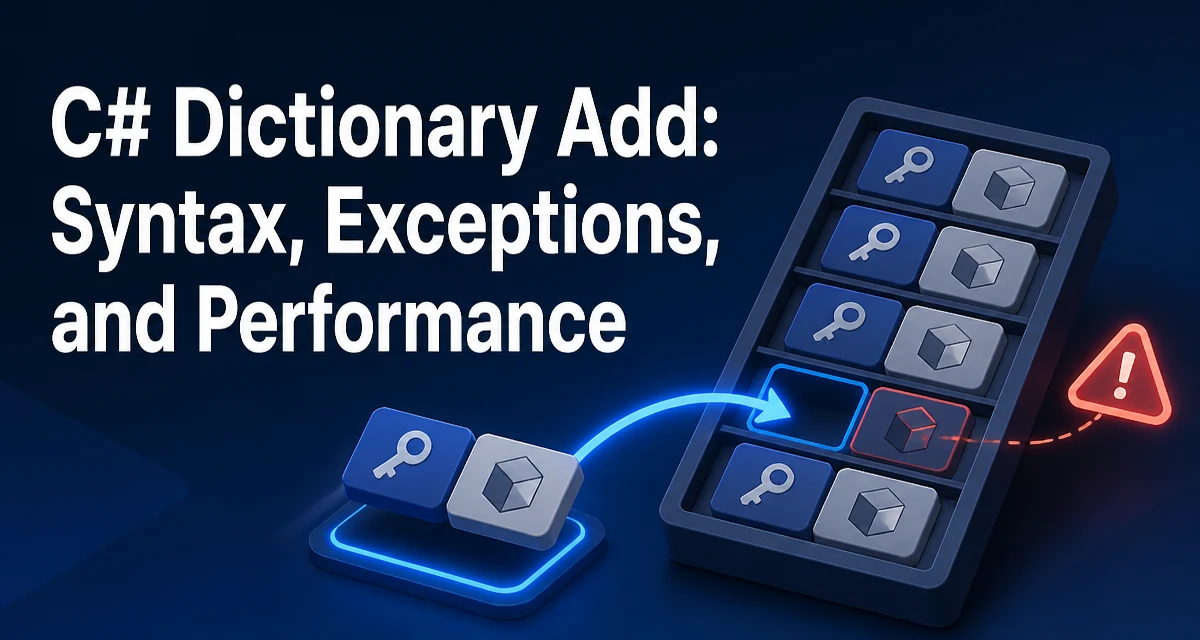
When you need to store key-value pairs in C#, the Dictionary<TKey, TValue> class is the default choice. Adding an entry seems straightforward, but the behavior differs depending on whether you use the Add method or the indexer, and the consequences of a duplicate key are not the same. This article focuses on c# dictionary add operations, covering syntax, exception handling, performance, and concurrency so you can choose the right approach for your scenario.
The Add Method and the Indexer
The Dictionary<TKey, TValue> class provides two primary ways to insert a new entry: the Add method and the indexer setter. Both accept a key and a value, but they behave differently when the key already exists.
var dict = new Dictionary<string, int>();

dict.Add("apple", 1);       // Adds a new entry
dict["banana"] = 2;         // Adds a new entry via indexer

dict["apple"] = 3;          // Updates the existing value (no exception)
dict.Add("apple", 4);       // Throws ArgumentException
The Add method always adds a new entry. If the key already exists, it throws an ArgumentException. The indexer, on the other hand, either adds a new entry or updates the value of an existing key. This fundamental difference drives most decisions about which to use.
Handling Duplicate Keys
A common mistake is assuming Add will silently overwrite an existing value. It does not. If you need to add only when the key is absent, you have a few options.
Using TryAdd
.NET Core 2.0 and later include TryAdd, which returns false if the key already exists without throwing an exception.
if (dict.TryAdd("apple", 5))
{
    // Entry was added
}
else
{
    // Key already existed
}
TryAdd is atomic and avoids the overhead of a separate ContainsKey check followed by an Add, which would be two operations and could race in multithreaded contexts.
Checking ContainsKey First
If you're on an older .NET Framework version or prefer explicit control, you can check before adding:
if (!dict.ContainsKey("apple"))
{
    dict.Add("apple", 5);
}
This works but is not atomic. In a single-threaded context it's fine, but in concurrent scenarios another thread could add the key between the check and the Add, causing an exception.
Exceptions When Adding
Add throws an ArgumentException when the key already exists. It also throws an ArgumentNullException if the key is null, because dictionary keys cannot be null in the standard Dictionary<TKey, TValue> implementation. The value can be null if TValue is a reference type or a nullable value type.
try
{
    dict.Add(null, 1); // Throws ArgumentNullException
}
catch (ArgumentNullException) { }

try
{
    dict.Add("apple", 1); // Throws ArgumentException if "apple" exists
}
catch (ArgumentException) { }
Catching these exceptions is sometimes necessary, but using TryAdd or the indexer can often avoid the need for exception handling altogether, which is cleaner and faster.
Performance Considerations for Adding
The Add operation has an average time complexity of O(1), but it can degrade to O(n) in the worst case due to hash collisions. The dictionary uses a hash table internally, and when the load factor exceeds a threshold, it resizes. Resizing is an O(n) operation that copies all entries to a new internal array. Frequent resizes can hurt performance if you know the final size in advance.
var dict = new Dictionary<string, int>(1000); // Pre-size to avoid resizes
Pre-sizing the dictionary with the expected number of entries reduces the number of resizes and improves add performance when you're inserting many items. However, the exact threshold and resizing behavior are implementation details and may vary across .NET versions.
Another performance point is that Add and the indexer both compute the hash code of the key. If the key type has an expensive GetHashCode implementation, that cost is paid on every add. Using a simple key type like string or int is usually fine, but custom types should override GetHashCode efficiently.
Concurrency and Thread Safety
Dictionary<TKey, TValue> is not thread-safe for concurrent writes. If multiple threads call Add or the indexer simultaneously, the dictionary may become corrupted or throw exceptions. For read-heavy scenarios with occasional writes, you can use a lock. For frequent writes, consider ConcurrentDictionary<TKey, TValue>.
var concurrentDict = new ConcurrentDictionary<string, int>();
concurrentDict.TryAdd("apple", 1); // Thread-safe add
ConcurrentDictionary provides TryAdd, AddOrUpdate, and GetOrAdd methods that are atomic and safe for concurrent use. The tradeoff is slightly higher memory overhead and slower single-threaded performance compared to a regular Dictionary. Use it only when you actually have concurrent writes.
Choosing Between Add and Indexer
The decision between Add and the indexer depends on whether you want to throw on duplicates or update silently. Use Add when a duplicate key indicates a bug or invalid state that should fail fast. Use the indexer when you want an upsert semantics—insert or update. If you need conditional insertion without exceptions, TryAdd is the best middle ground.
// When duplicate keys are an error
void RegisterUser(Dictionary<string, User> users, User user)
{
    users.Add(user.Id, user); // Throws if Id already exists
}

// When you want to overwrite existing data
void CacheResponse(Dictionary<string, string> cache, string url, string response)
{
    cache[url] = response; // Upsert
}
In performance-sensitive code, prefer the indexer or TryAdd over a ContainsKey + Add combination to avoid double hash lookups. The indexer performs a single lookup and either inserts or updates. TryAdd also performs a single lookup and returns a boolean. This matters when you're adding millions of entries in a loop.
Edge Cases: Adding to a Read-Only Dictionary
If you wrap a dictionary with ReadOnlyDictionary<TKey, TValue>, any attempt to add will throw a NotSupportedException. This is a runtime behavior that can be surprising if you pass a read-only wrapper to a method that expects to populate it. Always check whether the collection is read-only before adding.
var readOnly = new ReadOnlyDictionary<string, int>(dict);
try
{
    readOnly.Add("new", 1); // Throws NotSupportedException
}
catch (NotSupportedException) { }
This is more of a design constraint than a common pitfall, but it's worth knowing when you're designing APIs that accept a dictionary and might receive a read-only view.
Adding with Custom Key Types
When the key is a custom class or struct, the dictionary relies on GetHashCode and Equals to locate entries. If you don't override these methods, the default implementation uses reference equality for classes, which means two distinct instances with identical field values are considered different keys. This can lead to unexpected duplicate additions.
public class Point
{
    public int X { get; set; }
    public int Y { get; set; }
}

var pointDict = new Dictionary<Point, string>();
pointDict.Add(new Point { X = 1, Y = 2 }, "first");
pointDict.Add(new Point { X = 1, Y = 2 }, "second"); // No exception; different references
To make value-based equality work, implement IEquatable<T> and override GetHashCode and Equals. This is essential when using custom keys in a dictionary, because the performance and correctness of Add depend on consistent hash codes. If you change the fields that contribute to the hash code after the key is added, the dictionary will no longer find the entry, and adding a new entry with the same logical key will create a duplicate.
Final Code Example: A Safe Add Helper
Putting together the concepts, here's a small helper that adds a value only if the key is absent, returning whether the operation succeeded. It uses TryAdd for atomicity and clarity.
public static bool AddIfAbsent<TKey, TValue>(Dictionary<TKey, TValue> dict, TKey key, TValue value)
{
    if (key == null) throw new ArgumentNullException(nameof(key));
    return dict.TryAdd(key, value);
}
This helper avoids the overhead of ContainsKey and the risk of exceptions. It also documents the intent clearly. In a multithreaded environment, you would use ConcurrentDictionary instead, but the same pattern applies with its TryAdd method.