C# Do While Loop: Syntax and Usage
c# do while loop: Learn the C# do while loop: its guaranteed first execution, syntax, practical use cases, common mistakes, and maintainability tradeoffs.
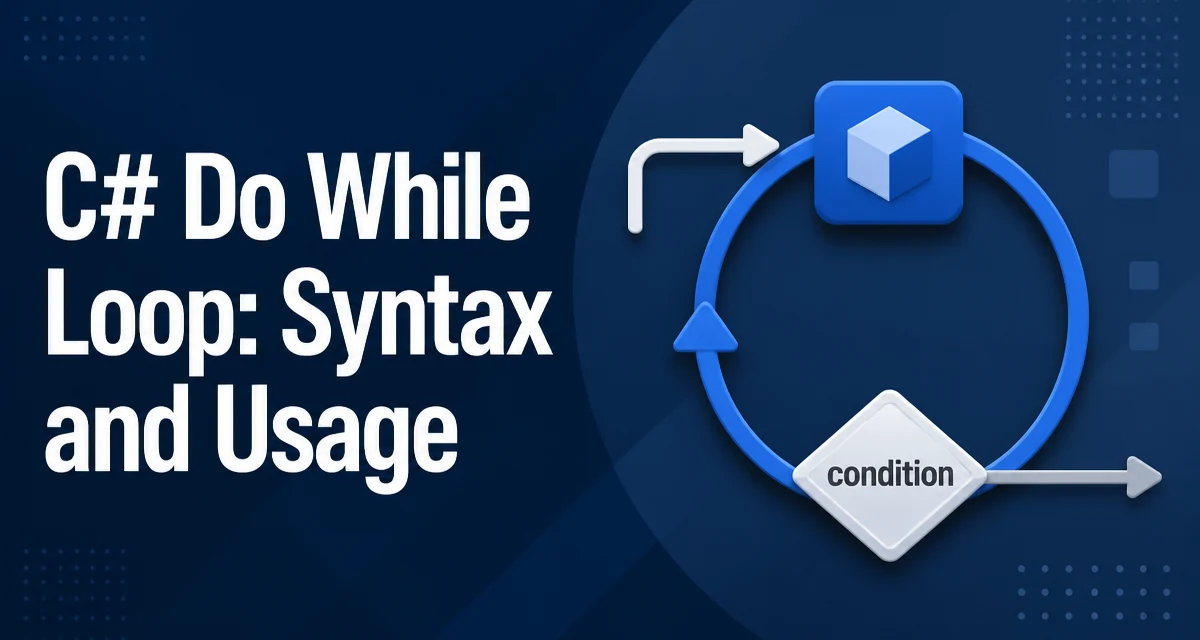
c# do while loop requires a clear understanding of the core syntax, runtime behavior, and practical implementation patterns demonstrated in the examples below.
The do while loop in C# is the only loop construct that guarantees the body executes at least once before the loop condition is evaluated. This makes it the right choice when the loop body must run before you can meaningfully test a condition, such as reading user input or validating a value that is produced inside the loop.
Basic Syntax and a Minimal Example
The syntax of a do while loop is straightforward:
do
{
    // loop body
} while (condition);
The body is executed first, then the condition is checked. If the condition is true, the body runs again; if false, execution continues after the loop. The trailing semicolon after the while clause is required and is a common source of syntax errors.
A minimal example that prints numbers from 0 to 4:
int i = 0;
do
{
    Console.WriteLine(i);
    i++;
} while (i < 5);
This prints 0, 1, 2, 3, 4. The loop runs five times because the condition is evaluated after each iteration.
When to Prefer Do-While Over While
The key difference between while and do while is the timing of the condition check. A while loop checks the condition before the body, so the body may never run. A do while loop always runs the body at least once. This is valuable when the loop body initializes or updates the value used in the condition.
For example, consider a menu-driven program that must display a menu and then read the user's choice. The menu must appear at least once, so a do while loop fits naturally:
string choice;
do
{
    Console.WriteLine("Select an option: A, B, or Q to quit");
    choice = Console.ReadLine()?.ToUpper();
} while (choice != "A" && choice != "B" && choice != "Q");
If you used a while loop here, you would need to initialize choice to a value that forces the first iteration, which is awkward and less readable.
Common Mistakes: Semicolons and Infinite Loops
Two frequent errors appear with do while loops. The first is forgetting the semicolon after the while condition. Without it, the compiler reports a syntax error. The second is writing a condition that never becomes false, causing an infinite loop. This often happens when the loop body does not update the variables involved in the condition.
int count = 0;
do
{
    Console.WriteLine(count);
    // forgot to increment count
} while (count < 10);
This loop runs forever because count never changes. Always ensure the loop body makes progress toward the termination condition.
Another subtle mistake is using do while when a while loop is more appropriate. If the loop body should not run when the condition is initially false, do while will execute it once anyway, which can lead to incorrect behavior.
Handling Input Validation with Do-While
A common real-world use of do while is input validation, where you must ask for input and then check its validity. The loop body collects the input, and the condition verifies it. This pattern avoids duplicating the input-reading code before the loop.
int number;
do
{
    Console.Write("Enter a positive integer: ");
} while (!int.TryParse(Console.ReadLine(), out number) || number <= 0);

Console.WriteLine($"You entered {number}");
Here, the loop runs until the user provides a valid positive integer. The condition uses int.TryParse to check if parsing succeeded and whether the value is positive. This is a clean, readable approach that keeps validation logic in one place.
Nested Loops and Break/Continue Behavior
The break and continue statements work inside do while loops just as they do in other loops. break exits the loop immediately; continue skips the rest of the current iteration and jumps to the condition check. In a do while loop, continue still evaluates the condition after skipping the remainder of the body.
int i = 0;
do
{
    i++;
    if (i % 2 == 0)
        continue;
    if (i > 7)
        break;
    Console.WriteLine(i);
} while (true);
This prints 1, 3, 5, 7. The continue skips even numbers, and the break stops the loop when i exceeds 7. Because the condition is true, the loop relies on break to terminate, which is a valid pattern but should be used sparingly to avoid unclear control flow.
When nesting do while loops, remember that break only exits the innermost loop. If you need to exit multiple levels, consider using a flag or a goto (though goto is rarely the best choice).
Performance and Maintainability Considerations
From a performance perspective, a do while loop is essentially identical to a while loop in compiled IL. The compiler generates a branch instruction for the condition check, and the placement of that branch differs slightly, but there is no meaningful runtime cost difference. The choice between them is a matter of readability and correctness, not speed.
For maintainability, prefer do while when the loop body must execute at least once and the condition depends on values produced inside the body. This makes the intent explicit and avoids artificial initialization hacks. However, be cautious with loops that have complex exit conditions. If the condition becomes difficult to read, extract it into a method with a descriptive name.
Another consideration is that do while loops are less common than while loops in many codebases, so some developers may need a moment to parse them. Use them where they genuinely fit, and add a brief comment if the loop's purpose is not immediately obvious. The clarity of your code matters more than the slight novelty of the construct.
Finally, when working with collections or enumerables, consider whether a foreach loop is more appropriate. do while is best for scenarios that require repeated execution until a condition is met, not for simple iteration over a fixed set of items. Choosing the right loop construct keeps the code aligned with its intent and reduces the chance of off-by-one errors.