C# Event Usage: Declaring, Raising, and Handling Events
c# event usage: Learn how to declare, raise, and handle events in C# with practical examples, thread-safety considerations, and memory-leak prevention.
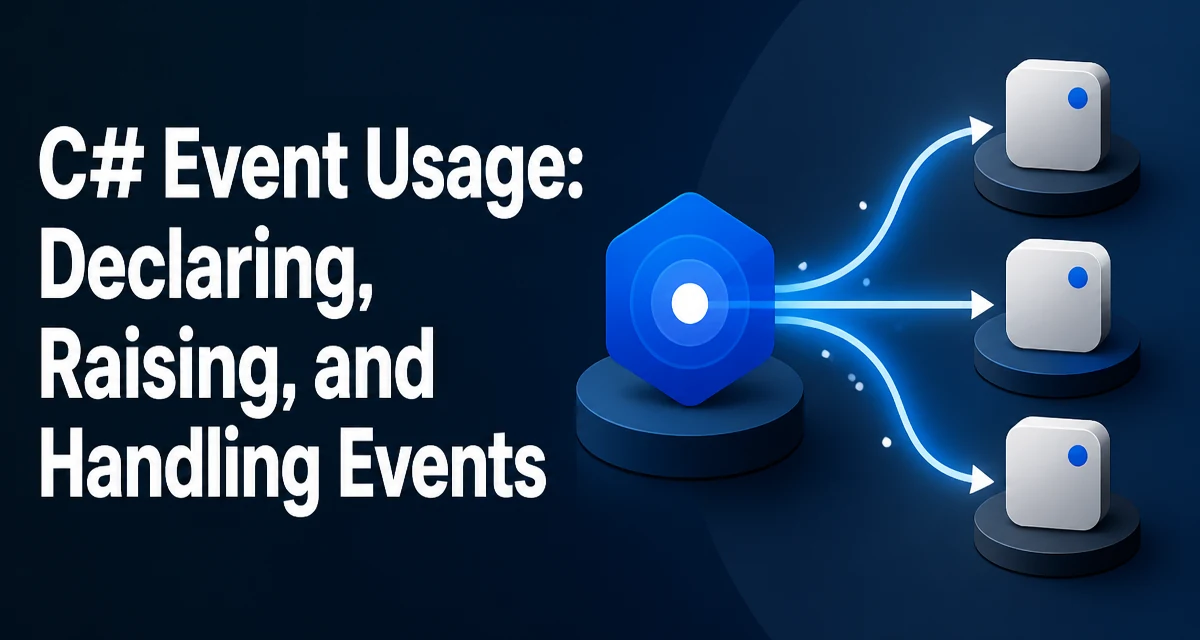
In C#, events are a language-level mechanism for notification based on delegates. Understanding c# event usage means knowing how to declare, raise, and subscribe to events without breaking encapsulation or leaking memory.
Declaring an Event and Raising It
An event is a member that a class uses to send notifications when something happens. The event is backed by a delegate, which defines the signature of the handlers that can subscribe. The simplest declaration uses the EventHandler delegate, which has no custom data:
public class TemperatureSensor
{
    public event EventHandler? TemperatureChanged;
}
The ? indicates that the event may have no subscribers, which is important for safe invocation. To raise the event, you invoke it like a method, but only if it is not null:
private void OnTemperatureChanged()
{
    TemperatureChanged?.Invoke(this, EventArgs.Empty);
}
The ?.Invoke pattern is the standard way to raise an event. It checks for null subscribers and, if any exist, calls each handler in the order they were added. The sender is typically this, and the second argument carries event-specific data. For a simple notification, EventArgs.Empty suffices.
Subscribing and Unsubscribing Handlers
Subscribers attach a method to the event using += and detach with -=. The method must match the delegate signature. For EventHandler, that means a method returning void and accepting object? sender and EventArgs e.
var sensor = new TemperatureSensor();
sensor.TemperatureChanged += OnTemperatureChanged;

void OnTemperatureChanged(object? sender, EventArgs e)
{
    Console.WriteLine("Temperature changed.");
}
You can also use a lambda expression, but be careful: a lambda creates a new delegate instance, so you cannot remove it later unless you keep a reference. For one-time subscriptions, a lambda is fine; for long-lived subscriptions, a named method is easier to manage.
Unsubscribing is symmetric:
sensor.TemperatureChanged -= OnTemperatureChanged;
After this, the handler will no longer be called. If you unsubscribe a handler that was never added, the operation is a no-op and does not throw.
How Events Differ from Delegates
An event is not just a public delegate field. The compiler generates a private delegate field and exposes the event with add and remove accessors, similar to properties. This means external code can only subscribe or unsubscribe; it cannot invoke the event or replace the delegate list. That restriction is intentional: the publishing class controls when the event is raised.
public class Example
{
    public event EventHandler? MyEvent;

    // This is not allowed from outside the class:
    // MyEvent?.Invoke(this, EventArgs.Empty);
}
If you declared a public delegate field instead, any code could invoke it or overwrite the invocation list, breaking encapsulation. Events enforce the publisher-subscriber contract.
Thread Safety When Raising Events
The ?.Invoke pattern is not atomic. Between the null check and the invocation, another thread could unsubscribe the last handler, causing a NullReferenceException. In practice, this race is rare, but it exists. To make the invocation safe, copy the delegate reference to a local variable before checking:
var handler = TemperatureChanged;
if (handler != null)
{
    handler(this, EventArgs.Empty);
}
This is the pattern recommended in the .NET documentation. It ensures that the invocation list you call is the one you captured, even if a concurrent thread modifies the event. However, this does not make the handlers themselves thread-safe; each handler must handle its own synchronization if it touches shared state.
Preventing Memory Leaks from Event Subscriptions
A common problem in event-driven code is a memory leak caused by a subscriber that is never unsubscribed. The publisher holds a strong reference to the subscriber through the delegate. If the subscriber is a long-lived object and the publisher is short-lived, the subscriber keeps the publisher alive. The reverse is more common: a short-lived subscriber attached to a long-lived publisher will never be garbage collected.
For example, if a UI control subscribes to a service event and the control is closed but not unsubscribed, the service still references the control, preventing its memory from being reclaimed. The fix is to unsubscribe in the Dispose method or when the subscriber is no longer needed.
public class Subscriber : IDisposable
{
    private readonly Service _service;

    public Subscriber(Service service)
    {
        _service = service;
        _service.StatusChanged += OnStatusChanged;
    }

    public void Dispose()
    {
        _service.StatusChanged -= OnStatusChanged;
    }
}
If you cannot guarantee unsubscription, consider using weak event patterns, but they add complexity. For most applications, disciplined subscription management is sufficient.
Using EventHandler<T> and Custom EventArgs
When an event needs to carry data, use EventHandler<TEventArgs> where TEventArgs derives from EventArgs. This generic version avoids the need to define a custom delegate for every event.
public class TemperatureChangedEventArgs : EventArgs
{
    public double NewTemperature { get; }

    public TemperatureChangedEventArgs(double newTemperature)
    {
        NewTemperature = newTemperature;
    }
}

public class TemperatureSensor
{
    public event EventHandler<TemperatureChangedEventArgs>? TemperatureChanged;

    private void RaiseTemperatureChanged(double newTemp)
    {
        TemperatureChanged?.Invoke(this, new TemperatureChangedEventArgs(newTemp));
    }
}
Subscribers then receive the typed argument and can access its properties directly. This is the standard pattern for events that carry state. Avoid reusing EventArgs for data; create a dedicated class so the contract is explicit.
Handling Exceptions in Event Handlers
An exception thrown inside an event handler propagates back to the code that raised the event. This means one faulty subscriber can break the entire notification loop. The publisher does not automatically catch exceptions from handlers, and the remaining subscribers after the throwing one will not be called.
To isolate failures, you can wrap each invocation in a try-catch inside the raising method, but that changes the semantics. A more common approach is to let exceptions bubble up and require handlers to be well-behaved. If you need fault isolation, you can invoke handlers manually:
var handler = TemperatureChanged;
if (handler == null) return;

foreach (EventHandler<TemperatureChangedEventArgs> subscriber in handler.GetInvocationList())
{
    try
    {
        subscriber(this, args);
    }
    catch (Exception ex)
    {
        // Log and continue with the next subscriber
    }
}
This gives you control over error handling, but it also means the publisher is responsible for handling failures, which may not be desirable. Weigh the tradeoff based on your application's requirements.
Design Considerations for Event-Driven Code
Events are most useful when the publisher does not need to know who is listening or how many. This decoupling is valuable in UI frameworks, messaging systems, and observable models. However, events also introduce hidden dependencies: the publisher cannot control the order of handlers or guarantee that any handler will succeed.
When designing an event API, keep the signature simple. Use EventHandler<T> for data-bearing events and avoid defining custom delegate types unless you need a different return value or more parameters. Prefer void return types because event handlers are notifications, not queries. If you need a return value, consider a different pattern, such as a callback or a service interface.
Also consider whether an event is the right tool. If you need to cancel an operation or receive a result, events are not a good fit. In those cases, use a delegate, an interface, or an async method. Events are for one-way notifications, and their usage should reflect that.