C# Extension Method vs Static Method: Key Differences
c# extension method vs static method: Understand the structural and behavioral differences between C# extension methods and static methods, and when each is appropriate.
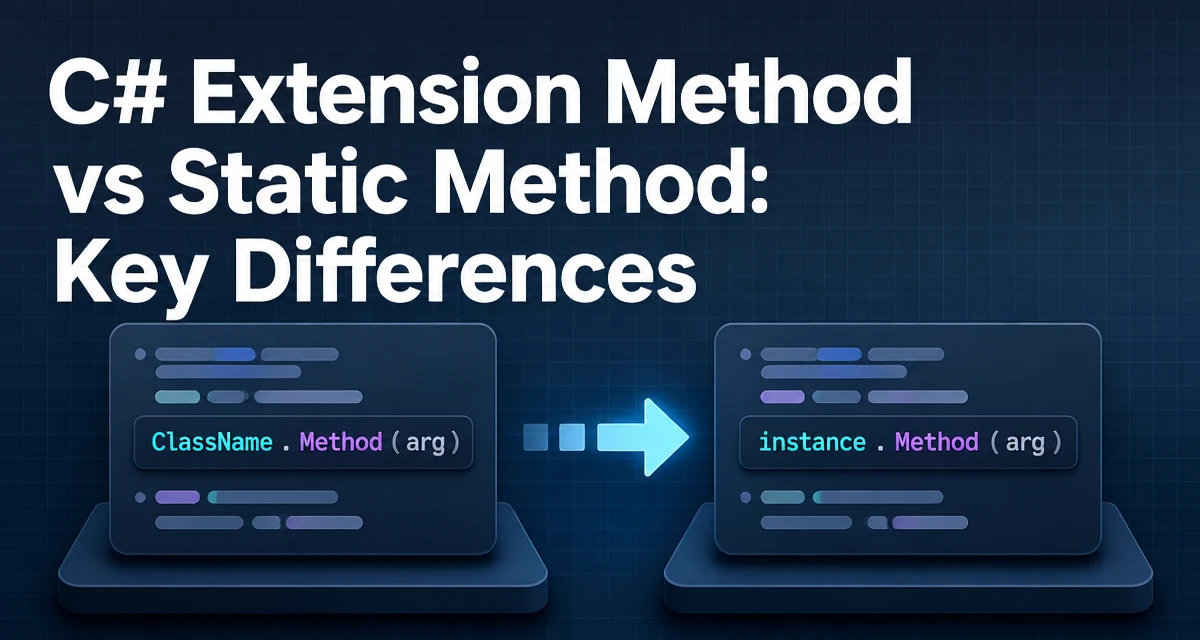
When you write a utility in C#, the choice between an extension method and a regular static method affects how the call reads, how it resolves, and how discoverable it is. This article compares c# extension method vs static method at the syntax, binding, and maintenance levels, then gives concrete criteria for choosing one over the other.
Both constructs ultimately produce static calls in the compiled IL. The difference is how the compiler finds the method and what the calling code looks like. An extension method is a static method in a static class, but it is called as if it were an instance method on the receiver type. That single syntactic twist changes API design, readability, and extensibility.
Syntax: How Each Is Declared and Called
A static method lives in a static class and is called with the class name. The receiver is an explicit parameter.
public static class StringUtils
{
    public static bool IsNullOrWhitespace(string value)
    {
        return string.IsNullOrWhiteSpace(value);
    }
}

// Usage
bool result = StringUtils.IsNullOrWhitespace(input);
An extension method is also a static method in a static class, but it marks the first parameter with this:
public static class StringExtensions
{
    public static bool IsNullOrWhitespace(this string value)
    {
        return string.IsNullOrWhiteSpace(value);
    }
}

// Usage
bool result = input.IsNullOrWhitespace();
The compiler rewrites the second call into StringExtensions.IsNullOrWhitespace(input). The receiver becomes the first argument. That is the entire structural difference.
Method Resolution: How the Compiler Finds the Right Method
When you write input.IsNullOrWhitespace(), the compiler looks for an instance method named IsNullOrWhitespace on the type of input. If none exists, it searches for extension methods in every static class in the current namespace and all imported using namespaces. The first match wins.
Instance methods take priority over extension methods. If a type later adds a real instance method with the same signature, the compiler silently prefers it, and your extension method is no longer called. This behavior is convenient when a library vendor ships a native implementation, but it can also surprise you when the meaning of the call changes.
Overload resolution follows normal C# rules. If two extension classes in different namespaces define the same extension for the same receiver, the compiler raises an ambiguity error unless one namespace is more specific. That makes namespace selection part of your API design.
Readability and Discoverability: What the Call Site Looks Like
The main reason to write an extension method is to make the call read naturally as an operation on the object. Chained expressions become linear:
var cleaned = raw
    .Trim()
    .RemoveDiacritics()
    .ToSlug();
Each method appears to operate on the result of the previous one, which mirrors fluent pipelines. A static method version forces nesting:
var cleaned = StringHelpers.ToSlug(StringHelpers.RemoveDiacritics(raw.Trim()));
The difference is more than aesthetics. When a developer types a dot after an object, IntelliSense lists extension methods in scope. Static methods require knowing the utility class name, which slows discovery and leads to duplicated ad‑hoc helpers.
However, extension methods can become invisible if the consumer does not import the correct namespace. A static call is explicit about its owning class, so the dependency is visible in the code. This tradeoff matters when you share a library with many consumers.
Null Receivers: A Dangerous Difference
A regular static method can accept null and check it. The receiver of an extension method can also be null, because the compiler passes it as the first argument. The call input.IsNullOrWhitespace() does not throw a NullReferenceException when input is null; it invokes the static method with null as the argument.
That behavior is useful for null‑checking helpers like IsNullOrWhitespace, but it is also a trap. Code like:
public static string SafeTrim(this string value)
{
    return value?.Trim() ?? string.Empty;
}

string result = null.SafeTrim(); // returns empty string
looks like an instance call on a non‑null object, yet it works on null. New developers often assume the receiver is never null. If you design an extension method that cannot handle null, document it clearly or throw an ArgumentNullException inside.
Extension Methods Only Work on the Receiver Type
An extension method binds to a specific type or interface. It cannot be called on a subclass unless that subclass is assignable to the receiver type. For example, an extension on IEnumerable<T> applies to List<T> and arrays because they implement that interface. But an extension on List<T> does not apply to IEnumerable<T>.
Static methods are more flexible because the first parameter can be any type, including base types or interfaces, without tying the method to a particular receiver.
Performance: What the IL Actually Does
At runtime, an extension method call is identical to a static method call. Both produce a call IL instruction, not callvirt, because neither uses virtual dispatch. There is no extra allocation, no interface dispatch, and no wrapper object.
The only performance difference is in the C# compiler's resolution work, which happens at compile time, not runtime. If you are micro‑optimizing, extension methods are not slower than static methods. They are the same.
That said, extension methods can indirectly affect performance if the implementation hides an expensive operation behind an innocent-looking call. An example is an extension that allocates a new collection every time. The cost is in the implementation, not the mechanism.
Maintainability and API Design
Static methods are explicit about their owning class. When you see FileHelper.ReadConfig(path), you know where the code lives. Refactoring is straightforward: move the method, change the call sites.
Extension methods spread the API across many static classes, even when they appear to belong to the receiver type. A developer reading config.Read() may assume the method is part of the Config class and miss the custom extension entirely. This can mask dependencies and make code harder to navigate.
Use extension methods when you want to add behavior to types you do not own, such as BCL types or third‑party classes. Use static methods when the utility is closely tied to your own class's internal logic and the caller should know the owner.
A common middle ground is to put static methods in a static class for core helper logic, and thin extension methods on top for call‑site convenience. That keeps the implementation discoverable and the syntax pleasant.
Versioning and Binary Compatibility
Adding a new static method to a static class is a source‑compatible change; existing callers still compile. Adding a new extension method can break downstream consumers if the method name conflicts with an instance method in a future version of the receiver type. Since instance methods win, the behavior changes silently. That makes extension methods riskier for public library APIs.
If you ship a library, prefer static methods for operations likely to be overtaken by the type's own evolution. Reserve extension methods for operations tied to interfaces you control, where the risk of future instance‑method addition is lower.
When to Prefer Each Approach
The choice depends on who owns the receiver type and how the method will be discovered.
| Scenario | Recommended Approach | Reason |
|---|---|---|
| You own the type and the method is core behavior | Instance method | Fits the class's responsibility |
| Method adds behavior to a BCL or third‑party type | Extension method | Avoids modifying a type you do not own |
| Caller should see the owner class explicitly | Static method | Makes dependencies visible |
| You want fluent chaining on custom objects | Extension method | Improves call‑site readability |
| Public library with a long‑lived API | Static method | Avoids silent override by future instance methods |
| Null‑checking helpers on reference types | Extension method | Handles null receivers naturally |
A plain string.IsNullOrWhitespace(input) is clear in a quick local script. In a large codebase, input.IsNullOrWhitespace() reads better and reduces the chance that the utility class name is forgotten. The tradeoff is a hidden dependency on a namespace import.
Practical Example: Building a Small Validation Helper
Consider a validator that checks if a string is a valid order reference. A static implementation:
public static class OrderValidation
{
    public static bool IsValidOrderReference
    {
        return !string.IsNullOrWhiteSpace(reference) &&
               reference.Length == 12 &&
               reference.StartsWith("ORD-", StringComparison.Ordinal);
    }
}

bool ok = OrderValidation.IsValidOrderReference(refCode);
An extension version:
public static class OrderValidationExtensions
{
    public static bool IsValidOrderReference
    {
        return !string.IsNullOrWhiteSpace(reference) &&
               reference.Length == 12 &&
               reference.StartsWith("ORD-", StringComparison.Ordinal);
    }
}

bool ok = refCode.IsValidOrderReference();
The second call reads naturally on the data being validated. But the validation logic now lives in a separate static class that must be imported. If you later add a real IsValidOrderReference instance method to string, the extension becomes dead code.
Maintaining Compatibility When Refactoring
If you migrate a static method to an extension method, the method body does not change, but every call site must add a using for the new namespace. If you migrate an extension method to a static method, callers must add the class name and remove the using if it was only there for that extension.
There is no automated visual cue for extension methods in older code. Tools like ReSharper and the built‑in IDE can help, but in a large solution, missed call sites produce compile errors, not silent behavior changes.
Plan the migration with a deprecation path if the method is part of a public API. You can keep the static method and add an extension that calls it, giving one release cycle before removing the old form.
The Role of Interfaces in Extension Design
Interfaces are a common receiver for extension methods because they let you add behavior to any implementation without modifying each class. For example:
public interface IAuditable
{
    string AuditKey { get; }
}

public static class AuditableExtensions
{
    public static string BuildAuditTrail(this IAuditable entity)
    {
        return $"{entity.AuditKey}:{DateTime.UtcNow:O}";
    }
}
Every class implementing IAuditable immediately gains BuildAuditTrail(). A static version would require passing the entity explicitly, making the call asymmetric across implementations. The extension keeps the API uniform.
That pattern works because the interface guarantees the members used by the extension. Without that guarantee, you could not safely access the property.
The downside is that an extension on an interface cannot override or hide instance implementations. It only applies when no instance method matches. If a class provides its own BuildAuditTrail, that instance method wins.
Where Extension Methods Cannot Replace Static Methods
Extension methods cannot access private or protected members of the receiver type. They are external code operating only through public members. Static methods in the owning class can access private state. If a utility must read private fields, it must be a static method inside the class, not an extension.
Extension methods also cannot be virtual or abstract. There is no override mechanism. All extension methods are effectively static, so they cannot participate in polymorphism.
Extension methods cannot be defined in a non‑static class, nested class, or generic type without the this modifier on the first parameter. The this modifier is required for the method to be recognized as an extension.
These constraints make static methods the only option for operations that need access to private implementation details or that should be overridden by derived classes.
The decision between extension and static methods ultimately depends on whether you want the call to look like an instance operation or an explicit utility call. Write the call site the way you would want to read it six months later, but also weigh discoverability and the risk of version conflicts. For utility logic tied to your own classes, static methods keep the boundary visible. For adding behavior to types you do not own, extension methods provide a clean syntax without forking the type.