C# Finally Block: Execution Guarantees and Usage
c# finally block: Learn how the C# finally block guarantees cleanup code runs, its interaction with return and exceptions, and when it does not execute.
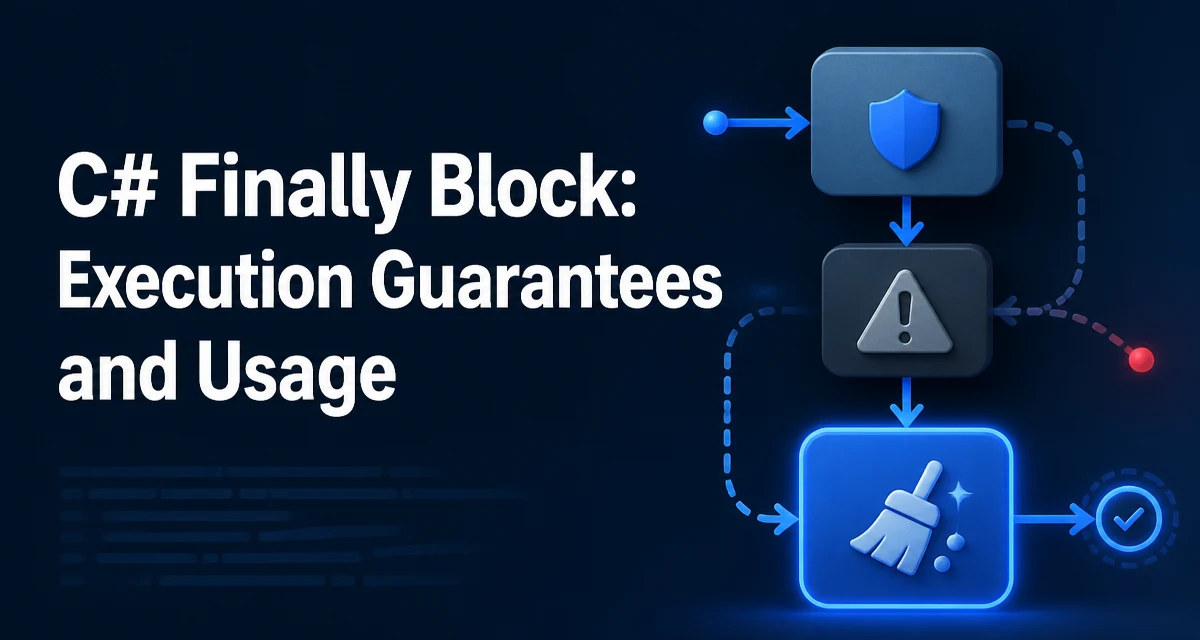
The C# finally block is a part of the try-catch-finally construct that guarantees a set of statements will execute when control leaves the try block, whether normally, through an exception, or via a return statement. Its primary purpose is to ensure that cleanup code, such as closing files or releasing locks, runs no matter how the try block exits.
The Role of the finally Block in Exception Handling
In C#, the finally block is attached to a try block and optionally a catch block. The code inside finally runs after the try block completes, and after any matching catch block has executed, but before control transfers to the caller. This makes it the right place for cleanup that must happen regardless of whether an exception was thrown.
Consider a simple file-reading operation:
FileStream stream = null;
try
{
    stream = File.OpenRead("data.txt");
    // Process file contents
}
catch (IOException ex)
{
    Console.WriteLine($"Read failed: {ex.Message}");
}
finally
{
    stream?.Dispose();
}
Here, Dispose is called whether the file opened successfully and processing completed, or an IOException occurred. Without finally, the stream would leak if an exception interrupted the processing. The finally block provides a deterministic cleanup point that is not dependent on the path taken through the try block.
How finally Interacts with return and Exceptions
The finally block runs even when a return statement is executed inside the try or catch block. The runtime evaluates the return value, then executes the finally block, and only then does the method actually return. This behavior is often surprising to developers new to C#.
static string GetValue()
{
    try
    {
        return "try";
    }
    finally
    {
        Console.WriteLine("finally");
    }
}

// Calling GetValue() prints "finally" and returns "try".
If an exception is thrown in the try block, the finally block executes before the exception propagates up the call stack. This ensures that any cleanup code runs before the exception is handled elsewhere. However, if the finally block itself throws an exception, that new exception replaces the original one. This can obscure the original failure, so you should avoid throwing exceptions from a finally block unless you have a specific reason to do so.
Cleaning Up Resources with finally
The most common use of finally is to release unmanaged resources or reset state. Examples include closing database connections, releasing file handles, and releasing locks. For example:
SqlConnection connection = null;
try
{
    connection = new SqlConnection(connectionString);
    connection.Open();
    // Execute commands
}
catch (SqlException ex)
{
    // Log error
}
finally
{
    connection?.Close();
}
In this pattern, the connection is closed regardless of whether the command execution succeeded or failed. The null-conditional operator ?. ensures that Close is only called if the connection was actually created. This is a robust way to handle resources that are not automatically managed by the garbage collector.
When finally Does Not Execute
While finally is designed to run in almost all cases, there are a few extreme scenarios where it will not execute. These include:
- Calling
Environment.FailFastorEnvironment.Exit. - A
StackOverflowExceptionthat prevents the runtime from unwinding the stack. - A process crash, such as an access violation or a power failure.
- An asynchronous exception that terminates the process, like
ThreadAbortExceptionin some legacy scenarios (though this is less common in modern .NET).
In these situations, the process is typically terminated or cannot safely execute further code. You should not rely on finally for critical operations like persisting state that must survive a crash; instead, use a transactional approach or external logging.
finally vs using Statements
For types that implement IDisposable, C# provides the using statement, which is syntactic sugar for a try/finally block. The following two code snippets are equivalent:
// Using statement
using (var stream = File.OpenRead("data.txt"))
{
    // Process file
}

// Equivalent try/finally
var stream = File.OpenRead("data.txt");
try
{
    // Process file
}
finally
{
    stream.Dispose();
}
The using statement is more concise and less error-prone because it automatically handles disposal, including the null case if you use using var (in C# 8.0 and later). However, finally is still necessary when the cleanup is not a simple Dispose call, such as releasing a lock, resetting a flag, or closing a custom resource that does not implement IDisposable.
Performance and Maintainability Considerations
The runtime overhead of a finally block is minimal. The JIT compiler generates code that ensures the block runs, but the cost is typically a few instructions. The larger concern is what you put inside the block. Avoid long-running or exception-prone operations in finally, because they can delay the return or mask the original exception. For example, closing a network connection that might throw could cause a new exception to replace the one you were handling.
From a maintainability perspective, prefer the using statement for IDisposable resources because it clearly scopes the resource lifetime and reduces the chance of forgetting to dispose. Use finally when you need custom cleanup logic or when the resource does not implement IDisposable. Also, consider that a finally block can be used to log the exit path of a method, but that adds noise and should be used sparingly.
One subtle point: if you have a catch block that rethrows an exception with throw;, the finally block still runs before the exception propagates. This is useful for logging or cleanup that must happen even when the exception is rethrown. However, be careful not to modify the exception state in finally, as that can change the exception that the caller observes.