C# First vs Single: Choosing the Right LINQ Method
c# first vs single: Understand the difference between First and Single in C# LINQ, when each should be used, and how to avoid common pitfalls in sequence processing.
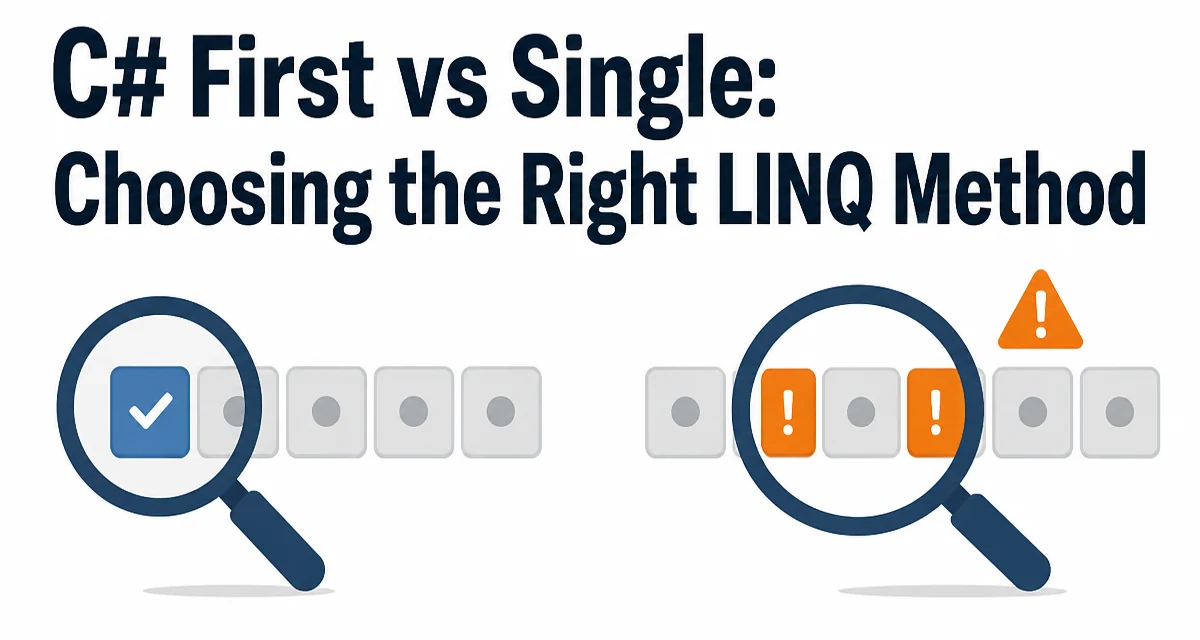
c# first vs single requires a clear understanding of the core syntax, runtime behavior, and practical implementation patterns demonstrated in the examples below.
When working with LINQ in C#, the choice between First and Single often comes down to what you know about the sequence you're querying. Both methods return an element from a collection, but they have fundamentally different expectations about the data. Misusing them can lead to exceptions or, worse, subtle bugs that only appear under specific data conditions. This article examines the behavior, performance characteristics, and appropriate usage scenarios for each method, helping you decide which one fits your code's intent.
The Core Difference: Expectations About the Sequence
The primary distinction between First and Single is their assumptions about the number of matching elements. First assumes the sequence contains at least one matching element and returns the first one it encounters. Single assumes the sequence contains exactly one matching element and returns that element. If Single finds more than one match, it throws an InvalidOperationException; if it finds none, it also throws InvalidOperationException.
Consider a simple list of integers:
List<int> numbers = new List<int> { 1, 2, 3, 4, 5 };

int firstEven = numbers.First(n => n % 2 == 0); // Returns 2
int singleEven = numbers.Single(n => n % 2 == 0); // Throws InvalidOperationException
In this example, First returns 2 because it's the first even number. Single fails because there are multiple even numbers (2 and 4). The choice between these methods signals your expectation about the data's cardinality. If you expect the sequence to contain at most one match, Single enforces that contract at runtime.
Performance: First Stops Early, Single Doesn't
Performance is often a deciding factor, and here First has a clear advantage. First stops iterating as soon as it finds the first matching element. In contrast, Single must scan the entire sequence to verify that no other matching elements exist. This difference is most pronounced with large collections or complex predicates.
For example, if you have a sequence of a million records and you're looking for a specific record that appears early, First will finish quickly. Single will iterate through every record, even after finding the match, to confirm uniqueness. In scenarios where the data is guaranteed to be unique, Single adds unnecessary overhead.
However, the performance difference is not always critical. For small, in-memory collections, the overhead of Single is negligible. The cost becomes more noticeable with database queries, where Single might translate to a query that fetches more rows than necessary, or with deferred execution where the enumeration is expensive. Always consider the size and source of your data before choosing Single for its semantic guarantees.
Exception Behavior: What Happens When Expectations Fail
First and Single have different exception behaviors when their expectations are not met. First throws InvalidOperationException only when the sequence is empty or no element matches the predicate. Single throws the same exception for two distinct cases: no match and multiple matches. This difference is essential to understand because catching an exception from Single doesn't tell you which condition caused it, unless you inspect the message or the sequence separately.
Consider this scenario:
List<string> names = new List<string> { "Alice", "Bob" };

// Throws InvalidOperationException because sequence is not empty but no match
string firstCharlie = names.First(n => n == "Charlie");

// Throws InvalidOperationException because no match
string singleCharlie = names.Single(n => n == "Charlie");

// Throws InvalidOperationException because multiple matches
string singleA = names.Single(n => n.StartsWith("A"));
In both failure cases of Single, the exception type is the same, and the message typically states "Sequence contains no matching element" or "Sequence contains more than one matching element." If you need to distinguish between these cases, you must check the sequence separately or use the OrDefault variants combined with a null check, though that also requires careful handling.
Using OrDefault Variants to Avoid Exceptions
The OrDefault variants, FirstOrDefault and SingleOrDefault, return the default value for the type (null for reference types, 0 for numeric types) when no match is found. They are useful when you want to avoid exception handling for the "no match" case. However, they still behave differently for multiple matches: FirstOrDefault returns the first element, while SingleOrDefault throws an exception if more than one match exists.
List<int?> scores = new List<int?> { 90, 85, 85 };

int? firstLow = scores.FirstOrDefault(s => s < 80); // Returns null
int? singleHigh = scores.SingleOrDefault(s => s > 80); // Throws because 3 matches
While SingleOrDefault avoids an exception for an empty sequence, it still enforces the uniqueness contract. This makes it a reasonable compromise when you expect at most one match but want to handle the absence gracefully. However, be aware that returning null or 0 can be a valid value in the data, so consider whether this could lead to ambiguity.
Real-World Scenarios: When to Use Each
In practice, the choice often depends on the context and the business rules. Here are some scenarios where the distinction matters:
- Fetching a record by primary key: If you're querying a database by a unique identifier such as a GUID or an auto-incrementing ID,
Singleenforces that the query returns exactly one row. This is useful for validating the integrity of your data, but if you're confident in the uniqueness,Firstis more efficient. - Finding the first occurrence from a stream: When processing a stream of events and you want the first occurrence that satisfies a condition (e.g., the first error in a log),
Firstis the natural choice.Singlewould require the stream to have exactly one matching element, which is rarely guaranteed. - Validation of business logic: If your code requires that exactly one active order exists for a customer,
Singlecan act as a runtime assertion. Any violation indicates a data integrity problem that you want to catch early rather than silently ignore.
Using Single in these contexts is a way to encode invariants in your code. It turns a data anomaly into an exception, which can be preferable for debugging. But if the invariant is not truly guaranteed, First may be safer and more predictable.
Performance, Maintainability, and Runtime Cost
Beyond the direct performance difference, the choice between First and Single affects the maintainability of your code. Single is a strong statement about your data model; it forces the next developer to think about whether the uniqueness assumption is valid. First is softer and allows for multiple matches, which may be appropriate when you only care about the first result.
From a runtime cost perspective, Single can double the enumeration time in the worst case because it must scan the entire sequence. In LINQ to Objects, this is straightforward. In EF Core or other ORMs, the translation to SQL might not be as straightforward. For example, Single might generate a query that fetches more rows than First to determine the count, depending on the provider. Always check the generated SQL if you're using a database query.
Another maintainability concern is the exception type. Since both First and Single throw InvalidOperationException, catching them specifically is not useful unless you need to distinguish between different failure modes. If you want to handle the absence of a match gracefully, FirstOrDefault is often the better choice because SingleOrDefault still throws for multiple matches, which might be surprising in a method that implies a null-safe approach.
Advanced Patterns: Combining with Custom Logic
There are situations where neither First nor Single directly meets your needs. For instance, you might want to return the first match if there is at least one, but throw an exception if more than one exists. That's essentially Single, so you can use that. However, if you need to return the first match when there are multiple but you also want to detect that multiple exist, you'd need to implement custom logic:
public static TSource FirstOrThrowIfMultiple<TSource>(
    this IEnumerable<TSource> source,
    Func<TSource, bool> predicate)
{
    bool found = false;
    TSource result = default!;
    foreach (var item in source.Where(predicate))
    {
        if (found)
        {
            throw new InvalidOperationException("Multiple elements satisfy the condition.");
        }
        found = true;
        result = item;
    }
    if (!found)
    {
        throw new InvalidOperationException("No element satisfies the condition.");
    }
    return result!;
}
This custom method explicitly checks for multiple matches and provides a clearer exception message than Single. It also gives you the flexibility to change the behavior for the "none" case, such as returning a default value while still throwing for multiple matches. Such custom logic can be useful in edge cases where the standard LINQ methods don't perfectly align with your requirements.
Choosing the Right Method for Your Code
The decision between First and Single ultimately hinges on your confidence in the data's cardinality and the performance implications. Use First when you expect at least one match and you don't care about additional matches. Use Single when you require exactly one match and any deviation is an error. If the absence of a match is acceptable, use FirstOrDefault to avoid exceptions, but still prefer SingleOrDefault only if you're sure an alternative match is impossible.
In code reviews, the use of Single often prompts the question: "Is it guaranteed?" If the answer is no, First is usually the safer choice. When you do use Single, add a comment explaining the invariant it enforces, so future maintainers understand why the stronger constraint is necessary. This documentation-in-code is invaluable for preventing unnecessary changes that could break a carefully placed assertion.
For most practical applications, First is the default choice because it is faster and less restrictive. Single should be reserved for cases where a data integrity check is explicitly part of the system's design. By understanding the tradeoffs between these two LINQ methods, you can write more expressive and reliable C# code.