Using the C# Generic Stack<T> Effectively
c# generic stack: Learn how to use the C# generic Stack<T> for LIFO operations: initialization, push/pop/peek, iteration, performance characteristics, and common pitfa...
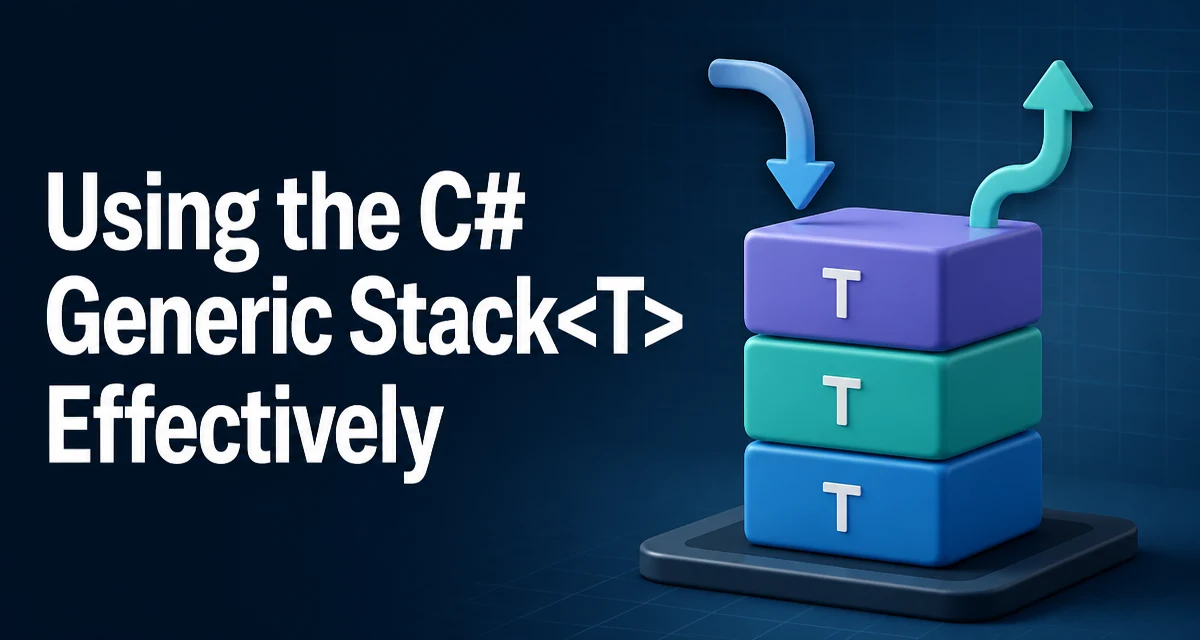
When you need last-in-first-out behavior in C#, the generic Stack<T> class is the standard choice. Unlike the non-generic Stack, Stack<T> preserves type information and avoids boxing for value types. This article covers how to use the c# generic stack effectively, including initialization, core operations, iteration, and common edge cases.
Understanding Stack<T> and Its LIFO Semantics
Stack<T> is a generic collection that implements the IEnumerable<T> interface and follows a strict LIFO (last-in, first-out) order. The most recently added item is always the first one removed. This behavior is essential for scenarios like undo histories, expression evaluation, backtracking algorithms, and parsing nested structures.
Because it is generic, you declare the element type explicitly. That means you get compile-time type safety and avoid the overhead of casting or boxing that occurs with the non-generic Stack. For example, a Stack<int> stores actual int values, not object references.
Declaring and Initializing a Generic Stack
You can create a Stack<T> using its parameterless constructor, which starts with a default capacity, or you can specify an initial capacity when you know the approximate number of elements. You can also populate it from an IEnumerable<T>.
// Empty stack with default capacity
Stack<string> messages = new Stack<string>();

// Stack with an initial capacity
Stack<int> numbers = new Stack<int>(32);

// Stack initialized from a collection
var fruits = new List<string> { "apple", "banana", "cherry" };
Stack<string> fruitStack = new Stack<string>(fruits);
The constructor that accepts an IEnumerable<T> copies the elements in order, but the resulting stack's top is the last element of the source sequence. In the example above, fruitStack.Peek() returns "cherry". This is a common source of confusion, so it is worth remembering when you build a stack from an existing collection.
Core Operations: Push, Pop, and Peek
The three fundamental operations on a stack are Push, Pop, and Peek. Push adds an item to the top, Pop removes and returns the top item, and Peek returns the top item without removing it.
Stack<int> stack = new Stack<int>();
stack.Push(10);
stack.Push(20);
stack.Push(30);

int top = stack.Peek();   // 30, stack still contains 30
int removed = stack.Pop(); // 30, now stack contains 10 and 20
Pop and Peek throw an InvalidOperationException if the stack is empty. To avoid exceptions, you can check Count first or use TryPop and TryPeek, which return a boolean and an out parameter.
if (stack.TryPop(out int value))
{
    Console.WriteLine(value);
}
else
{
    Console.WriteLine("Stack was empty");
}
TryPop and TryPeek are especially useful in multithreaded scenarios where another thread might modify the stack between a Count check and a Pop call. They provide a safer pattern without requiring a lock for a simple check-and-act sequence.
Checking the Number of Elements: Count
The Count property returns the number of items currently in the stack. It is an O(1) operation because the stack maintains an internal size counter. You should always use Count to test for emptiness rather than relying on Peek in a try-catch block.
if (stack.Count > 0)
{
    // Safe to call Pop or Peek
}
After calling Pop, the removed element is no longer referenced by the stack. However, the internal array may still hold a reference to the old object until that array slot is overwritten. For reference types, this can delay garbage collection. If you are storing large objects and want to release references immediately, you can call TrimExcess after a series of pops, though this is rarely necessary.
Iterating Over a Stack Without Removing Items
Stack<T> implements IEnumerable<T> and its enumerator iterates from the top of the stack to the bottom. This means a foreach loop visits elements in LIFO order without modifying the stack.
Stack<string> stack = new Stack<string>();
stack.Push("first");
stack.Push("second");
stack.Push("third");

foreach (string item in stack)
{
    Console.WriteLine(item); // third, second, first
}
This behavior is intentional and documented. If you need to process items in FIFO order, you should use a Queue<T> instead. Trying to reverse the iteration order by calling ToArray() and then iterating backwards is usually a sign that you chose the wrong collection type.
Common Mistakes and Edge Cases
One frequent mistake is assuming that the constructor that takes an IEnumerable<T> preserves the source order. As shown earlier, the last element of the source becomes the top of the stack. Another mistake is using Pop or Peek without checking Count, which leads to exceptions in production code.
A more subtle issue involves value types. Because Stack<T> is generic, it stores value types directly without boxing. However, if you use a Stack<object> and push value types, boxing still occurs. The generic version avoids this only when the type argument is a value type.
Another edge case is capacity growth. Stack<T> uses an internal array that is resized when the stack exceeds its capacity. The default capacity is 10, and when the stack is full, it doubles the capacity. This resizing copies all existing elements to a new array, which is an O(n) operation. If you know the maximum number of elements in advance, specify the initial capacity to avoid repeated resizing.
Performance and Memory Characteristics
Push and Pop are O(1) amortized operations. The amortized cost is O(1) because the occasional resizing is spread over many pushes. Peek and Count are always O(1). Contains is O(n) because it performs a linear scan.
Memory-wise, Stack<T> uses an array that may be larger than the actual element count. The unused slots are not a problem for small stacks, but for large stacks with many pops, you might want to call TrimExcess() to reduce the array size to match the current count. This method reallocates the internal array and should be used only when the stack is not expected to grow again soon.
Compared to a List<T> used as a stack via Add and RemoveAt(list.Count - 1), Stack<T> is more explicit and prevents accidental index misuse. The performance characteristics are similar, but Stack<T> provides a clearer contract and dedicated methods.
Choosing Between Stack<T> and Other Collections
If you need LIFO semantics, Stack<T> is the right choice. If you need FIFO, use Queue<T>. If you need random access by index, use List<T> or an array. If you need to access elements in both directions, consider a LinkedList<T> or a custom deque.
The decision is not about performance alone. Stack<T> communicates intent. When another developer reads stack.Push(item) and stack.Pop(), they immediately understand the order of operations. Using a List<T> with manual index management is more error-prone and obscures the algorithm's logic.
For concurrent scenarios, .NET provides ConcurrentStack<T> in the System.Collections.Concurrent namespace. It is thread-safe and uses lock-free techniques. If you are sharing a stack across multiple threads, use ConcurrentStack<T> instead of adding your own locks around Stack<T>.
Using Stack<T> in Recursive Algorithms
A common practical use of Stack<T> is to replace recursion with an explicit stack, especially when you want to avoid deep call stacks. For example, a depth-first traversal of a tree can be written iteratively:
Stack<TreeNode> stack = new Stack<TreeNode>();
stack.Push(root);

while (stack.Count > 0)
{
    TreeNode node = stack.Pop();
    Console.WriteLine(node.Value);

    // Push children in reverse order to preserve original order
    for (int i = node.Children.Count - 1; i >= 0; i--)
    {
        stack.Push(node.Children[i]);
    }
}
This pattern avoids recursion depth limits and can be easier to reason about in certain algorithms. The generic type ensures that node is a TreeNode, not an object, so you do not need casts.
Final Code Example: Balanced Parentheses Checker
A classic use of a stack is checking balanced parentheses. The following method uses Stack<char> to validate that every opening bracket has a matching closing bracket in the correct order.
public static bool AreBalanced(string input)
{
    Stack<char> stack = new Stack<char>();
    foreach (char c in input)
    {
        if (c == '(' || c == '[' || c == '{')
        {
            stack.Push(c);
        }
        else if (c == ')' || c == ']' || c == '}')
        {
            if (stack.Count == 0)
                return false;

            char open = stack.Pop();
            if ((c == ')' && open != '(') ||
                (c == ']' && open != '[') ||
                (c == '}' && open != '{'))
            {
                return false;
            }
        }
    }
    return stack.Count == 0;
}
The method returns false if a closing bracket appears without a matching opening bracket, or if the types do not match. At the end, the stack must be empty for the input to be balanced. This example shows how the generic stack's type safety and LIFO behavior directly support a clean implementation.
Understanding the c# generic stack's behavior, performance, and appropriate usage will help you write clearer and more reliable code when your algorithm requires LIFO order. Whether you are implementing an undo system, a parser, or a graph traversal, Stack<T> is a fundamental tool that fits naturally into your codebase.