C# Index from End: Using the ^ Operator
c# index from end: Learn how to use the C# index-from-end operator (^) with arrays, lists, strings, and spans, including practical examples and performance considerati...
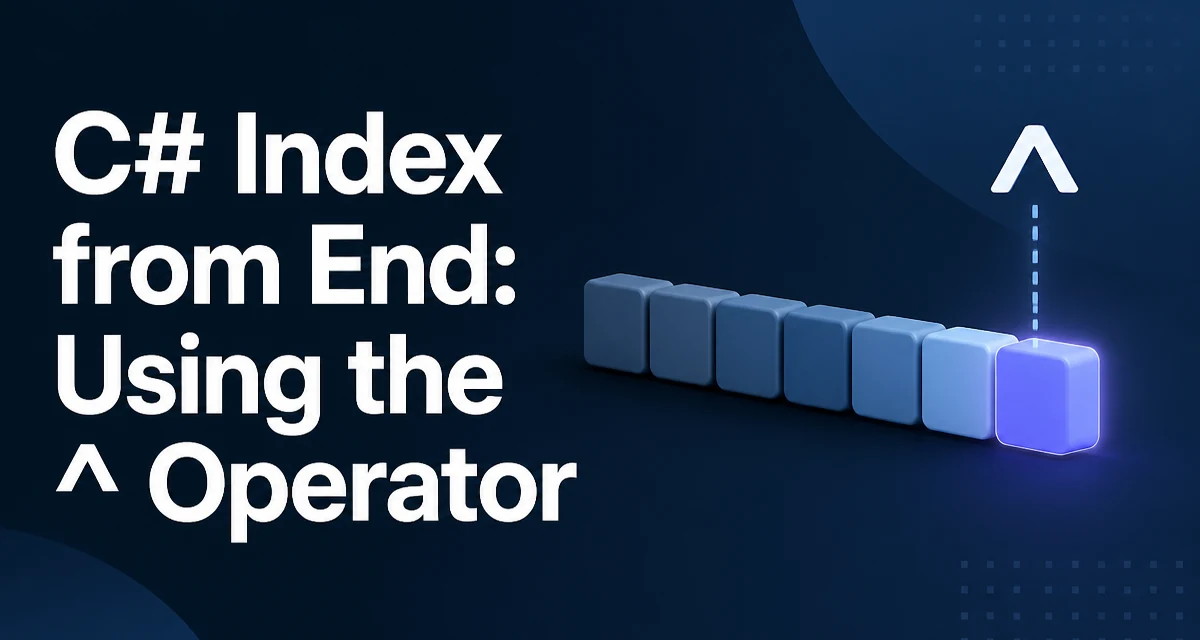
The c# index from end feature, introduced in C# 8.0, lets you access elements relative to the end of a collection using the ^ operator. Instead of calculating array.Length - 1 manually, you write array[^1] to get the last element. This syntax is concise and reduces off-by-one errors, but it also introduces a new type and a few behavioral details worth understanding before you use it in production code.
The ^ Operator and the Index Type
The ^ operator in C# is syntactic sugar for the System.Index struct. When you write ^n, the compiler creates an Index that represents a position counted from the end. The value ^1 means the last element, ^2 means the second-to-last, and so on. This is different from a zero-based index from the start, where 0 is the first element.
int[] numbers = { 10, 20, 30, 40, 50 };

int last = numbers[^1];     // 50
int secondLast = numbers[^2]; // 40
The Index struct has an IsFromEnd property and a Value property. When IsFromEnd is true, Value indicates the offset from the end. The compiler translates ^n into new Index(n, fromEnd: true). You can also create an Index explicitly if you need to store it or pass it around.
Index lastIndex = ^1;
int value = numbers[lastIndex];
How Index from End Works Under the Hood
When you use an Index with a collection that has an integer indexer, the compiler or runtime must convert the Index to an actual integer index. For arrays, strings, and Span<T>, the conversion is handled directly by the runtime because these types have built-in support. For other collections like List<T>, the Index is converted via the GetIndex method or through an extension method, depending on the context.
For an array of length n, ^i resolves to n - i. So ^1 becomes n - 1, ^2 becomes n - 2, and so on. This means that ^0 would resolve to n, which is out of bounds for a zero-based collection. The compiler does not prevent you from writing ^0, but it will throw an ArgumentOutOfRangeException at runtime because the resulting index equals the length.
int[] numbers = { 1, 2, 3 };
// This throws: IndexOutOfRangeException
int invalid = numbers[^0];
Using Index from End with Arrays and Lists
Arrays and List<T> are the most common places to use index-from-end syntax. For arrays, the behavior is straightforward and efficient because the runtime can compute the index directly. For List<T>, the indexer also accepts an Index, but the conversion involves a method call. In most cases, the overhead is negligible, but it's worth knowing that it's not a zero-cost abstraction.
List<string> names = new List<string> { "Alice", "Bob", "Carol" };

string firstFromEnd = names[^3]; // "Alice"
string lastFromEnd = names[^1];  // "Carol"
You can also use Index variables to avoid repeating the same offset. This is useful when you need to access the same element multiple times, especially if the collection length might change between accesses.
Index secondLast = ^2;
int[] data = { 5, 6, 7, 8 };
int value = data[secondLast]; // 7
Using Index from End with Strings and Spans
Strings support index-from-end syntax as well. This is handy for extracting a substring from the end without calculating the start index manually. For example, to get the last character of a string, you can use str[^1]. To get a range from the end, you can combine ^ with the range operator ...
string path = "/home/user/file.txt";
char lastChar = path[^1]; // 't'
string fileName = path[^7..]; // "file.txt" (last 7 characters)
The Range operator (..) works with Index values on both ends. ^7.. means from 7 positions from the end to the end of the string. This is equivalent to path.Substring(path.Length - 7). The range syntax is compiled into a System.Range struct, which can be used with arrays, strings, and spans.
Span<T> and ReadOnlySpan<T> also support Index and Range. This is particularly useful for high-performance code that avoids allocations. For example, you can slice a span without creating a new array.
Span<int> numbers = stackalloc int[] { 1, 2, 3, 4, 5 };
Span<int> lastTwo = numbers[^2..];
Performance and Allocation Considerations
Index-from-end syntax does not inherently cause allocations. For arrays, strings, and spans, the compiler can often optimize the index calculation into a simple arithmetic operation. For List<T> and other collections, there might be a method call to convert the Index, but this is a small overhead and typically not a bottleneck.
One area where you should be careful is using ranges with arrays. When you use a range like array[1..^1], the compiler creates a new array containing the sliced elements. This is a copy operation and can be expensive for large arrays. If you need to avoid copying, use Span<T> or Memory<T> instead.
int[] largeArray = Enumerable.Range(0, 1000000).ToArray();
// This copies a million elements into a new array
int[] slice = largeArray[100..^100];

// This creates a span over the same memory without copying
Span<int> spanSlice = largeArray.AsSpan()[100..^100];
For strings, slicing with a range also creates a new string. If you only need to read a portion of the string, consider using AsSpan() and then slicing the span to avoid the allocation, especially in hot paths.
Common Pitfalls and Edge Cases
One common mistake is using ^0 thinking it refers to the first element from the end. It actually refers to the position after the last element, which is out of bounds. To get the first element from the end, you need ^1 for the last element, ^2 for the second-to-last, and so on.
Another pitfall is mixing Index with collections that don't have a known length. For example, if you use ^1 on a LinkedList<T>, it will throw a NotSupportedException because the LinkedList<T> does not have an indexer. The ^ operator works with types that have an indexer and a Length or Count property, but not all collections support it.
When using ranges, be aware that the end index is exclusive. array[1..^1] includes elements from index 1 up to but not including the last element. This is consistent with the rest of C# range behavior.
int[] numbers = { 0, 1, 2, 3, 4 };
int[] middle = numbers[1..^1]; // { 1, 2, 3 }
Compatibility and Language Version Requirements
The ^ operator and Index/Range types require C# 8.0 or later. If you are working with an older codebase, you may need to upgrade the language version in your project file. Additionally, the runtime must support the System.Index and System.Range types. These types are included in .NET Core 3.0 and later, as well as .NET 5 and beyond. For .NET Framework, you need to use a compatibility package or target a newer runtime.
When using index-from-end syntax in a library that targets multiple frameworks, ensure that the target framework includes these types. You can add the System.Range NuGet package for older frameworks, but it's simpler to target a modern .NET version if possible.
<PropertyGroup>
  <LangVersion>latest</LangVersion>
  <TargetFramework>net8.0</TargetFramework>
</PropertyGroup>
The Index and Range types are also used by the Range operator, which is essential for slicing. If you are using a framework that doesn't support these types, the compiler will produce errors. Always verify that your target environment supports C# 8.0 features before adopting this syntax in production code.