C# LINQ Chunk: Split Sequences into Batches
c# linq chunk: Learn how to use the LINQ Chunk method in C# to split sequences into fixed-size batches, with practical examples and performance considerations.
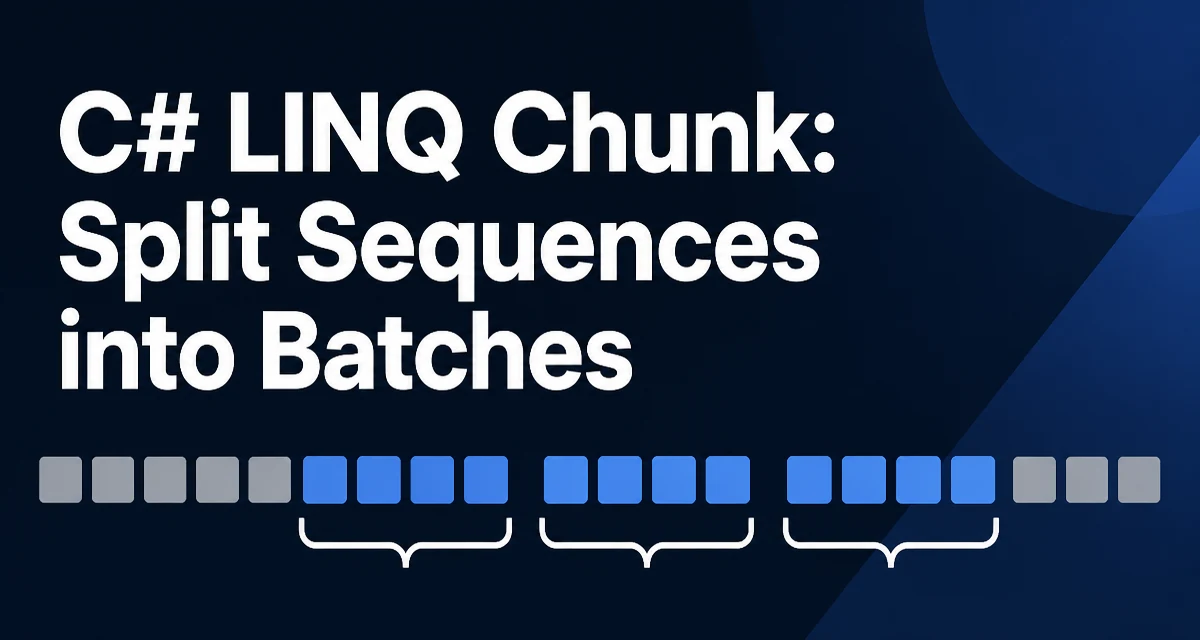
c# linq chunk requires a clear understanding of the core syntax, runtime behavior, and practical implementation patterns demonstrated in the examples below.
What Is the LINQ Chunk Method?
The LINQ Chunk method in C# splits a sequence into fixed-size batches. It returns an IEnumerable<T[]>, where each array contains up to the specified number of elements, except for the final batch which may be smaller. This method is part of the standard LINQ operators in .NET 6 and later.
The primary use case is to process data in groups rather than one item at a time. For example, you might need to insert records into a database in batches, send a limited number of emails per request, or parallelize work over subsets of a collection.
Basic Syntax and Example
The method signature is:
public static IEnumerable<T[]> Chunk<TSource>(this IEnumerable<TSource> source, int size);
It takes the sequence and a size parameter that defines the maximum number of elements per chunk. Here is a minimal example:
using System;
using System.Linq;

var numbers = Enumerable.Range(1, 10);
var chunks = numbers.Chunk(3);

foreach (var chunk in chunks)
{
    Console.WriteLine(string.Join(", ", chunk));
}
Output:
1, 2, 3
4, 5, 6
7, 8, 9
10
The first three chunks contain three elements each, and the final chunk contains only one element because the total count is not divisible by three.
Behavior with Different Sequence Sizes
Chunk handles edge cases predictably:
- If the source is empty, the result is an empty sequence.
- If the source has fewer elements than
size, the result is a single chunk containing all elements. - If the source count is an exact multiple of
size, every chunk is full.
For example:
var empty = Enumerable.Empty<int>().Chunk(3); // no chunks
var small = new[] { 1, 2 }.Chunk(3);         // one chunk: [1, 2]
var exact = new[] { 1, 2, 3, 4 }.Chunk(2);   // two chunks: [1,2] and [3,4]
These behaviors make Chunk safe to use without additional checks for most scenarios.
Practical Use Cases for Chunking
Batching is common in integration scenarios. Suppose you need to send a list of customer IDs to an external API that accepts a maximum of 100 IDs per request. You can use Chunk to split the list:
var customerIds = GetCustomerIds();
foreach (var batch in customerIds.Chunk(100))
{
    await api.SendBatchAsync(batch);
}
Another typical use is bulk database operations. Many ORMs and data providers accept a collection of entities for insert or update. Chunking prevents sending an enormous list in a single call, which can cause timeouts or memory pressure.
Chunk also works well with Parallel.ForEach when you want to process independent groups concurrently:
var items = GetItems();
Parallel.ForEach(items.Chunk(10), batch =>
{
    ProcessBatch(batch);
});
Keep in mind that Chunk returns arrays, so each batch is a new array. If you need to modify the batch, you can do so without affecting the original sequence.
Performance and Memory Characteristics
Chunk uses deferred execution: the source sequence is not enumerated until you iterate over the result. However, each chunk is materialized as an array when you access it. This means that for each chunk, a new array is allocated and filled with the appropriate elements.
The memory overhead is proportional to the number of chunks and the size of each chunk. For large sequences with small chunk sizes, the allocation of many arrays can become noticeable. If you are processing millions of elements, consider whether you need all chunks at once or whether you can process them one by one.
Because Chunk returns IEnumerable<T[]>, you cannot rely on it to be lazy in the sense of streaming elements one at a time. Each chunk is fully created before you receive it. If your goal is to avoid materializing large sublists, a custom iterator that yields individual items with a batch boundary might be more memory-efficient, but it adds complexity.
Alternatives to Chunk and When to Use Them
Before .NET 6, developers often wrote manual batching logic using Take and Skip or a custom loop. For example:
for (int i = 0; i < source.Count(); i += size)
{
    var batch = source.Skip(i).Take(size).ToArray();
    // process batch
}
This approach works but has a downside: each iteration re-enumerates the source from the start, which is inefficient for large sequences. Chunk avoids this by iterating the source only once.
Another alternative is to use a List<T> and a loop that builds batches manually. This gives you full control over the batch creation process, but it is more verbose and error-prone.
The following table summarizes the differences:
| Approach | Iterations over source | Memory per batch | Complexity |
|---|---|---|---|
Chunk | One | Array of size size | Low |
Take/Skip | Multiple (one per batch) | Array of size size | Medium |
| Manual loop | One | List or array | High |
Use Chunk when you need a simple, readable solution and the source is not enormous. If you are working with a very large sequence and want to avoid the overhead of many small arrays, consider a custom iterator that yields a batch as a List<T> or a ReadOnlySpan<T> if you are in a performance-critical path.
Compatibility and Availability
The Chunk method is available in .NET 6 and later versions. It is defined in the System.Linq namespace, so no additional package is required. If you are targeting an older .NET Framework or .NET Core version, you will need to implement your own batching logic or use a third-party library.
The method works with any IEnumerable<T>, including arrays, lists, and query results. It does not modify the original sequence and is safe to use in a read-only context.
When upgrading an existing codebase to .NET 6 or later, replacing manual batching loops with Chunk can simplify the code and reduce the risk of off-by-one errors.