C# LINQ Concat: Syntax and Use Cases
c# linq concat: Learn how to use C# LINQ Concat to merge two sequences, understand its lazy evaluation, and see practical examples with arrays and lists.
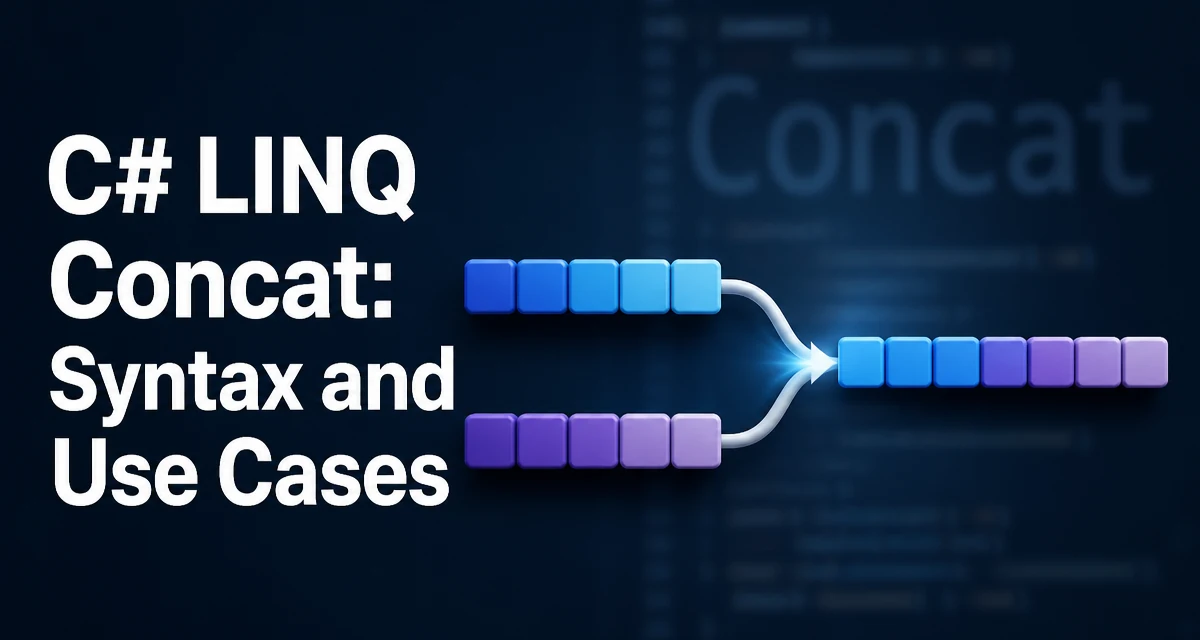
c# linq concat requires a clear understanding of the core syntax, runtime behavior, and practical implementation patterns demonstrated in the examples below.
When you need to combine two sequences in C#, the Enumerable.Concat method from LINQ is a direct way to produce a single sequence that contains all elements from the first source followed by all elements from the second source. Unlike Union, Concat does not remove duplicates, so it preserves every element from both inputs. This behavior makes it suitable for scenarios where you need the full, unfiltered merge of two collections.
How Concat Works
The Concat method is an extension method defined in the System.Linq namespace. Its signature is straightforward:
public static IEnumerable<TSource> Concat<TSource>(this IEnumerable<TSource> first, IEnumerable<TSource> second)
The method requires that both sequences are of the same type TSource. If you attempt to concatenate an IEnumerable<int> with an IEnumerable<string>, the compiler will reject the call because the type parameter cannot be inferred. This type constraint ensures that the resulting sequence has a single, consistent element type.
Here is a minimal example that concatenates two arrays of integers:
int[] first = { 1, 2, 3 };
int[] second = { 4, 5, 6 };

var result = first.Concat(second);

foreach (var number in result)
{
    Console.WriteLine(number);
}
The output is 1 2 3 4 5 6. The Concat method does not modify the original arrays; it returns a new IEnumerable<int> that yields elements from first and then from second.
Lazy Evaluation and Deferred Execution
Concat uses deferred execution. The returned sequence does not materialize the combined data immediately. Instead, when you iterate over the result, it iterates over first completely, then over second. This is important for performance when the source sequences are large or come from a database query, because you avoid creating an intermediate list.
However, because evaluation is lazy, changes to the underlying collections after the Concat call are reflected when the sequence is enumerated. Consider this example:
var list1 = new List<int> { 1, 2 };
var list2 = new List<int> { 3, 4 };
var combined = list1.Concat(list2);

list1.Add(99);

foreach (var item in combined)
{
    Console.WriteLine(item);
}
The output includes 99 because combined is evaluated at the time of the foreach, and list1 has already been modified. This behavior can be surprising if you expect Concat to capture a snapshot of the data.
Practical Use Cases for Concat
One common use case is combining several lists into a single sequence for processing, such as when you need to aggregate data from multiple sources. For example, you might have two lists of orders from different regions and want to run a single LINQ query over both:
IEnumerable<Order> domesticOrders = GetDomesticOrders();
IEnumerable<Order> internationalOrders = GetInternationalOrders();

var allOrders = domesticOrders.Concat(internationalOrders);
var highValueOrders = allOrders.Where(o => o.Total > 1000);
Because Concat is lazy, allOrders does not create a new list in memory. The Where clause operates directly over the concatenated sequence, and the overall query is executed only when you iterate over highValueOrders.
Another typical scenario is building a flat sequence from a jagged collection. If you have an array of arrays, you can use SelectMany to flatten it, but if you only have two sequences, Concat is simpler and more direct.
Concat vs. Union: Understanding the Difference
The most important distinction is that Concat preserves duplicates, while Union removes them using the default equality comparer. For example:
int[] first = { 1, 2, 3 };
int[] second = { 3, 4, 5 };

var concatResult = first.Concat(second); // 1, 2, 3, 3, 4, 5
var unionResult = first.Union(second);    // 1, 2, 3, 4, 5
If your goal is to merge collections without worrying about duplicate elements, Union is more appropriate. But when you need to preserve all elements, such as when concatenating log entries or event streams where order and multiplicity matter, Concat is the correct choice. Additionally, Union has a higher overhead because it needs to track seen elements to eliminate duplicates, whereas Concat simply yields each element from the sources in order.
Combining Concat with Other LINQ Operators
Concat is often used as a building block in larger LINQ queries. It works naturally with methods like OrderBy, Select, and Where. For example, you can concatenate two sequences and then sort the result:
var sorted = first.Concat(second).OrderBy(x => x);
You can also use Concat to append a single element to a sequence by wrapping it in a collection:
var numbers = new List<int> { 1, 2, 3 };
var withZero = numbers.Concat(new[] { 0 });
This pattern is useful when you need to combine a sequence with a single value, but you prefer not to modify the original collection. The resulting withZero sequence yields 1, 2, 3, 0.
Null Arguments and Error Handling
Concat throws an ArgumentNullException if either first or second is null. This is consistent with most LINQ methods. In production code, you should validate inputs before calling Concat if there is any possibility of a null source. For example:
if (first == null || second == null)
{
    throw new ArgumentNullException();
}

var result = first.Concat(second);
Because the method is lazy, the exception is thrown immediately when you call Concat, not when you iterate the result. This is a subtle but important behavior: you get the error at the point where you combine the sequences, not later.
Memory and Performance Considerations
Since Concat does not allocate a new collection, it has a constant memory overhead proportional to the number of source sequences, not the number of elements. This is an advantage over using List<T>.AddRange, which copies all elements into a new list. However, the performance of iterating over the concatenated sequence is slightly lower than iterating over a single contiguous array because the Concat iterator has to handle two separate enumerators. In most applications, this overhead is negligible, but if you are concatenating many sequences in a performance-critical hot path, you might consider materializing the result with ToList() once and reusing it.
Another consideration is that Concat does not change the type of the sequence. If you concatenate two arrays, the result is still an IEnumerable<T>, not an array. If you need an array for interoperability with APIs that require T[], you can call ToArray() on the result.
When to Use Concat Instead of AddRange or SelectMany
There are other ways to combine collections, but Concat is often the most expressive for simple two-sequence merges. List<T>.AddRange modifies the original list and is not lazy; it immediately copies elements. SelectMany is designed for flattening nested sequences, which is a more complex operation than a simple concatenation. Use Concat when you have exactly two sequences and you want to avoid mutating the sources. It is also the LINQ-idiomatic approach when you are already working with IEnumerable<T> and want to keep the query lazy.
A final advanced pattern is using Concat to add a sentinel element to a sequence for algorithms that need a terminator. For example, when processing a stream of numbers and you need to detect the end, you can concatenate a sentinel value:
var data = new[] { 1, 2, 3 };
var withSentinel = data.Concat(new[] { int.MaxValue });
This avoids the need to check MoveNext() manually and keeps the logic inside a single LINQ pipeline.
In summary, Enumerable.Concat is a small but essential tool in the LINQ toolbox. Understand its lazy nature, its duplicate-preserving behavior, and its null-handling rules, and you will be able to compose sequences with confidence and avoid common pitfalls.