Using C# LINQ Distinct Effectively
c# linq distinct: Learn how C# LINQ Distinct works, when it uses default equality, and how to customize it with a comparer for reference types and complex objects.
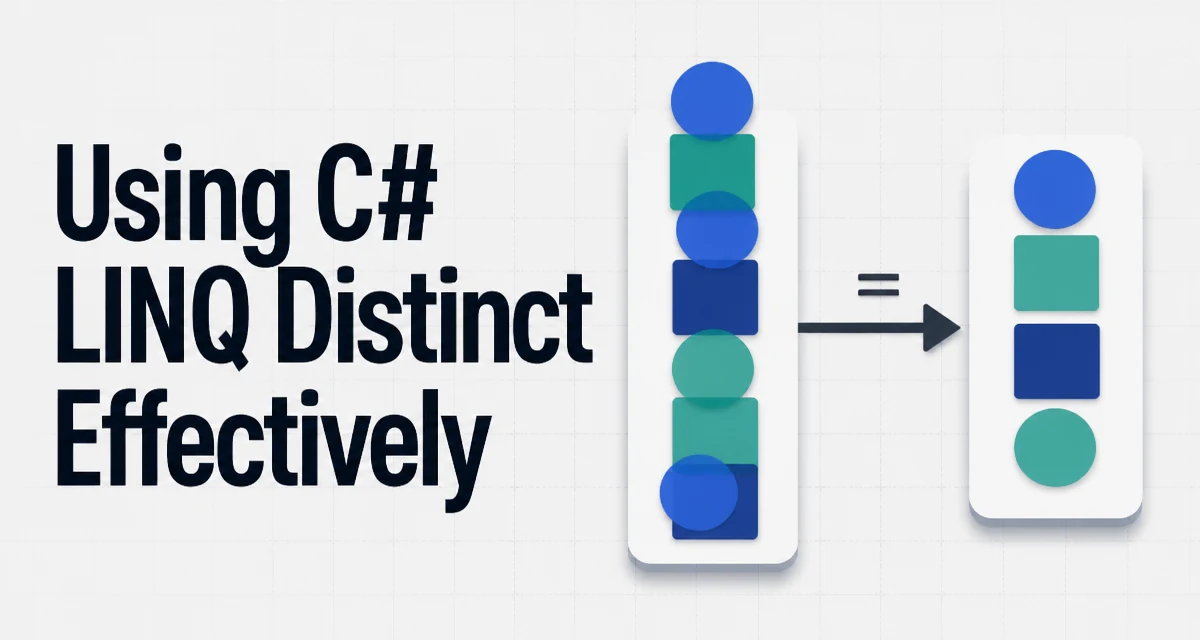
When you call c# linq distinct on a sequence, you get a new sequence with duplicate elements removed. The behavior is straightforward for value types like integers, but it becomes nuanced when you work with reference types or need custom equality rules. This article explains how Distinct behaves, how to customize it, and where its performance characteristics matter.
How Distinct Determines Duplicates
Distinct uses the default equality comparer for the element type. For value types, that means a bitwise comparison of the underlying values. For reference types, it uses object.Equals, which by default checks reference equality unless the type overrides Equals and GetHashCode.
var numbers = new[] { 1, 2, 2, 3, 3, 3 };
var distinctNumbers = numbers.Distinct();
// Result: 1, 2, 3
For a custom class like Product, without overriding equality, two separate instances with identical property values are considered different because they have different references. This is a common source of confusion.
public class Product
{
    public int Id { get; set; }
    public string Name { get; set; }
}

var products = new[]
{
    new Product { Id = 1, Name = "Laptop" },
    new Product { Id = 1, Name = "Laptop" }
};

var distinct = products.Distinct().Count(); // Returns 2, not 1
To make Distinct treat objects with the same Id as duplicates, you need to either override equality on the type or supply a custom comparer.
Overriding Equality on the Type
The cleanest approach for domain objects is to override Equals and GetHashCode on the class itself. This makes the type behave consistently across LINQ methods and other collection operations.
public class Product : IEquatable<Product>
{
    public int Id { get; set; }
    public string Name { get; set; }

    public bool Equals(Product other)
    {
        if (other is null) return false;
        return Id == other.Id;
    }

    public override bool Equals(object obj) => Equals(obj as Product);

    public override int GetHashCode() => Id.GetHashCode();
}
Now products.Distinct() returns a single item. The GetHashCode implementation is critical because Distinct uses a hash-based set internally to detect duplicates efficiently. If two objects are equal, they must produce the same hash code; otherwise, Distinct may fail to detect duplicates correctly.
Using a Custom IEqualityComparer
When you cannot modify the type—for example, when it comes from a third-party library—you can pass a custom IEqualityComparer<T> to Distinct. This keeps the equality logic separate from the data model.
public class ProductIdComparer : IEqualityComparer<Product>
{
    public bool Equals(Product x, Product y)
    {
        if (x is null || y is null) return x == y;
        return x.Id == y.Id;
    }

    public int GetHashCode(Product obj)
    {
        if (obj is null) return 0;
        return obj.Id.GetHashCode();
    }
}
Usage:
var distinct = products.Distinct(new ProductIdComparer());
This approach is useful when you need different equality rules in different contexts. For instance, one comparer might match on Id, another on Name, and a third on a combination of fields.
Performance and Allocation Considerations
Distinct is implemented as a deferred streaming operation. It does not materialize the entire source sequence at once. Instead, it keeps a Set<T> of seen elements and yields each unique element as the source is enumerated. This means the memory footprint grows with the number of distinct elements, not the total input size.
For small collections, the overhead is negligible. For large collections, the hash code quality of your comparer matters. A poor GetHashCode that returns a constant for all objects forces the set to fall back to linear scans, turning Distinct from O(n) into O(n²) in the worst case. Always ensure your hash codes are well distributed.
Another consideration is that Distinct allocates a new set internally. If you call it repeatedly on the same sequence, you pay that allocation cost each time. In performance-critical paths, consider materializing the result once and reusing it.
Distinct in Query Syntax and Method Syntax
LINQ query syntax does not have a dedicated distinct keyword. You must use the method syntax even inside a query expression. For example:
var query = (from p in products
             select p.Id).Distinct();
This works because the query expression is compiled into method calls, and Distinct is just another extension method. You can also chain it after other operations like Where or Select.
When Distinct Is Not the Right Tool
Distinct removes duplicates based on the entire element or a custom comparer. If you need to deduplicate based on a single property while keeping the full object, Distinct alone is not enough. In .NET 6 and later, DistinctBy is available:
var distinctProducts = products.DistinctBy(p => p.Id);
For older frameworks, you would group by the key and take the first element:
var distinctProducts = products
    .GroupBy(p => p.Id)
    .Select(g => g.First());
DistinctBy is more readable and avoids the overhead of creating groups when you only need the first occurrence. However, GroupBy gives you more flexibility if you need to aggregate the group later.
Another edge case: Distinct preserves the order of the first occurrence of each element. If you need a different ordering, apply OrderBy before or after Distinct as needed. Also, be aware that Distinct uses the default equality comparer for the type, which may not be what you expect for floating-point numbers (NaN handling) or for strings with culture-specific comparisons. In those cases, a custom comparer is necessary.
Finally, remember that Distinct is lazy. If you need to force execution, call ToList() or ToArray() on the result. This is important when the source sequence is a database query or a generator with side effects, because the actual filtering happens during enumeration.