C# LINQ TakeWhile: Stop at First Failure
c# linq takewhile: Learn how C# LINQ TakeWhile returns elements until a condition fails, its difference from Where, and when to use it for early exit.
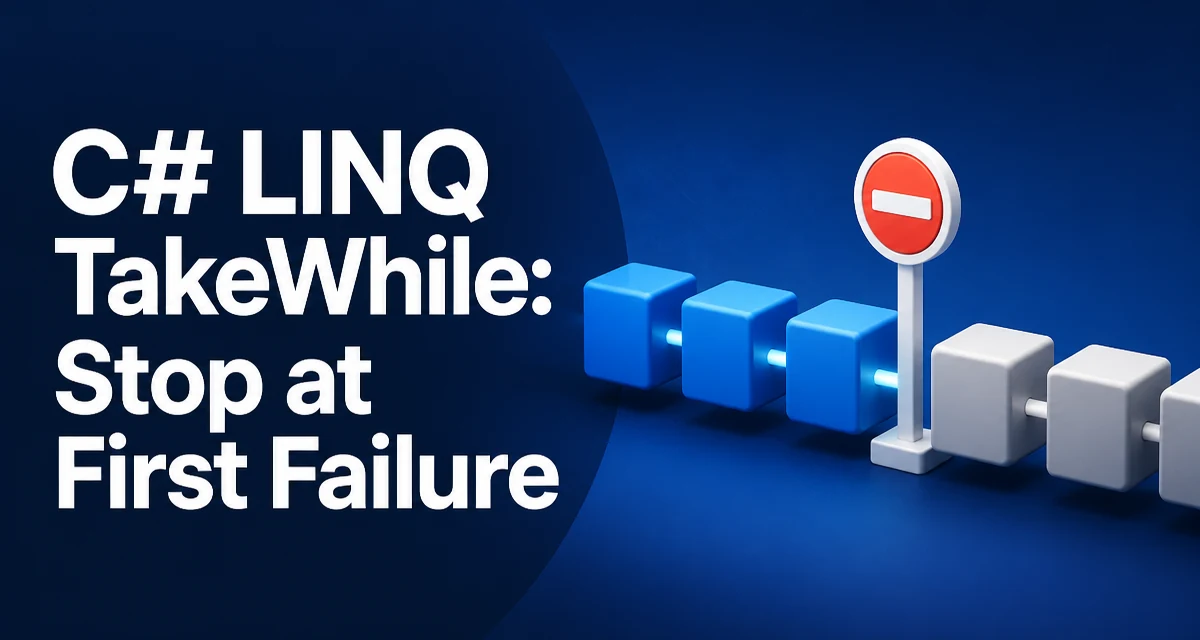
c# linq takewhile requires a clear understanding of the core syntax, runtime behavior, and practical implementation patterns demonstrated in the examples below.
The C# LINQ TakeWhile method returns elements from the start of a sequence as long as a condition is true, and stops at the first element that fails that condition. It is a common source of confusion because it looks similar to Where, but its behavior is fundamentally different.
How TakeWhile Works
TakeWhile iterates the source sequence from the beginning and yields each element as long as the predicate returns true. When the predicate returns false for the first time, the iteration stops and no further elements are examined. This means the result is always a prefix of the original sequence.
int[] numbers = { 1, 2, 3, 4, 1, 2 };
var result = numbers.TakeWhile(n => n < 4);
// result: { 1, 2, 3 }
The first three elements satisfy n < 4. The fourth element, 4, fails, so TakeWhile stops and does not consider the remaining 1 and 2, even though they would also satisfy the condition.
TakeWhile vs Where
The most common mistake is treating TakeWhile like Where. Where filters the entire sequence and returns every element that satisfies the condition, regardless of position. TakeWhile only returns a leading subset and stops at the first failure.
int[] numbers = { 1, 2, 3, 4, 1, 2 };
var whereResult = numbers.Where(n => n < 4);
// whereResult: { 1, 2, 3, 1, 2 }

var takeWhileResult = numbers.TakeWhile(n => n < 4);
// takeWhileResult: { 1, 2, 3 }
Use TakeWhile when the position of the failure matters, such as processing a stream until a sentinel value appears. Use Where when you need all matching elements from the entire collection.
Practical Example: Reading Until a Marker
A common use case is reading lines from a file or a log until a marker line is encountered. TakeWhile lets you express that logic without a manual loop.
IEnumerable<string> ReadUntilMarker(IEnumerable<string> lines)
{
    return lines.TakeWhile(line => line != "END");
}
This returns every line from the start until the first line that equals "END". The marker itself is not included. If you need to include the marker, you can combine TakeWhile with a subsequent Take or use a different approach.
Deferred Execution and Evaluation Timing
Like most LINQ methods, TakeWhile uses deferred execution. The predicate is not evaluated until the result sequence is enumerated. This has two important implications.
First, the source sequence can be infinite, as long as the condition eventually fails. For example, an infinite sequence of random numbers can be safely processed with TakeWhile because the method stops as soon as the condition fails.
Second, the predicate is invoked only until the first failure. This is different from Where, which must examine every element. If the condition fails early, TakeWhile can save significant work, especially on large sequences.
IEnumerable<int> InfiniteNumbers()
{
    int i = 0;
    while (true) yield return i++;
}

var firstTen = InfiniteNumbers().TakeWhile(n => n < 10);
// enumeration stops after 10 elements
The Index Overload
TakeWhile has an overload that provides the index of each element to the predicate. This is useful when the stopping condition depends on the position in the sequence.
string[] words = { "one", "two", "three", "four" };
var result = words.TakeWhile((word, index) => index < 2);
// result: { "one", "two" }
The index is zero-based. This overload is handy for taking a fixed number of elements, though Take is usually clearer for that purpose. Use the index overload when the condition combines element value and position, such as stopping when the value is greater than the index.
Performance and Early Exit
The main performance advantage of TakeWhile is its early exit behavior. When the condition fails, the enumeration stops immediately, so the remaining elements are never iterated. This can be significant when the source is a database query, a network stream, or an expensive computation.
However, be aware that TakeWhile still allocates an iterator and invokes the predicate for each element up to the failure point. If the condition rarely fails, the overhead is similar to Where. Also, if the source is already fully materialized in memory, the early exit saves only iteration time, not memory.
For large sequences where the failure point is expected to be near the start, TakeWhile is often the right choice. If you need to filter the entire sequence regardless of order, use Where.
Edge Cases and Common Pitfalls
When the condition fails on the first element, TakeWhile returns an empty sequence. When the condition never fails, it returns the entire source sequence. Both behaviors are intuitive but worth verifying in tests.
One subtle issue is that the predicate is evaluated exactly once per element until the first failure. If the predicate has side effects, those side effects occur only for the prefix. This is different from Where, which evaluates the predicate for every element. Relying on side effects in LINQ predicates is generally discouraged, but the difference can affect debugging or logging.
Another pitfall is using TakeWhile on a sequence that is not ordered. Because TakeWhile only looks at a prefix, it is not a substitute for sorting or grouping. If you need to take elements based on a property that appears later in the sequence, TakeWhile will not find them.
When to Choose TakeWhile
Choose TakeWhile when you need the leading portion of a sequence that satisfies a condition, and you want to stop as soon as the condition fails. Typical scenarios include reading configuration until a delimiter, processing log entries until an error marker, or consuming a stream until a terminator.
If you need to skip elements until a condition is true, use SkipWhile. If you need to take a fixed number of elements, use Take. If you need to filter the entire sequence, use Where. Understanding these distinctions prevents subtle bugs and keeps the intent of your code clear.