C# List AddRange: Syntax, Behavior, and Performance
c# list addrange: Learn how List<T>.AddRange appends collections efficiently, how it handles IEnumerable sources, and when it beats repeated Add calls.
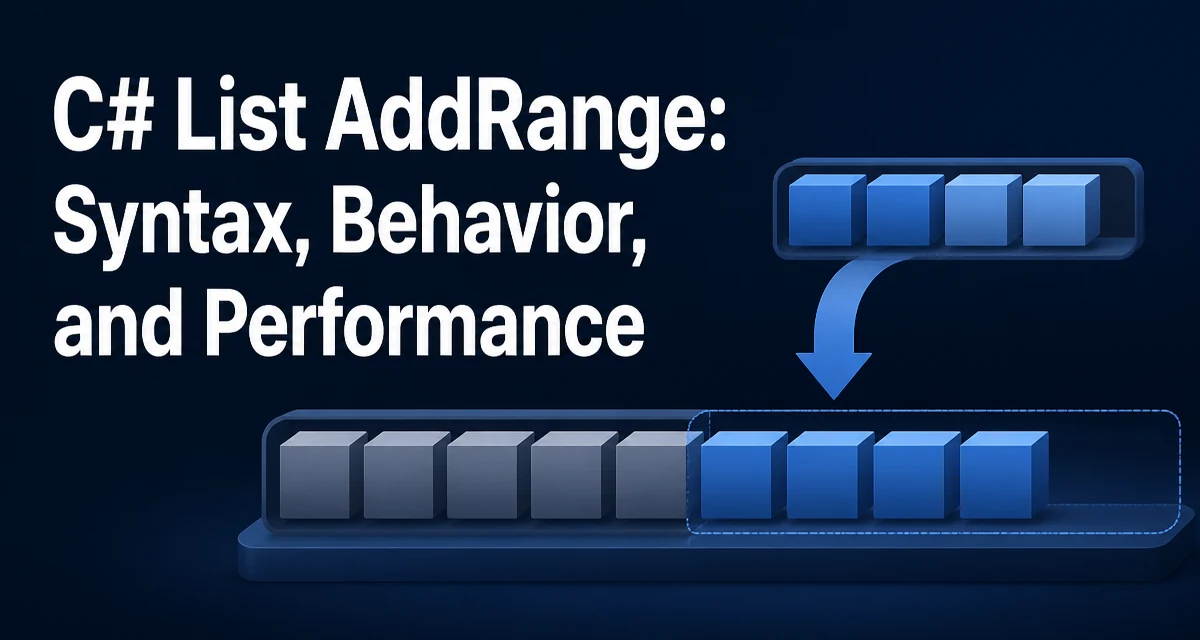
c# list addrange requires a clear understanding of the core syntax, runtime behavior, and practical implementation patterns demonstrated in the examples below.
List<T>.AddRange(IEnumerable<T> collection) appends every element from the source collection to the end of the list, preserving the order of the source. The method accepts any IEnumerable<T>, which means arrays, other List<T> instances, HashSet<T>, LINQ query results, and any custom type that implements the interface.
var numbers = new List<int> { 1, 2, 3 };
int[] moreNumbers = { 4, 5, 6 };

numbers.AddRange(moreNumbers);

// numbers now contains: 1, 2, 3, 4, 5, 6
The method mutates the target list in place and returns void. It does not create a new list, so you do not reassign the result. The source collection remains unchanged; AddRange copies the elements rather than moving them.
AddRange Syntax and Minimal Example
The signature is straightforward: public void AddRange(IEnumerable<T> collection). The type parameter is inferred from the list itself, so you do not specify it explicitly. The source must produce elements of type T or a type implicitly convertible to T.
var names = new List<string>();
string[] incoming = { "ada", "grace", "linus" };

names.AddRange(incoming);
Because the parameter is IEnumerable<T>, you can also pass a List<T> directly, which is a common pattern when merging data from multiple sources:
var allItems = new List<Item>();
allItems.AddRange(firstBatch);
allItems.AddRange(secondBatch);
Each call appends to the existing list, so sequential AddRange calls build up the final collection without intermediate copies.
What AddRange Accepts: IEnumerable<T> Sources
The parameter type IEnumerable<T> is deliberately broad. You can pass:
- Arrays:
int[] - Other
List<T>instances HashSet<T>,Queue<T>,Stack<T>- LINQ projections:
items.Select(x => x.Id) - Any
IEnumerable<T>returned from a method
var ids = new List<int>();
var source = GetIds(); // returns IEnumerable<int>

ids.AddRange(source);
One consequence is that the source is not necessarily a materialized collection. If you pass a LINQ query that performs deferred execution, AddRange enumerates it immediately during the call. The enumeration happens once, and the resulting elements are stored in the target list. The source itself is not modified.
AddRange vs Repeated Add Calls
The common alternative is a loop:
foreach (var item in source)
{
    list.Add(item);
}
Both approaches produce the same final list. The difference is efficiency and clarity. AddRange communicates intent in a single call and avoids the repeated capacity checks that Add performs on every iteration.
When the source implements ICollection<T> — which List<T>, arrays, and HashSet<T> do — the framework reads Count in advance, resizes the internal array once, and copies the elements in bulk. When the source is a pure IEnumerable<T> without a known count, AddRange falls back to enumerating and appending, which is similar to the loop but keeps the code shorter.
For a one-off addition of a few elements, the difference is negligible. For large collections or code that runs in a hot path, AddRange with an ICollection<T> source avoids repeated array reallocations.
Capacity Growth and Memory Behavior
List<T> stores elements in an internal array. When the array is full, adding more elements triggers a reallocation to a larger array, and the existing elements are copied over. The default growth policy doubles the capacity when the limit is reached.
Calling Add in a loop can trigger this reallocation multiple times. AddRange reduces the number of reallocations:
- If the source is
ICollection<T>, the framework knows the exact count and ensures the internal array has enough room before copying. - If the source is a plain
IEnumerable<T>, the framework still grows the array as needed, but it does so within a single method call.
If you already know the final size, you can set Capacity before calling AddRange:
var list = new List<int>(expectedCount);
list.AddRange(source);
This avoids any intermediate reallocation when the source count is known in advance. The tradeoff is that over-allocating wastes memory, so only set Capacity when you have a reliable estimate.
Common Mistakes: Null Sources and Self-Reference
Passing null as the source throws ArgumentNullException. This is worth guarding when the source comes from user input or an external API:
if (source is null)
{
    // handle the missing source before calling AddRange
}
Passing the same list instance as its own source is allowed and duplicates the list:
var list = new List<int> { 1, 2, 3 };
list.AddRange(list);
// list now contains: 1, 2, 3, 1, 2, 3
The framework copies the source elements before inserting them, so the operation does not loop indefinitely. This behavior is convenient but easy to misread; if you need a copy of the list, list.ToList() is clearer about intent.
Another edge case is an empty source. AddRange with an empty collection is a no-op: the target list is unchanged, and no exception is thrown.
AddRange With LINQ Results and Deferred Execution
LINQ queries are lazy by default. When you pass a query to AddRange, the query executes during the call. If the query depends on state that changes between the query definition and the AddRange call, the results reflect the state at enumeration time.
var filtered = items.Where(x => x.IsActive); // deferred
list.AddRange(filtered); // executes the filter now
If the source query throws during enumeration, AddRange propagates the exception, and the target list may be partially modified. Elements added before the failure remain in the list. There is no transactional rollback. If you need all-or-nothing behavior, materialize the source first:
var materialized = filtered.ToList();
list.AddRange(materialized);
This does not make the operation atomic, but it separates enumeration errors from the mutation of the target list, so the failure occurs before any elements are appended.
Modern Alternatives: Collection Expressions and Ranges
C# 12 introduced collection expressions, which provide a more concise way to build a list from an existing sequence:
List<int> combined = [.. first, .. second];
The spread operator .. copies elements from the source sequences into the new list. This creates a new list rather than mutating an existing one, so it is not a direct replacement for AddRange when you need to append to a list that already exists.
For appending to an existing list, AddRange remains the standard approach. The two techniques serve different purposes: collection expressions build a new collection, while AddRange mutates an existing one. Choose based on whether the target list already holds state that must be preserved in place.
When the source is a range of an existing array or list, the Range operator combined with AddRange can select a slice:
list.AddRange(source[2..5]);
This creates a temporary collection for the slice before appending. For large sources, that intermediate allocation may be undesirable; in that case, a loop over the range indices avoids the copy. The right choice depends on whether clarity or allocation cost matters more in the specific code path.