C# List Count vs Capacity: Key Differences
c# list count vs capacity: Understand the difference between Count and Capacity in C# List<T>, and learn how to use Capacity to improve memory usage and performance.
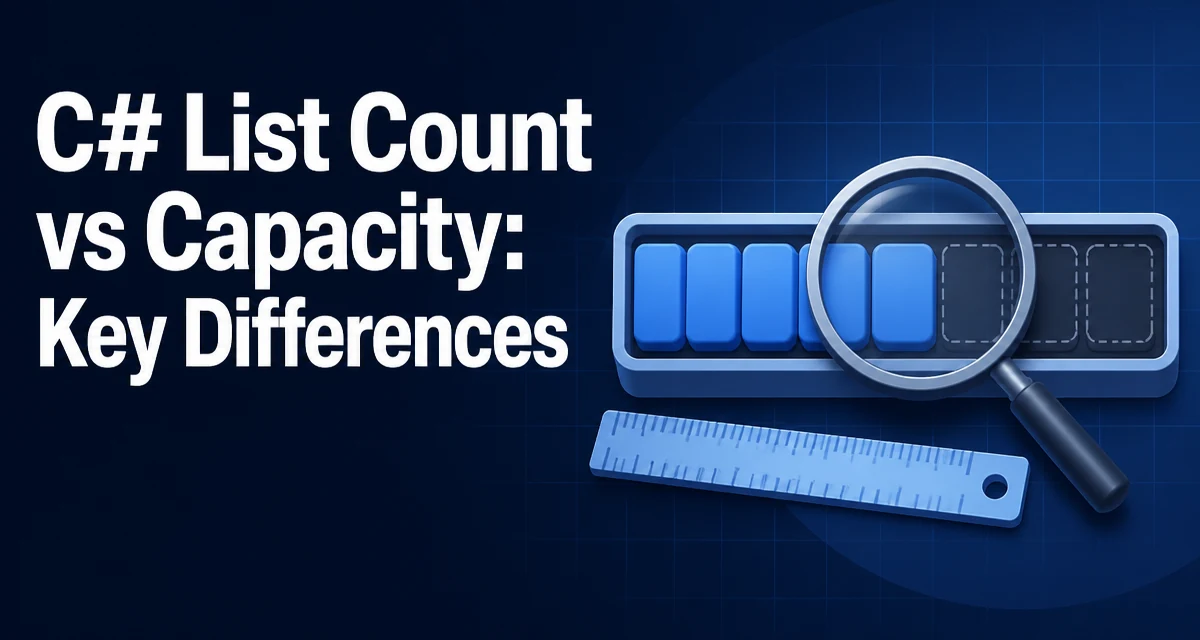
When working with List<T> in C#, two properties often confuse developers: Count and Capacity. The difference between them matters for memory usage and performance, especially when a list grows to a large size. Understanding c# list count vs capacity helps you write more efficient collection handling.
Count and Capacity: Two Different Numbers
Count is the number of elements currently stored in the list. Capacity is the number of elements the list can hold without reallocating its internal storage. The two are independent: a list can have a Capacity of 100 but a Count of 0, or a Count of 50 and a Capacity of 64.
List<int> numbers = new List<int>(10);
Console.WriteLine($"Count: {numbers.Count}, Capacity: {numbers.Capacity}"); // Count: 0, Capacity: 10

numbers.Add(1);
numbers.Add(2);
Console.WriteLine($"Count: {numbers.Count}, Capacity: {numbers.Capacity}"); // Count: 2, Capacity: 10
The Capacity is set to 10 in the constructor, but Count reflects only the two elements added. This distinction is not just academic; it directly affects how the list behaves as it grows.
How List<T> Grows Internally
List<T> stores its elements in an internal array. When you add an element and the current Count equals Capacity, the list allocates a new, larger array and copies all existing elements into it. The default growth strategy doubles the capacity when the limit is reached, so a list starting with capacity 4 will grow to 8, 16, 32, and so on.
List<int> nums = new List<int>();
for (int i = 0; i < 10; i++)
{
    nums.Add(i);
    Console.WriteLine($"Count: {nums.Count}, Capacity: {nums.Capacity}");
}
Each reallocation allocates a new array, copies every element, and leaves the old array for garbage collection. For small lists this overhead is negligible, but for large lists or frequent additions, it can cause measurable CPU and memory pressure.
Why Capacity Affects Performance and Memory
When a list resizes, the cost is O(n) because every element must be copied. If you add one element at a time to a list that starts empty, the total cost of copying across all resizes is still O(n) amortized, but the temporary memory spikes can be significant. The old array is not freed immediately, so during a resize both the old and new arrays exist simultaneously, temporarily doubling the memory footprint.
A capacity that is much larger than the count also wastes memory. For example, a list with Capacity 1,000,000 but Count 10 still holds an array of one million references (or value-type slots). This can be a problem in memory-constrained environments or when many lists are held in memory.
Setting Capacity: Constructor and Property
You can set the initial capacity through the constructor or at any time via the Capacity property. Setting capacity before adding elements avoids resizes if you know the approximate size.
// Constructor
List<string> names = new List<string>(100);

// Property later
names.Capacity = 200;
You can also reduce capacity to match the current count using TrimExcess(). This is useful after a bulk load when you want to release unused memory.
List<int> data = LoadData();
data.TrimExcess();
TrimExcess is a best-effort operation; the runtime may decide not to shrink if the savings are too small. It is not a guarantee, so do not rely on it for precise memory control.
Practical Scenarios for Setting Capacity
Set capacity when you know the number of elements in advance, such as when reading a fixed number of records from a file or database. This avoids multiple resizes and the associated copying.
int recordCount = GetRecordCount();
List<Record> records = new List<Record>(recordCount);
for (int i = 0; i < recordCount; i++)
{
    records.Add(ReadRecord());
}
If you cannot know the exact count but have a reasonable upper bound, set capacity to that bound. The list will not resize as long as you stay under it, and if you exceed it, the growth strategy still works.
Another scenario is when you are building a list that will be read-only after construction. Setting capacity to the final count and then calling TrimExcess (if needed) ensures the list uses only the memory required.
Common Pitfalls and Misconceptions
A frequent mistake is treating Capacity as the number of elements. Capacity is not the length of the list; iterating over a list with Capacity 100 and Count 0 yields no elements. Always use Count when you need the number of items.
Another misconception is that Capacity is always a power of two. The default growth strategy doubles, but if you set a custom capacity, it stays at that value until it is exceeded. The actual internal array size is not exposed, so you cannot assume a specific value.
Some developers assume TrimExcess always shrinks the capacity. It does not; the runtime only shrinks if the difference between capacity and count is significant enough to justify the copy. For a list with 1000 elements and capacity 1001, it may leave the capacity unchanged.
Production Considerations for Large Lists
For very large lists, the memory overhead of the internal array can be substantial. If you are storing value types, the array holds the actual values, so a large capacity directly consumes memory. For reference types, the array holds references, which are 8 bytes each on a 64-bit system.
When you know the list will be huge and you want to avoid the doubling overhead, consider using a List<T> with an initial capacity close to the expected size. If the size is unknown and the list is only used for temporary processing, consider using ArrayPool<T> to rent arrays and avoid long-lived allocations.
Another production concern is memory fragmentation. Frequent resizes can leave gaps in the managed heap, especially in long-running processes. Setting an appropriate initial capacity reduces the number of resizes and helps keep the heap compact.
Choosing the Right Initial Capacity
There is no one-size-fits-all value. The right capacity depends on how the list is populated. If you are adding elements one by one from a stream, you cannot know the final size, so starting with a small capacity and letting it grow is acceptable. If you are loading a known set of data, set capacity to that count.
A good rule of thumb is to set capacity to the expected final count when that count is known within a reasonable margin. Overestimating by a small factor is better than underestimating, because the list will not resize if you stay under the capacity. However, do not set capacity to a huge value just to avoid thinking about it; that wastes memory if the list ends up small.
In performance-critical code, measure the impact of capacity settings. The difference is often negligible for small lists, but for lists with hundreds of thousands of elements, avoiding even one resize can save noticeable time. Use a profiler to see where allocations happen and adjust accordingly.
Ultimately, Count and Capacity serve different purposes. Count is the logical size, Capacity is the allocated size. Using Capacity deliberately gives you control over the tradeoff between memory usage and reallocation cost, which is a key part of writing efficient C# code.