Using C# Memory Slice for Efficient Data Access
c# memory slice: Learn how to use Slice on Memory<T> and ReadOnlyMemory<T> in C# to share data ranges without copying or allocating new arrays.
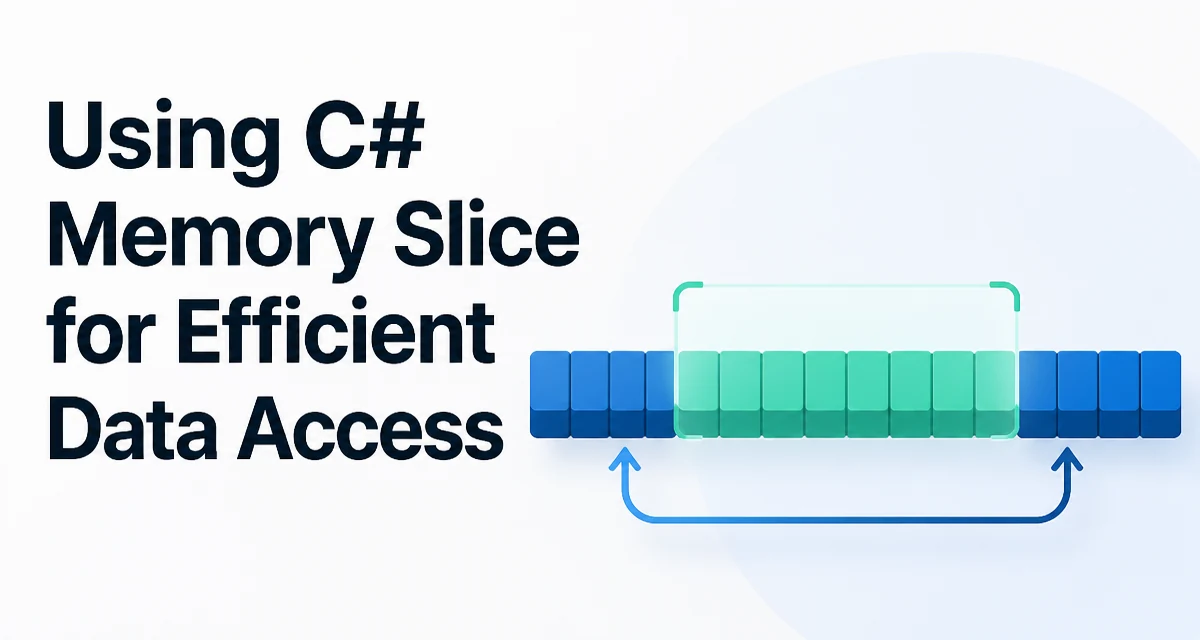
When you call array.Skip(n).Take(m) or use LINQ to extract a range from an array, you pay for a new allocation and a copy. For hot paths, c# memory slice offers a way to reference a portion of an existing buffer without duplicating it. The Memory<T>, ReadOnlyMemory<T>, Span<T>, and ReadOnlySpan<T> types all expose a Slice method that creates a lightweight view over a contiguous region of data. This approach can reduce allocations and improve throughput, especially when processing large buffers in pipelines or parsing payloads.
What Slice Returns
The Slice method on Memory<T> returns a new Memory<T> instance that points to the same underlying memory as the original, but with a different offset and length. The returned instance shares the same backing store, so no data is copied. If the original memory represents an array, the sliced memory still references the same array elements.
byte[] buffer = new byte[100];
Memory<byte> full = buffer.AsMemory();
Memory<byte> slice = full.Slice(10, 20);
Here, slice represents bytes at indices 10 through 29 of buffer. No new array is allocated, and no bytes are copied. This behavior is consistent across ReadOnlyMemory<T>, Span<T>, and ReadOnlySpan<T>.
The key difference between these types is whether they can appear as fields in classes or as local variables. Memory<T> and ReadOnlyMemory<T> are structs that can be stored in heap objects, while Span<T> and ReadOnlySpan<T> are stack-only by design. That distinction affects how and where you can use slicing.
Using Slice on Memory<T> and ReadOnlyMemory<T>
Because Memory<T> can live on the heap, it is ideal for asynchronous methods. Span<T> cannot be used across await boundaries. The following example shows a typical synchronous use of Memory<T>.Slice to process a header and a payload from a single receive buffer.
void ProcessPacket(Memory<byte> packet)
{
    Memory<byte> header = packet.Slice(0, 8);
    Memory<byte> payload = packet.Slice(8);
    // Use header and payload as needed.
}
The second call uses an overload that takes only a start index and extends to the end. You can also slice with Range expressions in .NET Core 3.0 and later, which is a syntax shortcut that compiles to Memory<T>.Slice calls.
Memory<byte> payload = packet[8..];
This is equivalent to packet.Slice(8). The Range syntax can make code more readable, but it does not change the underlying behavior.
Slicing ReadOnlyMemory<T>
ReadOnlyMemory<T> works the same way but disallows modification of the underlying data. This is useful when you want to expose a slice to consumers without giving them write access.
void Inspect(ReadOnlyMemory<char> text)
{
    ReadOnlyMemory<char> firstWord = text.Slice(0, 5);
    Console.WriteLine(firstWord.ToString());
}
Calling ToString() on a ReadOnlyMemory<char> creates a string, which is an allocation. Avoid that in hot paths unless you actually need a string.
Practical Example: Parsing a Custom Binary Format
Suppose you receive a byte buffer that contains a 4-byte length prefix followed by a variable-length payload. Without slicing, you might allocate a new byte array for the payload. With slicing, you can keep the payload as a ReadOnlyMemory<byte> that references the middle of the original buffer, avoiding unnecessary allocation.
bool TryParsePayload(ReadOnlyMemory<byte> frame, out ReadOnlyMemory<byte> payload)
{
    if (frame.Length < 4)
    {
        payload = default;
        return false;
    }

    int length = BitConverter.ToInt32(frame.Span.Slice(0, 4));
    if (frame.Length < 4 + length)
    {
        payload = default;
        return false;
    }

    payload = frame.Slice(4, length);
    return true;
}
Notice that we use frame.Span to access the bytes for reading the length. ReadOnlyMemory<T>.Span returns a ReadOnlySpan<T> which provides a fast, allocation-free view. The payload remains a ReadOnlyMemory<byte> referencing the same underlying storage.
Slicing Span<T> and ReadOnlySpan<T>
Span<T> is a stack-only value type that offers high performance for synchronous operations. Its Slice method behaves similarly to Memory<T>, but the resulting span is still a span and cannot be stored on the heap.
Span<int> numbers = stackalloc int[10];
Span<int> firstThree = numbers.Slice(0, 3);
You cannot use spans as fields in a class or capture them in a lambda. If you need to store the slice or pass it asynchronously, use Memory<T> instead.
Critical Difference: Slice vs. ArraySegment
ArraySegment<T> also provides a range over an array, but it is tied to arrays only. Memory<T> is more general: it can back arrays, native memory, or custom memory owners. If you are designing APIs that accept a limited range, prefer ReadOnlyMemory<T> over ArraySegment<T> for flexibility and consistency with modern .NET APIs.
| Type | Can reference array? | Can reference native memory? | Usable in async? |
|---|---|---|---|
Memory<T> | Yes | Yes | Yes |
Span<T> | Yes | Yes | No |
ArraySegment<T> | Yes | No | Yes |
Use Span<T> when you need maximum performance and the operation is synchronous. Use Memory<T> when you need to pass the slice across await. An ArraySegment<T> is only relevant when you are already working with arrays and want a lightweight range without introducing Memory<T>.
Pitfalls and How to Avoid Them
The most common mistake is assuming that Slice copies data. It does not. If you modify the elements of a sliced Memory<T>, you modify the original buffer. That is often desirable, but it also means you must not hold onto a slice after the underlying memory is returned to a pool.
Another subtle issue is bounds checking. Slice validates that the offset and length are within the original length. Passing out-of-range values throws ArgumentOutOfRangeException. In performance-critical code, you may want to validate your logic once, not rely on exceptions in a loop.
The stack-only restriction of Span<T> trips up developers who try to store a span in a struct that is placed on the heap. The compiler enforces that restriction, but the error message can be confusing if you are not expecting it.
Performance Considerations and Allocation Behavior
Because Slice avoids copying, it can reduce allocations and CPU work. However, the performance benefit is most noticeable when you are processing large buffers repeatedly, such as in networking protocols or file parsers. The exact gain depends on the size of the data and the number of slices you take. No benchmark numbers are provided here because they would depend on your environment.
A more important performance rule is to avoid ToString() on ReadOnlyMemory<char> unless you need the string. Converting a slice to a string allocates a new string. Similarly, avoid calling .ToArray() on a Memory<T> unless you must pass it to an API that requires an array.
When to Use Slice and When Not To
Use Slice when you need to process a subrange of a buffer without copying and you control the lifetime of the original buffer. This is common in:
- protocol parsers
- binary file readers
- log processing
- image or audio manipulation
- streaming data transformations
Avoid Slice if you need a standalone object that remains valid after the original buffer is recycled. For example, if you are making a copy to return from a method, use buffer.ToArray() instead.
Lifetime and Ownership Management
When you have a slice, the original memory owner must stay alive as long as the slice is in use. If you rent a buffer from ArrayPool<T> and then use a slice after returning the rented array, you risk reading or writing memory that may have been reused by another consumer. In asynchronous code, the slice may be invoked after the rent is returned. Be explicit about ownership: if you hand out a slice, make sure the renting code releases the buffer only after all consumers have finished.
Using Memory<T> with a custom memory manager can extend these guarantees, but the default array-backed behavior still requires manual lifetime discipline. The .NET runtime does not track whether a sliced Memory<T> is still referenced when you return the backing array to the pool.
Conclusion (not included)
End with the final H2 below:
Building a Reusable Slice Helper
If you repeatedly validate and slice frames, you can consolidate the logic into a small helper to avoid duplication and reduce the chance of off-by-one errors.
public static class FrameParser
{
    public static bool TryGetPayload(ReadOnlyMemory<byte> frame, out ReadOnlyMemory<byte> payload)
    {
        payload = default;
        if (frame.Length < 4) return false;
        int length = BinaryPrimitives.ReadInt32LittleEndian(frame.Span);
        if (frame.Length < 4 + length) return false;
        payload = frame.Slice(4, length);
        return true;
    }
}
This helper centralizes the length-prefix logic. Callers receive a ReadOnlyMemory<byte> that references the original frame without copying. The helper works synchronously and can be called from both sync and async code as long as the frame remains valid during the call.
When you adopt this pattern across a codebase, keep the lifetime rules in mind: the frame passed to the helper must stay alive until the returned payload is no longer needed. If the frame comes from a pooled array, the code that rents the array is responsible for returning it only after all consumers have completed their work. This is the same contract you would have with any reference to the original buffer, but slicing makes it easy to forget that the slice is not independent.