C# Partial Class Use Cases
c# partial class use cases: Explore practical C# partial class use cases—splitting large types, separating designer code, and improving team workflows without sacrific...
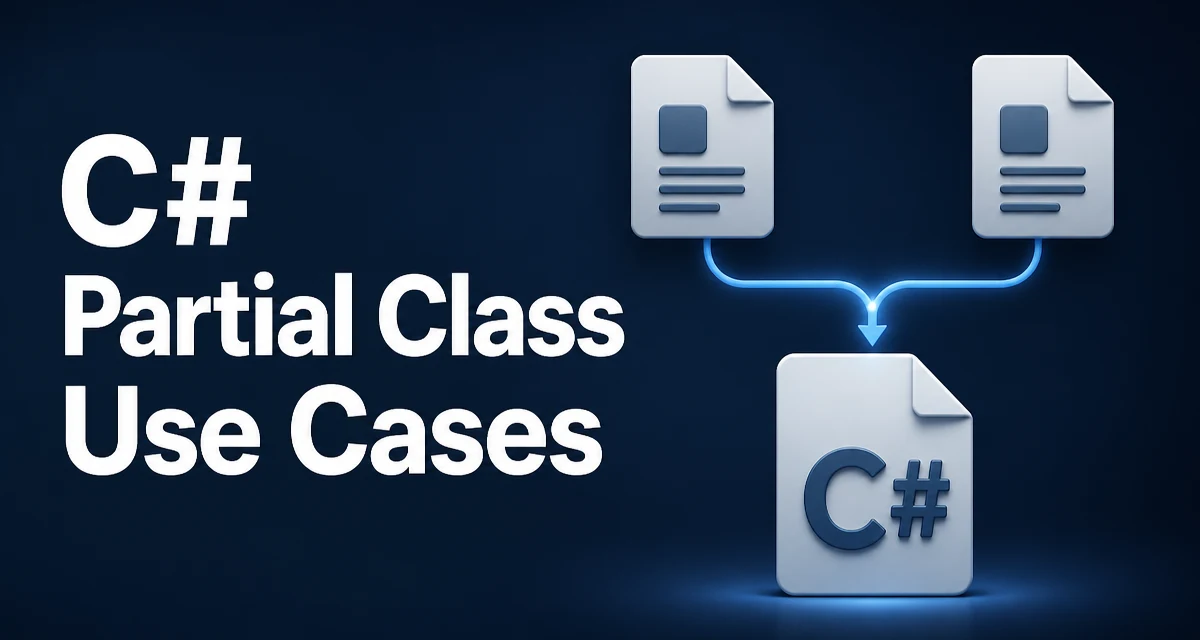
The partial keyword in C# allows a class, struct, or interface to be defined across multiple source files. When the compiler processes the project, it merges all parts into a single type. This is not a runtime feature—the resulting IL is the same as if the type were written in one file. The real value is organizational, which is why C# partial class use cases revolve around code structure, code generation, and team collaboration.
How Partial Type Definitions Work
The syntax is straightforward. Each file that contributes to the type must use the partial modifier, and all parts must be in the same assembly and have the same accessibility.
// File: Order.cs
public partial class Order
{
    public int OrderId { get; set; }
    public DateTime CreatedAt { get; set; }
}

// File: Order.Validation.cs
public partial class Order
{
    public bool IsValid()
    {
        return OrderId > 0 && CreatedAt != default;
    }
}
After compilation, Order is one type with both the properties and the IsValid method. The compiler enforces that all parts are consistent—for example, you cannot have conflicting base classes or contradictory modifiers. Partial types do not affect performance or memory; the runtime sees a single, complete type.
Splitting Large Types for Readability
When a class grows beyond a few hundred lines, reading and navigating it becomes difficult. A partial class lets you split it by responsibility. For instance, an Order class might have data properties, business validation, and persistence-related methods. You could place the properties in Order.cs, validation in Order.Validation.cs, and persistence logic in Order.Persistence.cs. This keeps each file focused and shorter, making it easier to review changes and locate code.
A practical benefit is that each developer can work on a different aspect of the same class without constantly merging changes in the same file. However, splitting is not a substitute for proper class design—if a class is too large, consider whether it should be multiple classes instead. Partial classes are best for types that genuinely need to be large, not for bloated designs.
Separating Designer-Generated Code
One of the most common C# partial class use cases is separating designer-generated code from handwritten code. Windows Forms and WPF designers generate code that must not be hand-edited, because regenerating it would overwrite changes. The designer places its generated partial class in a file like Form1.Designer.cs, while your custom logic goes into Form1.cs. Both files contribute to the same Form1 class, so the designer can regenerate its part without touching yours.
The same pattern applies to some ORMs and serialization frameworks that generate partial classes for data models. Keeping generated code in its own file makes it clear that it should not be modified directly, protecting hand-written additions from being wiped out on regeneration.
Working with Code Generators
Modern C# development uses source generators more frequently. Source generators analyze your code and produce additional source files at compile time. If the generator produces partial classes, you can write the developer-facing API in a handwritten partial and let the generator supply the implementation details in another partial. This is especially useful for pattern-heavy code, such as equality members, INotifyPropertyChanged implementations, or mapping methods.
A generated partial can add members that you refer to from handwritten code. Here is a simplified example:
// Handwritten partial
public partial class Customer
{
    public string FullName => $"{FirstName} {LastName}";
}

// Generated partial (illustrative output from a source generator)
public partial class Customer
{
    public string FirstName { get; set; }
    public string LastName { get; set; }
}
The handwritten part uses properties that the generated part defines. This keeps the generated code isolated and lets the handwritten code focus on logic.
Partial Methods for Customization Hooks
Partial classes pair naturally with partial methods. A partial method is declared in one part and optionally implemented in another. If no implementation exists, the compiler removes the call site entirely during compilation—there is no runtime overhead. This is ideal for providing hooks that generated code can call without requiring you to write an implementation.
// Generated file: partial class with a hook
public partial class Invoice
{
    public void FinalizeInvoice()
    {
        OnBeforeFinalize();
        // core logic
    }

    partial void OnBeforeFinalize();
}

// Handwritten file: optional implementation
public partial class Invoice
{
    partial void OnBeforeFinalize()
    {
        // custom pre-processing
    }
}
If you do not implement OnBeforeFinalize, the compiler removes the call, avoiding an empty virtual method invocation. Note that partial methods must return void unless you use C# 9's extended partial method syntax, which allows non-void returns and accessibility modifiers. In C# 9 and later, you can have private partial void or internal partial bool methods, but the extension also imposes some restrictions, so check the language version your project uses.
Team Collaboration and Merge Conflicts
When multiple developers modify the same file, merge conflicts arise. Partial classes reduce the chance of conflicts by allowing developers to edit separate files that belong to the same type. This is common in large codebases where a service class is split into interface implementations, public methods, and private helpers. For example, a ReportGenerator class might be split into ReportGenerator.Core.cs, ReportGenerator.Pdf.cs, and ReportGenerator.Excel.cs. Each developer can own one output format without stepping on each other's changes.
However, partial classes are not a magic solution for merger problems. If two developers modify the same semantic behavior, such as adding a property with the same name, conflicts still occur. Use partials to separate concerns that are genuinely independent, and rely on source control discipline for shared parts.
Maintainability and Operational Considerations
Splitting a class across files can improve navigation, but it also spreads state logic across multiple locations. If a developer changes a field's type in one file, they must check other files that reference it. This is manageable when the sections are cohesive, but it adds a layer of indirection. For small classes, a single file is simpler. The decision to use partial classes should be based on size, generator requirements, or team workflow, not on applying the feature to every type.
In production, partial classes do not affect runtime behavior: there are no metadata markers, no extra allocations, and no performance difference compared to a monolithic class. The only operational concern is code discovery—a type's full definition is no longer in one place. Use file names that indicate the partial's purpose, such as Order.Handlers.cs, and keep an overview of where each member lives. Some teams add a comment at the top of each partial file listing related files, but do not rely on comments alone; modern IDEs navigate across partials automatically.
Common Mistakes and Limitations
A few mistakes appear frequently with partial classes. First, forgetting the partial modifier on one file results in a compilation error, because the compiler sees two types with the same name. Second, using different accessibility on different parts causes an error—all parts must have the same accessibility. Third, base class specifications are allowed on only one part; the others cannot specify a base class. Also, attributes on the type are merged, so you can apply attributes on multiple parts, but be careful when the attribute itself has AllowMultiple = false.
Another limitation is that partial classes are purely a compile-time feature—they cannot be used to split a class across assemblies. If you need to extend a class from another assembly, you need inheritance or extension methods, not partial classes.
Choosing Between Partial and Regular Classes
The decision to use a partial class should be deliberate. Consider partial when a type is large and naturally divides into distinct sections, when a code generator writes or modifies part of the type, or when team collaboration benefits from separating independent parts of the same type. Avoid partial when you are merely trying to hide complexity—constant navigation across files can harm readability. A regular class in a single file is often the right choice for small or medium-sized types that do not require generator integration.
A useful comparison:
| Scenario | Partial Class? | Why |
|---|---|---|
| Large service class with multiple concerns | Yes | Splits code into focused files |
| Designer-generated UI code | Yes | Prevents overwriting handwritten code |
| Source generator supplies boilerplate | Yes | Handwritten part coexists with generated part |
| A few properties and methods | No | Single file is easier to navigate |
| Need to extend a class across assemblies | No | Partial does not work across assemblies |
Advanced Example: Combined Use with Code Generation
Let's examine a realistic advanced scenario. Imagine you maintain a plugin system where each plugin must expose metadata, runtime behavior, and validation. You can split the plugin class to separate the generated metadata from the handwritten behavior. Suppose a source generator reads a set of attributes and produces partial classes for the metadata properties.
// Handwritten plugin partial
public partial class EmailPlugin : IPlugin
{
    public void Execute(PluginContext context)
    {
        if (!Validate(context)) throw new ArgumentException("Invalid input");
        // send email
    }
}

// Generated partial (produced by a source generator)
public partial class EmailPlugin : IPlugin
{
    public string Name => "EmailPlugin";
    public string Version => "1.0.0";

    private bool Validate(PluginContext context)
    {
        // generated validation logic
        return true;
    }
}
The handwritten part implements the plugin's execution logic, while the generated part supplies metadata and validation internals. The generator can regenerate its file without touching the handwritten logic. This pattern keeps the plugin interface stable and the handwritten code clean.
In this setup, be aware of name collisions: if the generator creates a private method that you also happen to define, the class cannot have two identical signatures. Keeping generated code in a separate file does not prevent naming conflicts. Therefore, when using source generators, it is important to understand what members the generator emits, either by reading its source or by inspecting the generated output in your build. This concern is specific to generated partials and does not apply to hand-split partials.
In summary, partial classes are a compile-time organizational tool. They do not change runtime semantics. The C# partial class use cases that matter most are separating generated code, splitting large types, and enabling cleaner team collaboration. Applying them judiciously—where they genuinely reduce friction—can keep a codebase maintainable; applying them everywhere adds unnecessary navigation overhead. When you next need to decide, consider the source of the code generation and the physical organization your team needs, then use partial classes only where they provide a clear benefit.