C# Queue.TryDequeue: Safe Dequeue Without Exceptions
c# queue trydequeue: Learn how to use Queue<T>.TryDequeue in C# to dequeue items safely without exceptions, handle empty queues, and apply it in concurrent scenarios.
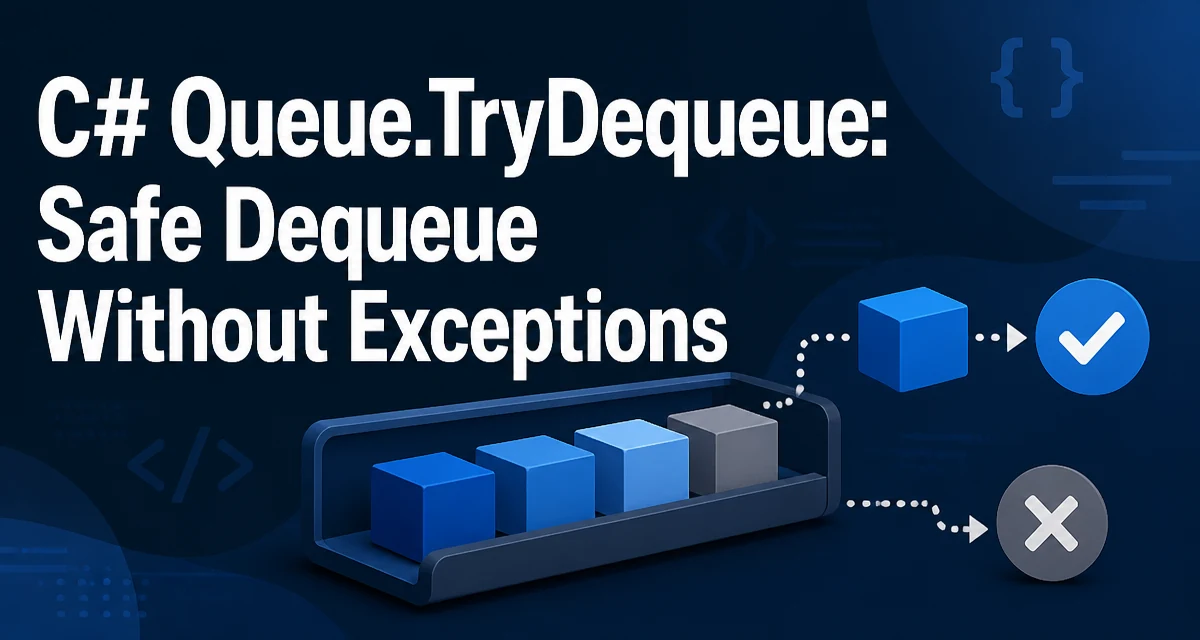
c# queue trydequeue requires a clear understanding of the core syntax, runtime behavior, and practical implementation patterns demonstrated in the examples below.
In C#, Queue<T>.TryDequeue is the method that lets you remove an item from a queue without throwing an exception when the queue is empty. It returns a bool indicating whether an item was actually dequeued, and it writes the dequeued value to an out parameter. This makes it the natural choice for loops that process queue items until the queue is drained, especially when the queue might be empty at the start.
Understanding Queue<T>.TryDequeue
The Queue<T> class in System.Collections.Generic provides two ways to remove an item from the front of the queue: Dequeue() and TryDequeue(out T result). The Dequeue() method throws an InvalidOperationException if the queue is empty. TryDequeue avoids that exception by returning false when there is nothing to dequeue, and it leaves the out parameter set to the default value of T in that case.
The signature looks like this:
public bool TryDequeue(out T result)
When the queue has at least one element, TryDequeue removes the front element, assigns it to result, and returns true. When the queue is empty, it returns false and sets result to default(T) (which is null for reference types and the zero value for value types). This behavior is consistent across all .NET runtimes that support the method.
Minimal Example: Draining a Queue Safely
A common use case is processing all items in a queue without knowing in advance whether the queue contains any. A loop that calls TryDequeue until it returns false handles both empty and non-empty queues without extra checks.
var queue = new Queue<string>();
queue.Enqueue("first");
queue.Enqueue("second");

while (queue.TryDequeue(out string item))
{
    Console.WriteLine(item);
}
This loop prints first and second. If the queue had been empty, the loop would not execute at all, and no exception would be thrown. The out variable is declared inline, which is a concise way to capture the dequeued value.
What Happens When the Queue Is Empty
When you call TryDequeue on an empty queue, it returns false and does not modify the queue. The out parameter receives the default value for the type. This is a deliberate design choice: it avoids the cost of exception handling and makes the control flow explicit.
Consider this code:
var queue = new Queue<int>();
bool success = queue.TryDequeue(out int value);
Console.WriteLine($"Success: {success}, Value: {value}");
The output is Success: False, Value: 0. For reference types, value would be null. This behavior is useful when you want to treat an empty queue as a normal condition rather than an error.
TryDequeue with ConcurrentQueue<T>
The ConcurrentQueue<T> class in System.Collections.Concurrent also provides a TryDequeue method with the same signature and semantics. This is the thread-safe counterpart to Queue<T>. In a multithreaded environment, using ConcurrentQueue<T>.TryDequeue is the recommended way to consume items because it is atomic and does not require external locking.
var concurrentQueue = new ConcurrentQueue<int>();
concurrentQueue.Enqueue(42);

if (concurrentQueue.TryDequeue(out int result))
{
    Console.WriteLine(result);
}
The method returns true exactly once for each item that was successfully dequeued, even when multiple threads call it simultaneously. This makes it a reliable building block for producer-consumer patterns.
Common Mistakes and Edge Cases
One common mistake is ignoring the return value of TryDequeue. If you call TryDequeue and then use the out parameter without checking the Boolean, you may read a default value when the queue is empty. Always check the return value before using the dequeued item.
Another edge case involves value types. For a Queue<int>, an empty queue results in result being 0, which is indistinguishable from a real dequeued value of 0 if you do not check the return value. The same applies to bool where false is the default. The return value is the only reliable indicator of success.
When working with ConcurrentQueue<T>, do not use the Count property to decide whether to call TryDequeue. The count can change between the check and the dequeue operation because other threads are modifying the queue. Always rely on the return value of TryDequeue to determine if an item was obtained.
Performance Characteristics of TryDequeue
TryDequeue is designed to be as efficient as Dequeue when the queue is non-empty. The only additional cost is the out parameter, which is typically optimized by the JIT compiler. The main performance benefit appears in the empty case: avoiding an exception means no stack trace construction and no exception handling overhead. In a tight loop that repeatedly attempts to dequeue from a queue that is often empty, TryDequeue can be significantly faster than catching an exception from Dequeue.
For ConcurrentQueue<T>, TryDequeue uses a lock-free algorithm in most .NET implementations. The exact behavior depends on the runtime and platform, but the method is designed for high-throughput scenarios where multiple threads consume items concurrently.
Choosing Between TryDequeue, Dequeue, and Count Checks
You might be tempted to check Count before calling Dequeue to avoid the exception. That pattern is not thread-safe when multiple threads access the queue, and it adds an extra operation even in the single-threaded case. TryDequeue combines the check and the removal into one atomic operation, which is both safer and more concise.
| Approach | Empty queue behavior | Thread-safe | Extra cost |
|---|---|---|---|
Dequeue() | Throws InvalidOperationException | No | Exception handling if empty |
Count + Dequeue() | No exception, but race condition possible | No | Count check plus separate dequeue |
TryDequeue() | Returns false | Yes (with ConcurrentQueue) | Minimal |
Use TryDequeue when you expect the queue to be empty at times and want to handle that condition gracefully. Use Dequeue only when you are certain the queue is non-empty and an exception indicates a programming error.
Producer-Consumer Pattern with TryDequeue
A typical producer-consumer scenario uses a ConcurrentQueue<T> and a set of worker threads that call TryDequeue in a loop. The loop continues until a cancellation flag is set, and TryDequeue returns false when the queue is temporarily empty. This avoids busy-waiting by allowing the worker to sleep briefly before retrying.
var queue = new ConcurrentQueue<int>();
var cts = new CancellationTokenSource();

// Producer
Task.Run(() =>
{
    for (int i = 0; i < 100; i++)
    {
        queue.Enqueue(i);
        Thread.Sleep(10);
    }
    cts.Cancel();
});

// Consumer
while (!cts.IsCancellationRequested)
{
    if (queue.TryDequeue(out int item))
    {
        Process(item);
    }
    else
    {
        Thread.Sleep(5); // avoid tight loop
    }
}
This pattern is simple and robust. The consumer does not need to know the exact number of items or coordinate with the producer. The TryDequeue return value is the sole source of truth for whether an item was available.
Compatibility Notes and Version Availability
Queue<T>.TryDequeue was introduced in .NET Core 2.0 and is available in all later versions, including .NET 5, .NET 6, and .NET 8. It is also part of .NET Standard 2.1. If you are targeting .NET Framework (4.8 or earlier) or .NET Standard 2.0, this method is not available. In those environments, you can implement an equivalent pattern by checking Count and then calling Dequeue, but you must handle the race condition if the queue is shared across threads. For single-threaded code, a simple if (queue.Count > 0) { var item = queue.Dequeue(); } works, but it is less elegant than TryDequeue.
For ConcurrentQueue<T>, TryDequeue has been available since .NET Framework 4.0, so it is a safe choice for older codebases that use the concurrent collection. When migrating to modern .NET, you can use the same method on both Queue<T> and ConcurrentQueue<T> without changing the call site, which simplifies code that needs to switch between single-threaded and multithreaded contexts.