C# Queue Usage: FIFO Data Structure with Examples
c# queue usage: Learn how to use Queue<T> in C# for FIFO processing, including enqueue, dequeue, peek, thread safety, and producer-consumer patterns.
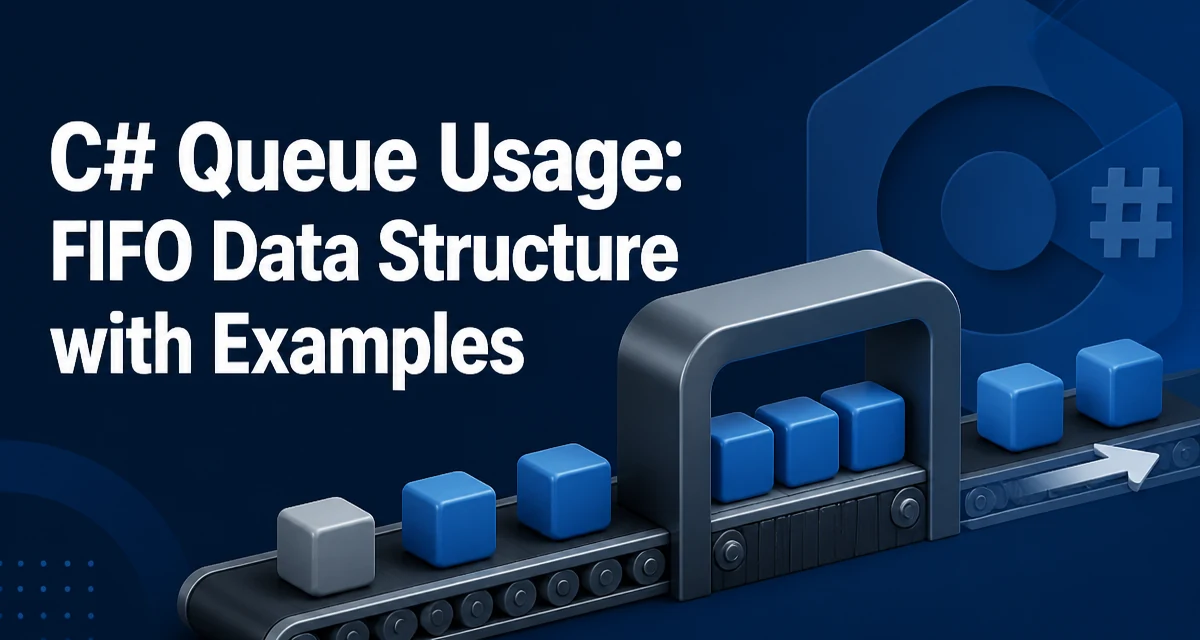
When you need to process items in the exact order they arrive, the Queue<T> class in C# provides a straightforward FIFO collection. This article covers practical c# queue usage, from basic operations to thread-safe alternatives and common patterns like producer-consumer.
Core Queue<T> Operations
The Queue<T> class stores elements in a first-in, first-out order. The primary methods are Enqueue, Dequeue, and Peek. Enqueue adds an item to the tail, Dequeue removes and returns the head, and Peek returns the head without removing it. Count gives the current number of elements.
var queue = new Queue<string>();
queue.Enqueue("first");
queue.Enqueue("second");
queue.Enqueue("third");

string head = queue.Peek(); // "first"
string removed = queue.Dequeue(); // "first"
Console.WriteLine(queue.Count); // 2
The internal array grows as needed, similar to List<T>. When the queue is full, it reallocates a larger array and copies existing elements. This means Enqueue can occasionally be O(n) when resizing, while Dequeue is O(1) because it only advances an index.
Handling Empty Queues
Calling Dequeue or Peek on an empty queue throws an InvalidOperationException. To avoid this, check Count before calling, or use the TryDequeue and TryPeek methods introduced in .NET Core 2.0 and .NET Standard 2.1.
if (queue.TryDequeue(out string item))
{
    Console.WriteLine($"Dequeued: {item}");
}
else
{
    Console.WriteLine("Queue was empty");
}
TryDequeue returns false without throwing when the queue is empty. This pattern is cleaner than catching exceptions and is preferred in production code.
Queue<T> vs List<T> vs Stack<T>
The choice depends on the order you need. A Queue<T> gives FIFO, a Stack<T> gives LIFO, and a List<T> gives indexed access. The table below summarizes the key differences:
| Collection | Ordering | Add/Remove | Access |
|---|---|---|---|
| Queue<T> | FIFO | Enqueue/Dequeue | Peek at head |
| Stack<T> | LIFO | Push/Pop | Peek at top |
| List<T> | Indexed | Add/RemoveAt | Random by index |
Use a Queue<T> when processing items in arrival order, such as tasks in a scheduler or messages in a buffer. Use a Stack<T> for backtracking or undo operations. Use a List<T> when you need to access elements by position frequently.
Thread Safety and ConcurrentQueue<T>
Queue<T> is not thread-safe. If multiple threads call Enqueue or Dequeue without synchronization, the internal state can corrupt. The simplest fix is to lock around all operations, but this adds contention. The .NET framework provides ConcurrentQueue<T> in the System.Collections.Concurrent namespace, designed for concurrent access.
var concurrentQueue = new ConcurrentQueue<int>();
concurrentQueue.Enqueue(1);
concurrentQueue.Enqueue(2);

if (concurrentQueue.TryDequeue(out int result))
{
    Console.WriteLine(result);
}
ConcurrentQueue<T> uses lock-free techniques internally and is safe for multiple producers and consumers. It also provides TryDequeue and TryPeek without exceptions. For most multi-threaded scenarios, prefer ConcurrentQueue<T> over manually locking a regular Queue<T>.
Producer-Consumer Pattern
A common use case for a queue is the producer-consumer pattern, where one or more threads produce items and others consume them. With ConcurrentQueue<T>, you can implement this without explicit locks.
var queue = new ConcurrentQueue<int>();
var producer = Task.Run(() =>
{
    for (int i = 0; i < 10; i++)
    {
        queue.Enqueue(i);
        Thread.Sleep(50);
    }
});

var consumer = Task.Run(() =>
{
    while (queue.TryDequeue(out int item))
    {
        Console.WriteLine($"Processed {item}");
        Thread.Sleep(100);
    }
});

Task.WaitAll(producer, consumer);
This example shows a simple producer and consumer. In a real application, you would need a way to signal when production is complete, such as a cancellation token or a sentinel value. The key point is that ConcurrentQueue<T> handles the synchronization internally.
Performance and Memory Considerations
Queue<T> stores elements contiguously in an array. When the capacity is reached, it allocates a new array and copies all elements. This can cause memory spikes if the queue grows rapidly. If you know the maximum size in advance, you can pass an initial capacity to the constructor to reduce resizing.
var queue = new Queue<int>(1000);
ConcurrentQueue<T> has higher per-operation overhead than Queue<T> because of its thread-safety mechanisms. Use Queue<T> when you have a single thread, and ConcurrentQueue<T> only when multiple threads access the queue concurrently. For producer-consumer scenarios, ConcurrentQueue<T> is usually the right choice, but for a simple in-memory buffer in a single-threaded context, Queue<T> is faster and uses less memory.
Choosing Between Queue and Other Collections
The decision to use a Queue<T> should be based on the ordering requirement. If you need FIFO, Queue<T> is the natural fit. If you need priority ordering, consider PriorityQueue<TElement,TPriority> available in .NET 6 and later. If you need to remove arbitrary items, a List<T> or a LinkedList<T> might be more appropriate. Always consider whether the collection will be accessed from multiple threads; if so, ConcurrentQueue<T> is safer.