C# String Concatenation: Choosing the Right Approach
c# string concatenation: Learn how C# string concatenation works under the hood, compare +, String.Concat, interpolation, and StringBuilder, and choose the right appro...
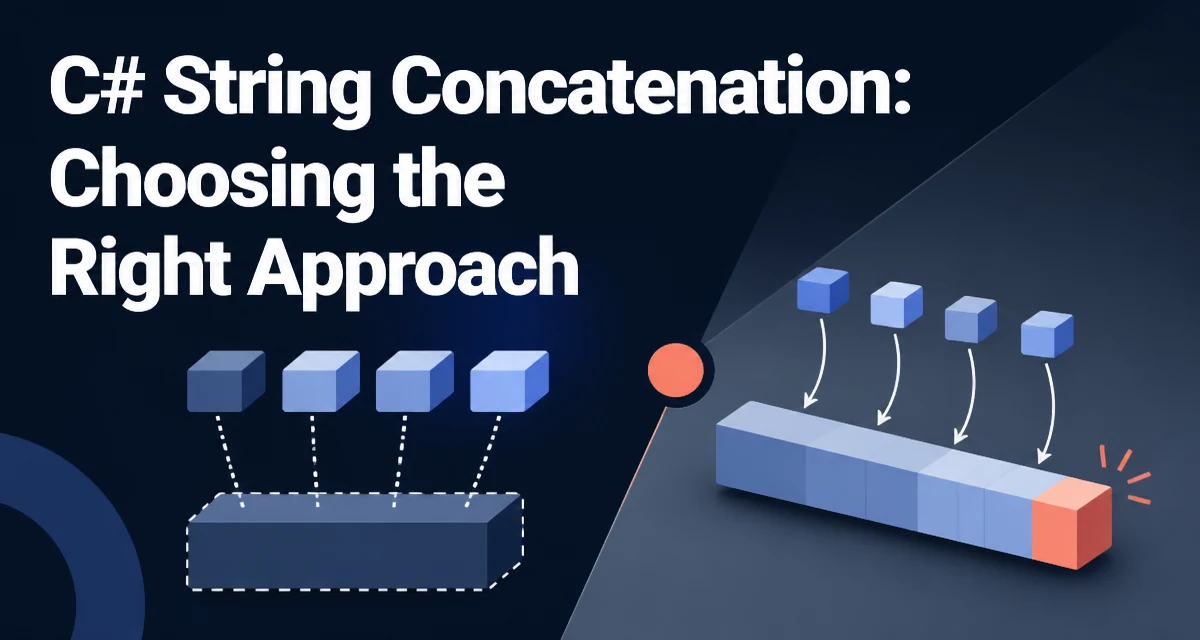
C# string concatenation is a deceptively simple operation that hides significant runtime behavior. Because strings are immutable, every concatenation creates a new string instance, and the approach you choose determines how many intermediate allocations your code produces. This article compares the main concatenation APIs in C#, explains what happens at runtime, and gives concrete guidance for choosing between them.
Why String Immutability Shapes Concatenation
Every string in .NET is an immutable sequence of characters. Once created, its contents cannot be modified. When you concatenate two strings, the runtime allocates a new string large enough to hold the combined content, copies both source strings into it, and discards the originals if they are no longer referenced. This is not an implementation detail you can ignore: it directly determines the cost of every concatenation operation.
The practical consequence is that the number of allocations, not the number of characters copied, is what separates an efficient concatenation strategy from a wasteful one. Copying a few thousand characters is cheap; allocating and later garbage-collecting hundreds of intermediate strings is what accumulates cost.
The + Operator and Compound Assignment
The + operator is the most direct way to concatenate strings in C#. When both operands are strings, the compiler translates the expression into a call to String.Concat. For example:
string firstName = "Ada";
string lastName = "Lovelace";
string fullName = firstName + " " + lastName;
The compiler lowers this to a single String.Concat(string, string, string) call, which allocates one new string. When you chain several + operators in one expression, the compiler typically combines them into a single Concat call with all the arguments, so a statement like a + b + c + d produces one allocation rather than three.
Compound assignment behaves differently. The statement s += value is equivalent to s = s + value, so it allocates a new string on every execution. In a loop that runs many iterations, this creates a new string each time and discards the previous one, which is where the cost becomes visible.
String Interpolation and Composite Formatting
String interpolation, introduced in C# 6, is the most readable way to build strings that mix literal text with values:
string message = $"User {user.Name} logged in at {DateTime.Now:HH:mm}";
Interpolated strings are lowered by the compiler. If the string contains no format items, it becomes a constant. Otherwise, the compiler generates a DefaultInterpolatedStringHandler in modern .NET versions, which writes the formatted values into a single buffer and avoids the intermediate string allocations that older implementations produced. In .NET 6 and later, interpolated string handlers also allow custom handlers to write directly to a destination such as a StringBuilder or a logging sink.
Interpolation is not always the best choice. When you need a format string that is reused with different arguments, such as a localized message template, composite formatting with string.Format keeps the template separate from the values and avoids rebuilding the format string on every call.
String.Concat and String.Join for Collections
When you need to combine a known set of values, String.Concat and String.Join are explicit and efficient. String.Concat has overloads that accept arrays and enumerables:
string[] parts = { "alpha", "beta", "gamma" };
string combined = string.Concat(parts);
String.Join is the right choice when you need a separator between elements:
string csv = string.Join(",", values);
Both methods allocate exactly one new string for the result, plus the internal buffer needed to build it. Join also has an overload that accepts a ReadOnlySpan<char> for the separator, which avoids a string allocation for the separator itself. These methods are the best choice when the values already exist in a collection and you want a single, predictable allocation.
StringBuilder for Repeated Concatenation
StringBuilder exists for one specific scenario: building a string incrementally over many operations where the number of concatenations is unknown or large. Instead of allocating a new string for each append, StringBuilder maintains an internal character buffer and grows it as needed:
var builder = new StringBuilder();
foreach (var item in items)
{
    builder.Append(item.Name);
    builder.Append(", ");
}
string result = builder.ToString();
Each Append writes into the existing buffer and only allocates when the buffer must grow. The final ToString call allocates the result string. This makes StringBuilder the appropriate tool when concatenation happens inside a loop, especially when the number of iterations is data-dependent.
StringBuilder is not a universal replacement for the other APIs. For a fixed number of concatenations, it adds overhead without benefit. The StringBuilder constructor also has a capacity parameter that lets you pre-size the buffer when you know the approximate final length, which avoids reallocations during growth.
Performance and Allocation Behavior
String concatenation performance is dominated by allocations, not by the copy operation itself. Copying characters is cheap; allocating and later garbage-collecting intermediate strings is what accumulates cost. The .NET runtime uses zero-length string caching and string interning in some cases, but those do not change the fundamental rule: every concatenation that produces a new value allocates a new string.
Modern .NET versions have improved the common paths. The compiler's interpolated string handler writes directly into a single buffer, and String.Concat has a span-based overload that can build the result without intermediate allocations. But the general guidance remains the same: use + or interpolation for a small, fixed number of concatenations; use String.Concat or String.Join when combining values from a collection; use StringBuilder when building a string incrementally in a loop with an unknown number of iterations.
One subtle behavior worth noting is that the compiler does not always optimize chained + expressions into a single call. If the concatenation is split across statements, each statement allocates its own intermediate string. Keeping the concatenation in a single expression, or using String.Concat explicitly, avoids that intermediate allocation.
Choosing the Right Approach by Scenario
The decision between these APIs is not about micro-optimization; it is about matching the tool to the allocation pattern. A few concrete scenarios make the tradeoff clear.
Logging is a common case where the wrong choice is expensive. If you build a log message with string interpolation and the log level is disabled, the string is still constructed and allocated. Logging frameworks such as Microsoft.Extensions.Logging accept a message template and format it only when the message is actually written, which avoids the allocation entirely. This is why the logging API takes a format string and arguments rather than a pre-formatted message.
Building a comma-separated list from a collection is a case where StringBuilder is often overused. If the collection already exists, String.Join produces the same result with a single allocation and less code. StringBuilder only wins when you are appending incrementally and the final length is not known in advance.
Query string construction in a web application is another example. Concatenating a few fixed parameters with + or interpolation is clear and fast. Building a URL from many dynamic parameters is better served by joining the key-value pairs or using a dedicated builder, because those approaches handle encoding and separators correctly rather than relying on manual concatenation.
These scenarios show that the right choice depends on the number of operations, whether the values are already in a collection, and whether the result is needed conditionally. The allocation pattern, not the syntax, should drive the decision.