C# String to Char Array: Using ToCharArray
c# string to char array: Convert a C# string to a char array with ToCharArray, handle edge cases, and understand when an array is the right choice.
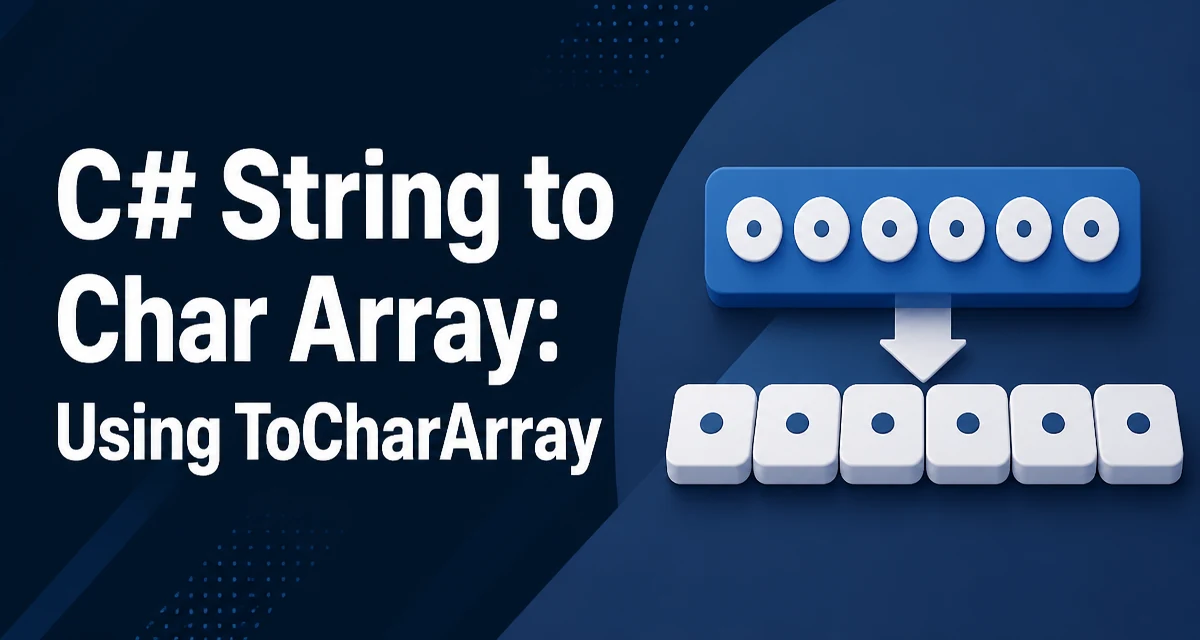
c# string to char array requires a clear understanding of the core syntax, runtime behavior, and practical implementation patterns demonstrated in the examples below.
Converting a C# string to a char array is a routine task when you need to inspect or modify individual characters. The primary API for this is the ToCharArray method on the string type. This article covers the syntax, the behavior of the returned array, edge cases, and the situations where a char array is actually the right choice.
The ToCharArray Method
The string type in C# exposes ToCharArray as the direct way to convert a string into a mutable array of characters. The simplest call takes no arguments and copies every character in the string into a new char array.
string message = "hello";
char[] chars = message.ToCharArray();
The returned array has the same length as the string, and each element holds one UTF-16 code unit from the original text. Because strings are immutable but arrays are not, the resulting array can be modified freely without affecting the original string. This is the core reason the conversion exists: it gives you a writable view of the character data.
The Two Overloads of ToCharArray
ToCharArray has a second overload that copies only a range of the string. You supply a starting index and a length, and the method returns an array containing exactly that segment.
string text = "abcdef";
char[] middle = text.ToCharArray(1, 4); // b, c, d, e
The start index is zero-based, and the length counts characters from that position. If the start index is negative, or if start index plus length exceeds the string length, the method throws ArgumentOutOfRangeException. This overload is useful when you need a small slice of a large string and want to avoid copying the whole thing into an intermediate array.
Converting a Char Array Back to a String
The reverse operation uses the string constructor that accepts a char array. The constructor copies the array contents into the new string, so later modifications to the array do not change the string.
char[] chars = { 'h', 'e', 'l', 'l', 'o' };
string result = new string(chars);
There is also an overload that accepts a char array, a start index, and a length, which is useful when only part of the array should become the string. This round trip is common in code that normalizes or edits text character by character.
When a Char Array Is the Right Choice
Strings in C# are immutable by design. Every operation that appears to modify a string actually allocates a new string. When you need to change individual characters, a char array gives you a mutable buffer to work with. Typical cases include capitalizing the first letter of a word, reversing characters in place, or building a result by replacing specific positions.
If you only need to read characters, a char array is unnecessary. The string indexer already gives you read access to individual characters, and foreach works directly on strings. Reaching for ToCharArray when you never modify the result adds an allocation and a copy for no benefit.
Modifying Characters in the Array
Once you have the array, you can write to any index. After the edits are complete, convert the array back to a string.
char[] chars = "hello".ToCharArray();
chars[0] = 'H';
string capitalized = new string(chars);
This pattern is straightforward and avoids the repeated allocations that come from string concatenation inside a loop. The array is the working buffer, and the final string is created only once at the end.
Performance and Memory Considerations
ToCharArray always allocates a new array and copies every character in the requested range. For a string of length n, that is O(n) time and O(n) memory. If the conversion happens inside a loop that runs many times, the allocations add up and put pressure on the garbage collector. In such cases, consider whether you can operate on the string directly or reuse a preallocated buffer.
For read-only access, the string indexer is cheaper because it does not copy anything. For character-by-character processing, a foreach loop over the string avoids the array allocation entirely. Reserve ToCharArray for the situations where you genuinely need a mutable character buffer.
Unicode Surrogate Pairs and Edge Cases
A char in .NET is a UTF-16 code unit, not necessarily a complete Unicode character. Characters outside the Basic Multilingual Plane, such as many emoji, are represented as two char values that form a surrogate pair. ToCharArray does not combine these; it simply copies the code units in order. If you split a string that contains such characters, the array will contain the two halves separately, and converting the array back to a string will still work because the pair is preserved in order. But if you modify or remove one half of a surrogate pair, you produce invalid text.
An empty string converts to an empty array, not null. That is usually the desired behavior, but it is worth remembering when you write code that checks the array length before indexing.