C# StringBuilder Insert and Remove
c# stringbuilder insert remove: Learn how to use StringBuilder.Insert and Remove to modify strings efficiently in C#. Includes syntax, examples, and performance insights.
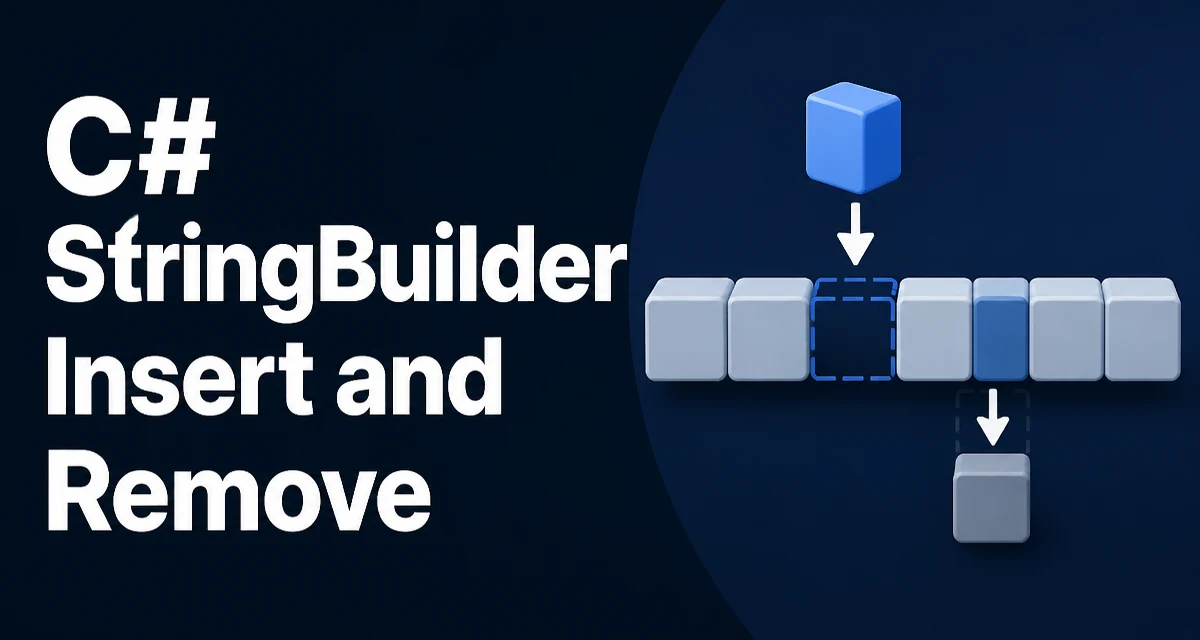
When you need to insert or remove characters in the middle of a string in C#, StringBuilder offers methods that avoid creating a new string each time. Unlike string, which is immutable, StringBuilder maintains a mutable buffer, so its Insert and Remove methods modify the existing instance. This article focuses on the practical use of c# stringbuilder insert remove for developers who need to edit strings in place without sacrificing clarity or performance.
Understanding the Insert Method
The Insert method adds a string, a character, or a value type at a specified index. Its signature is Insert(int index, object value), where value is converted to a string before insertion. The index is zero-based and must be within the current length of the builder; otherwise, an ArgumentOutOfRangeException is thrown.
var builder = new StringBuilder("Hello World");
builder.Insert(5, ","); // Inserts comma at index 5
Console.WriteLine(builder.ToString()); // Output: Hello, World
The method works on the existing buffer, shifting the existing characters to the right. It returns the same StringBuilder instance, allowing chained calls:
builder.Insert(0, "Start: ").Insert(builder.Length, " End");
For numeric types, the default ToString representation is used. If you need custom formatting, convert the value to a string first and insert that.
The Remove Method for Deleting a Range
Remove(int startIndex, int length) deletes a specified number of characters starting at a given index. The startIndex must be between 0 and Length; length must be non-negative and must not exceed Length - startIndex. Otherwise, an ArgumentOutOfRangeException is thrown.
var builder = new StringBuilder("Hello World");
builder.Remove(5, 6); // Removes