C# throw vs throw ex: Stack Trace Differences Explained
c# throw vs throw ex: Understand the difference between throw and throw ex in C#, how each affects the stack trace, and when to use which for reliable error handling.
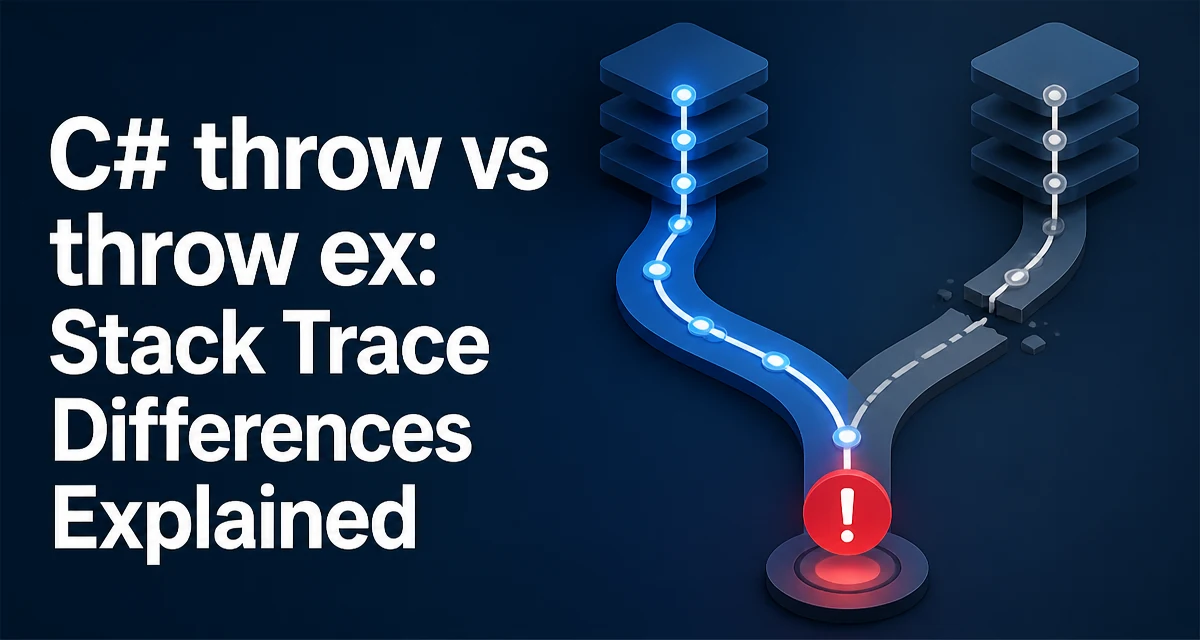
c# throw vs throw ex requires a clear understanding of the core syntax, runtime behavior, and practical implementation patterns demonstrated in the examples below.
In C#, the difference between throw; and throw ex; is subtle but has a major impact on debugging. When you catch an exception and want to rethrow it, the choice determines whether the original stack trace survives. This article explains exactly what each statement does, why the difference matters, and how to avoid the common mistake of losing the original error context.
The Difference Between throw and throw ex
Both throw; and throw ex; appear inside a catch block, but they behave differently. throw; rethrows the current exception object as-is, preserving its original stack trace. throw ex; throws a new exception instance that references the same exception object, but the stack trace is reset to the point of the throw ex; statement.
Consider this minimal example:
try
{
    SomeMethod();
}
catch (Exception ex)
{
    // Option 1: preserve original stack trace
    throw;

    // Option 2: reset stack trace to this line
    throw ex;
}
The first option, throw;, is the correct way to rethrow an exception without losing the original call stack. The second option, throw ex;, replaces the original stack trace with a new one that starts at the throw ex; line. This makes the original cause much harder to trace.
What Happens to the Stack Trace
The stack trace is a snapshot of the call chain at the moment the exception was thrown. When you use throw;, the runtime keeps the original exception object and its stack trace. When you use throw ex;, the runtime creates a new exception object (or at least resets the stack trace) at the current location. The original stack trace is overwritten, and only the current call stack from the throw ex; line onward is preserved.
To see this in practice, run the following code:
public static void Main()
{
    try
    {
        Level1();
    }
    catch (Exception ex)
    {
        Console.WriteLine(ex.StackTrace);
    }
}

static void Level1()
{
    try
    {
        Level2();
    }
    catch (Exception ex)
    {
        throw; // or throw ex;
    }
}

static void Level2()
{
    throw new InvalidOperationException("Something went wrong.");
}
If you use throw;, the stack trace printed in Main will show the full chain: Main -> Level1 -> Level2. If you use throw ex;, the stack trace will start at Level1, losing the Level2 frame. The original exception's TargetSite and source information may also be affected.
Why throw ex Hides the Original Error
The primary problem with throw ex; is that it breaks the chain of causation. When you inspect logs or debug a production issue, the stack trace is often the first clue. If the stack trace only shows the rethrow location, you lose the exact method where the exception originally occurred. This can turn a quick fix into a long investigation.
Additionally, throw ex; creates a new exception object. Even though the message and inner exception are the same, the runtime treats it as a fresh exception. Any custom data attached to the original exception, such as Data entries, may still be present because it's the same object reference, but the stack trace is not. This can lead to confusing logs where the error appears to originate from a generic catch-all handler.
When to Use throw and When to Use throw ex
There is almost never a reason to use throw ex; in production code. The only scenario where you might consider it is if you intentionally want to hide the internal call stack for security reasons, but that is rarely a good idea because it also hides the error from your own debugging tools. Instead, if you need to add context, use throw; and then attach additional information to the exception or wrap it with an inner exception.
If you need to add contextual information without losing the original stack trace, you have two options:
- Use
throw;and log the additional context separately. - Wrap the original exception in a new exception and set the
InnerExceptionproperty.
For example:
catch (Exception ex)
{
    throw new ApplicationException("Failed to process order.", ex);
}
This preserves the original exception as the inner exception, so the full stack trace is still available through InnerException.StackTrace. The new exception's stack trace starts at the current location, but the original is not lost.
Preserving Exception Details Across Layers
In a multi-layer application, you often catch exceptions at boundary points to add business context. The correct pattern is to either rethrow with throw; or wrap with an inner exception. Wrapping is useful when you want to expose a different exception type to the caller while keeping the root cause.
Consider a repository method that throws a low-level SqlException. A service layer might catch it and rethrow a DataAccessException with the original as inner:
catch (SqlException ex)
{
    throw new DataAccessException("Failed to retrieve customer.", ex);
}
Here, the DataAccessException has its own stack trace, but the InnerException retains the original SqlException stack trace. This gives you both layers of information when you inspect the exception in logs.
Impact on Debugging and Logging
The choice between throw; and throw ex; directly affects your ability to diagnose issues in production. Logging frameworks typically record Exception.StackTrace and Exception.InnerException. If you use throw ex;, the logged stack trace will be incomplete, and the original exception may not appear at all if you don't also log the inner exception. This makes it harder to correlate errors with specific code paths.
When you use throw;, the original stack trace remains intact, so the log entry contains the full call chain. This is especially important in asynchronous code, where the stack trace can already be fragmented. Rethrowing with throw; preserves the original context, while throw ex; discards it.
Common Mistakes and How to Avoid Them
The most common mistake is using throw ex; out of habit or because it seems more explicit. Another mistake is catching an exception and then throwing a new exception without setting the inner exception. Both patterns hide the original error.
To avoid these issues, follow a simple rule: if you are not adding value by catching the exception, let it propagate. If you must catch it, either rethrow with throw; or wrap it with an inner exception. Never use throw ex; unless you have a specific reason to reset the stack trace, which is rare.
Rethrowing in Async and Iterator Methods
Async methods and iterators have special considerations. In an async method, the exception is captured and rethrown on the awaited task. Using throw; inside a catch block in an async method preserves the original stack trace, but the async context may add extra frames. The same principle applies: throw; is preferred.
In iterator methods, exceptions are deferred until the iterator is enumerated. The stack trace may be different because the exception is thrown at the MoveNext call. Using throw; preserves the original exception's stack trace, while throw ex; would reset it. Always use throw; in these contexts as well.
Choosing the Right Pattern for Your Codebase
When you review code, look for throw ex; and treat it as a code smell. Replace it with throw; or wrap with an inner exception. The decision between rethrowing and wrapping depends on whether the caller needs to know about the specific exception type or just a higher-level abstraction.
If you are building a library, you might want to wrap exceptions to avoid leaking implementation details. If you are writing application code, rethrowing with throw; is usually sufficient. The key is to never lose the original stack trace.