Java Access Modifiers Table: Scope and Visibility
java access modifiers table: A clear reference for Java access modifiers—private, package-private, protected, and public—with a comparison table and practical usage gu...
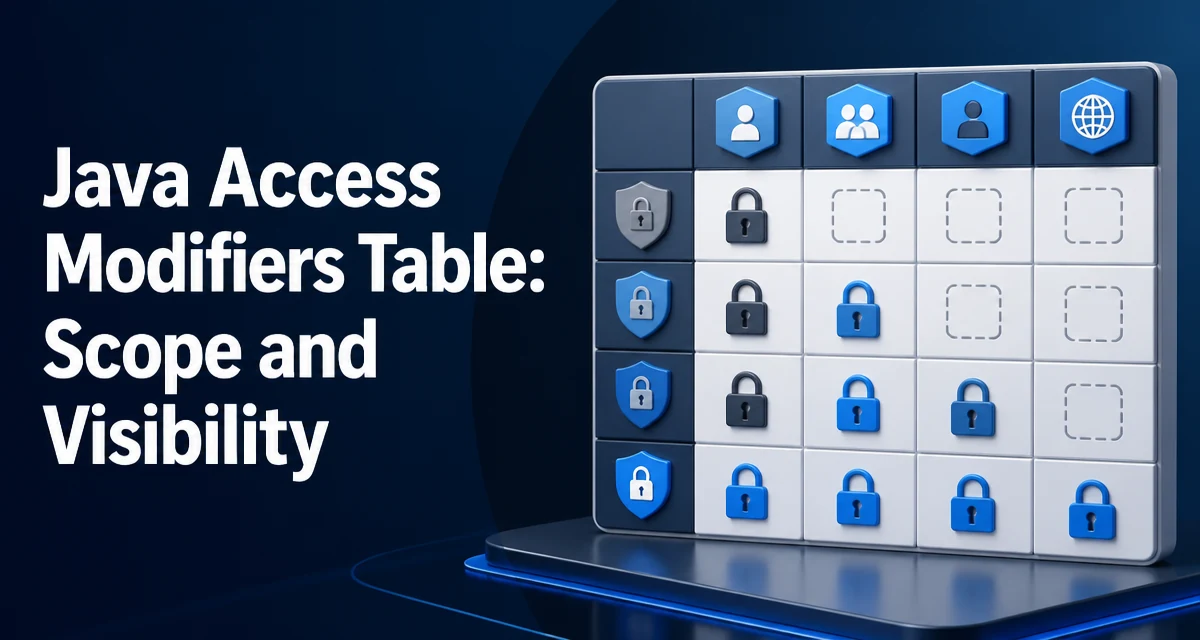
When you declare a field, method, or class in Java, the access modifier controls which parts of the program can see it. Getting this wrong leads to either over-exposed internals or code that compiles only after awkward workarounds. This article gives you a Java access modifiers table that summarizes the four levels, then explains the rules that matter in real code.
The Four Access Modifiers at a Glance
The Java language defines four access levels. The default—when no modifier is written—is often called package-private. The table below shows exactly what each modifier allows.
| Modifier | Same Class | Same Package | Subclass (different package) | Any Class |
|---|---|---|---|---|
private | Yes | No | No | No |
| package-private (default) | Yes | Yes | No | No |
public | Yes | Yes | Yes | Yes |
These rules apply to fields, methods, and constructors. For top-level classes, only public or package-private are allowed; protected and private do not apply to a top-level class declaration.
Scope and Visibility Rules in Practice
A private member is accessible only from the class that declares it. This is the the strongest encapsulation. For example:
public class Account {
    private double balance;

    public void deposit(double amount) {
        balance += amount;
    }
}
Here balance cannot be read or modified directly from outside Account. The deposit method is the only way to change it, which lets you add validation later without breaking callers.
Package-private members are accessible from any class in the same package. This is useful when you have several classes that cooperate closely, such as a User and a UserRepository in the same package, and you want to avoid exposing internals to the whole application.
A protected member is accessible from the same package and from any subclass, even if the subclass lives in a different package. This is the the level used when you want subclasses to override or extend behavior without making the member public.
A public member is accessible from anywhere. Once you make something public, it becomes part of the class's API and is the hardest to to change later without breaking external code.
Access Modifiers and Inheritance
Inheritance changes how modifiers behave. A private member is not inherited by subclasses at all. A subclass cannot see or override a private method. Package-private members are inherited only if the the subclass is in the same package. If the subclass is in a different package, it cannot see them.
protected is specifically designed for cross-package inheritance. A subclass in another package can access a protected field or method through an instance of the subclass, but not through a reference of the super type. For example:
package animals;
npublic class Animal {
    protected void breathe() { }
n}
n```java package zoo; nimport animals.Animal;
public class Lion extends Animal { void action() { breathe(); // allowed, because Lion is a subclass } }
But the following would not compile:

```java
package zoo;

import animals.Animal;

public class ZooKeeper {
    void check(Animal a) {
        a.breathe(); // error: breathe() has protected access in Animal
    }
}
This rule prevents a subclass from accessing protected members on arbitrary instances of the superclass, which would break encapsulation.
Package-Private vs Protected: A Common Confusion
The most frequent confusion is between package-private and protected. Both allow access from the same package. The difference appears only when a subclass is in a different package. In that case, protected allows access, while package-private does not.
This distinction matters when you design a library. If you want subclasses outside the package to extend a class, you must use protected for the members they need. If you use package-private, external subclasses will not compile. On the other hand, if you want to keep a member visible only to helper classes in the same package, package-private is the right choice.
Choosing the Right Access Modifier
Start with private for every field and method unless you have a concrete reason to widen access. This keeps the class's internal state hidden and reduces coupling. When a subclass needs to override a method, use protected. When a set of classes in the same package cooperate closely, consider package-private. Use public only for the API that other modules or applications are expected to call.
A practical rule: if you are unsure, choose the most restrictive modifier that still compiles. You can always widen access later, but narrowing it is a breaking change for any code that already depends on it.
Encapsulation and Maintainability
Access modifiers are the primary tool for enforcing encapsulation. By keeping fields private and exposing only necessary methods, you can change internal implementation details without affecting callers. For example, you might replace a List field with a Set or add a cache. As long as the public methods remain the same, external code does not change.
This also reduces the risk of invalid state. If a field is public, any code can set it to an inconsistent value. With a private field and a setter that validates input, you protect the object's invari.
A common mistake is marking everything public to avoid thinking about access levels. That makes the class's API surface large and makes future refactoring difficult. Every public member is a commitment. Similarly, using protected too liberally exposes implementation details to subclasses, which can lead to fragile coupling between a class and its subclasses.
Common Mistakes and Their Consequences
One frequent error is using protected when package-private would suffice. This exposes the member to all subclasses in other packages, even if you never intended that. Another mistake is assuming that protected means "accessible to all classes in the same package and all subclasses everywhere"—which is true, but it also means the member becomes part of the contract for subclasses, making it harder to change later.
A different issue arises with top-level classes. You cannot mark a top-level class as private or protected. If you need a class that is visible only within a package, use package-private (no modifier). If you need a class that is visible only to a single class, you need a nested class, not an access modifier.
Finally, remember that access modifiers are about compile-time visibility, not runtime security. They prevent accidental access, but they do not stop reflection or other privileged mechanisms. Treat them as a design tool, not a security boundary.
When you work on a codebase, take a moment to check whether each member's access level matches its actual use. The Java access modifiers table above is a quick reference, but the real decision depends on the intended contract of each class and its relationships with other classes.