java arrayindexoutofboundsexception: Causes and Fixes
Learn what causes java arrayindexoutofboundsexception, how to reproduce it, and how to fix it with safe array access patterns and proper index validation.
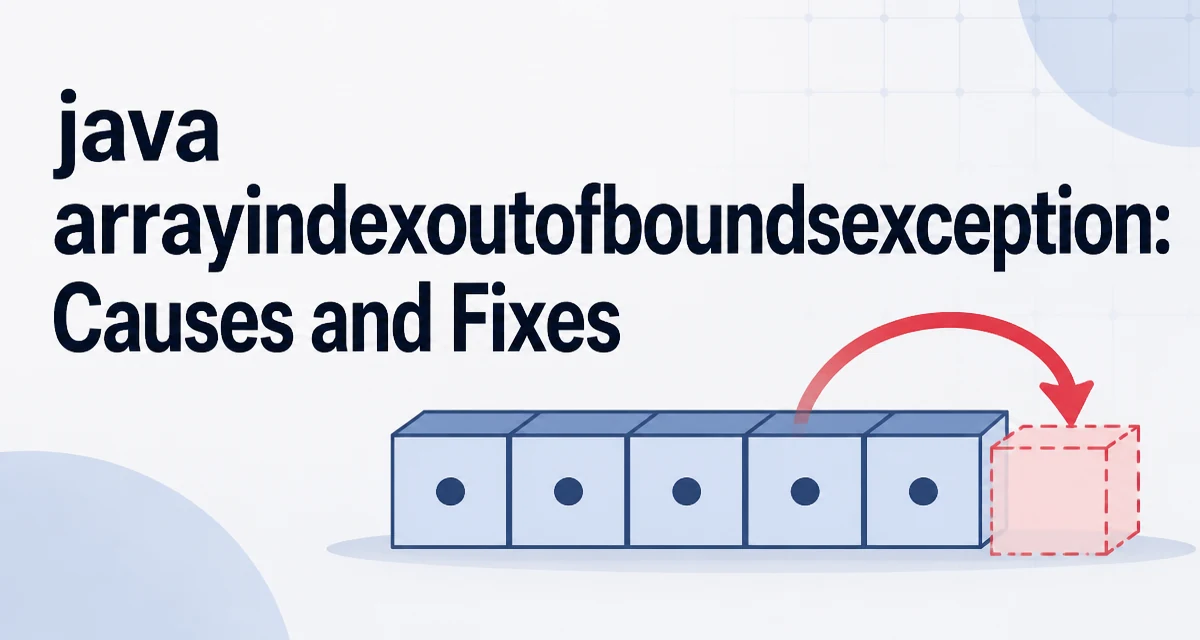
The java arrayindexoutofboundsexception is a runtime exception thrown by the Java Virtual Machine when a program attempts to access an array index that is negative, greater than or equal to the array's length, or otherwise outside the valid range. This exception is a subclass of IndexOutOfBoundsException and extends RuntimeException, meaning it does not need to be declared in a method's throws clause and is typically the result of a programming error rather than an external failure.
What Triggers ArrayIndexOutOfBoundsException
Arrays in Java are zero-based. The first element is at index 0, and the last valid index is array.length - 1. Any attempt to read or write an element at an index outside [0, array.length - 1] causes the JVM to throw ArrayIndexOutOfBoundsException. The exception is thrown at the exact point of the illegal access, not at some later point, which makes it relatively easy to trace when a stack trace is available.
int[] numbers = {10, 20, 30};
System.out.println(numbers[3]); // Throws ArrayIndexOutOfBoundsException
In this example, numbers has length 3, so valid indices are 0, 1, and 2. Accessing index 3 is invalid because the length is 3 and the maximum index is 2.
Minimal Reproduction and Stack Trace
A minimal reproduction is useful for understanding the exception's behavior. Consider a method that returns the element at a given index:
public static int getElement(int[] array, int index) {
    return array[index];
}
Calling getElement(new int[]{1,2,3}, 5) will throw ArrayIndexOutOfBoundsException: Index 5 out of bounds for length 3. The stack trace shows the exact method and line where the access occurred, along with the index and array length. This information is often enough to identify the faulty loop or condition.
The exception message includes both the invalid index and the array length, which is a significant aid during debugging. For example:
Exception in thread "main" java.lang.ArrayIndexOutOfBoundsException: Index 5 out of bounds for length 3
    at Example.getElement(Example.java:4)
Common Causes in Real Code
Off-by-one errors in loops are the most frequent cause. A loop that iterates from 0 to i <= array.length will attempt to access array[array.length] on the final iteration, which is out of bounds. Another common cause is using a computed index that can become negative, such as array[position - 1] when position is 0. Reading from a partially filled array is also a problem when the code assumes the array is fully populated but only a subset of elements was assigned.
int[] data = new int[5];
for (int i = 0; i <= data.length; i++) {
    data[i] = i * 2; // i becomes 5, out of bounds
}
The correct loop condition is i < data.length. This is a classic boundary error that even experienced developers make under time pressure.
How to Fix Off-by-One Errors
When iterating over an array, always use < rather than <= in the loop condition. For a for loop, the standard pattern is:
for (int i = 0; i < array.length; i++) {
    // access array[i]
}
If you need to iterate in reverse, start at array.length - 1 and continue while i >= 0. For example:
for (int i = array.length - 1; i >= 0; i--) {
    // access array[i]
}
When using an enhanced for loop, the JVM handles bounds checking internally, so the exception cannot occur from the loop itself. However, if you need the index for another operation, you must manage it explicitly.
Checking Array Length Before Access
Before accessing an array element, verify that the index is within the valid range. This is especially important when the index comes from user input, a file, or a network request. A simple guard is:
if (index >= 0 && index < array.length) {
    return array[index];
} else {
    throw new IllegalArgumentException("Invalid index: " + index);
}
Throwing a more descriptive exception like IllegalArgumentException can make the failure mode clearer than the raw ArrayIndexOutOfBoundsException. However, in many cases the correct response is to handle the invalid input gracefully rather than throw an exception at all. For instance, you might return a default value or skip the operation.
Handling Invalid Indices Gracefully
For public APIs, it is often better to validate inputs and throw a meaningful exception early. For internal code, you may prefer to avoid the exception entirely by checking the bounds and taking an alternative path. Consider a method that retrieves an element with a fallback:
public static int getOrDefault(int[] array, int index, int defaultValue) {
    if (index >= 0 && index < array.length) {
        return array[index];
    }
    return defaultValue;
}
This approach prevents the exception and gives the caller control over the default behavior. It is especially useful when the index is derived from external data that may be malformed.
Performance and Runtime Cost of Bounds Checking
The JVM performs bounds checking on every array access. This is a safety feature that prevents memory corruption, but it does have a small runtime cost. In most applications, this cost is negligible. The JIT compiler often optimizes bounds checks away when it can prove the index is safe, such as in a simple loop where the index is always between 0 and array.length - 1. For example, the loop for (int i = 0; i < array.length; i++) is typically compiled with the bounds check hoisted out of the loop body.
Do not try to bypass bounds checking by using Unsafe or other low-level APIs. The safety guarantee is a core part of Java's memory model, and circumventing it can lead to undefined behavior and security vulnerabilities. If you are writing performance-critical code, rely on the JIT's optimizations rather than manual tricks.
Edge Cases: Multidimensional Arrays and Negative Indexes
Multidimensional arrays in Java are arrays of arrays. Each sub-array can have a different length, and bounds checking applies to each dimension separately. Accessing matrix[row][col] requires both row to be within [0, matrix.length - 1] and col to be within [0, matrix[row].length - 1]. A common mistake is to assume all rows have the same length, which may not be true for jagged arrays.
int[][] matrix = new int[2][];
matrix[0] = new int[3];
matrix[1] = new int[5];
System.out.println(matrix[0][4]); // Throws ArrayIndexOutOfBoundsException
Negative indexes are always invalid in Java. There is no support for negative indexing like in Python or Ruby. Any negative index will trigger the exception immediately. When computing an index from a subtraction, ensure the result cannot be negative. For example, array[position - 1] is safe only if position > 0.
When the Exception Is Not the Real Problem
Sometimes ArrayIndexOutOfBoundsException is a symptom of a deeper issue, such as a race condition in a multi-threaded program or a data corruption bug. If the exception appears intermittently or at unpredictable locations, inspect the logic that determines the array length and the index. For example, if one thread modifies an array while another thread reads it, the length may change between the check and the access. In such cases, synchronize access or use a thread-safe collection like CopyOnWriteArrayList.
Another scenario is when the array is created with a size that is too small because the code overestimates the number of elements. This often happens when reading input where the count is unknown. Prefer using ArrayList when the size is dynamic, or resize the array explicitly with Arrays.copyOf when you know the required capacity.
Using ArrayList to Avoid Bounds Issues
ArrayList provides a get(int index) method that throws IndexOutOfBoundsException for invalid indices, but it also offers methods like add and remove that shift elements automatically. If you are frequently adding or removing elements, an ArrayList is more convenient and less error-prone than a raw array. However, arrays are still appropriate when the size is fixed and you need primitive types for performance or memory reasons.
List<Integer> list = new ArrayList<>();
list.add(10);
list.add(20);
int value = list.get(1); // Safe, returns 20
For primitive types, ArrayList<Integer> incurs boxing overhead. If performance is critical and the size is known, an array is the better choice. The key is to validate indices explicitly when using arrays, especially when the index originates from external input.
Debugging Techniques for Bounds Errors
When you encounter ArrayIndexOutOfBoundsException in a large codebase, use the stack trace to locate the exact line. Then examine the array's length and the index at that point. Add temporary logging or use a debugger to inspect the values. A common technique is to print the array length and the index just before the access:
System.out.println("Array length: " + array.length + ", index: " + index);
If the index is computed from a loop variable, check the loop's start and end conditions. Off-by-one errors are often introduced when converting from a 1-based to a 0-based index, such as when reading a user-specified position that starts at 1. Subtract 1 from the user input before using it as an array index.
Preventing Future Occurrences with Defensive Coding
Defensive coding means validating assumptions at the boundaries of your code. When a method accepts an array and an index, document the valid range and check it. Use Objects.checkIndex(index, array.length) from java.util.Objects to perform the check concisely:
public static int getElement(int[] array, int index) {
    Objects.checkIndex(index, array.length);
    return array[index];
}
This method throws IndexOutOfBoundsException if the index is invalid, and it is a standard utility since Java 9. For earlier versions, you can write a similar check manually. By centralizing the validation, you reduce the chance of missing a check in one call site.
Compatibility and Version Considerations
The ArrayIndexOutOfBoundsException class has been part of Java since version 1.0, and its behavior is consistent across all modern JDKs. The exception message format may vary slightly between implementations, but the semantics are stable. Code that relies on catching this exception should work on any Java runtime. However, catching ArrayIndexOutOfBoundsException to control program flow is generally discouraged because it is a programmer error. Instead, fix the root cause or validate indices beforehand. If you must catch it, do so at the outermost boundary and log the full stack trace for diagnosis.
Final Implementation Example
A robust method that safely retrieves an element, handles invalid indices, and provides a meaningful error is shown below:
import java.util.Objects;

public class SafeArrayAccess {
    public static int getElement(int[] array, int index) {
        Objects.checkIndex(index, array.length);
        return array[index];
    }

    public static void main(String[] args) {
        int[] values = {5, 10, 15};
        try {
            System.out.println(getElement(values, 2)); // 15
            System.out.println(getElement(values, 5)); // Throws
        } catch (IndexOutOfBoundsException e) {
            System.err.println("Invalid access: " + e.getMessage());
        }
    }
}
This example uses Objects.checkIndex to validate the index, and the try block demonstrates how to handle the exception at a higher level. In production code, you would typically avoid catching the exception for expected invalid input; instead, validate the index before calling the method. The combination of early validation and clear exception messages makes the code easier to maintain and debug.