Java ArrayList clear() Method: Usage and Behavior
java arraylist clear: Learn how ArrayList.clear() works in Java: its syntax, effect on the backing array, differences from removeAll() and reassignment, and performanc...
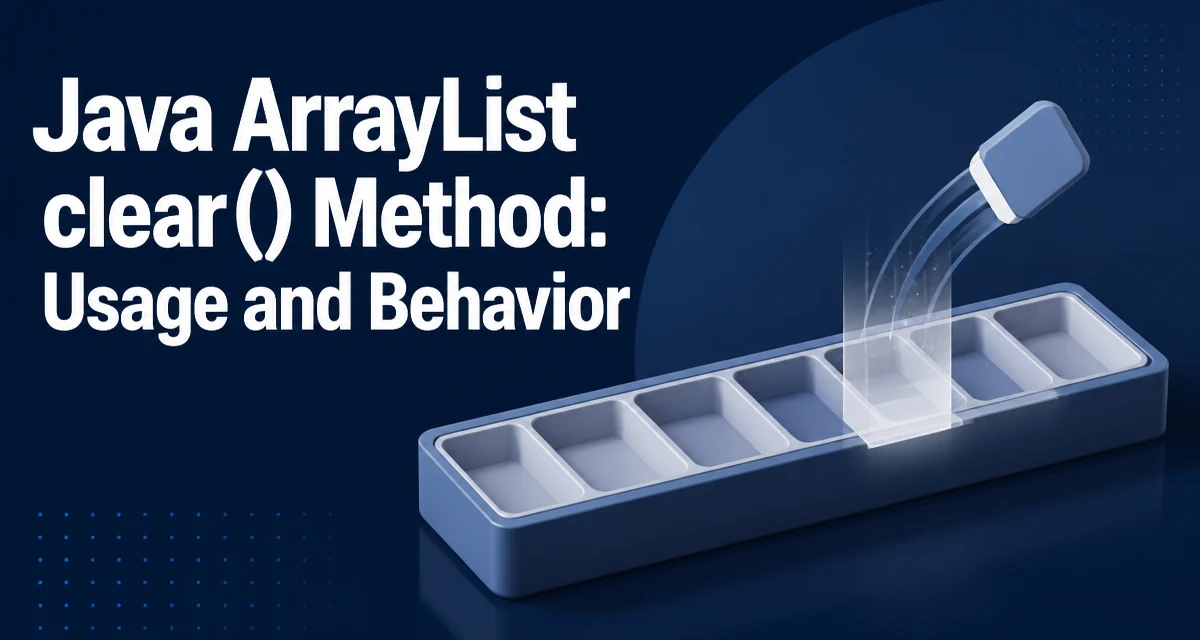
The java arraylist clear operation is implemented by the clear() method on java.util.ArrayList. It removes every element from the list in a single call. After clear() returns, size() reports zero, and the list behaves as if it were newly constructed with the same initial capacity. The method is part of the List interface, so any List implementation that follows the interface contract provides the same observable behavior, though the internal mechanics differ.
Basic Usage
import java.util.ArrayList;

ArrayList<String> tasks = new ArrayList<>();
tasks.add("compile");
tasks.add("test");
tasks.add("deploy");

tasks.clear();

System.out.println(tasks.size()); // 0
System.out.println(tasks.isEmpty()); // true
The method takes no arguments and returns void. It does not throw an exception when called on an empty list; it simply does nothing. This makes clear() safe to call without checking isEmpty() first.
What Happens to the Backing Array
An ArrayList stores elements in a private Object array. When you call clear(), the implementation sets each slot in the array to null and sets size to 0. The backing array itself is not discarded.
This distinction matters for two reasons:
-
Capacity is preserved. If the list had grown to hold 10,000 elements,
clear()does not shrink the internal array. A subsequentadd()operation can reuse that storage without reallocation until the element count exceeds the existing capacity. -
References are released. Setting slots to
nullallows the garbage collector to reclaim the objects that were previously stored, assuming no other references exist. If the implementation only resetsizewithout nulling the slots, the old elements would remain reachable through the backing array and could not be collected.
clear() vs. removeAll()
The removeAll(Collection<?> c) method removes only the elements that appear in the given collection. clear() removes everything. The two are not interchangeable:
ArrayList<Integer> numbers = new ArrayList<>(List.of(1, 2, 3, 4, 5));
numbers.removeAll(List.of(2, 4));
System.out.println(numbers); // [1, 3, 5]
removeAll iterates the list and removes matching elements, which is significantly more expensive than clear() when the goal is to empty the entire list. Use clear() when you want an empty list; use removeAll() only when you need selective removal.
clear() vs. Reassigning a New ArrayList
A common alternative is to discard the old list and assign a fresh instance:
ArrayList<String> buffer = new ArrayList<>();
// ... accumulate elements ...
buffer = new ArrayList<>();
Both approaches leave you with an empty list, but they differ in observable behavior:
| Aspect | clear() | Reassignment |
|---|---|---|
| Existing references | Still point to the same, now-empty list | Old list remains populated if other references exist |
| Capacity | Preserved | New list starts with default capacity |
| Object identity | Same instance | New instance |
| Garbage collection | Old elements become collectable; list object stays | Old list and its elements become collectable if unreferenced |
If other code holds a reference to the original list, clear() is the correct choice because it empties the shared instance. Reassignment only changes the local variable; any other reference still sees the old contents.
Performance Characteristics
clear() runs in linear time proportional to the number of elements because each backing-array slot must be set to null. For a list with n elements, the operation is O(n). This is unavoidable if you want the old elements to become eligible for garbage collection.
If you do not care about releasing the old element references, the cost is still O(n) in the standard implementation because the nulling happens regardless. There is no constant-time way to clear an ArrayList while preserving its capacity.
For very large lists, the O(n) cost is usually negligible compared to the cost of building the list in the first place. The more important consideration is memory: after clear(), the backing array retains its capacity. If the list held a million elements and you keep the instance alive, you keep roughly the memory for a million references (not the objects themselves, which are collectable). If that memory footprint matters, reassigning a new list or calling trimToSize() after clear() can release the excess capacity.
Concurrency and Fail-Fast Iterators
clear() is not atomic. If another thread iterates the list while clear() runs, the iterator throws ConcurrentModificationException because the structural modification count changes. The same applies to any structural modification, including add() and remove().
ArrayList<String> list = new ArrayList<>(List.of("a", "b", "c"));

for (String s : list) {
    list.clear(); // throws ConcurrentModificationException
}
The enhanced for-loop uses a fail-fast iterator internally. Calling clear() during iteration invalidates the iterator. If you need to clear a list while iterating, collect the elements to remove first and clear after the loop, or use an explicit iterator and call iterator.remove() for each element.
For concurrent access, ArrayList is not thread-safe. Use CopyOnWriteArrayList if concurrent reads and writes are common, or synchronize externally. CopyOnWriteArrayList.clear() also empties the list, but its iteration semantics differ: iterators do not throw ConcurrentModificationException.
Edge Cases and Common Mistakes
Calling clear() on an empty list is harmless. Calling it on a null reference throws NullPointerException:
ArrayList<String> list = null;
list.clear(); // NullPointerException
Elements themselves are not deep-cleared. If the list holds objects with their own internal state, clear() only removes the references from the list. The objects remain in memory until the garbage collector determines they are unreachable.
A mistake that appears in real code is using clear() when the intent was to reset a single element or a subrange. clear() always removes everything. For partial removal, use remove(int index), remove(Object o), or subList(int fromIndex, int toIndex).clear() for a contiguous range.
ArrayList<String> log = new ArrayList<>(List.of("start", "mid", "end"));
log.subList(1, 3).clear(); // removes "mid" and "end"
System.out.println(log); // [start]
The subList view is backed by the original list, so clearing the view removes those elements from the original.
When to Prefer clear() Over Reassignment
The decision between clear() and reassignment depends on whether the list instance is shared. If the list is a field in a long-lived object, a cache, or a collection passed to other components, clear() preserves the shared identity so all holders observe the empty state. If the list is purely local to a method and nothing else references it, reassignment is simpler and releases the old backing array immediately.
For a reusable buffer that is cleared and repopulated repeatedly, clear() avoids repeated allocation of the backing array. The capacity stays at its high-water mark, so repopulation does not trigger reallocation until the new size exceeds the previous maximum. This is the main reason to prefer clear() in pooling or batching scenarios.