Java Arrays equals: Comparing Contents Correctly
java arrays equals: Learn why Java array equals() compares references, not contents, and how Arrays.equals() and deepEquals() enable correct comparison.
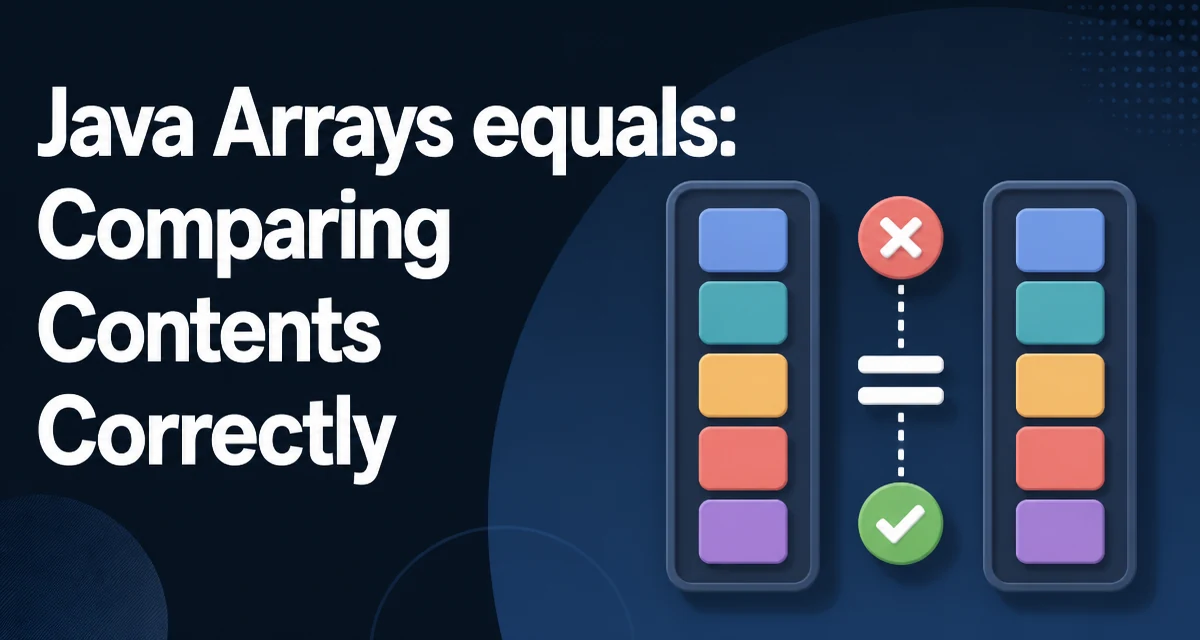
The first time you compare two Java arrays with equals(), the result is often surprising: two arrays with identical elements return false. This happens because arrays inherit equals() from Object, and that implementation compares object references, not the data stored in the array. Understanding java arrays equals behavior means knowing when to use the default method, when to switch to Arrays.equals(), and when Arrays.deepEquals() is required.
Why array.equals() Compares References, Not Contents
Java arrays do not override equals(). The method comes from Object, where equality means "the same object instance." Two separate array objects are never equal under this rule, even when every element matches.
int[] first = {1, 2, 3};
int[] second = {1, 2, 3};

System.out.println(first == second);      // false
System.out.println(first.equals(second)); // false
The == operator and equals() behave identically here because both rely on reference identity. The compiler does not flag this as an error; it simply produces a result that does not match what most developers expect when they think of "equal arrays."
This is not a bug in the language. Arrays are low-level constructs, and the designers chose not to give them a custom equals() implementation. The practical consequence is that any content-based comparison must go through a helper method.
Using Arrays.equals() for One-Dimensional Arrays
The java.util.Arrays utility class provides equals() as a static method. For one-dimensional arrays, Arrays.equals() compares each element in order using the appropriate equality rule for the element type.
import java.util.Arrays;

int[] first = {1, 2, 3};
int[] second = {1, 2, 3};

System.out.println(Arrays.equals(first, second)); // true
For primitive arrays, the comparison is a direct value comparison. For object arrays, Arrays.equals() calls equals() on each corresponding pair of elements. That means the element type must implement equals() correctly for the result to be meaningful.
String[] namesA = {"alice", "bob"};
String[] namesB = {"alice", "bob"};

System.out.println(Arrays.equals(namesA, namesB)); // true
String overrides equals() with content comparison, so this works as expected. If you create a custom class that does not override equals(), two arrays containing logically identical instances will still compare as unequal.
Using Arrays.deepEquals() for Nested Arrays
Arrays.equals() stops at the first level. When the array elements are themselves arrays, each element is compared with equals(), which again falls back to reference identity for the inner arrays.
int[][] matrixA = {{1, 2}, {3, 4}};
int[][] matrixB = {{1, 2}, {3, 4}};

System.out.println(Arrays.equals(matrixA, matrixB));   // false
System.out.println(Arrays.deepEquals(matrixA, matrixB)); // true
Arrays.deepEquals() performs a recursive comparison. It detects nested arrays and compares their contents rather than their references. This is the method to use for multidimensional arrays, or for any array whose elements are themselves arrays.
The same distinction applies to arrays of Object types that contain nested structures. A List<int[]> compared with Arrays.equals() will compare the inner arrays by reference; Arrays.deepEquals() will not help there because it only handles arrays, not collections. For collections, you need a different approach, such as comparing element lists manually.
Comparing ==, equals(), and Arrays.equals()
The three mechanisms serve different purposes, and choosing the wrong one produces incorrect results.
| Mechanism | What it compares | Result for identical contents |
|---|---|---|
== | Object references | false unless same instance |
array.equals() | Object references | false unless same instance |
Arrays.equals() | Element contents (one level) | true for matching elements |
Arrays.deepEquals() | Nested contents recursively | true for matching nested arrays |
The first two are interchangeable for arrays in practice. The real decision is between Arrays.equals() and Arrays.deepEquals(), and that decision depends entirely on whether the array contains nested arrays.
There is one more distinction worth noting. Arrays.equals() has overloads for every primitive type, so int[], double[], char[], and the rest each have a dedicated implementation. Arrays.deepEquals() accepts Object[], so it cannot be called directly on a primitive array. You would need to box the values first, which is rarely worth the cost.
Null Handling and Edge Cases
Arrays.equals() and Arrays.deepEquals() both handle null arguments explicitly. Two null arrays are considered equal. A null array and a non-null array are not equal, regardless of the non-null array's contents.
int[] a = null;
int[] b = null;
int[] c = {1, 2};

System.out.println(Arrays.equals(a, b)); // true
System.out.println(Arrays.equals(a, c)); // false
The same rule applies to individual elements. If an object array contains null at a position, Arrays.equals() treats two null elements as equal. This is consistent with how Objects.equals() behaves and avoids the NullPointerException that a naive loop would produce.
Array length is also part of the comparison. Two arrays with different lengths are never equal, and Arrays.equals() checks length before iterating over elements. That check is effectively free and avoids wasted work when the sizes differ.
Performance and Runtime Cost
Arrays.equals() is an O(n) operation: it iterates over every element until a mismatch is found or the end of the array is reached. The constant factor depends on the element type.
For primitive arrays, the comparison is a direct value check, which is fast and has no allocation overhead. For object arrays, each element comparison calls equals() on the element, so the cost depends on the element's implementation. A String comparison, for example, first checks length and then compares characters, so it is generally cheap but not free.
Arrays.deepEquals() is more expensive because it must check, for each element, whether that element is itself an array. That type check adds overhead even when the array is flat. For deeply nested structures, the recursion multiplies the cost.
There is no shortcut for comparing large arrays. Hashing does not help because Arrays.hashCode() is also O(n), and computing a hash before comparison would double the work. The practical guidance is to compare arrays only when necessary and to avoid repeated comparisons of the same data in a hot loop.
Common Mistakes When Comparing Java Arrays
The most common mistake is using array.equals() and assuming it performs a content comparison. The fix is to use Arrays.equals() for one-dimensional arrays and Arrays.deepEquals() for nested arrays.
A second mistake is using Arrays.equals() on nested arrays and seeing false for what looks like identical data. The fix is Arrays.deepEquals(), but only when the elements are arrays. If the elements are collections, neither method works, and you need to compare the collections directly.
A third mistake is converting an array to a list with Arrays.asList() and then calling equals() on the list. For a String[], this works because the list's equals() delegates to each element's equals(). For an int[], it fails because Arrays.asList() creates a List<int[]> containing a single element, and that element is compared by reference. The same trap applies to List.of(array).
int[] values = {1, 2, 3};
List<int[]> list = Arrays.asList(values);
System.out.println(list.equals(Arrays.asList(new int[]{1, 2, 3}))); // false
For primitive arrays, there is no clean collection-based workaround. Arrays.equals() is the correct tool. For object arrays, Arrays.asList() can work, but it adds a layer of indirection that is easy to get wrong, so using Arrays.equals() directly is simpler and clearer.