Java Arrays toString: Print Arrays Readably
java arrays tostring: Learn how to print Java arrays correctly using Arrays.toString and deepToString, handle nested arrays, and format output with streams.
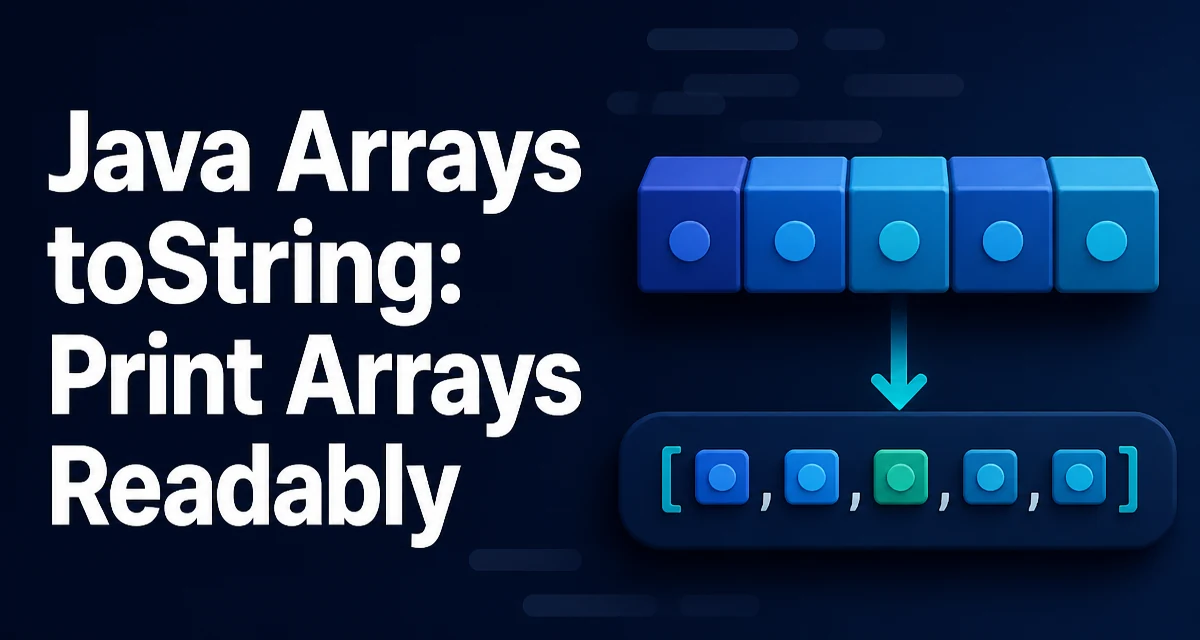
java arrays tostring requires a clear understanding of the core syntax, runtime behavior, and practical implementation patterns demonstrated in the examples below.
When you call System.out.println(array) in Java, you don't see the elements. Instead, you get something like [I@1b6d3586. That output is the result of Object.toString(), which arrays inherit without overriding. The [I indicates an int[], and the hex value is the identity hash code. This default behavior is rarely useful for debugging or logging. The java.util.Arrays class provides toString() and deepToString() methods to produce readable representations. This article explains how to use them, what their limitations are, and how to customize the output when you need a different format.
The Default toString() Output of an Array
Java arrays are objects, but they do not override toString(). The inherited implementation from Object returns a string composed of the class name, an @ symbol, and the object's identity hash code. For an int[], the class name is [I; for a String[], it's [Ljava.lang.String;. The hash code is not related to the array contents, so every new array produces a different string even if the elements are identical.
int[] numbers = {1, 2, 3};
System.out.println(numbers); // [I@1b6d3586
This output is not just unhelpful; it can mislead you during debugging because two arrays with the same values produce different strings. The fix is to use the static methods from java.util.Arrays.
Using Arrays.toString() for One-Dimensional Arrays
The Arrays.toString() method accepts any array of primitives or objects and returns a string representation. For an int[], it produces a comma-separated list enclosed in square brackets.
import java.util.Arrays;

int[] numbers = {1, 2, 3};
System.out.println(Arrays.toString(numbers)); // [1, 2, 3]
The method handles null elements gracefully. If an array contains a null reference, the output includes the literal null. For example, Arrays.toString(new String[]{"a", null}) returns [a, null]. An empty array returns []. A null array passed to the method returns the string "null", which is consistent with String.valueOf(null).
This method is suitable for any one-dimensional array, whether it holds primitives, Strings, or custom objects. For object arrays, Arrays.toString() calls toString() on each element, so the quality of the output depends on the element's own toString() implementation.
Using Arrays.deepToString() for Nested and Multi-Dimensional Arrays
For arrays that contain other arrays, Arrays.toString() does not work as expected. It calls toString() on each nested array, which again produces the identity-based string. Consider a two-dimensional int[][]:
int[][] matrix = {{1, 2}, {3, 4}};
System.out.println(Arrays.toString(matrix)); // [[I@1b6d3586, [I@1b6d3586]
To get a readable representation of nested arrays, use Arrays.deepToString(). This method recursively traverses the array structure and formats each level with square brackets.
int[][] matrix = {{1, 2}, {3, 4}};
System.out.println(Arrays.deepToString(matrix)); // [[1, 2], [3, 4]]
deepToString() works for any array whose elements are either primitives, objects, or other arrays. It also handles cycles? No, it does not handle cycles; if an array contains a reference to itself, the method will throw a StackOverflowError. That is an edge case you are unlikely to encounter in normal code, but it is worth knowing if you build recursive data structures.
For a one-dimensional array, deepToString() behaves identically to toString(). However, using deepToString() on a one-dimensional array is slightly less efficient because it performs extra type checks. Prefer toString() for flat arrays and reserve deepToString() for nested structures.
Printing Object Arrays and Custom toString() Behavior
When an array holds objects, both Arrays.toString() and Arrays.deepToString() rely on each object's toString() method. If the class does not override toString(), you get the default ClassName@hashCode output, which is just as unhelpful as the array's own default.
class Point {
    int x, y;
    Point(int x, int y) { this.x = x; this.y = y; }
    // no toString override
}

Point[] points = {new Point(1, 2), new Point(3, 4)};
System.out.println(Arrays.toString(points)); // [Point@1b6d3586, Point@1b6d3586]
To get meaningful output, override toString() in the element class. This is a common practice for domain objects used in logging and debugging.
class Point {
    int x, y;
    Point(int x, int y) { this.x = x; this.y = y; }
    @Override
    public String toString() {
        return "(" + x + ", " + y + ")";
    }
}

Point[] points = {new Point(1, 2), new Point(3, 4)};
System.out.println(Arrays.toString(points)); // [(1, 2), (3, 4)]
If you cannot modify the element class, or if you need a format that differs from its toString(), you can build the output manually with a stream.
Custom Formatting with Streams and Collectors
Arrays.toString() always uses , as the delimiter and wraps the output in square brackets. When you need a different separator, a prefix/suffix, or a transformed representation of each element, use the Stream API.
import java.util.Arrays;
import java.util.stream.Collectors;

String[] names = {"Alice", "Bob", "Carol"};
String joined = Arrays.stream(names)
        .map(String::toUpperCase)
        .collect(Collectors.joining(" | ", "[", "]"));
System.out.println(joined); // [ALICE | BOB | CAROL]
For primitive arrays, you need a specialized stream. IntStream, LongStream, and DoubleStream provide mapToObj() to convert each element to a String.
int[] numbers = {5, 10, 15};
String result = Arrays.stream(numbers)
        .mapToObj(n -> "n=" + n)
        .collect(Collectors.joining(", "));
System.out.println(result); // n=5, n=10, n=15
This approach gives you full control over the format. It is also useful when you want to skip null elements or apply a conditional transformation. The tradeoff is more verbose code and a small performance cost from boxing and stream overhead, which is negligible for typical array sizes.
Performance and Memory Considerations
Both Arrays.toString() and Arrays.deepToString() build a new String every time they are called. The time complexity is O(n) for a one-dimensional array, where n is the number of elements. For nested arrays, the complexity is proportional to the total number of elements across all levels. This is usually fine for logging and debugging, but if you call these methods in a tight loop or on very large arrays, the repeated string allocation can add up.
If you need the same string representation multiple times, compute it once and store it in a variable. For example, in a logging statement that may be executed frequently, guard the call with a level check to avoid unnecessary work.
if (logger.isDebugEnabled()) {
    logger.debug("Current state: " + Arrays.toString(state));
}
deepToString() is more expensive than toString() because it must inspect the runtime type of each element to decide whether to recurse. For a one-dimensional array, always use toString() to avoid that overhead.
Another subtle point: Arrays.toString() on a char[] does not return the characters as a continuous string. It returns a bracketed, comma-separated list, such as [a, b, c]. If you want the raw string from a char[], use new String(charArray) instead. This is a common mistake when dealing with password or token buffers.
Choosing the Right Method for Your Use Case
The decision between toString(), deepToString(), and a custom stream depends on the data structure and the required format.
| Scenario | Recommended Method |
|---|---|
| One-dimensional primitive or object array | Arrays.toString() |
| Multi-dimensional or nested arrays | Arrays.deepToString() |
| Custom delimiter, prefix, or element transformation | Stream with Collectors.joining() |
char[] when you need the literal string | new String(charArray) |
Array may be null | Arrays.toString() handles it, returns "null" |
For most debugging and logging, Arrays.toString() and Arrays.deepToString() are sufficient and keep the code concise. When you need a format that matches a specific API contract or a user-facing message, streams give you the flexibility without adding a dependency. The stream approach also composes well with other operations like filtering and mapping, so you can produce exactly the output you need in one pass.
Keep in mind that these methods are not designed for serialization or persistence. They produce human-readable text, not a reversible encoding. If you need to store or transmit array data, use a proper serialization format such as JSON or a binary protocol. But for understanding what is in an array at a glance, java arrays tostring methods are the right tool.