Java BiFunction: Syntax, Usage, and Examples
java bifunction: Learn how to use Java BiFunction with lambda expressions, method references, and composition. See practical examples and avoid common pitfalls.
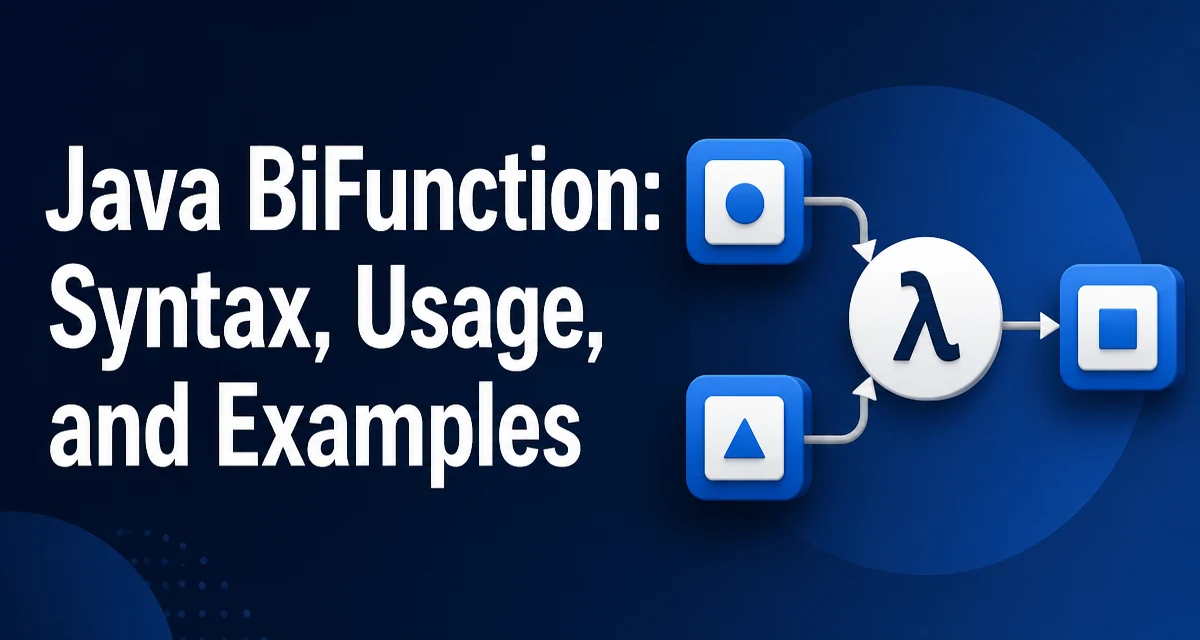
Java's BiFunction is a functional interface that accepts two arguments and produces a result. It is part of the java.util.function package and is commonly used when you need to combine or transform two values into one. This article covers the syntax, practical usage, composition, and common mistakes when working with java bifunction.
The BiFunction Signature and Its Place in java.util.function
BiFunction<T, U, R> is a generic functional interface with a single abstract method R apply(T t, U u). The type parameters T and U represent the input types, and R represents the result type. Because it has exactly one abstract method, it can be implemented with a lambda expression or a method reference.
The interface is defined in the java.util.function package alongside other common functional interfaces like Function, Predicate, and Consumer. While Function takes one argument, BiFunction takes two. This makes it suitable for operations that inherently involve two inputs, such as combining values, merging map entries, or computing a result from a pair of parameters.
Using BiFunction with Lambda Expressions
The most direct way to use BiFunction is with a lambda expression. Consider a simple addition operation:
BiFunction<Integer, Integer, Integer> add = (a, b) -> a + b;
Integer sum = add.apply(5, 3);
System.out.println(sum); // 8
The lambda (a, b) -> a + b matches the apply method signature. The compiler infers the types from the generic declaration. This works well for short, self-contained logic. If the logic grows more complex, you can use a block body with curly braces and an explicit return:
BiFunction<Integer, Integer, Integer> addAndPrint = (a, b) -> {
    int result = a + b;
    System.out.println("Result: " + result);
    return result;
};
Keep in mind that a lambda captures variables from the enclosing scope only if they are effectively final. This is a general Java rule that applies to all lambdas, not just BiFunction.
Composing BiFunction with andThen
BiFunction provides a default method andThen(Function<? super R, ? extends V> after) that allows you to chain a subsequent transformation on the result. The composed function first applies the BiFunction, then applies the Function to the result. Here is an example:
BiFunction<Integer, Integer, Integer> add = (a, b) -> a + b;
Function<Integer, Integer> square = x -> x * x;
BiFunction<Integer, Integer, Integer> addThenSquare = add.andThen(square);

Integer result = addThenSquare.apply(2, 3); // (2 + 3)^2 = 25
System.out.println(result); // 25
Note that andThen returns a new BiFunction that composes the original and the post-processing step. The original BiFunction remains unchanged. This is useful for building pipelines where you want to separate the combination logic from the transformation logic.
There is no compose method on BiFunction because composition with two inputs is not as straightforward as with a single-input Function. If you need to pre-process the inputs, you would typically apply a Function to each argument before passing them to the BiFunction.
Using Method References with BiFunction
Method references provide a concise way to implement BiFunction when an existing method already matches the desired behavior. For example, Math.max takes two int values and returns the larger one:
BiFunction<Integer, Integer, Integer> max = Math::max;
Integer larger = max.apply(10, 20);
System.out.println(larger); // 20
Similarly, String::concat can be used to concatenate two strings:
BiFunction<String, String, String> concat = String::concat;
String combined = concat.apply("Hello, ", "world!");
System.out.println(combined); // Hello, world!
Method references work when the method signature matches the apply method: it must take two arguments and return a value. Static methods and instance methods of a class can be referenced depending on the context. This often improves readability because the method name describes the operation.
Practical Use Cases: Merging Maps and Combining Values
One of the most common uses of BiFunction is in the Map.merge method. The merge method accepts a key, a value, and a BiFunction that determines how to combine the existing value with the new value if the key is already present. For example, to accumulate counts in a map:
Map<String, Integer> wordCounts = new HashMap<>();
wordCounts.merge("apple", 1, (count, increment) -> count + increment);
wordCounts.merge("apple", 1, (count, increment) -> count + increment);
System.out.println(wordCounts.get("apple")); // 2
Here the BiFunction receives the current value and the new value, and returns the combined result. This pattern is widely used in stream collectors and data aggregation.
Another use case is computing a value from two fields of an object. Suppose you have a Point class with x and y coordinates, and you want to calculate the distance from the origin:
BiFunction<Double, Double, Double> distance = (x, y) -> Math.sqrt(x * x + y * y);
double dist = distance.apply(3.0, 4.0); // 5.0
This keeps the calculation logic separate from the object model, which can be useful when the same calculation is needed in multiple places.
Handling Null Arguments and Edge Cases
BiFunction does not enforce null checks on its arguments. The behavior of a lambda or method reference when passed null depends entirely on the implementation. For example, String::concat will throw a NullPointerException if one of the arguments is null. If your logic must handle null inputs, you need to check explicitly inside the lambda:
BiFunction<String, String, String> safeConcat = (a, b) -> {
    if (a == null) a = "";
    if (b == null) b = "";
    return a + b;
};
Be aware that Map.merge treats a null value differently: if the mapping for the key is absent or the existing value is null, the BiFunction is not invoked; instead, the new value is inserted directly. This is a documented behavior of Map.merge and can lead to subtle bugs if you assume the function is always called.
Another edge case is type erasure. At runtime, BiFunction does not retain generic type information, so you cannot inspect the types of T, U, or R inside the lambda. This is a general limitation of Java generics and is rarely a problem in practice.
Performance and Allocation Considerations
Every lambda expression creates an instance of the target functional interface. In a hot code path, repeatedly creating new BiFunction instances can add allocation overhead and pressure on the garbage collector. For example, consider a loop that merges many entries into a map:
for (String key : keys) {
    map.merge(key, 1, (a, b) -> a + b);
}
Each iteration may create a new lambda instance, depending on the compiler and JVM optimizations. In many cases, the JVM can cache lambda instances when they do not capture any variables. However, if the lambda captures a variable, a new instance is created each time. To avoid unnecessary allocation, you can extract the BiFunction into a static final field:
private static final BiFunction<Integer, Integer, Integer> SUM = Integer::sum;

for (String key : keys) {
    map.merge(key, 1, SUM);
}
Using a method reference like Integer::sum is often more efficient because it points to a single method and may be cached by the JVM. This is a micro-optimization, but it can matter in large-scale data processing.
Additionally, BiFunction is not Serializable. If you need to serialize a functional object, you must define your own interface that extends Serializable and is a functional interface. This is rarely needed but worth knowing if you work with distributed systems or caching frameworks.
Choosing Between BiFunction and a Custom Functional Interface
While BiFunction is versatile, it can be too generic. When the meaning of the two arguments is not obvious from the context, a custom functional interface with descriptive method names can improve readability and maintainability. For example:
@FunctionalInterface
interface Combiner<T, U, R> {
    R combine(T first, U second);
}
This interface has the same shape as BiFunction, but the method name combine clearly indicates intent. You can still use a lambda to implement it:
Combiner<String, String, String> greeting = (firstName, lastName) -> "Hello, " + firstName + " " + lastName;
Use BiFunction when the operation is generic and the inputs are self-explanatory, such as in Map.merge or when passing a function to a library method. Use a custom interface when you are defining a domain-specific API and want to enforce semantic clarity. The decision should be based on how widely the functional type is used and how much context the method name provides.
A related interface is BinaryOperator<T>, which extends BiFunction<T, T, T> and is used when both arguments and the result are the same type. Many stream operations like reduce accept a BinaryOperator. If your operation is symmetric and type-uniform, prefer BinaryOperator for clarity.