Java BigDecimal Rounding: Set Scale and Rounding Mode
java bigdecimal rounding: Learn how to round BigDecimal values in Java using setScale, RoundingMode, and MathContext with practical examples and pitfalls.
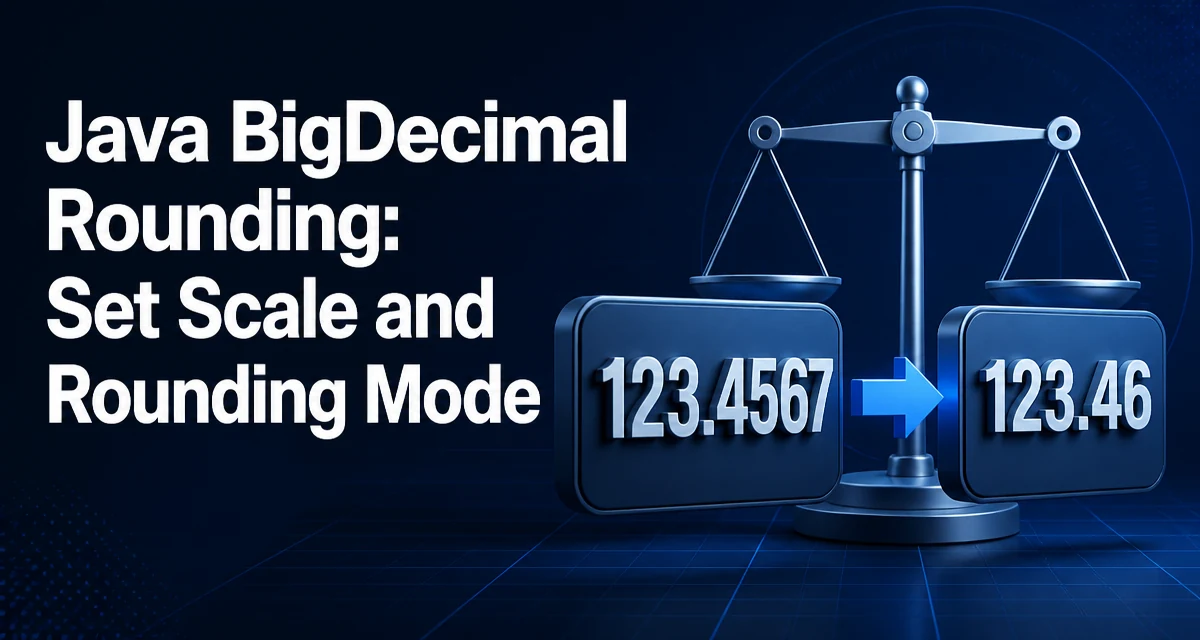
java bigdecimal rounding requires a clear understanding of the core syntax, runtime behavior, and practical implementation patterns demonstrated in the examples below.
Rounding a BigDecimal in Java is not a single method call. The class exposes rounding through a combination of scale and rounding mode, and the behavior depends on which method you invoke. This article explains how to round BigDecimal values correctly, covering setScale, RoundingMode, MathContext, and common pitfalls.
Why BigDecimal Rounding Is Not Implicit
BigDecimal represents arbitrary-precision decimal numbers. Unlike double, it does not have a built-in round() method that returns a rounded value. Instead, rounding is applied when you set a scale (the number of digits after the decimal point) or when you perform operations like division that produce a result with a larger scale than you want. The rounding behavior is controlled by a RoundingMode enum, which defines how discarded digits affect the result.
Setting Scale and Rounding Mode with setScale
The most common way to round a BigDecimal is to call setScale(int newScale, RoundingMode roundingMode). This returns a new BigDecimal with the specified scale, rounding the value if necessary. The original object is unchanged because BigDecimal is immutable.
import java.math.BigDecimal;
import java.math.RoundingMode;

BigDecimal value = new BigDecimal("123.4567");
BigDecimal rounded = value.setScale(2, RoundingMode.HALF_UP);
System.out.println(rounded); // 123.46
The scale parameter specifies how many digits to keep after the decimal point. If the original value has more digits, the rounding mode determines how to handle the discarded digits. If the original value has fewer digits, setScale can also add trailing zeros without rounding, as long as the rounding mode is not UNNECESSARY. For example, new BigDecimal("1.2").setScale(3, RoundingMode.UNNECESSARY) returns 1.200. This behavior is useful when you need to normalize values to a fixed scale for display or storage.
The RoundingMode Enum: A Closer Look
Java provides eight rounding modes in the RoundingMode enum. Each defines a different rule for discarding digits. The most common are HALF_UP, HALF_DOWN, HALF_EVEN, CEILING, FLOOR, UP, DOWN, and UNNECESSARY. The table below summarizes their behavior when rounding to two decimal places, using the value 123.455 as an example.
| Rounding Mode | Behavior | Result for 123.455 to 2 decimals |
|---|---|---|
| UP | Away from zero | 123.46 |
| DOWN | Towards zero | 123.45 |
| CEILING | Towards positive infinity | 123.46 |
| FLOOR | Towards negative infinity | 123.45 |
| HALF_UP | Half away from zero | 123.46 |
| HALF_DOWN | Half towards zero | 123.45 |
| HALF_EVEN | Round to even neighbor | 123.46 (since 5 rounds to even) |
| UNNECESSARY | Throw if rounding is needed | ArithmeticException |
HALF_UP is the standard rounding taught in schools and is commonly used in financial calculations. HALF_EVEN, also called banker's rounding, reduces bias in statistical operations because it rounds to the nearest even digit when the discarded part is exactly 0.5. CEILING and FLOOR are useful when you need to round towards a boundary, such as when calculating tax or interest. UNNECESSARY is a safety check: it throws ArithmeticException if the value cannot be represented exactly at the requested scale.
Rounding During Division
Division is where rounding becomes essential because BigDecimal has no default scale for the result. When you call divide, you must specify a scale and rounding mode, or you risk an ArithmeticException if the quotient is non-terminating. For example:
BigDecimal numerator = new BigDecimal("1");
BigDecimal denominator = new BigDecimal("3");
BigDecimal result = numerator.divide(denominator, 4, RoundingMode.HALF_UP);
System.out.println(result); // 0.3333
Without the scale and rounding mode, this would throw ArithmeticException because 1/3 has an infinite decimal expansion. The same applies to other operations that can produce non-terminating results, such as pow with negative exponents. Always provide a scale and rounding mode when the result may have more fractional digits than you need.
Using MathContext for Precision Control
MathContext combines a precision (total number of significant digits) and a rounding mode. It is used in operations like multiply, divide, and pow to control the precision of the result. For example:
MathContext mc = new MathContext(5, RoundingMode.HALF_UP);
BigDecimal value = new BigDecimal("1.23456");
BigDecimal result = value.multiply(new BigDecimal("2.0"), mc);
System.out.println(result); // 2.4691
MathContext is useful when you want to limit the total number of significant digits, not just the scale. This is common in scientific or engineering calculations where the precision of the input is known. The precision includes all digits, both before and after the decimal point. For example, a precision of 5 means the result will have at most 5 significant digits, regardless of the scale.
Performance and Allocation Considerations
BigDecimal is immutable, so every rounding operation creates a new object. This can be a performance concern in tight loops or high-frequency financial calculations. The cost is proportional to the number of digits in the value. Using setScale repeatedly on the same value in a loop can cause unnecessary allocation. If you need to round many values, consider batching or using primitive types when precision requirements allow. However, for monetary values, BigDecimal is often the only correct choice, and the allocation cost is acceptable compared to the risk of floating-point errors.
Another performance consideration is the choice of rounding mode. Some modes, like HALF_EVEN, may require slightly more computation because they must inspect the discarded digits more carefully. In practice, the difference is negligible for typical values, but it can add up in extremely large loops. If performance is critical, benchmark your specific use case and consider using long with a fixed scale for integer-based arithmetic, but only when you can guarantee that the scale never changes.
Common Mistakes and How to Avoid Them
One common mistake is forgetting to specify a rounding mode when calling setScale, which throws ArithmeticException if rounding is necessary. Always pass an explicit RoundingMode unless you are certain the value already fits the scale. Another mistake is using the double constructor to create a BigDecimal, which introduces binary floating-point artifacts. For example, new BigDecimal(0.1) produces a value with many digits due to the binary representation of 0.1. Always use the String constructor or BigDecimal.valueOf to get an exact decimal representation.
Be careful with divide: always provide scale and rounding mode unless you are certain the quotient is exact. For example, 1.0 divided by 2.0 is exact, but 1.0 divided by 3.0 is not. If you omit the scale and rounding mode, the method throws ArithmeticException. Also, remember that HALF_EVEN is the default in some contexts, like MathContext.DECIMAL128, and it may not match the rounding behavior expected in financial applications that typically use HALF_UP. Always specify the rounding mode explicitly when the behavior matters.
Finally, be aware that setScale can throw ArithmeticException if the rounding mode is UNNECESSARY and rounding is required. This is useful for validation, but it can surprise developers who expect silent rounding. Use UNNECESSARY only when you want to enforce exactness, such as when verifying that a computed value has a specific scale.