Java byte Type: Range, Conversion, and Pitfalls
java byte type: Learn the Java byte type: its 8-bit signed range, conversion rules, arithmetic pitfalls, and practical use in binary data.
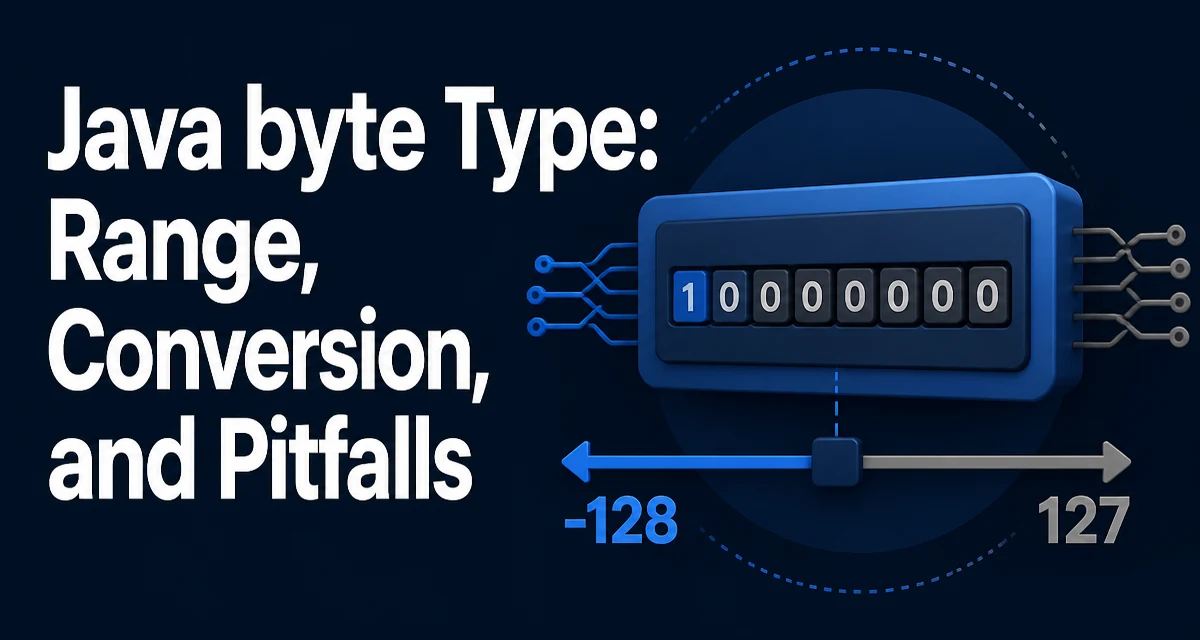
The Java byte type is an 8-bit signed two's complement integer. Its range is fixed: -128 to 127. Many developers treat byte as a trivial type, but its signedness and arithmetic behavior often cause subtle bugs. This article explains how the java byte type behaves in practice, how conversions work, and where it fits in real code.
The byte Type in Java: Range and Storage
A byte occupies exactly 8 bits of storage. Because Java uses two's complement representation, the range is asymmetric: the minimum value is -128 (0x80) and the maximum is 127 (0x7F). This is unlike unsigned types in languages like C or Go. There is no unsigned byte in Java; the Byte wrapper class offers no unsigned interpretation either.
The small range means a single byte can hold values like ASCII codes, small counters, or flags. But any operation that pushes the value beyond 127 or below -128 will overflow silently, wrapping around in a predictable but often surprising way.
Declaring and Initializing byte Variables
Declaring a byte is straightforward:
byte b = 100;
byte negative = -50;
Literal values must fit within the range. The compiler rejects literals outside -128..127 without a cast. For example, byte b = 128; fails to compile. To assign a value that is outside the range, you must cast, but the cast truncates the value to the low 8 bits, which may not be what you expect.
A common source of confusion is that integer literals in Java are int by default. When you write byte b = 100;, the compiler implicitly narrows the constant because it is a compile-time constant that fits. This implicit narrowing does not apply to variables.
Converting Between byte and Other Numeric Types
Widening conversions from byte to short, int, long, float, or double are automatic and lossless. For example:
byte b = 42;
int i = b; // widening, no cast needed
Narrowing conversions require an explicit cast. Casting from int to byte keeps only the low 8 bits, discarding the higher-order bits. This can produce negative values for inputs that look positive:
int i = 200;
byte b = (byte) i; // b is -56
The value 200 in binary is 1100 1000. The low 8 bits are 1100 1000, which as a signed byte is -56. This behavior is intentional but often catches developers off guard.
When converting byte to char, the sign extension matters. A byte is signed, so casting it to a char (which is unsigned 16-bit) first widens to int and then narrows, but the result can be unexpected. The safer approach is to use Byte.toUnsignedInt(b) when you need the value as a 0..255 range.
Working with byte Arrays and Binary Data
byte[] is the standard representation for raw binary data in Java. It is used for file I/O, network protocols, encryption, and image processing. The signedness of byte complicates reading binary data because each element is signed, but the actual bits are the same. To interpret a byte as an unsigned value, you typically do:
byte[] data = readFromSocket();
int unsignedValue = data[0] & 0xFF;
The bitwise AND with 0xFF promotes the byte to int and clears the sign extension bits, yielding a value from 0 to 255. This pattern appears throughout Java's I/O and networking code.
When constructing a byte[] from hex strings or other textual representations, you must handle the signedness explicitly. For example, converting a hex pair to a byte requires parsing to an int and then casting:
int val = Integer.parseInt(hexPair, 16);
byte b = (byte) val;
This works because the cast truncates to the low 8 bits, preserving the intended binary pattern.
Bitwise Operations and Signedness
Bitwise operations on byte values are performed after promoting them to int. This means the result of b1 & b2 is an int, not a byte. To assign the result back to a byte, you need a cast. For example:
byte a = 0b1100_0000;
byte b = 0b0011_1111;
int result = a & b; // result is 0b0000_0000 = 0
Shifts also operate on int. The right shift >> preserves the sign, while the unsigned right shift >>> does not exist for byte directly; you must work with int. This often leads to verbose code when dealing with raw bytes.
A practical consequence is that byte is not ideal for bit-level manipulation unless you constantly cast and mask. For heavy bit-twiddling, int is more convenient because it avoids repeated width conversions.
Common Pitfalls with byte Arithmetic
Arithmetic on byte values is performed after widening to int. The result is an int, not a byte. This is a frequent source of compile-time errors:
byte a = 10;
byte b = 20;
byte c = a + b; // error: incompatible types: possible lossy conversion from int to byte
The fix is an explicit cast: byte c = (byte) (a + b);. But the cast can overflow if the sum exceeds 127. For example, 100 + 100 becomes 200, which casts to -56. If you need to ensure the result stays within range, you must check before casting or use a wider type.
Another pitfall is the compound assignment operators. b += 1 performs an implicit cast back to byte, so it compiles, but it still overflows silently. This behavior is defined by the Java Language Specification and is consistent across all numeric types, but it is easy to overlook.
When to Use byte vs. Other Numeric Types
Use byte when memory footprint matters and the values are known to fit in 8 bits. For example, a large array of small sensor readings or pixel components can be stored as byte[] to reduce memory usage. A byte array uses one byte per element, whereas an int array uses four.
However, the signedness and arithmetic quirks make byte less convenient for general numeric work. For most calculations, int or long are safer and more efficient on modern CPUs because they avoid frequent widening and casting. The JVM often aligns variables to word boundaries anyway, so a standalone byte field may not actually save memory compared to an int field; the savings only materialize in arrays or when many fields are packed.
If you need unsigned 8-bit values, consider using int for the value and masking with 0xFF when converting to byte. This keeps the arithmetic clean and avoids sign-extension surprises. For binary I/O, ByteBuffer provides a more structured way to read and write bytes, including unsigned operations via getUnsignedByte() in newer Java versions.
In summary, the java byte type is a specialized tool. It is essential for raw binary data and memory-constrained arrays, but its signed range and promotion rules require careful handling. Understanding these behaviors prevents the subtle bugs that arise from silent overflow and sign extension.