Convert java char to int
java char to int: Learn the correct ways to convert a char to an int in Java, including handling digits, ASCII values, and avoiding common pitfalls.
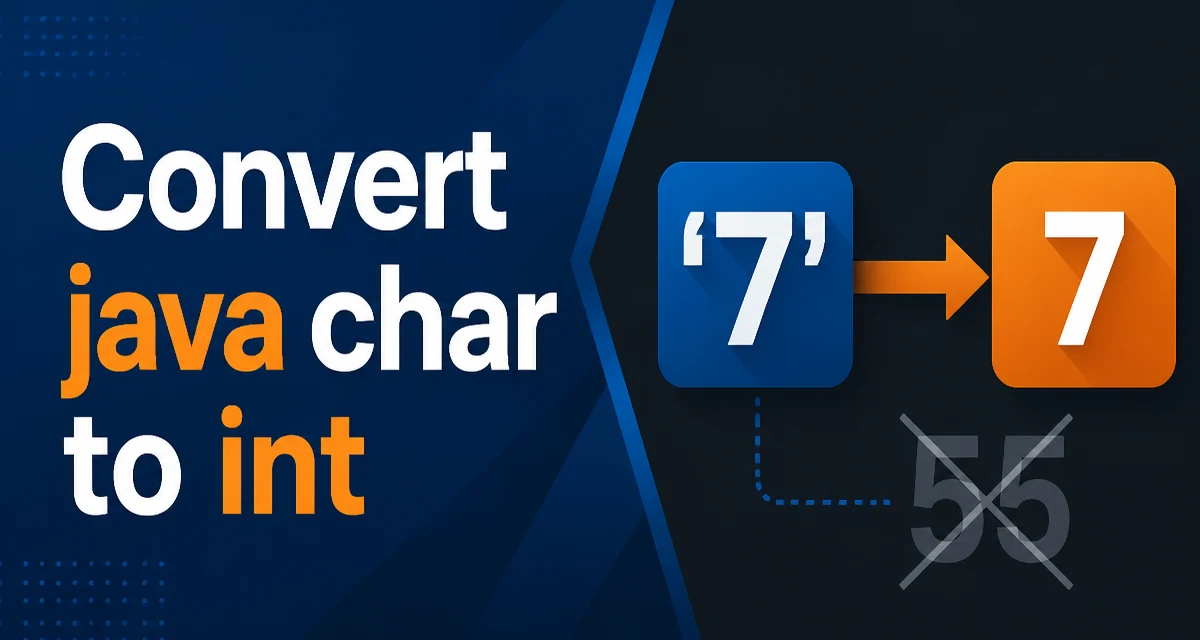
java char to int requires a clear understanding of the core syntax, runtime behavior, and practical implementation patterns demonstrated in the examples below.
Converting a char to an int in Java is a common operation, but the result depends on what you intend to extract. A char in Java is a 16-bit unsigned integer representing a Unicode code unit. When you cast a char to an int, you get that code unit's numeric value. For ASCII characters, this is straightforward, but for characters in the range '0' to '9', you often want the actual digit value, not the ASCII code. This article explains the different conversion paths, when to use each, and the typical mistakes developers make when working with java char to int conversions.
char letter = 'A';
int ascii = (int) letter; // ascii is 65
The explicit cast is the most direct way to get the code unit value of the char. Because char is smaller than int, the cast is not strictly required—Java will widen the char to an int implicitly when you assign it. The following code compiles without an explicit cast:
char letter = 'B';
int ascii = letter; // implicit widening, ascii is 66
Both forms produce the same result. The implicit widening works because int can represent every possible char value (0 to 65535). This conversion gives you the UTF-16 code unit value, which for characters in the Basic Multilingual Plane equals the Unicode code point. For supplementary characters (those outside the BMP), the char holds a surrogate value, so the code unit value is not the full code point. For most practical uses, you are dealing with ASCII or Latin-1 characters, so the code unit equals the ASCII or Unicode value.
Converting Digit Characters to Integer Values
When you have a character that represents a digit, such as '7', casting to int gives you 55, not 7. That is the ASCII code for the digit '7'. If you need the numeric digit value, you must subtract the base character '0'. For example:
char digitChar = '7';
int digit = digitChar - '0'; // digit is 7
This works because the ASCII codes for digits are contiguous from 48 ('0') to 57 ('9'). Subtracting the code for '0' shifts the range to 0–9. The same subtraction works for any Unicode digit that is contiguous with '0', which is the case for ASCII digits and many other scripts, but it is not guaranteed for all Unicode digit forms. For example, the Arabic-Indic digits (U+0660 to U+0669) have code values that are not contiguous with '0', so subtracting '0' would not produce the correct digit. In such cases, you should use the Character.getNumericValue() method, which is designed to handle all Unicode digit characters.
Using Character.getNumericValue() for Digits
The Character.getNumericValue(char ch) method returns the numeric value of the character if it represents a digit, and -1 if it does not. This method understands Unicode digits beyond the ASCII range. It returns an int, so it is a direct way to convert a digit character to its integer value.
char digitChar = '5';
int digit = Character.getNumericValue(digitChar); // digit is 5

char fraction = '¼';
int fractionValue = Character.getNumericValue(fraction); // fractionValue is 1 (for the numerator)
The method returns the numeric value that the character represents, not the code point. For a fraction character like '¼', it returns 1 (the numerator), but that is an edge case. For ordinary decimal digits, it returns 0 through 9. It also handles superscripts and other digit-like characters. If you are certain your input is a simple ASCII digit, the subtraction method is faster and simpler, but getNumericValue is more robust for international text.
Understanding the Difference Between Code Unit and Numeric Value
The core confusion in java char to int conversions is distinguishing between the code unit (the numeric representation of the character in the UTF-16 encoding) and the numeric value the character stands for. For example, the character 'A' has a code unit value of 65, but it does not represent the number 65. The character '9' has a code unit value of 57, but it represents the number 9. When you see a char in Java, you must ask: do I want the encoding number, or the value it represents?
| Scenario | Example char | Cast to int | Value after subtract '0' | Character.getNumericValue |
|---|---|---|---|---|
| Letter | 'A' | 65 | 17 | -1 |
| Digit '0'–'9' | '7' | 55 | 7 | 7 |
| Unicode digit (e.g., Arabic ٠) | '٠' | 1632 | Not correct | 0 |
| Fraction character | '½' | 189 | 141 | 1 |
This table shows how different conversion approaches behave for the same input. The column "Value after subtract '0'" demonstrates that subtracting '0' only works for ASCII digits and digits that are contiguous with '0' in the Unicode block. For Unicode digits not in that range, the result is incorrect. The Character.getNumericValue method handles all these cases correctly for digit values, but it returns -1 for letters and other non-numeric characters.
Common Pitfalls and How to Avoid Them
A frequent mistake is using (int) char when the goal is to parse a numeric digit from a string into an int. For example, if you iterate over a string of digits and cast each character to int, you get the ASCII codes instead of the numbers. This leads to arithmetic errors. Always use the subtraction method or Character.getNumericValue() for digit conversion.
Another pitfall is assuming that Character.getNumericValue returns -1 only for non-digits. It returns -1 for most non-digits, but it also returns -2 for a few special characters that do not have a numeric value but are considered numeric by the Unicode definition. For example, certain Thai digits return -2. If your code relies on checking for -1 to decide whether conversion succeeded, it will treat -2 as a failure, which is correct, but the check should be >= 0 to allow any non-negative value.
Sometimes developers need to convert a char digit to an int without using the Character class. The subtraction method is simple and efficient, and it is perfectly safe when you have already validated that the character is in the range '0' to '9'. Validation can be done with Character.isDigit(ch), but do not rely on isDigit to guarantee that ch - '0' is correct for all digits. isDigit returns true for many Unicode digits where the contiguous subtraction fails.
Performance Considerations for Conversion
For performance-sensitive code, the choice of conversion method can have a measurable impact, but it is rarely a bottleneck. The implicit cast or explicit cast to int is a no-op in terms of runtime cost because it does not change the underlying bits; it only changes the type interpretation. Subtracting '0' is also a single arithmetic operation. Character.getNumericValue is a method call that may involve more work internally, especially for non-ASCII characters, because it has to look up the Unicode database. If you are parsing millions of ASCII digit characters in a tight loop, using ch - '0' after checking ch >= '0' && ch <= '9' will be faster than calling Character.getNumericValue. However, in most applications, the difference is negligible compared to I/O or other logic, so prioritize correctness and clarity over micro-optimization.
When to Choose Subtraction vs. getNumericValue
The decision between ch - '0' and Character.getNumericValue(ch) depends on the expected input and the need for Unicode support. Use ch - '0' when you know the input is limited to ASCII digits, such as when validating a configuration string with a regex that only allows [0-9]. Use getNumericValue when your application might receive digits from other scripts, like Arabic-Indic or Devanagari, and you want to interpret them as their intended numeric value. If you are building an internationalized application that accepts user input, getNumericValue is the safer choice because it handles digits beyond ASCII. For a quick utility that only deals with English-digit strings, subtraction is direct and avoids the overhead of a method call.
Advanced Example: Parsing a String of Digits
A practical use case for char-to-int conversion is parsing a string that represents a number without using Integer.parseInt. This might be needed in a low-level parser or when you want to handle custom numeric formats. Here is an example that converts a string of ASCII digits to an int, using the subtraction method:
public static int parseDigits(String input) {
    if (input == null || input.isEmpty()) {
        throw new IllegalArgumentException("Input must not be empty");
    }
    int result = 0;
    for (int i = 0; i < input.length(); i++) {
        char c = input.charAt(i);
        if (c < '0' || c > '9') {
            throw new NumberFormatException("Invalid digit: " + c);
        }
        result = result * 10 + (c - '0');
    }
    return result;
}
This method validates each character before converting. The expression c - '0' converts the char to its digit value. The loop accumulates the result by multiplying the previous result by 10 and adding the digit, which is the standard algorithm. This avoids the overhead of Integer.parseInt and gives you control over error messages. Note that this implementation does not handle negative numbers or leading plus signs; it only parses non-negative integers without a sign. If you need sign handling, you would check for a '-' at the beginning and adjust the loop accordingly. This example shows the importance of understanding what the conversion produces, so you can use it to build more complex parsing functionality.
Impact of Locale and Character Set
When converting char to int, the locale and character set of the source data matter. A char in Java is always a UTF-16 code unit, so the encoding is already determined by the Java runtime. However, if you are reading text from an external source, such as a file or a network stream, the byte-to-char conversion depends on the charset used. Once the text is a String or char array, the conversion to int is based on the Unicode code unit, not the original charset. For example, if you read a file encoded in ISO-8859-1, a byte with value 0xC9 becomes the character 'É', which has a code unit value of 201. Casting that to int gives 201. If the same file were converted incorrectly as UTF-8, you might get a different character or a mojibake. Therefore, always ensure you specify the correct charset when decoding external data. This is more of a data-quality issue than a conversion issue, but it affects the reliability of your char to int results.
Edge Cases and Surrogate Pairs
A char in Java is a single 16-bit unit, but some Unicode characters are represented by two char values (a surrogate pair). For example, the emoji 😀 is U+1F600, which is represented by two chars: a high surrogate and a low surrogate. If you attempt to convert each char to an int, you get two separate code unit values, not the code point. To get the code point, you must handle the pair. For most use cases involving digit conversion, this is not an issue because digits are always in the BMP. But if you are processing arbitrary text and need the code point, use codePointAt() on a String or handle the pair explicitly. Here is a concise example of extracting code points from a string:
String emoji = "😀";
int codePoint = emoji.codePointAt(0); // 128512

char high = emoji.charAt(0);
char low = emoji.charAt(1);
int codePointFromSurrogates = Character.toCodePoint(high, low); // 128512
This demonstrates that converting each char alone would not give you the intended value. If your char to int conversion is part of a routine that processes arbitrary Unicode text, be aware of surrogate pairs and use String.codePointAt or Character.toCodePoint when you need full code points. For digit handling, this is rarely necessary, but it shows the boundary of simple char operations.
Choosing the Right Conversion Method
To summarize the decision process, consider the source and intended meaning of the character. If you need the underlying UTF-16 code unit (for example, to compare with a known code point), use a direct cast. If you need the integer value of a digit, use subtraction for ASCII-only input, or Character.getNumericValue for broader Unicode support. Always validate the input to avoid unexpected results, especially when using subtraction, because it silently produces incorrect values for non-ASCII digits. For production code, prefer Character.getNumericValue when you cannot guarantee the input is ASCII, because it provides consistent behavior across character sets. The performance difference is minor, and the robustness is worth the tiny overhead. By understanding what the conversion actually returns, you can avoid the common mistakes that lead to off-by-50 bugs in arithmetic and parsing routines.