Java char Type: What It Stores and Where It Breaks
java char type: Understand what Java's char type actually stores, how it behaves numerically, and where it fails for supplementary Unicode characters.
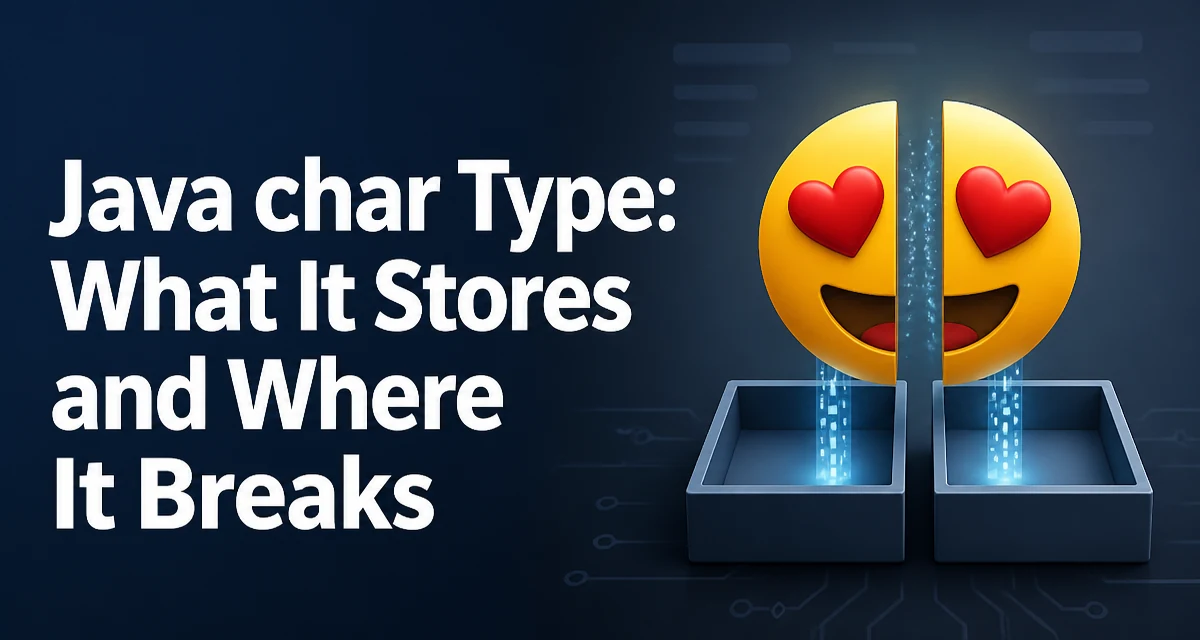
java char type requires a clear understanding of the core syntax, runtime behavior, and practical implementation patterns demonstrated in the examples below.
The char type in Java is a 16-bit unsigned primitive that holds a single UTF-16 code unit. Many developers treat it as "a character," but that mental model breaks down once text moves beyond the Basic Multilingual Plane. Understanding what char actually stores, how it behaves in arithmetic, and where it fails to represent Unicode correctly will prevent a class of subtle bugs that usually surface only when international text reaches production.
Declaring and Initializing char Variables
A char literal is written between single quotes:
char letter = 'A';
char digit = '7';
char newline = '\n';
char unicodeEscape = '\u0041'; // also 'A'
The value stored is the UTF-16 code unit, not a display glyph. 'A' and '\u0041' are identical at runtime because both resolve to the same 16-bit value, 65.
char Behaves Like a Numeric Type
Despite being used for text, char is an unsigned integer type with a range of 0 to 65535. That means it participates in arithmetic and can be cast to and from int:
char c = 'A';
int code = c;              // 65
char next = (char) (c + 1); // 'B'
The cast back to char is required because the result of c + 1 is an int, and assigning an int to a char without an explicit cast will not compile. This numeric behavior is useful when you need to iterate over a contiguous range of letters or compute a checksum, but it also means that char values can be accidentally combined with integers in ways that produce surprising results.
char Cannot Represent Every Unicode Character
The fundamental limitation of char is that it stores one UTF-16 code unit, and not every Unicode code point fits in 16 bits. Characters outside the Basic Multilingual Plane, such as most emoji and many historical scripts, are encoded as a pair of surrogate code units:
String emoji = "😀";
System.out.println(emoji.length()); // 2
char first = emoji.charAt(0);       // high surrogate
The length() of the string is 2, and charAt(0) returns only half of the code point. Any code that iterates over a string with charAt and assumes each index is one visible character will mishandle supplementary characters. This is the most common production failure involving char: text is truncated, reversed, or validated incorrectly when surrogate pairs are split.
Working with Code Points Instead of char
When you need to process text as actual Unicode characters, use the code-point API on String rather than char indexing:
String text = "A😀B";
int count = text.codePointCount(0, text.length()); // 3
int cp = text.codePointAt(0); // 65
Iterating by code point requires a small loop because the next index depends on whether the current code point is supplementary:
int i = 0;
while (i < text.length()) {
    int cp = text.codePointAt(i);
    System.out.println(cp);
    i += Character.charCount(cp);
}
Character.charCount returns 1 for BMP code points and 2 for supplementary ones, so the loop advances correctly over surrogate pairs. For any new code that processes text, prefer this approach over charAt-based loops.
char[] vs String for Text Storage
A char[] is a mutable sequence of code units, while a String is immutable. The main reasons to choose char[] today are narrow: you need to overwrite sensitive data in place, or you are interfacing with an API that requires it. For general text handling, String is safer because it cannot be modified after creation, which avoids aliasing bugs where two variables unexpectedly share the same backing array.
char[] secret = new char[] {'p', 'a', 's', 's'};
Arrays.fill(secret, '\0'); // wipe after use
That pattern is one of the few legitimate uses of char[]. Note that the JVM and the garbage collector can still leave copies of the data elsewhere, so clearing the array reduces exposure but does not guarantee that the value never appears in memory.
Memory and Performance Considerations
Each char occupies two bytes. A String stores its characters in a backing byte[] or char[] depending on the JDK version and whether the content fits in Latin-1; modern JDKs use a compact string representation that stores ISO-8859-1 text in one byte per character. That means char is not always the right mental model for how a string is laid out in memory.
When you build text incrementally, repeated string concatenation creates many intermediate objects. Using a StringBuilder avoids that allocation churn:
StringBuilder sb = new StringBuilder();
for (int cp : codePoints) {
    sb.appendCodePoint(cp);
}
appendCodePoint handles surrogate pairs correctly, so you can assemble text from code points without manually managing the encoding.
Common Mistakes with char
Comparing char values with == works only for exact code-unit equality. Two visually identical characters can have different code points, such as the composed and decomposed forms of accented letters, so equality checks can fail even when the text looks the same. Normalization with java.text.Normalizer is required before such comparisons.
Another frequent mistake is assuming Character.isLetter or Character.isDigit matches user expectations. These methods operate on Unicode categories, so Character.isDigit('7') returns true for a fullwidth digit while Character.isLetter accepts characters from many scripts that a developer might not consider letters. When validation rules must match business expectations, define the allowed ranges explicitly rather than relying on the broad Unicode category methods.
Finally, do not use char to hold a value read from user input without checking the code point count first. A single user-perceived character can occupy two char positions, so any fixed-size buffer built around char can split a surrogate pair and corrupt the stored text.