Java char vs String: Key Differences and Usage
java char vs string: Understand the core differences between Java's char primitive and String class, including usage, memory, and performance.
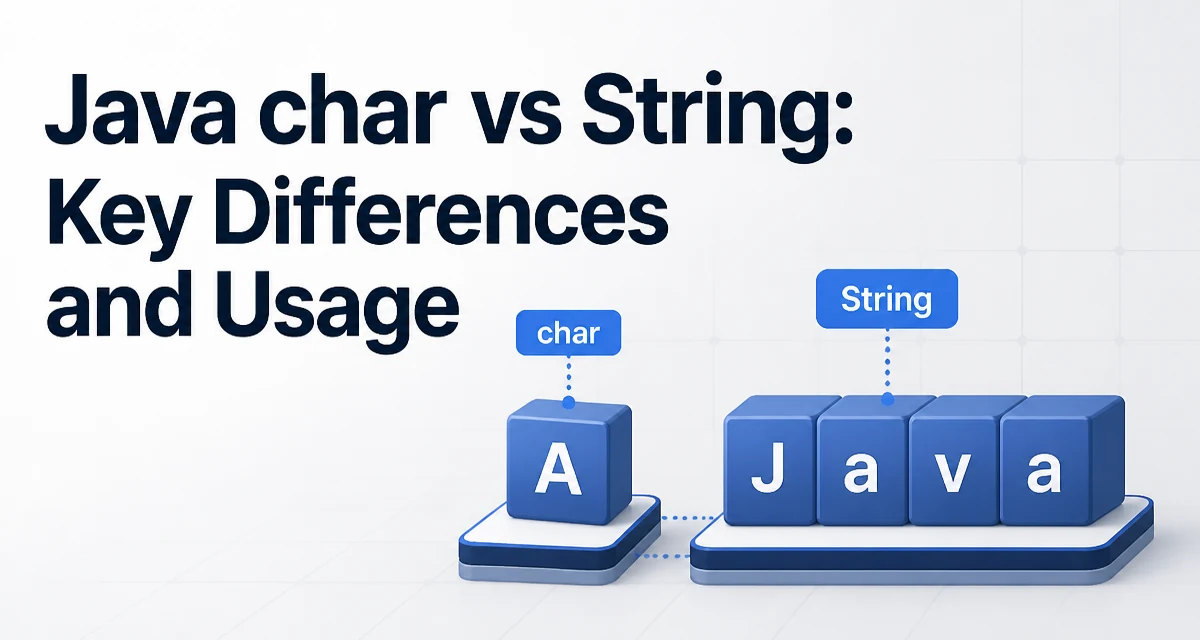
java char vs string requires a clear understanding of the core syntax, runtime behavior, and practical implementation patterns demonstrated in the examples below.
The difference between char and String in Java is not just about syntax—it's about how the JVM treats primitive values versus objects. A char is a single 16-bit Unicode character, while a String is an immutable sequence of characters. This fundamental distinction affects memory usage, equality checks, and how you manipulate text in your code.
The Fundamental Difference Between char and String
A char is a primitive type, so it holds a single character directly in memory. For example:
char letter = 'A';
Here, letter stores the numeric code point for 'A' (65 in Unicode). A String, on the other hand, is a reference type that points to an object containing a character array (or a compact representation in modern JDKs). When you write:
String word = "A";
word references a String object that holds the sequence of characters. Even a single-character String involves object overhead: a reference, a header, and the underlying array. This overhead matters when you're dealing with large numbers of single characters.
Another key difference is immutability. char is a mutable value—you can reassign it freely. String is immutable by design; any operation that appears to modify a String actually creates a new object. This immutability is crucial for thread safety and caching, but it also means that repeated concatenation can create many temporary objects.
When to Use char Instead of String
Use char when you need to work with a single character and you want to avoid the overhead of a String object. Common scenarios include:
- Iterating over the characters of a
StringusingtoCharArray()orcharAt(). - Building a character buffer for algorithms that process text character by character.
- Comparing individual characters without invoking
equals().
For example, counting vowels in a string is more efficient with char:
String text = "hello world";
int vowelCount = 0;
for (char c : text.toCharArray()) {
    if (c == 'a' || c == 'e' || c == 'i' || c == 'o' || c == 'u') {
        vowelCount++;
    }
}
Here, c is a primitive char, so the comparison c == 'a' is a direct value comparison. If you used String for each character, you'd need equals() and object allocation per character, which is wasteful.
Converting Between char and String
Conversion between char and String is straightforward, but the methods have subtle differences. To convert a char to a String, you can use String.valueOf(char) or the Character.toString(char) method:
char letter = 'Z';
String s1 = String.valueOf(letter);
String s2 = Character.toString(letter);
Both return a new String containing that single character. To convert a String to a char, you need to extract a specific character using charAt():
String word = "Java";
char first = word.charAt(0); // 'J'
Be careful: charAt() returns a char, but if the string contains supplementary Unicode characters (like emojis), a single char may not represent the full character. Those characters require two char values (a surrogate pair). In such cases, working with char directly can lead to unexpected behavior. Use codePointAt() and related methods when you need full Unicode support.
Memory and Performance Implications
The performance difference between char and String is most visible when you handle many small pieces of text. A char occupies 2 bytes in memory (because Java uses UTF-16 encoding). A String object, even an empty one, has overhead: a reference to a byte array (or char array), a hash field, and object headers. In modern JDKs, compact strings store ASCII characters as bytes, but the object overhead remains.
Consider a list of single characters. If you store them as String, each element is a separate object. If you store them as char, you can use a char[] or a CharBuffer, which is far more memory-efficient. For example:
// Using String objects
List<String> letters = Arrays.asList("a", "b", "c");

// Using char array
char[] letterArray = {'a', 'b', 'c'};
The char[] version uses a single contiguous block of memory, while the List<String> version involves multiple objects and references. This matters in memory-constrained environments or when processing large datasets.
Performance also differs in equality checks. Comparing two char values is a simple primitive comparison. Comparing two String objects with equals() first checks reference equality, then length, then each character—this is more expensive. If you only need to compare single characters, using char avoids that overhead.
Common Mistakes with char and String
One frequent mistake is using == to compare String objects. Because String is a reference type, == compares references, not content. This can lead to subtle bugs:
String a = "hello";
String b = new String("hello");
System.out.println(a == b); // false
System.out.println(a.equals(b)); // true
With char, == works as expected because it's a primitive. Another mistake is assuming that a char can hold any Unicode character. As mentioned, supplementary characters require two char values. For example, the emoji 😀 has code point U+1F600, which exceeds the 16-bit range of a char. To handle it correctly, you need to use int code points or String methods like codePointAt().
Also, be wary of autoboxing when using Character (the wrapper class). If you use Character in collections, you're back to object overhead. Prefer char in loops and low-level processing, and reserve Character for cases where you need nullability or generic type support.
Choosing the Right Type for Your Code
The decision between char and String should be based on the granularity of the data you're processing. Use char when:
- You need to examine or manipulate individual characters in a string.
- You're building a character buffer for an algorithm.
- Memory efficiency is critical and you're handling many single characters.
Use String when:
- You need to represent a sequence of characters as a single value.
- You rely on string methods like
substring(),split(), ormatches(). - You want immutability and thread safety without extra effort.
There's no universal rule; the choice depends on the context. For most application-level code, String is the right abstraction because it provides a rich API and handles Unicode properly. char is a lower-level tool that shines in performance-sensitive or memory-constrained scenarios, such as parsing, compilers, or text processing libraries.
When you do use char, remember that it's not a replacement for String—it's a complement. You'll often find yourself converting between the two. Understanding the tradeoffs helps you write code that is both correct and efficient.
Handling Unicode Correctly
One of the most overlooked aspects of char is its limited capacity for the full Unicode range. Java's char is a UTF-16 code unit, not a full code point. This means that characters outside the Basic Multilingual Plane (BMP) are represented as surrogate pairs—two char values. If you iterate over a String using charAt() and assume each char is a complete character, you'll split surrogate pairs and corrupt the data.
For example:
String emoji = "😀";
System.out.println(emoji.length()); // 2, because it's a surrogate pair
char first = emoji.charAt(0); // high surrogate
To handle this correctly, use codePointAt() and codePointCount() when you need to work with logical characters. Alternatively, use String.codePoints() to stream the actual Unicode code points. This is especially important in internationalized applications where user input may contain emojis, mathematical symbols, or ancient scripts.
When converting a char to a String, you might lose information if the char is part of a surrogate pair. Always convert the full pair if you're working with supplementary characters. The String class handles this internally, but if you're extracting characters manually, you need to be aware of the boundary.
Practical Example: Building a String from Characters
A common pattern is to accumulate characters into a StringBuilder rather than concatenating String objects. This is more efficient because StringBuilder is mutable and avoids creating intermediate objects. For instance, when processing a stream of char values:
char[] chars = {'J', 'a', 'v', 'a'};
StringBuilder sb = new StringBuilder();
for (char c : chars) {
    sb.append(c);
}
String result = sb.toString();
This approach is preferable to result += c inside a loop, which would create a new String on each iteration. The StringBuilder version is both faster and more memory-efficient. This pattern is common in parsers and tokenizers where you read characters one by one and need to assemble meaningful tokens.
If you're working with a fixed set of characters, you can also use new String(charArray) directly. This copies the array, so be aware of that if you plan to modify the array later. The String constructor copies the data to ensure immutability.
Performance Considerations in Hot Paths
In performance-critical code, such as a tight loop processing millions of characters, the difference between char and String can be significant. Using char avoids object allocation, reduces memory pressure, and allows for faster comparisons. However, modern JVMs are highly optimized, and the JIT compiler may eliminate some overhead if you use String correctly. The key is to avoid unnecessary allocations, such as creating a String for each character in a loop.
If you need to compare a char to a String, convert the char to a String only when necessary, or better, compare the char to the first character of the String using charAt(0). This avoids creating a temporary String object.
For example, checking if a string starts with a specific character:
String input = "Java";
char expected = 'J';
if (input.charAt(0) == expected) {
    // do something
}
This is more efficient than input.startsWith(String.valueOf(expected)) because it avoids creating a new String.
Remember that performance is not always the primary concern. Readability and maintainability often matter more. Use char when you need the performance, but don't sacrifice clarity for micro-optimizations unless profiling shows it's necessary.
Final Technical Consideration: Autoboxing and Collections
When you use char in a generic collection, Java automatically boxes it to Character. This introduces object overhead and can lead to performance issues if you're storing many characters. If you need a collection of characters, consider using char[] or a specialized library like Trove or Eclipse Collections that support primitive collections. However, for most applications, the overhead is negligible unless you're dealing with very large data sets.
Also, be aware that Character has a cache for values from 0 to 127, so autoboxing small ASCII characters may reuse the same Character objects. But for other characters, new objects are created. If you're comparing Character objects, use equals() rather than ==, unless you're sure they're from the cache.
In summary, the choice between char and String is not about one being better than the other—it's about using the right tool for the job. char gives you low-level control and efficiency, while String provides a high-level, immutable abstraction. Understanding the tradeoffs allows you to write Java code that is both correct and performant.