java collections swap: How to Swap Elements in Lists and Arrays
java collections swap: Learn how to swap elements in Java collections and arrays using Collections.swap, manual index-based swapping, and understand performance tradeo...
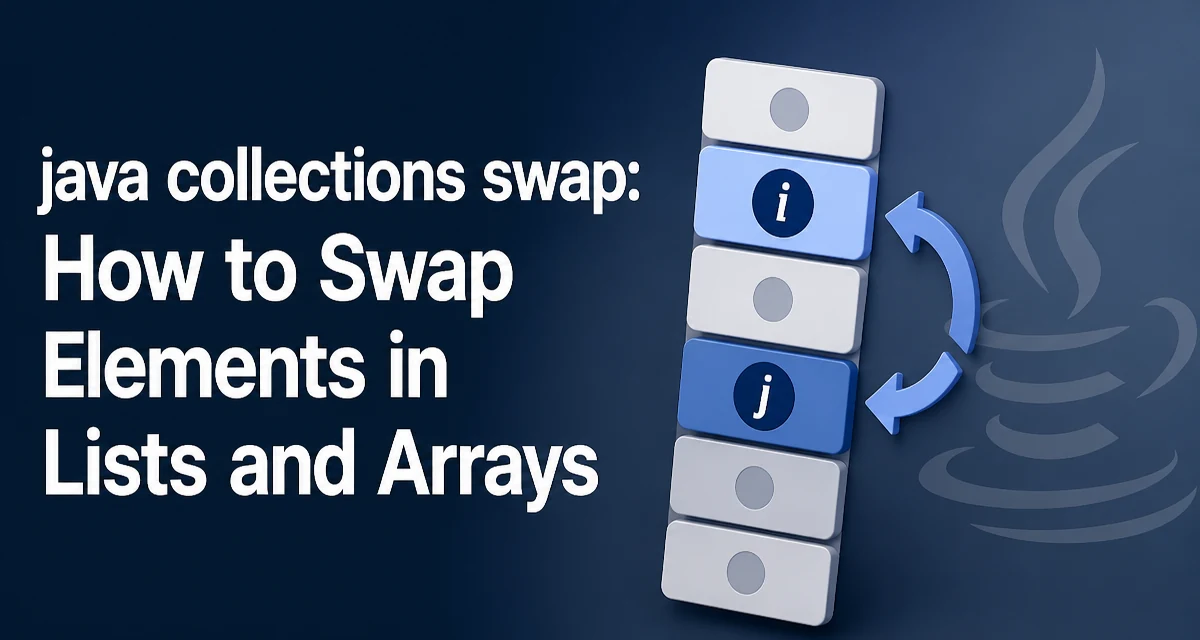
When working with Java collections, swapping two elements is a common operation, whether you're implementing a sorting algorithm, reordering UI data, or rotating a list. The java collections swap pattern appears in many codebases, but the correct approach depends on whether you're dealing with a List, an array, or a custom collection wrapper.
The Core Swap Operation in Java Collections
At its heart, swapping two elements means exchanging the values at two indices. For a List, the operation is straightforward because lists are index-based. The most direct way is to use Collections.swap(List<?> list, int i, int j), a static utility method that works on any List implementation. This method is part of the java.util package and has been available since Java 1.4.
List<String> names = new ArrayList<>(Arrays.asList("Alice", "Bob", "Charlie"));
Collections.swap(names, 0, 2);
System.out.println(names); // [Charlie, Bob, Alice]
Collections.swap is type-safe and handles null elements correctly. It also works with LinkedList, Vector, and any custom List implementation that supports set. The method internally calls list.set(i, list.set(j, list.get(i))), which performs the swap in a single line and avoids a temporary variable.
Using Collections.swap for List Implementations
Collections.swap is the preferred choice for List objects because it is concise and reduces the risk of index errors. It works for both random-access lists like ArrayList and sequential-access lists like LinkedList. However, the performance characteristics differ. For ArrayList, each set operation is O(1), so the swap is O(1). For LinkedList, each set requires traversal to the index, making the swap O(n) in the worst case. If you are swapping frequently in a large LinkedList, consider whether a different data structure is more appropriate.
LinkedList<Integer> numbers = new LinkedList<>(Arrays.asList(1, 2, 3, 4));
Collections.swap(numbers, 1, 3);
System.out.println(numbers); // [1, 4, 3, 2]
When the indices are out of bounds, Collections.swap throws an IndexOutOfBoundsException. Always validate indices if they come from user input or external sources.
Swapping Elements in Arrays Without Collections Support
Arrays do not have a built-in swap method. You must implement the swap manually using a temporary variable. The classic pattern works for any object array or primitive array.
int[] arr = {5, 10, 15};
int temp = arr[0];
arr[0] = arr[2];
arr[2] = temp;
System.out.println(Arrays.toString(arr)); // [15, 10, 5]
For object arrays, the same pattern applies. This is the foundation of many sorting algorithms like quicksort and heapsort. If you need to swap elements in an array frequently, consider converting it to an ArrayList and using Collections.swap, but be aware that the conversion has an O(n) cost.
Swapping in Custom Collection Wrappers
If you have a custom class that implements List, you can leverage Collections.swap as long as your set method behaves correctly. The default implementation in Collections.swap relies on get and set. If your collection has special semantics—for example, an immutable list or a list that enforces uniqueness—you must override set to throw an UnsupportedOperationException when modification is not allowed. In such cases, swapping will fail, and you need to handle the exception or provide an alternative method.
class FixedSizeList<E> extends AbstractList<E> {
    private final E[] data;
    // constructor, get, size...
    @Override
    public E set(int index, E element) {
        // custom logic
    }
}
Performance and Runtime Behavior of Swap Operations
The runtime cost of a swap depends on the underlying data structure and the implementation of get and set. For an ArrayList, both operations are O(1) because the backing array provides direct index access. For a LinkedList, get and set are O(n) because each requires traversal from the head or tail. Swapping two elements in a LinkedList therefore has a time complexity of O(n), even though the swap itself is a constant-time pointer adjustment once the nodes are located. This distinction matters in performance-critical code, such as sorting a large list.
Memory usage is also a consideration. The manual swap with a temporary variable allocates a single reference slot, which is negligible. Collections.swap does not allocate additional memory beyond the temporary reference used internally. In contrast, converting an array to a list just to use Collections.swap allocates a new list and copies all elements, which is wasteful if done repeatedly.
Common Mistakes When Swapping Collection Elements
A frequent mistake is swapping with the same index. Collections.swap(list, i, i) is a no-op but still performs two set calls, which can be wasteful for large lists. Another mistake is using Collections.swap on an array directly—it only works on List instances. Developers often try Collections.swap(array, i, j) and get a compilation error because the method expects a List<?>. Always convert an array to a list or use manual swapping.
Another pitfall is assuming that Collections.swap works on unmodifiable lists. If the list is created with Collections.unmodifiableList, the set method throws an UnsupportedOperationException. The swap fails at runtime, so you must ensure the list is mutable. Similarly, using Arrays.asList returns a fixed-size list backed by the array; you can call set but not add or remove. Swapping works fine in that case.
When to Use Swap vs. Other Reordering Operations
Swapping is the right tool when you need to exchange exactly two elements. If you need to move an element to a different position while shifting others, consider Collections.rotate or manual removal and insertion. For reversing a list, use Collections.reverse. For sorting, use Collections.sort or Arrays.sort. Swapping is a low-level primitive that you often implement yourself when writing custom algorithms. Understanding its behavior across different collection types helps you avoid performance pitfalls and write more predictable code.