Java Comparable vs Comparator: Which to Use
java comparable vs comparator: Explains the difference between Java's Comparable and Comparator interfaces, when to use each, and how to implement sorting logic correc...
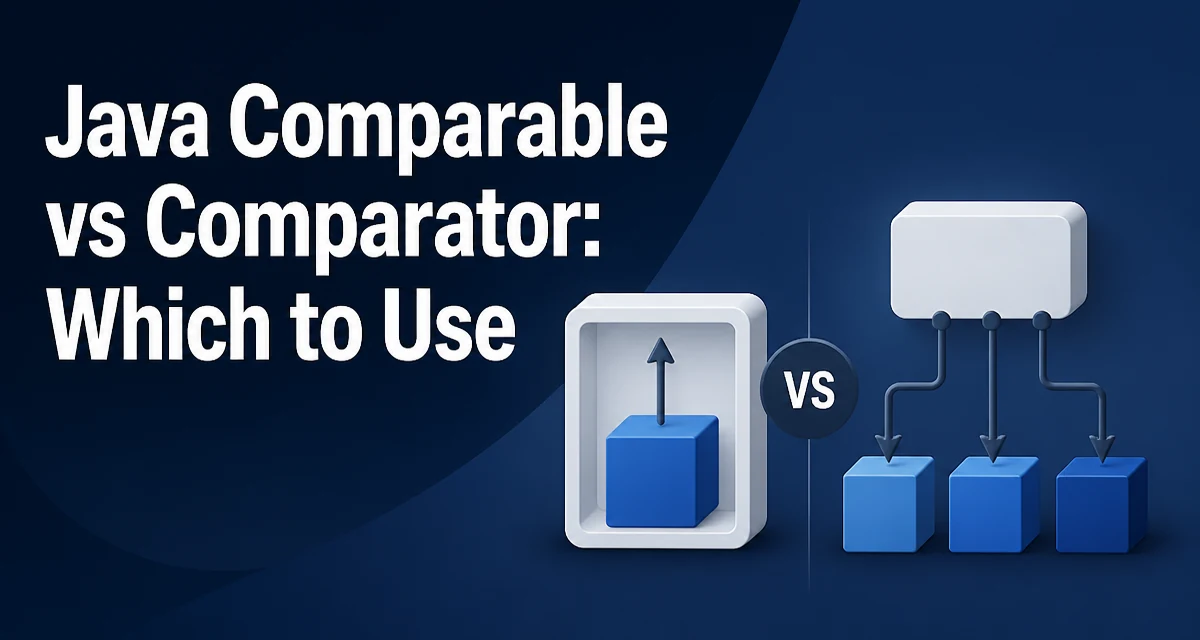
When you call Collections.sort() or List.sort() in Java, the JVM needs a way to determine the order of elements. That ordering logic comes from one of two interfaces: Comparable or Comparator. The choice between java comparable vs comparator determines whether the ordering rule lives inside the class itself or outside it, and that placement has real consequences for maintainability, reuse, and flexibility.
The Comparable Interface: Natural Ordering
Comparable is implemented by the class whose instances need a default order. The interface declares a single method:
public interface Comparable<T> {
    int compareTo(T other);
}
A class that implements Comparable defines its natural ordering. For example, a Task class with a priority field:
public class Task implements Comparable<Task> {
    private final int priority;
    private final String name;

    public Task(int priority, String name) {
        this.priority = priority;
        this.name = name;
    }

    @Override
    public int compareTo(Task other) {
        return Integer.compare(this.priority, other.priority);
    }
}
The compareTo method returns a negative integer, zero, or a positive integer depending on whether this is less than, equal to, or greater than the argument. Using Integer.compare() avoids the overflow bug that comes from subtracting two integers directly.
Once Task implements Comparable, any standard sorting utility works without additional configuration:
List<Task> tasks = new ArrayList<>();
tasks.add(new Task(3, "Deploy"));
tasks.add(new Task(1, "Fix bug"));
tasks.add(new Task(2, "Write tests"));
Collections.sort(tasks);
The list is now ordered by priority because Task defines its own natural ordering.
The Comparator Interface: External Ordering
Comparator lives outside the class being sorted. It is a functional interface, so it can be written as a lambda or method reference:
public interface Comparator<T> {
    int compare(T first, T second);
}
Using the same Task class, you can sort by name without modifying Task:
List<Task> tasks = new ArrayList<>();
tasks.add(new Task(3, "Deploy"));
tasks.add(new Task(1, "Fix bug"));
tasks.add(new Task(2, "Write tests"));

tasks.sort(Comparator.comparing(Task::getName));
The Comparator.comparing() factory method accepts a key extractor function and returns a comparator that orders by that key. This is the most common modern way to build comparators because it avoids hand-writing compare methods.
Key Differences Between Comparable and Comparator
| Aspect | Comparable | Comparator |
|---|---|---|
| Location | Implemented inside the class | Defined externally |
| Method | compareTo(T other) | compare(T a, T b) |
| Number of sort orders | One natural order per class | Multiple custom orders |
| Functional interface | No | Yes |
| Modifying existing classes | Requires source changes | No changes needed |
| Standard library use | String, Integer, LocalDate | Collections.sort(list, comparator) |
The most important consequence is flexibility. A class can implement Comparable only once, giving it a single natural ordering. With Comparator, you can define as many orderings as you need without touching the class.
When to Use Comparable
Use Comparable when the class has an obvious, universally agreed ordering. Standard library types follow this pattern: String compares lexicographically, Integer compares numerically, and LocalDate compares chronologically. If you are designing a domain class where one ordering is clearly the default, implementing Comparable makes that default explicit and automatic.
Comparable is also the right choice when the ordering is intrinsic to the object's identity. A BankAccount compared by account number, or a Product compared by SKU, has a natural order that other developers would expect.
When to Use Comparator
Use Comparator when the ordering depends on context. A User class might be sorted by name in one screen, by registration date in another, and by last login in a third. None of these is the single correct order, so embedding one of them in the class would force every caller to accept that choice.
Comparator is also required when you cannot modify the class. Sorting a third-party or standard library type by a custom rule requires an external comparator. For example, sorting String by length:
List<String> words = Arrays.asList("java", "comparator", "comparable", "sort");
words.sort(Comparator.comparingInt(String::length));
This works because the comparator is external to String.
Building Comparators with Chained Conditions
Real sorting logic often involves multiple keys. A Comparator can chain conditions cleanly:
tasks.sort(Comparator
        .comparing(Task::getPriority)
        .thenComparing(Task::getName));
This sorts by priority first, then by name for tasks with equal priority. The thenComparing method returns a new comparator that applies the secondary key only when the primary comparison returns zero.
The same chaining is possible with Comparable, but it requires hand-writing the logic inside compareTo:
@Override
public int compareTo(Task other) {
    int priorityComparison = Integer.compare(this.priority, other.priority);
    if (priorityComparison != 0) {
        return priorityComparison;
    }
    return this.name.compareTo(other.name);
}
The comparator version is more readable and composes better, especially when the secondary key changes between call sites.
Null Handling and Edge Cases
Comparators and compareTo implementations must decide how to handle null values. The default behavior of most comparators is to throw a NullPointerException when encountering a null element. If nulls are possible in your data, handle them explicitly:
tasks.sort(Comparator.nullsLast(Comparator.comparing(Task::getName)));
The nullsLast() wrapper places null elements at the end of the sorted list. A corresponding nullsFirst() wrapper exists for the opposite behavior. These wrappers delegate to the inner comparator for non-null elements, so the null policy is applied consistently.
For Comparable, null handling must be coded manually inside compareTo. There is no standard wrapper that applies to a class's natural ordering.
Performance and Maintainability Considerations
Both interfaces have the same algorithmic cost: sorting is dominated by the comparison operation, and both compareTo and compare are O(1) for typical key extraction. The practical performance difference is negligible unless the comparator performs expensive work inside the key extractor, such as parsing a string or querying a database on every comparison. In that case, extract keys once into a separate structure before sorting.
Maintainability favors Comparator in most production codebases. Sorting rules change frequently as product requirements evolve. A comparator defined at the call site makes the ordering rule visible where it is used, and changing it does not require recompiling every class that depends on the domain object's natural ordering.
Comparable creates a subtle coupling: every caller of Collections.sort() on that type silently depends on the class's internal ordering rule. Changing the natural ordering later can break sorting behavior in unrelated parts of the application.
Common Mistakes When Implementing Either Interface
A frequent bug in compareTo implementations is using subtraction instead of Integer.compare:
// Wrong: overflows when priorities differ by more than Integer.MAX_VALUE
@Override
public int compareTo(Task other) {
    return this.priority - other.priority;
}
The subtraction approach overflows for extreme values. Integer.compare and Long.compare handle the comparison without overflow.
Another common mistake is violating the transitivity contract. The compareTo and compare methods must be consistent with equals for correct behavior in sorted collections like TreeSet and TreeMap. If two objects compare as equal but are not equals(), the collection may drop one of them. This is a subtle bug that surfaces only when using sorted collections, not during ordinary list sorting.
For Comparator, forgetting to handle equal keys is also a problem. Two elements that compare as equal are considered the same by sorted collections, even if they are distinct objects. Chaining with thenComparing or adding a tie-breaker key prevents elements from being silently dropped.
Reversing Order Without Rewriting Logic
Both interfaces support reversal. Comparator.reversed() returns a comparator with inverted ordering:
tasks.sort(Comparator.comparing(Task::getPriority).reversed());
For Comparable, Collections.reverseOrder() provides the inverse of the natural ordering:
Collections.sort(tasks, Collections.reverseOrder());
The reversed comparator is a separate instance, so the original ordering remains available elsewhere. This is another reason to prefer Comparator when multiple orderings are likely: the reversal is a one-method call rather than a second implementation of the comparison logic.
The practical rule for production code is straightforward. Implement Comparable when the class has one obvious default order that will not change. Use Comparator when the ordering is contextual, when multiple orderings are needed, or when the class cannot be modified. Most real-world sorting requirements fall into the second category, which is why modern Java codebases rely far more heavily on Comparator than on Comparable.