Java HashMap Null Key: Behavior and Usage
java hashmap null key: Learn how Java HashMap handles a null key, including internal storage, get/put behavior, and when using null keys can lead to maintainability is...
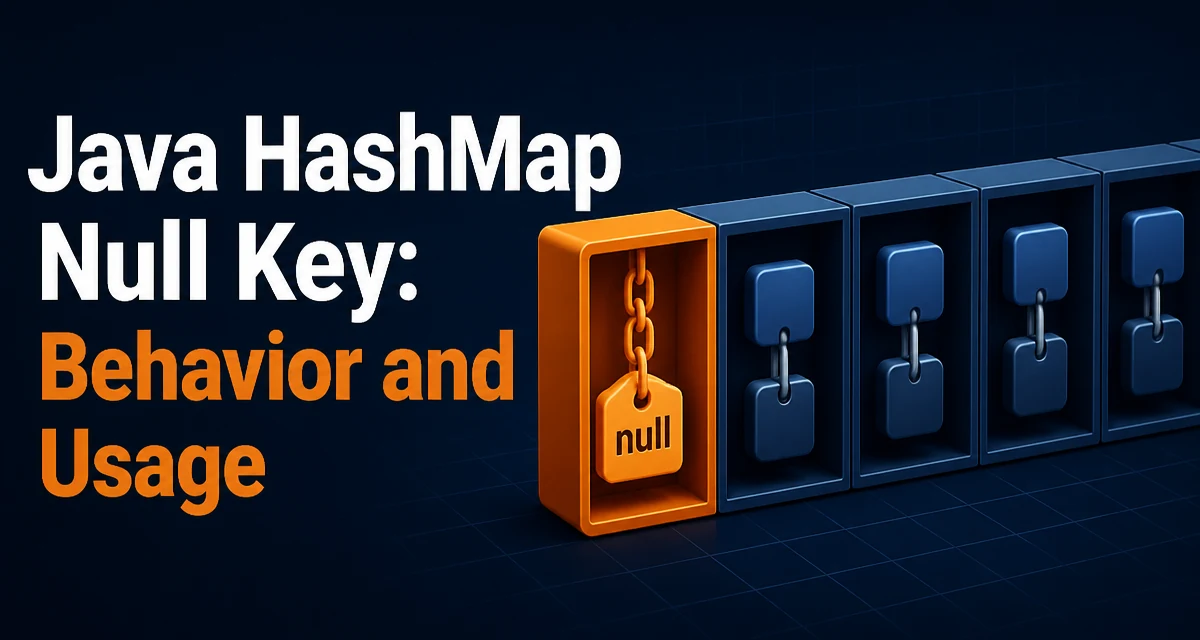
java hashmap null key requires a clear understanding of the core syntax, runtime behavior, and practical implementation patterns demonstrated in the examples below.
The Java HashMap allows a single null key. This is intentional and differs from several other Map implementations. Understanding how HashMap stores and retrieves a null key helps you avoid subtle bugs and use the collection correctly in production code.
HashMap Allows a Single Null Key
HashMap permits one null key and any number of null values. This is a deliberate design choice that makes HashMap more flexible than Hashtable or ConcurrentHashMap, both of which throw NullPointerException when you attempt to insert a null key. The null key is treated as a special case in the internal implementation, and it is stored in the first bucket of the internal table.
When you call put(null, value), the map computes the hash of the key. For a null key, the hash is defined as 0, so the entry is placed in the bucket at index 0. This is the only key that uses a fixed hash value; every other key's hash is calculated using its hashCode() method.
How HashMap Handles Null Keys Internally
Internally, HashMap uses a putVal method that checks for null keys before computing the hash. The relevant code path is:
public V put(K key, V value) {
    return putVal(hash(key), key, value, false, true);
}

static final int hash(Object key) {
    int h;
    return (key == null) ? 0 : (h = key.hashCode()) ^ (h >>> 16);
}
Because the hash is 0, the entry lands in the first bucket. When you later call get(null), the same hash is used to locate the bucket, and the map then compares the key with null using ==. This is important because null has no equals method; the comparison is always a reference check.
containsKey(null) works the same way. It checks whether the bucket at index 0 contains an entry whose key is null. This means that if you have a null key, containsKey(null) returns true even if the associated value is itself null.
Using Null Keys with put, get, and containsKey
Here is a minimal example that shows the basic operations:
Map<String, Integer> map = new HashMap<>();
map.put(null, 42);
map.put("answer", 42);

Integer value = map.get(null); // returns 42
boolean hasNullKey = map.containsKey(null); // returns true
If you insert a second entry with a null key, the previous value is replaced, just like any other key:
map.put(null, 10);
Integer newValue = map.get(null); // returns 10
The remove(null) operation also works as expected. It removes the entry whose key is null and returns the previous value, or null if no such entry existed.
Null Keys vs. Null Values
A null key is not the same as a null value. A map can have many entries with null values, but only one entry with a null key. For example:
Map<String, String> map = new HashMap<>();
map.put("a", null);
map.put("b", null);
map.put(null, "c");
Here, map.containsKey("a") is true and map.get("a") returns null. The presence of a null value does not indicate that the key is absent. To check for a key's presence, always use containsKey rather than checking whether get returns null.
This distinction is a common source of bugs. If your code relies on get returning null to mean "key not found," then a null value will break that logic. The same applies to a null key: map.get(null) may return null either because the key is absent or because the associated value is null.
When Null Keys Are a Bad Idea
While HashMap supports null keys, using them can hurt maintainability. A null key often signals a missing value or an uninitialized field. When other developers read your code, they may not expect a null key and might accidentally treat it as an error condition.
Consider a configuration map where you store settings by name. If you use null as a key, it is not obvious what setting that entry represents. A named constant or a dedicated sentinel object is usually clearer. For example, instead of:
map.put(null, defaultConfig);
prefer:
map.put("default", defaultConfig);
Another issue arises when you use custom objects as keys. If you ever switch from HashMap to a TreeMap or a ConcurrentHashMap, the null key will cause a NullPointerException at runtime. Even if you stay with HashMap, the presence of a null key makes it harder to reason about the map's contents, especially when serializing or debugging.
Alternatives: Hashtable, ConcurrentHashMap, and TreeMap
Different Map implementations have different rules for null keys and values. The table below summarizes the most common ones:
| Implementation | Null Key | Null Value | Thread Safety |
|---|---|---|---|
HashMap | Allowed | Allowed | No |
Hashtable | Not allowed | Not allowed | Yes |
ConcurrentHashMap | Not allowed | Not allowed | Yes |
TreeMap | Not allowed | Allowed | No |
LinkedHashMap | Allowed | Allowed | No |
TreeMap does not allow a null key because it relies on natural ordering or a comparator to sort keys. ConcurrentHashMap rejects null keys and values to avoid ambiguity in concurrent operations. If you need a thread-safe map, you must handle null keys outside the map or use a different design.
Performance and Runtime Considerations
The hash of a null key is always 0, so the entry is placed in the first bucket. In a well-distributed map, this bucket will also contain other keys whose hash collides to 0. This is not a performance problem by itself, but it does mean that the null key shares a bucket with any other keys that hash to 0. If you have many such keys, the bucket becomes a linked list or a red-black tree (in Java 8+), which can increase lookup time.
In practice, the impact is negligible unless you deliberately insert many keys with hash 0. The bigger cost is the extra check for null on every put and get operation. This is a single branch and does not meaningfully affect throughput.
When you design a map that will contain a null key, be aware that the internal representation is slightly different from other keys. This can matter if you rely on iteration order or if you use the map in a context that assumes all keys are non-null, such as when passing it to a method that calls key.hashCode() without a null check.
Handling Null Keys in Custom Code
If you write a method that accepts a Map and you want to support null keys safely, you need to account for them explicitly. For example, when iterating over entries, you cannot call key.hashCode() directly:
for (Map.Entry<String, Integer> entry : map.entrySet()) {
    String key = entry.getKey();
    if (key != null) {
        // safe to call key.hashCode()
    }
}
Similarly, if you copy a map that contains a null key into a ConcurrentHashMap, you must filter it out first or replace it with a sentinel value. This is a common migration pitfall when moving from a single-threaded to a concurrent collection.
A practical pattern is to use a dedicated constant as a surrogate for null:
private static final String NULL_KEY = "__NULL__";

map.put(key == null ? NULL_KEY : key, value);
This keeps the map free of null keys and makes the intent explicit. The tradeoff is that you must apply the same transformation on every read, which adds a small amount of boilerplate.
When Null Keys Are Acceptable
There are scenarios where a null key is a reasonable choice. For instance, when you are building a cache that maps a nullable identifier to a value, using null as a key can avoid an extra containsKey check. In a local, well-contained piece of code, the convenience may outweigh the maintainability concerns.
However, as soon as the map crosses an API boundary—such as being returned from a public method or stored in a shared data structure—the null key becomes a hidden contract. Callers may not expect it, and it can lead to NullPointerException if they assume non-null keys.
A safer approach is to document the behavior clearly or to wrap the map in a custom class that explicitly handles null keys. This gives you control over the semantics and prevents accidental misuse.
Summary of Runtime Behavior
To summarize the runtime behavior of HashMap with a null key:
put(null, value)stores the entry in bucket0.get(null)returns the value if anullkey exists, otherwisenull.containsKey(null)returnstrueonly if anullkey is present.remove(null)removes the entry and returns the previous value.- The
nullkey is compared using==, notequals.
These rules are consistent across all Java versions that support HashMap. If you are using a different Map implementation, check its documentation because the behavior may differ.
Understanding these details helps you write code that is both correct and maintainable, especially when you are dealing with maps that may contain nullable keys or values.