Java Integer Cache: How It Works and Pitfalls
java integer cache: Learn how Java's Integer cache works, why it affects == comparisons, and how to avoid common pitfalls.
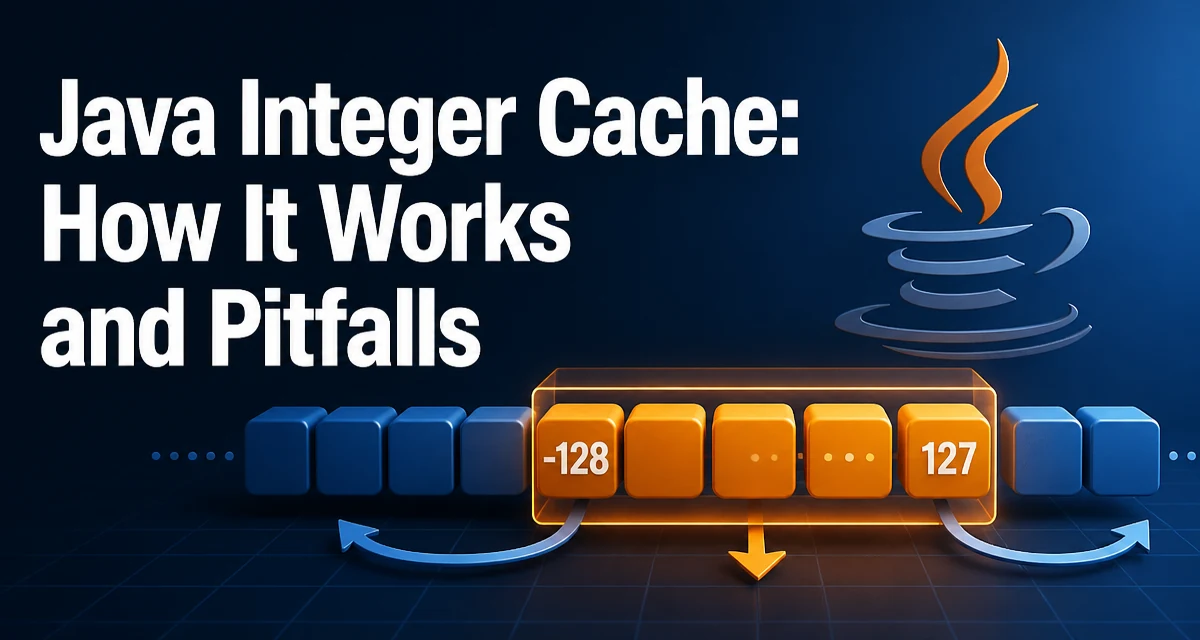
In Java, comparing two Integer objects with == can produce surprising results. For example, Integer a = 100; Integer b = 100; System.out.println(a == b); prints true, but if you change the values to 200, the same comparison prints false. This behavior is caused by the Java integer cache, a mechanism that reuses a fixed set of Integer instances for values in a specific range.
What Is the Java Integer Cache?
The Java runtime caches Integer objects for values from -128 to 127 by default. When you use autoboxing or call Integer.valueOf(int), the JVM returns a cached instance if the value falls within this range. This design reduces memory allocation and improves performance for commonly used values, which are frequently created during arithmetic operations and collections.
The cache is initialized lazily on first use and is shared across all threads in the JVM. The lower bound is fixed at -128, while the upper bound can be adjusted via a JVM option, as discussed later.
How the Cache Affects Reference Equality
The == operator compares object references, not values. When you assign an int to an Integer variable, autoboxing calls Integer.valueOf(). If the value is within the cached range, the same object reference is returned every time. Hence, a == b evaluates to true for 100. For values outside the range, a new Integer object is allocated for each call, so a == b becomes false even if the numeric values are equal.
Integer a = 100;
Integer b = 100;
System.out.println(a == b); // true

Integer c = 200;
Integer d = 200;
System.out.println(c == d); // false
The equals() method, on the other hand, always compares the underlying int values, so c.equals(d) returns true. This distinction is critical when writing code that relies on equality checks.
The Role of valueOf and Autoboxing
Autoboxing is syntactic sugar that the compiler translates into calls to Integer.valueOf(). This method explicitly checks the cache range and returns a cached object when possible. The cache is not used when you directly instantiate a new object with the new keyword:
Integer e = new Integer(100);
Integer f = new Integer(100);
System.out.println(e == f); // false
Even though 100 is within the cache range, new Integer(100) bypasses the cache and creates a separate object. This is one reason why using new Integer() is discouraged; the constructor is deprecated since Java 9, and valueOf or autoboxing is preferred.
Configuring the Cache Upper Bound
The upper bound of the cache can be changed using the JVM option -XX:AutoBoxCacheMax=<size>. For example, -XX:AutoBoxCacheMax=200 expands the cache to include values from -128 to 200. This can be useful in applications that frequently autobox larger values, reducing allocation overhead. However, the lower bound remains fixed at -128, and increasing the cache size consumes more memory for the cached objects.
java -XX:AutoBoxCacheMax=200 MyApplication
This option is not a guarantee of performance improvement. The benefit depends on how often values in the extended range are autoboxed. In most applications, the default range is sufficient, and adjusting it should be based on profiling data rather than speculation.
Performance and Memory Implications
The primary motivation for the integer cache is to avoid repeated object allocation for values that are used frequently. Without the cache, every autoboxing operation would create a new Integer object, increasing heap usage and garbage collection pressure. By reusing a small set of instances, the JVM reduces allocation churn and improves locality.
The trade-off is that values outside the cache range still incur allocation costs. For high-throughput code that processes large integers, this can become a measurable overhead. In such cases, using primitive int variables instead of Integer objects is often a better strategy, as it eliminates boxing entirely.
Common Pitfalls and Best Practices
The most common pitfall is using == to compare Integer values, especially when the values come from different sources or are computed at runtime. A value that is currently within the cache range might be outside it after a code change or a different JVM configuration, leading to subtle bugs.
Always use equals() for value comparison, or better, unbox to int and compare primitives. For example:
Integer x = getValue();
Integer y = getValue();
if (x.equals(y)) { ... } // correct
if (x.intValue() == y.intValue()) { ... } // also correct
Avoid relying on the cache for identity-based logic, such as using == to check if two Integer objects are the same instance. The cache is an implementation detail, not a contract.
Cache Behavior for Other Wrapper Types
The integer cache is not unique to Integer. The JVM also caches instances for Byte, Short, Long, and Character. For Byte, all 256 possible values are cached because they fit in a single byte. For Short and Long, the default cache range is also -128 to 127, matching Integer. Character caches values from 0 to 127 (the ASCII range).
Long l1 = 127L;
Long l2 = 127L;
System.out.println(l1 == l2); // true

Long l3 = 128L;
Long l4 = 128L;
System.out.println(l3 == l4); // false
This behavior is consistent with Integer and should be handled the same way: use equals() for object comparison.
When the Cache Does Not Apply
The cache only applies when objects are obtained through autoboxing or valueOf(). It does not apply to:
- Objects created with
new Integer(int)(deprecated) - Objects obtained through deserialization
- Objects created via reflection or
Unsafe
Additionally, the cache is per JVM instance. If you change the upper bound with -XX:AutoBoxCacheMax, the new range is visible to all threads, but it does not affect already cached objects. The cache is also not thread-safe during initialization, but the JVM handles this internally with safe publication.
Avoiding Cache-Related Bugs in Production
In production systems, the integer cache rarely causes issues if you follow two simple rules: always use equals() for Integer comparison, and prefer primitive int for numeric operations unless you need the nullability or collection compatibility of Integer. When you do use Integer in collections or as map keys, be aware that the hash code is based on the value, not the reference, so the cache does not affect correctness.
A subtle edge case occurs when mixing autoboxed values with values from a method that returns Integer. For example, Integer.valueOf(100) always returns the same cached object, but a method that returns new Integer(100) will not. If your code compares these with ==, it will fail. This is why code reviews often flag == on wrapper types.
If you need to extend the cache for performance reasons, measure the allocation rate first. Use a profiler to see how many Integer objects are created outside the default range. Only then consider adjusting -XX:AutoBoxCacheMax. Remember that the cache is a memory trade-off; increasing it too much can cause unnecessary retention of objects that are rarely used.
In summary, the Java integer cache is a well-intentioned optimization that can confuse developers who are unaware of its existence. Understanding its behavior helps you write more predictable code and avoid the classic Integer equality trap. Always rely on equals() for value comparison, and treat the cache as an internal optimization, not a language feature.