Java Integer == vs equals: What Actually Happens
java integer == vs equals: Why == on Integer objects gives inconsistent results, how the -128 to 127 cache works, and when .equals() is the correct comparison method.
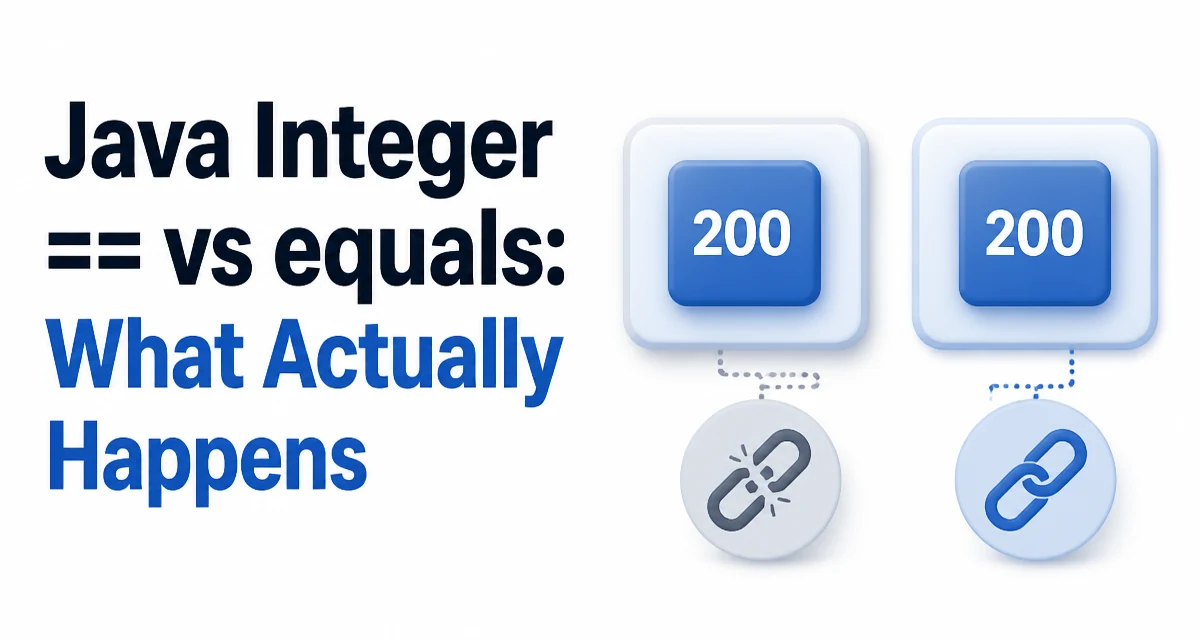
When you compare two Integer objects with ==, the result depends on the values involved. For values between -128 and 127, == returns true; for values outside that range, it returns false. This inconsistency is the heart of the java integer == vs equals distinction: == compares references while .equals() compares values.
Why == Gives Different Results for Different Values
Consider this code:
Integer a = 100;
Integer b = 100;
System.out.println(a == b); // true
Now change the value:
Integer a = 200;
Integer b = 200;
System.out.println(a == b); // false
The same operator produces opposite results for two values that differ only in magnitude. The reason is that a and b are not primitive int values; they are Integer objects. The == operator compares object references, not the wrapped values. When the value is 100, both variables point to the same cached instance. When the value is 200, each assignment creates a separate object, so the references differ.
How == Works with Primitives vs Objects
For primitive int values, == compares the actual numeric values:
int x = 200;
int y = 200;
System.out.println(x == y); // true
For Integer objects, == compares whether both variables reference the same object in memory. Two distinct Integer instances holding the same numeric value are not equal under ==, even though they represent the same number.
The confusion arises because autoboxing hides the object creation. Writing Integer a = 200; is equivalent to:
Integer a = Integer.valueOf(200);
The compiler inserts the valueOf call automatically. Understanding what valueOf does explains the inconsistency.
Integer Caching and Autoboxing
The Integer class maintains a cache of instances for values from -128 to 127. When you call Integer.valueOf(int) with a value in that range, it returns a reference to the cached instance instead of creating a new object. Values outside that range produce a new Integer object on each call.
This is why == works for 100 but fails for 200:
Integer.valueOf(100)returns the same cached object every time, so both references are identical.Integer.valueOf(200)creates a new object each time, so the references differ.
The upper bound of the cache can be raised with the JVM flag -XX:AutoBoxCacheMax, but the default range is -128 to 127. Code that relies on == for Integer comparison is fragile because it depends on this cache behavior, which can vary with JVM configuration.
When .equals() Is the Correct Choice
The equals method on Integer compares the wrapped values, not the references:
Integer a = 200;
Integer b = 200;
System.out.println(a.equals(b)); // true
Use .equals() whenever you need to compare the numeric values of two Integer objects. This is the safe choice regardless of cache range, JVM flags, or how the objects were created.
The same rule applies to the other boxed numeric types: Long, Short, Byte, and Character have caches for small values, and Float and Double have no cache at all. For any boxed type, .equals() compares values while == compares references.
Comparing Mixed int and Integer Values
When one side is a primitive int and the other is an Integer, == performs unboxing and compares the numeric values:
int x = 200;
Integer y = 200;
System.out.println(x == y); // true
The Integer is unboxed to int before the comparison, so the result is based on the value, not the reference. This works even for values outside the cache range.
The same unboxing applies when comparing Integer with other primitive numeric types, but be aware that comparing Integer with Long using == does not unbox both sides to a common numeric type. The Long is a different reference type, so the comparison is a reference comparison and returns false even for equal values:
Integer i = 100;
Long l = 100L;
System.out.println(i == l); // false
Use .equals() only between the same wrapper type. i.equals(l) also returns false because the types differ. For cross-type value comparison, unbox explicitly or compare the longValue() results.
Performance and Allocation Considerations
Comparing with == is cheaper than .equals() because it only checks reference equality and does not involve method dispatch. However, the cost difference is negligible for typical application code, and correctness should drive the choice.
The larger performance concern is unnecessary boxing. If you are comparing numeric values frequently, prefer primitive int over Integer:
int a = 200;
int b = 200;
if (a == b) { ... }
This avoids object allocation entirely and makes the comparison semantics obvious. Use Integer only when you need a nullable value, a generic type parameter, or a collection element. In those cases, .equals() is the correct comparison method.
Choosing the Right Comparison Strategy
| Comparison | Operator or Method | Result semantics |
|---|---|---|
int vs int | == | Value comparison |
Integer vs Integer | == | Reference comparison, cache-dependent |
Integer vs Integer | .equals() | Value comparison |
int vs Integer | == | Unboxing, then value comparison |
Integer vs Long | == | Reference comparison, always false |
Use == between two Integer objects only when you intentionally want to check whether they are the same instance, such as in identity-based logic. For every value comparison, use .equals(). When a method parameter or field is declared as Integer, treat it as a nullable object and compare with .equals() after a null check, or use Objects.equals(a, b) which handles nulls safely.
Null Handling in Value Comparisons
Calling .equals() on a null reference throws a NullPointerException. If either Integer may be null, use Objects.equals:
Integer a = null;
Integer b = 200;
System.out.println(Objects.equals(a, b)); // false
For primitive int, null is not possible, so == remains safe. When refactoring code from int to Integer, review every comparison site because the semantics change from value comparison to reference comparison. A null check before .equals() is also valid, but Objects.equals keeps the expression concise and avoids the risk of forgetting the check on one branch.