Java IO Basics: Streams, Readers, and File Handling
java io basics: Understand Java IO basics: byte vs character streams, readers/writers, buffering, and try-with-resources for reliable file handling.
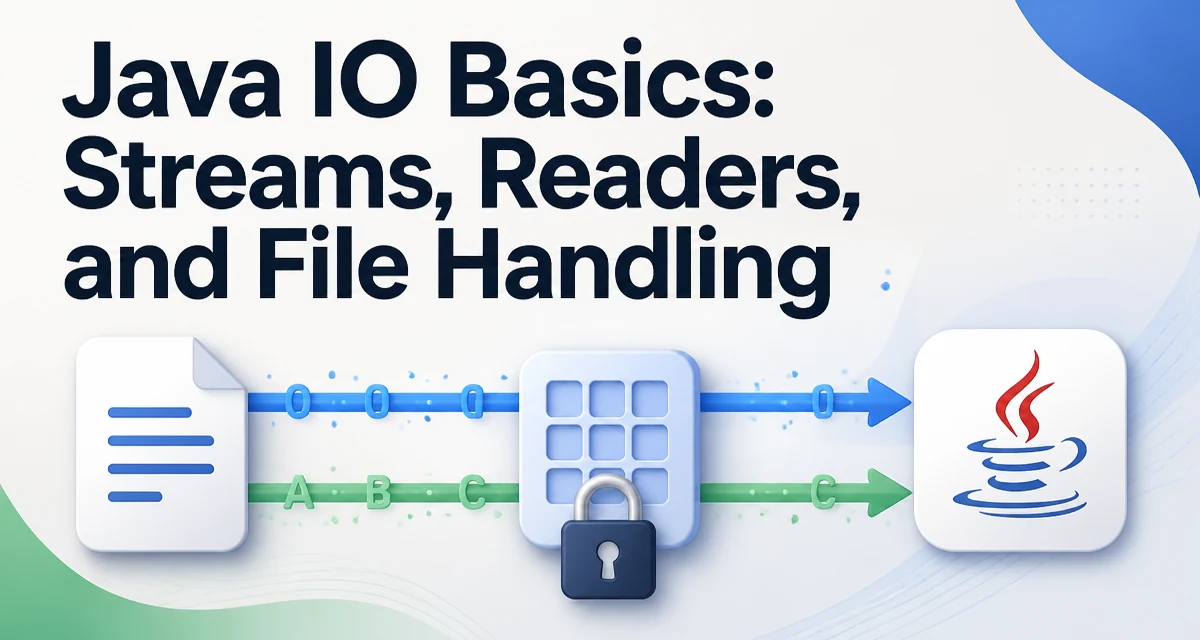
When you start working with files in Java, the first thing you encounter is the split between byte streams and character streams. Understanding java io basics means knowing which class to use for binary data, which for text, and how to close resources reliably. This article walks through the core classes and patterns you need for everyday file I/O.
The Two Stream Families: Byte and Character
Java's I/O is built around the concept of streams. A stream is a sequence of data that flows from a source to a destination. The Java standard library provides two main families: byte streams and character streams. Byte streams operate on raw bytes, while character streams handle characters using a specified charset. The distinction matters because text files have encoding, and reading a text file as bytes without decoding will produce incorrect characters.
Byte streams are represented by InputStream and OutputStream. They are the base classes for reading and writing binary data. Character streams are represented by Reader and Writer. They internally handle charset conversion, so you can read and write text without manually managing bytes.
Reading a File with InputStream
To read a file as bytes, you use FileInputStream. The simplest pattern is to open a stream, read bytes into a buffer, and process them. Here is a minimal example:
try (InputStream in = new FileInputStream("data.bin")) {
    byte[] buffer = new byte[1024];
    int bytesRead;
    while ((bytesRead = in.read(buffer)) != -1) {
        // process bytesRead bytes
    }
}
The read(byte[]) method fills the buffer and returns the number of bytes actually read, or -1 when the end of the stream is reached. This loop is the standard way to consume a stream. The try block uses the try-with-resources syntax, which closes the stream automatically when the block exits. This is essential because leaving streams open can exhaust file descriptors and cause resource leaks.
Writing with OutputStream and Buffering
Writing bytes follows the same pattern. FileOutputStream writes to a file, and you can wrap it with a BufferedOutputStream to reduce the number of system calls. Without buffering, every write call can trigger a disk operation, which is slow for small writes. Here is an example:
try (OutputStream out = new BufferedOutputStream(new FileOutputStream("output.bin"))) {
    out.write("Hello".getBytes());
}
The BufferedOutputStream accumulates data in an internal buffer and flushes it to the underlying stream when the buffer is full or when flush() is called. This significantly improves performance when writing many small pieces of data. The same principle applies to reading: BufferedInputStream reduces the number of reads from the underlying source.
Character Streams: Reader and Writer
For text files, you should use Reader and Writer instead of byte streams. The FileReader and FileWriter classes are convenient, but they use the platform's default charset, which can cause portability issues. A better approach is to specify the charset explicitly by wrapping an InputStreamReader or OutputStreamWriter around a byte stream. For example:
try (Reader reader = new InputStreamReader(new FileInputStream("text.txt"), StandardCharsets.UTF_8)) {
    char[] buffer = new char[1024];
    int charsRead;
    while ((charsRead = reader.read(buffer)) != -1) {
        // process charsRead characters
    }
}
Similarly, writing text with a specific charset:
try (Writer writer = new OutputStreamWriter(new FileOutputStream("text.txt"), StandardCharsets.UTF_8)) {
    writer.write("Hello, world");
}
The StandardCharsets class provides constants for common charsets, avoiding the need to catch UnsupportedEncodingException that comes with string-based charset names.
Try-with-Resources and Resource Closing
One of the most important practices in Java I/O is closing resources. The AutoCloseable interface, introduced in Java 7, allows the try-with-resources statement to manage resource lifetime. When you declare a resource inside the parentheses of a try block, Java closes it automatically after the block finishes, even if an exception occurs. This eliminates the need for finally blocks that manually call close() and handle nested exceptions.
The pattern works with multiple resources:
try (InputStream in = new FileInputStream("input.bin");
     OutputStream out = new FileOutputStream("output.bin")) {
    byte[] buffer = new byte[1024];
    int bytesRead;
    while ((bytesRead = in.read(buffer)) != -1) {
        out.write(buffer, 0, bytesRead);
    }
}
Resources are closed in reverse order of declaration. This is important when one resource depends on another, such as a BufferedReader wrapping a FileReader. The buffered stream should be closed first, which flushes any remaining data, before the underlying stream is closed.
Performance: Buffering and Bulk Operations
Performance in Java I/O is largely determined by how many system calls you make and how much data you copy. Reading and writing one byte at a time is extremely slow because each call crosses the JVM boundary and invokes the operating system. Buffered streams reduce this overhead by performing larger reads and writes internally.
For maximum throughput, you can also use bulk operations. The read(byte[], int, int) method reads multiple bytes at once, and the write(byte[], int, int) method writes multiple bytes. When copying a file, the loop shown earlier is already efficient because it reads a full buffer and writes it in one call. However, you should avoid calling read() without a buffer, as that reads one byte at a time.
Another consideration is the buffer size. The default buffer size for BufferedInputStream and BufferedOutputStream is 8 KB, which is adequate for most use cases. If you are processing very large files, you might increase the buffer size to 64 KB or more, but the gains diminish after a certain point. The optimal size depends on the underlying storage and the JVM's memory allocation behavior.
Choosing the Right I/O Class
The Java I/O library offers many classes, and selecting the right one depends on the data type and the required behavior. For binary data, use InputStream and OutputStream. For text, use Reader and Writer. If you need to read lines of text, BufferedReader provides the readLine() method, which is convenient for parsing configuration files or CSV data.
Here is a summary of common choices:
| Use case | Class to use |
|---|---|
| Reading binary file | FileInputStream |
| Writing binary file | FileOutputStream |
| Reading text with charset | InputStreamReader + FileInputStream |
| Writing text with charset | OutputStreamWriter + FileOutputStream |
| Reading lines of text | BufferedReader wrapping a Reader |
| Writing lines of text | BufferedWriter wrapping a Writer |
When you need to read or write primitive data types, such as integers or doubles, consider DataInputStream and DataOutputStream. They handle the binary encoding of Java primitives and are useful for storing structured data. However, they are not human-readable and are specific to Java's data format.
For more complex serialization, Java's ObjectInputStream and ObjectOutputStream can serialize whole object graphs, but they have security implications and are not recommended for untrusted data. For most file I/O needs, the stream and reader/writer classes are sufficient.
Handling Resource Leaks in Long-Running Applications
Resource leaks are a common source of errors in long-running applications. If you open a file stream and forget to close it, the file descriptor remains open until the garbage collector eventually reclaims the object, which may take a long time. On operating systems with a limited number of file descriptors, this can lead to IOException: Too many open files. The try-with-resources pattern prevents this by ensuring deterministic closing, but you must also be careful about streams that are passed to other methods. If a method receives a stream and does not close it, the responsibility should be clearly documented.
In cases where you need to close a resource conditionally, such as when processing a subset of data, you can use a finally block explicitly. However, modern Java code should prefer try-with-resources for all AutoCloseable resources. This is not just a style preference; it directly affects reliability and maintainability.