Java Iterator vs ListIterator: When to Use Each
java iterator vs listiterator: Understand the differences between Java's Iterator and ListIterator interfaces, including bidirectional traversal, index access, and mod...
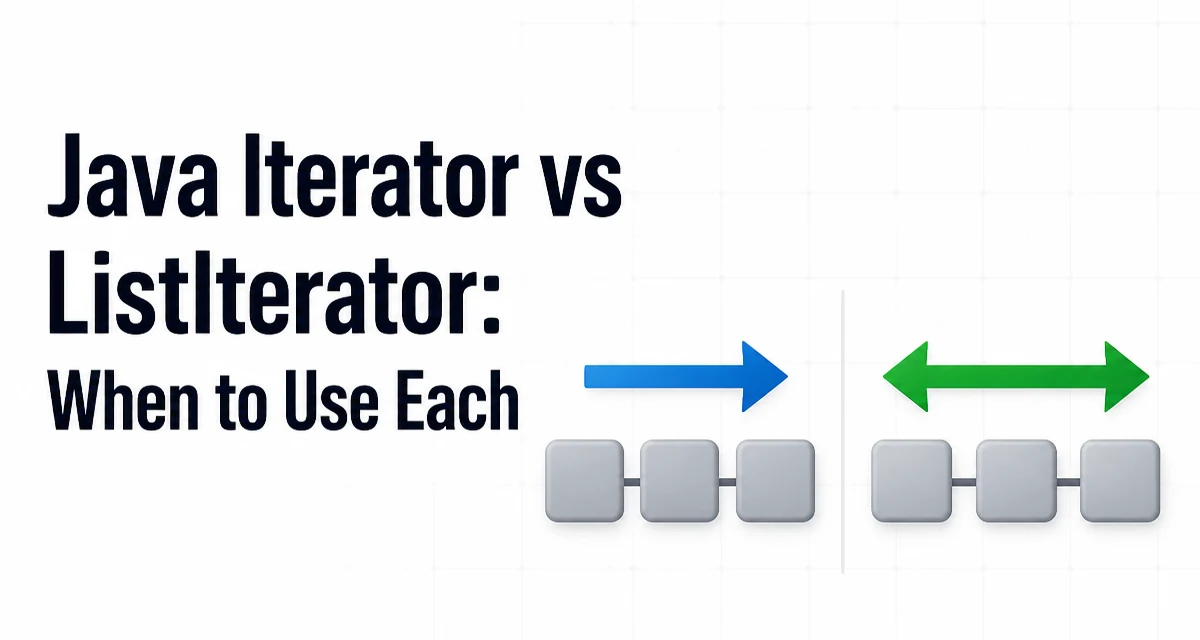
When you need to traverse a collection in Java, you have two main interfaces: Iterator and ListIterator. The choice between java iterator vs listiterator affects whether you can move backward, modify the list during iteration, and access index information. This article explains the practical differences and helps you decide which interface fits your use case.
The Core Difference Between Iterator and ListIterator
The Iterator interface is the base contract for any collection that supports iteration. It provides a forward-only cursor with three methods: hasNext(), next(), and remove(). Every Collection in the Java framework can return an Iterator via the iterator() method. The ListIterator interface extends Iterator and is specific to List implementations. It adds bidirectional traversal, index access, and additional modification methods like add() and set(). The most important distinction is that ListIterator can move backward with previous() and hasPrevious(), while Iterator only moves forward.
Iterator: Forward-Only Traversal and Removal
The Iterator interface is the simplest way to loop over a collection. It works with any Iterable, including Set, Queue, and List. Here is a minimal example that removes elements while iterating:
List<String> names = new ArrayList<>(List.of("Alice", "Bob", "Carol"));
Iterator<String> it = names.iterator();
while (it.hasNext()) {
    String name = it.next();
    if (name.startsWith("A")) {
        it.remove();
    }
}
This code removes all names that start with "A" from the list. The remove() method is the only modification allowed through the Iterator interface, and it removes the last element returned by next(). Calling remove() before next() or twice in a row throws IllegalStateException. The Iterator contract does not guarantee that remove() is supported; some implementations, such as those for unmodifiable collections, throw UnsupportedOperationException. The Iterator is the right choice when you only need forward traversal and element removal.
ListIterator: Bidirectional Traversal and List Operations
The ListIterator interface is available only on List implementations. It provides hasPrevious(), previous(), nextIndex(), and previousIndex() in addition to the inherited methods. It also adds add() and set() for modifying the list during iteration. Consider this example that inserts and replaces elements:
List<String> words = new ArrayList<>(List.of("one", "two", "three"));
ListIterator<String> lit = words.listIterator();
while (lit.hasNext()) {
    String word = lit.next();
    if (word.equals("two")) {
        lit.set("2");
        lit.add("two-and-a-half");
    }
}
After this loop, the list contains ["one", "2", "two-and-a-half", "three"]. The set() method replaces the last element returned by next() or previous(). The add() method inserts an element immediately before the implicit cursor position, so the newly added element is not returned by a subsequent next() call unless you move backward first. ListIterator also lets you traverse in reverse:
List<Integer> numbers = new ArrayList<>(List.of(1, 2, 3));
ListIterator<Integer> rev = numbers.listIterator(numbers.size());
while (rev.hasPrevious()) {
    System.out.println(rev.previous());
}
This prints 3, 2, 1. The constructor argument numbers.size() positions the cursor at the end of the list, allowing reverse iteration. This is useful for processing a list in reverse without creating a reversed copy.
Choosing Between Iterator and ListIterator
Use Iterator when you need to iterate over any Collection and only require forward traversal and removal. It is the more general interface and works with Set, Queue, and List. Use ListIterator when you are working with a List and need any of the following:
- Reverse traversal
- Access to the current index via
nextIndex()orpreviousIndex() - Inserting elements during iteration with
add() - Replacing elements with
set()
The decision is not about performance but about the operations you need. If you only call hasNext() and next(), both interfaces behave identically. If you need to move backward or modify the list beyond removal, ListIterator is the only option. There is no reason to cast an Iterator to a ListIterator unless you are certain the underlying object is a ListIterator; doing so can throw ClassCastException. Instead, call list.listIterator() directly on the List.
Performance and Runtime Considerations
Both interfaces are abstractions over the underlying collection's traversal mechanism. The performance of next() and previous() depends on the concrete list implementation. For ArrayList, both methods are O(1) because they operate on an internal index. For LinkedList, previous() and next() are also O(1) because the cursor holds a reference to the current node. However, ListIterator methods that modify the list, such as add() and set(), may have different costs. ArrayList.add() can shift elements, making it O(n) in the worst case, while LinkedList.add() is O(1) when the cursor is positioned at the insertion point. The Iterator.remove() method on an ArrayList also shifts elements, but the cost is the same as calling remove() on the list directly. In practice, the overhead of the interface itself is negligible. The real performance concern is choosing the right collection type for the operation pattern. If you frequently insert or remove elements in the middle, a LinkedList with a ListIterator may be more efficient than an ArrayList. If you mostly traverse and access by index, ArrayList is better. There is no performance benefit to using Iterator over ListIterator when both are applicable; the additional methods do not add runtime cost unless you call them.
Common Pitfalls and Edge Cases
A frequent mistake is calling remove() on an Iterator without first calling next(). This throws IllegalStateException. Similarly, calling set() on a ListIterator without a preceding next() or previous() throws the same exception. Another pitfall is assuming that add() inserts after the current element. In fact, it inserts before the cursor, so the element added is not returned by the next next() call. If you need to add an element after the current one, you must first call next() to move past the current element, then add(), and then previous() if you want the cursor to remain at the original position. Also, be aware that ListIterator is fail-fast: if the list is structurally modified by any means other than the iterator's own add(), set(), or remove() methods, the iterator throws ConcurrentModificationException on the next access. This is the same behavior as Iterator. When using ListIterator on a LinkedList, the previous() method moves the cursor backward, but the cursor's position is always between elements. Calling next() after previous() returns the same element, which can be confusing. For example:
List<String> list = new ArrayList<>(List.of("a", "b"));
ListIterator<String> lit = list.listIterator();
lit.next(); // returns "a"
lit.previous(); // returns "a"
lit.next(); // returns "a" again
This behavior is consistent with the cursor being between elements. Understanding this cursor model is essential for correct use of ListIterator. If you need to replace an element while iterating, use set() rather than removing and adding, because set() does not invalidate the iterator's state. Finally, remember that ListIterator is only available for List implementations. If you have a Collection that is not a List, you cannot obtain a ListIterator; you must use Iterator or convert the collection to a list first.
Implementing a Custom ListIterator
When you create your own List implementation, you must provide a listIterator() method that returns a ListIterator respecting the contract. A common approach is to extend AbstractList, which provides a basic ListIterator implementation based on the get() and size() methods. However, that default iterator does not support structural modification efficiently. For a custom list backed by an array, you can implement a ListIterator that tracks a cursor index and a lastReturned index. The add() method should shift elements to the right, and remove() should shift elements to the left. The set() method should replace the element at lastReturned. You also need to maintain a modCount to detect concurrent modification. The following skeleton shows the essential fields and methods:
class MyListIterator implements ListIterator<String> {
    private int cursor;
    private int lastReturned = -1;
    private MyList list;
    private int expectedModCount;

    MyListIterator(MyList list, int index) {
        this.list = list;
        cursor = index;
        expectedModCount = list.modCount;
    }

    public boolean hasNext() { return cursor != list.size(); }
    public String next() {
        checkForComodification();
        if (cursor >= list.size()) throw new NoSuchElementException();
        lastReturned = cursor;
        cursor++;
        return list.get(lastReturned);
    }

    public void add(String s) {
        checkForComodification();
        list.add(cursor++, s);
        lastReturned = -1;
        expectedModCount = list.modCount;
    }

    // Other methods omitted for brevity
    private void checkForComodification() {
        if (list.modCount != expectedModCount) throw new ConcurrentModificationException();
    }
}
This implementation illustrates the key responsibilities: maintaining the cursor, updating lastReturned, and checking the modification count. A correct ListIterator is crucial for the List contract, because many algorithms rely on its behavior. When you implement one, test it with both forward and backward traversal, and ensure that add() and remove() correctly adjust the cursor and the list size.
When to Use Which: A Practical Decision Guide
The choice between Iterator and ListIterator ultimately depends on the operations you need. If you are writing a generic method that accepts any Collection, use Iterator because it is the universal contract. If you are working with a List and need to traverse in reverse or modify the list during iteration, use ListIterator. For simple forward-only loops, either works, but ListIterator gives you the flexibility to switch to reverse traversal without changing the collection type. There is no reason to avoid ListIterator when you have a List; it is a superset of Iterator and does not introduce overhead. The only caveat is that ListIterator is not available for non-list collections, so you must fall back to Iterator in those cases. When you need to remove elements while iterating, both interfaces provide a remove() method, but ListIterator also allows set() and add(), which can simplify algorithms that would otherwise require external bookkeeping. In summary, prefer ListIterator for list-specific operations and Iterator for general collection traversal. This approach keeps your code clear and avoids unnecessary casts or compatibility issues.