Java Jagged Array: Syntax and Usage
java jagged array: Learn how to declare, allocate, and iterate jagged arrays in Java, including memory tradeoffs, common pitfalls, and when to prefer collections.
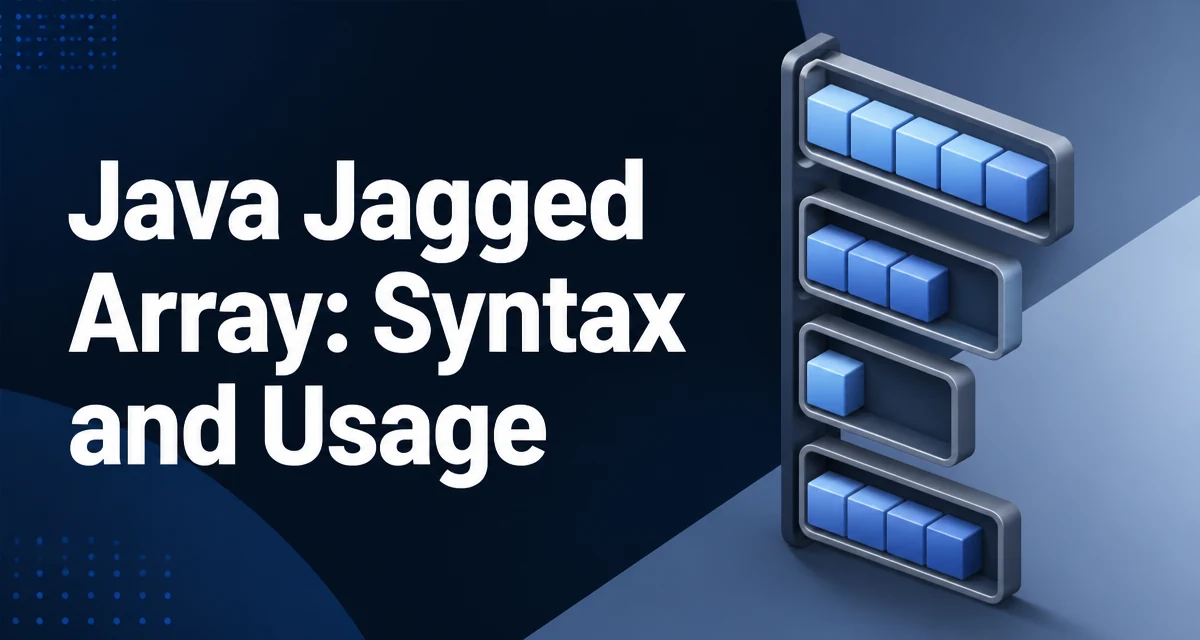
java jagged array requires a clear understanding of the core syntax, runtime behavior, and practical implementation patterns demonstrated in the examples below.
A jagged array in Java is an array whose elements are themselves arrays, and those inner arrays are not required to have the same length. Java treats a two-dimensional array as an array of array references, so each row can point to a separate array object with its own size. That design is what makes jagged arrays possible without any special syntax beyond the normal array declaration.
Declaring and Allocating a Jagged Array
The declaration looks identical to a two-dimensional array, but the second dimension is left empty:
int[][] jagged = new int[3][];
This creates an outer array with three slots, each capable of holding a reference to an int array. At this point all three slots are null. Each row must be allocated individually:
jagged[0] = new int[2];
jagged[1] = new int[5];
jagged[2] = new int[1];
Accessing jagged[0][0] before assigning a row throws a NullPointerException because jagged[0] is still null. The same rule applies to any reference type; a jagged String[][] behaves identically.
Inline Initialization with Array Literals
When the structure is known at compile time, you can initialize a jagged array directly:
int[][] jagged = {
    {1, 2},
    {3, 4, 5, 6},
    {7}
};
The compiler derives each row's length from the initializer list. This form is compact and makes the irregular shape visible in the source code, which is often clearer than a sequence of separate new statements.
Iterating Over Rows of Different Lengths
The inner loop must use the current row's length, not a fixed column count:
for (int i = 0; i < jagged.length; i++) {
    for (int j = 0; j < jagged[i].length; j++) {
        System.out.print(jagged[i][j] + " ");
    }
    System.out.println();
}
Using jagged[0].length in the inner loop is only correct when every row happens to have the same length, which defeats the purpose of a jagged array. The enhanced for loop works as well, but you still need the inner loop to respect each row's length:
for (int[] row : jagged) {
    for (int value : row) {
        System.out.print(value + " ");
    }
    System.out.println();
}
Memory Layout and Runtime Cost
Each row is a separate heap object, and the outer array holds references to those rows. Compared with a rectangular array of the same total element count, a jagged array introduces additional object headers and reference indirection. The practical consequences are:
- Memory usage is higher per element when rows are very small, because each row carries its own object header.
- Memory usage can be substantially lower when row sizes vary widely, because you allocate only the storage each row actually needs.
- Cache locality is weaker, since rows are not contiguous in memory. A rectangular array stores all elements in one contiguous block.
There is no universal performance winner here; the tradeoff is structural. If your data is uniform, a rectangular array is simpler and usually faster to iterate. If your data is irregular, a jagged array avoids wasting space on unused columns.
Common Pitfalls
The most frequent mistake is reading or writing an uninitialized row. A jagged array created with new int[3][] contains null rows until each is allocated. Any access like jagged[1][0] fails with NullPointerException.
Another common error is assuming uniform row length. Code that computes the "width" from jagged[0].length and then loops over all rows with that width will either skip elements or throw an ArrayIndexOutOfBoundsException when a row is shorter than expected.
A third issue is confusing jagged.length with the total number of elements. jagged.length is the number of rows. The total element count requires summing each row's length:
int total = 0;
for (int[] row : jagged) {
    total += row.length;
}
Choosing Between Jagged Arrays and Collections
The decision depends on whether the shape is fixed and whether you need primitive storage.
| Approach | Row count | Row length | Element type | Overhead |
|---|---|---|---|---|
| Rectangular array | Fixed | Fixed | Primitive or reference | Lowest |
| Jagged array | Fixed | Per row | Primitive or reference | Moderate |
List<List<Integer>> | Dynamic | Dynamic | Reference only | Highest |
Use a jagged array when the number of rows is fixed, row lengths vary, and you want primitive int, double, or similar storage without boxing. Use List<List<Integer>> when rows must be added or removed at runtime, or when the data arrives from an external source whose shape is not known in advance. Use a rectangular array when all rows share the same length; it is simpler to allocate, iterate, and reason about.
A Practical Example: Triangular Data
A common use is storing a lower-triangular matrix, where row i has i + 1 elements:
int[][] triangle = new int[5][];
for (int i = 0; i < triangle.length; i++) {
    triangle[i] = new int[i + 1];
    for (int j = 0; j <= i; j++) {
        triangle[i][j] = i * j;
    }
}
This allocates exactly the storage needed and keeps the code readable. The same pattern applies to Pascal's triangle, adjacency lists for small graphs, or any dataset where row cardinality is not uniform.