Java List vs Array: Key Differences and Use Cases
java list vs array: Understand the key differences between Java arrays and List implementations, including type safety, primitives, performance, and when to use each.
The Core Difference Between Array and List
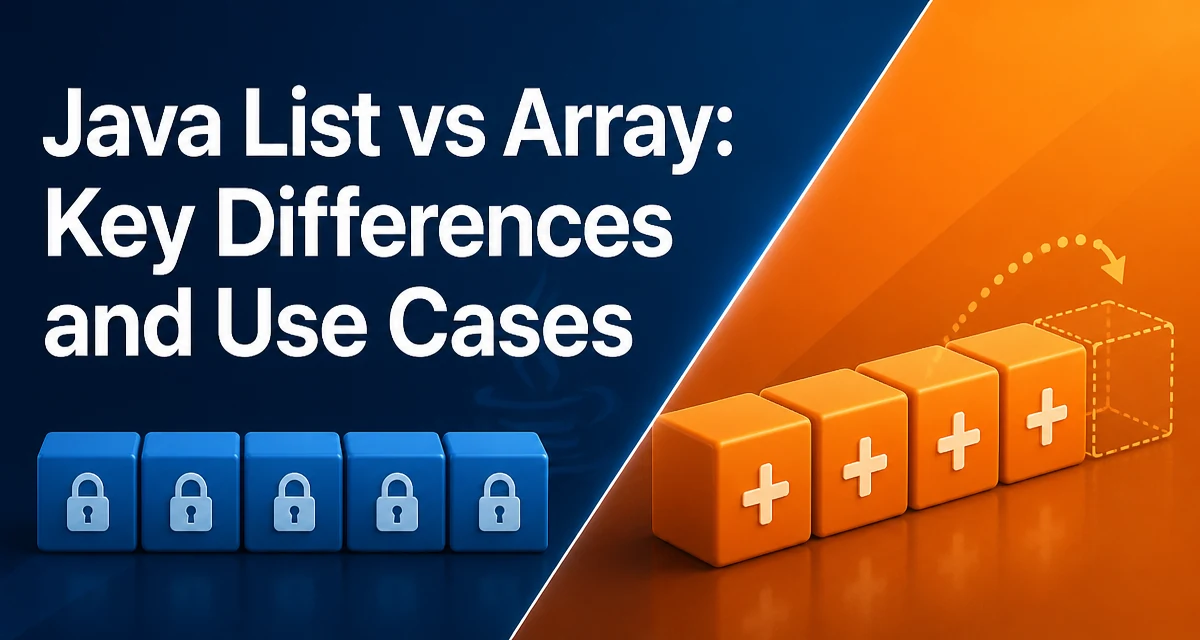
The choice between java list vs array is not about which is universally better; it's about matching the data structure to the access pattern, type requirements, and mutability you need. An array is a fixed-length container that holds elements of a single type, while List is an interface that defines an ordered collection. The most common implementation, ArrayList, uses an internal array that resizes automatically. This single difference—fixed size versus dynamic size—drives most of the other distinctions.
Declaring and Initializing Arrays and Lists
Arrays use dedicated syntax. You declare an array with square brackets and allocate it with new or an array initializer:
int[] numbers = new int[5];
String[] names = {"Alice", "Bob", "Carol"};
A List is always created through a concrete implementation. ArrayList is the standard choice:
List<Integer> numbers = new ArrayList<>();
List<String> names = new ArrayList<>(List.of("Alice", "Bob", "Carol"));
The array initializer is concise, but it creates a fixed-size structure. You cannot add or remove elements after creation. The List can grow and shrink, but it adds a layer of abstraction. The syntax difference is small, but the behavioral difference is significant.
Type Safety and Generics
Arrays are reified types in Java. The JVM knows the component type at runtime, which allows the runtime to reject assignments that would break type safety. Arrays are covariant: a String[] is an Object[], so you can assign it to an Object[] variable. However, this can lead to a runtime ArrayStoreException if you try to store a non-String object through the Object[] reference.
List uses generics, which are erased at runtime. A List<String> is just a List at runtime. You get compile-time type checking, but the JVM does not enforce the element type at runtime. This is why you cannot create an array of a generic type directly, such as new T[]. Generic algorithms typically use List<T> instead of T[] to avoid this limitation.
Primitives vs Reference Types
Arrays can hold primitive types directly. int[] stores raw int values in contiguous memory, which is memory-efficient and avoids boxing overhead. List cannot hold primitives directly; you must use wrapper classes like Integer. Each time you add an int to a List<Integer>, it is boxed into an Integer object. Retrieval unboxes it back to int. This adds allocation and CPU cost.
For a large collection, the difference is measurable. An int[] of 10,000 elements occupies about 40,000 bytes. An ArrayList<Integer> stores references to Integer objects, each with object overhead, so it can consume several times more memory. In memory-constrained environments, this matters.
Performance and Memory Behavior
Indexed access is O(1) for both arrays and ArrayList, but arrays have slightly less overhead because they avoid a method call and rely on direct JVM access. In practice, the difference is negligible for most applications.
The real difference appears in insertion and removal. Arrays have a fixed size, so adding an element beyond the length requires creating a new array and copying elements. ArrayList handles this automatically by growing its internal array. However, inserting or removing an element in the middle of an ArrayList requires shifting subsequent elements, which is O(n). The same is true if you implement the operation manually with an array.
Memory usage also differs. An ArrayList has a capacity that may exceed its size. When it grows, it typically increases by 50% or more, leaving unused slots. Arrays are allocated exactly to the requested size, so they waste no space. If you know the exact number of elements, an array is more memory-efficient.
Mutability and Runtime Operations
Arrays are mutable in the sense that you can change element values, but you cannot change the length. List implementations like ArrayList allow you to add, remove, and replace elements. This flexibility comes with a richer API: methods like add, remove, contains, and indexOf are available on List but not on arrays.
Arrays integrate with language syntax in ways List does not. Array literals can be passed directly to methods, and indexing syntax arr[i] is more concise than list.get(i). Enhanced for loops work with both, but arrays do not have the convenience methods for searching or transforming data.
When to Use Array Over List and Vice Versa
Use an array when the size is fixed and known at creation time, when you work with primitive types, or when you need maximum performance for index-based access. Arrays are also required when calling legacy APIs that accept arrays.
Use a List when the size may change, when you need collection utility methods, or when you are working with generics. List is the standard choice for application-level code because it integrates with the Java Collections Framework.
A common pattern is to build data in a List and convert it to an array when needed. The conversion is straightforward:
List<String> list = new ArrayList<>();
String[] array = list.toArray(new String[0]);
The toArray method allocates a new array if the provided one is too small. The new String[0] idiom is common because it avoids unnecessary allocation when the list is empty. This conversion gives you the flexibility of List during construction and the compactness of an array when you need to pass it to a method that requires an array.