Java ListIterator: Bidirectional Traversal and In-Place Modification
java listiterator: Learn how to use Java ListIterator for bidirectional list traversal, in-place modification, and index tracking with practical code examples.
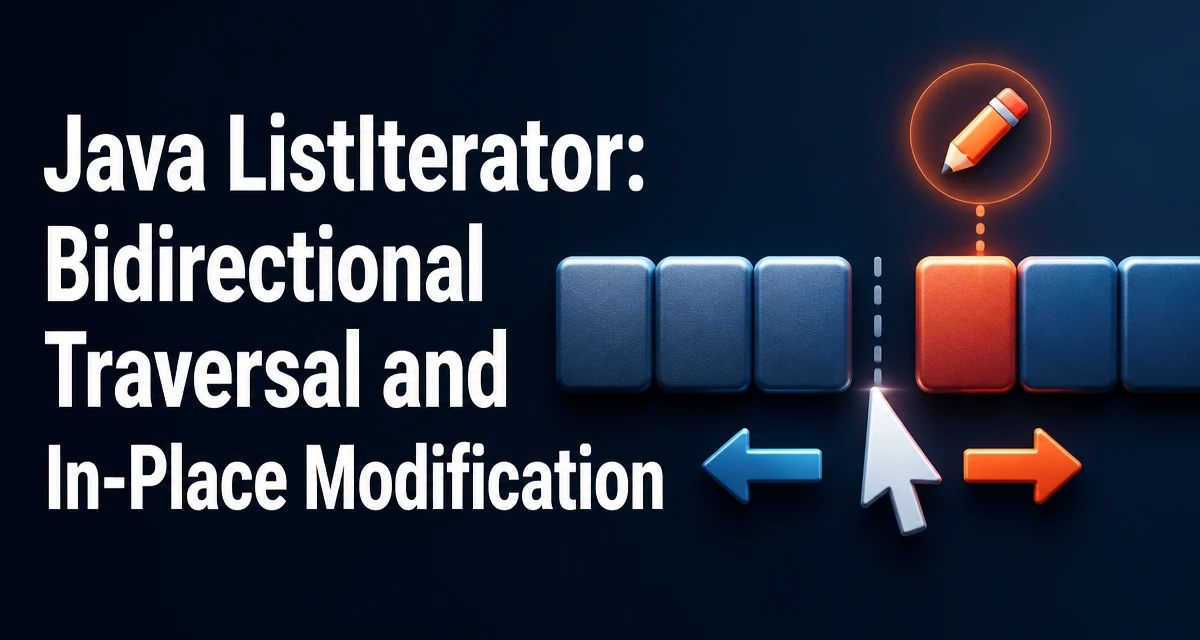
Java ListIterator is a cursor that allows you to traverse a List in both directions and modify the list during iteration. It extends the Iterator interface and is available on all List implementations via the listIterator() method. Unlike a standard Iterator, which only moves forward, ListIterator supports backward traversal, index access, and in-place modification with add, set, and remove.
What Is a ListIterator and How to Obtain One
A ListIterator is obtained by calling listIterator() on a List instance. The method is defined in the List interface, so every implementation—ArrayList, LinkedList, CopyOnWriteArrayList, and others—provides it. You can also call listIterator(int index) to start iteration at a specific position.
List<String> names = new ArrayList<>();
names.add("Alice");
names.add("Bob");
names.add("Carol");

ListIterator<String> iterator = names.listIterator();
The resulting iterator is positioned before the first element. Calling next() returns the first element and moves the cursor forward. The cursor position is always between elements, which is important for understanding how add and remove behave.
Traversing a List in Both Directions
ListIterator adds hasPrevious() and previous() to the Iterator contract. These methods allow you to move backward through the list. The previous() method returns the element before the cursor and moves the cursor backward. The following example iterates forward, then backward:
ListIterator<String> iterator = names.listIterator();

while (iterator.hasNext()) {
    System.out.println(iterator.next());
}

while (iterator.hasPrevious()) {
    System.out.println(iterator.previous());
}
The second loop prints the elements in reverse order. This bidirectional capability is useful when you need to scan a list from both ends or when you need to rewind after processing a segment.
Modifying a List During Iteration
ListIterator provides three modification methods: remove(), set(), and add(). These methods modify the underlying list and update the iterator's state so that iteration remains consistent.
The remove() method removes the last element returned by next() or previous(). It can be called only once per call to next() or previous(), and only if the list has not been modified externally.
The set() method replaces the last element returned by next() or previous(). It is useful when you need to update elements while traversing without breaking the iteration.
The add() method inserts an element immediately before the cursor position. After add(), the next call to next() returns the element that was previously at the cursor, and nextIndex() increases by one. This method is not available in the standard Iterator interface.
ListIterator<String> iterator = names.listIterator();

while (iterator.hasNext()) {
    String name = iterator.next();
    if ("Bob".equals(name)) {
        iterator.set("Robert");
    }
    if ("Carol".equals(name)) {
        iterator.add("Dave");
    }
}
After this code, the list contains Alice, Robert, Carol, Dave. The add() method inserted Dave after Carol because the cursor was positioned after Carol when add() was called.
Tracking Positions with nextIndex and previousIndex
ListIterator exposes nextIndex() and previousIndex() to report the index of the element that would be returned by the next call to next() or previous(). These methods are useful when you need to know the current position without moving the cursor.
ListIterator<String> iterator = names.listIterator();

System.out.println(iterator.nextIndex()); // 0
iterator.next();
System.out.println(iterator.nextIndex()); // 1
iterator.previous();
System.out.println(iterator.nextIndex()); // 0
The previousIndex() method returns the index of the element that would be returned by previous(). For an iterator at the beginning, previousIndex() returns -1. These index methods are especially helpful when you need to insert or remove elements at specific positions relative to the cursor.
ListIterator vs Iterator: Choosing the Right Cursor
The standard Iterator interface is sufficient when you only need forward traversal and removal. ListIterator adds backward traversal, index access, and the add() and set() methods. The choice depends on what you need to do.
| Feature | Iterator | ListIterator |
|---|---|---|
| Forward traversal | Yes | Yes |
| Backward traversal | No | Yes |
| Remove element | Yes | Yes |
| Replace element | No | Yes |
| Insert element | No | Yes |
| Index access | No | Yes |
Use Iterator when you are working with a Collection that is not a List, or when you only need forward iteration and removal. Use ListIterator when you are working with a List and need to traverse in both directions, modify elements in place, or insert new elements during iteration.
Performance Characteristics of ListIterator
The performance of ListIterator operations depends on the underlying List implementation. For ArrayList, next() and previous() are O(1) because they use an index into the backing array. The add() and remove() methods are O(n) in the worst case because elements must be shifted to maintain the array's order. For LinkedList, next() and previous() are O(1) because the iterator holds a reference to the current node. The add() and remove() methods are also O(1) because they only update node pointers.
When you need to perform many insertions or removals while traversing a large list, LinkedList with a ListIterator is often more efficient than ArrayList, because it avoids the shifting cost. However, ArrayList provides faster random access and better cache locality for read-heavy workloads. The choice should be based on the dominant operation in your code.
Common Pitfalls and Edge Cases
A ListIterator is fail-fast. If the underlying list is structurally modified outside of the iterator—for example, by calling add() or remove() on the list directly—the iterator will throw ConcurrentModificationException on its next access. This behavior is designed to catch bugs early, but it means you must use the iterator's own methods for modification.
Another common pitfall is calling remove() or set() without a preceding next() or previous(). The iterator tracks whether the last call was a traversal method. If you call remove() twice in a row, or call set() before any traversal, an IllegalStateException is thrown.
The add() method does not have this restriction. You can call add() at any time, and it inserts before the cursor. However, after calling add(), the iterator's "last returned element" is cleared, so you cannot call set() or remove() until you call next() or previous() again.
When using listIterator(int index), the cursor is positioned before the element at that index. For example, listIterator(0) positions the cursor before the first element, and listIterator(size()) positions it after the last element. This is useful for inserting at the end of a list.
Understanding the cursor position is key to using ListIterator correctly. The cursor always sits between elements, and the behavior of add(), remove(), and set() is defined relative to that position. Once you internalize this model, ListIterator becomes a reliable tool for complex list manipulation.